Airtable vs Notion Who Wins for Team Productivity
Published Nov 24, 202522 min read
In this article6 sections
Let's get one thing straight: the core difference between Airtable and Notion is surprisingly simple. Airtable is a ridiculously powerful, structured database that just happens to look like a spreadsheet. It’s built for data-heavy lifting. Notion, on the other hand, is your all-in-one digital workspace—a flexible canvas that blends documents, wikis, and light databases into one spot, making it perfect for knowledge management and creative collaboration.
Breaking Down Airtable vs Notion
Choosing between Airtable and Notion often feels like you're comparing apples and oranges. And in many ways, you are. The right choice depends less on which one is "better" and more on what you’re actually trying to do. Are you wrangling complex, interconnected data? Or are you trying to build a central brain for your team’s knowledge and projects?
This guide will break down the real, nuanced differences between them, feature by feature. We'll get into everything from their core database philosophies to how they each handle collaboration and automation, so you can make a call that actually fits your workflow.
High-Level Comparison Airtable vs Notion
Before we dive deep, let's start with a quick look at where each platform really excels. This should give you an immediate sense of which direction you might be leaning.
| Attribute | Airtable | Notion |
|---|---|---|
| Core Function | Relational Database with a Spreadsheet Interface | All-in-One Workspace & Document Editor |
| Primary Strength | Structured Data Management & Complex Workflows | Knowledge Management & Team Collaboration |
| Ideal User | Project Managers, Operations Teams, Data Analysts | Writers, Product Teams, Small Businesses |
| Interface Design | Spreadsheet-centric, clean, and data-focused | Minimalist, page-based, and block-driven |
This table really highlights how each tool is built for a different kind of work. It’s no surprise that Notion has captured a massive 55.89% market share in the collaborative workspace world—its strength lies in that unique, all-in-one approach. People love that they can pull notes, project boards, and company wikis into a single, clean environment.
The image below gives you a feel for Airtable’s classic interface. It’s all about that structured, grid-like view for organizing your data.
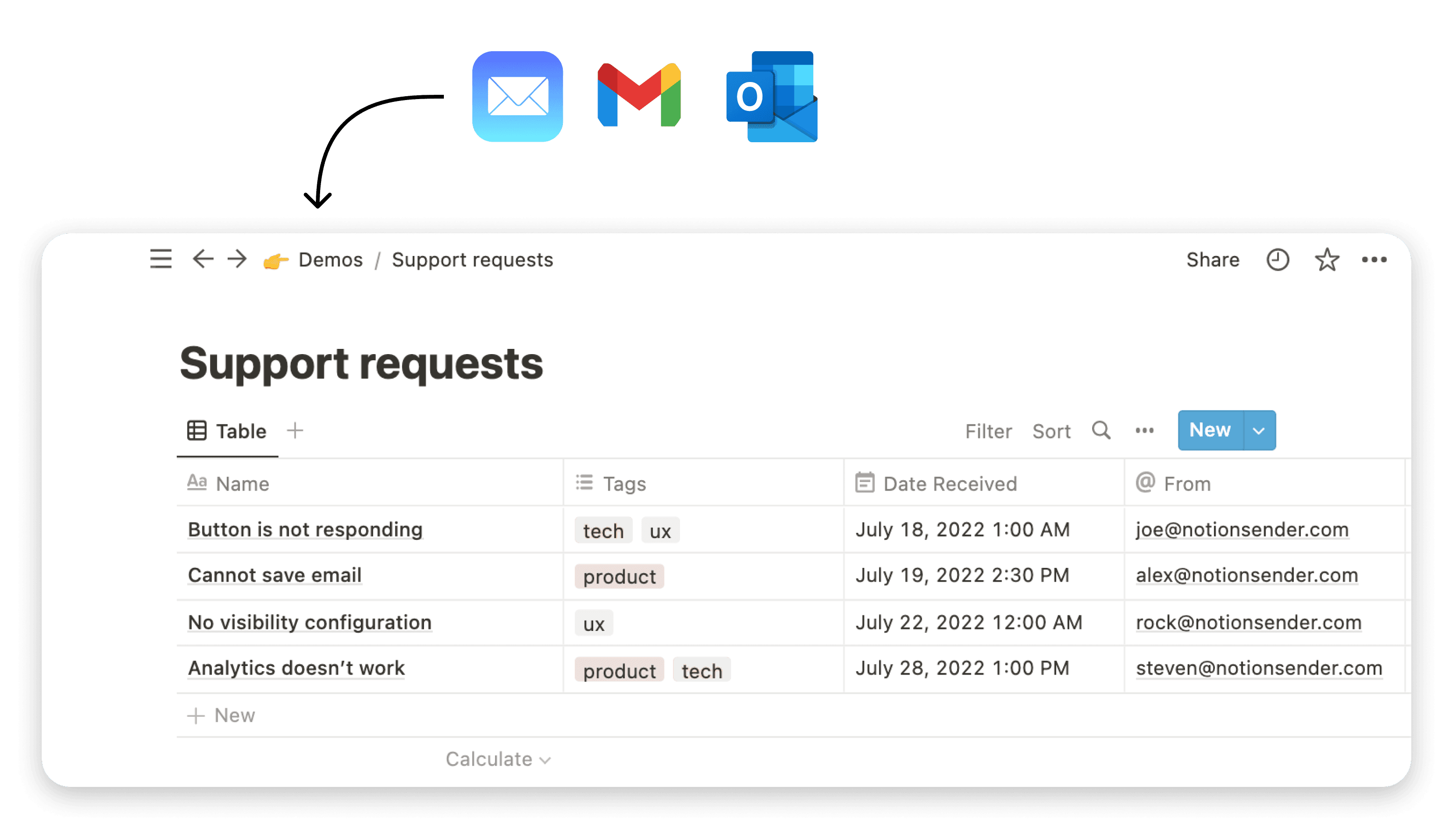
This kind of setup is gold for managing things like a sales CRM or a product inventory, where data consistency is absolutely critical. While Notion does have its own database features, they're more lightweight. That said, tools like NotionSender are popping up to bridge the gap, letting you handle specific workflows like email campaigns right from your Notion workspace.
When you're trying to pick between Airtable and Notion, you have to look beyond the feature lists and get to the heart of how they think. Their core philosophies are what shape the entire user experience, and understanding this difference is the key to knowing which one will feel like a natural fit for your work.
At the end of the day, it's a choice between a structured database and a flexible document.
Database First vs. Document First Philosophies
Airtable is built from the ground up as a database-first tool. Imagine a seriously powerful relational database that's been given a friendly, spreadsheet-like makeover. Everything you do starts with structured data—tables, records, and fields with strict rules. This approach is its biggest asset, giving you incredible control and integrity for any data-heavy process.
Notion, on the other hand, takes a document-first approach. It gives you a blank page, a canvas where anything you add—text, images, checklists, or even a database—is just another flexible "block." This design makes it ridiculously easy to just start writing, brainstorming, or organizing your thoughts without being boxed into a rigid structure right away.
The key takeaway is this: Airtable asks you to define the structure of your data first, then add content. Notion lets you create content first, then add structure as needed.
Let's break down what that means in practice.
Airtable: The Structured Powerhouse
Airtable's database-first model is your best friend when data consistency is absolutely critical. Say you're building a CRM. You need the "Status" field to be only "Lead," "Contacted," or "Closed"—no room for typos like "lead" or "close." Airtable enforces this with strict field types like single-select dropdowns, checkboxes, and number formats, preventing the messy data that can bring a project to its knees.
This disciplined structure is what makes it such a powerhouse in the no-code world. It’s often called a spreadsheet-database hybrid, and it has absolutely nailed this niche for teams managing complex operations. As of 2025, Airtable is valued at over $10 billion, a testament to its robust relational database features that let you link records across different tables and build hyper-specific views of your data.
When you're weighing these tools, it's also smart to see how they stack up against more specialized software. For example, Airtable's structured approach often mimics the logic found in dedicated contact management software options, making it a great customizable alternative for managing client data.
Notion: The Flexible Canvas
In complete contrast, Notion gives you a blank canvas. You don't start with a table; you start with a page. This is exactly why it's the reigning champion for things like team wikis, knowledge bases, and project documentation.
It’s all about letting context and data live side-by-side. A project brief in Notion can have a few paragraphs of text, followed immediately by an embedded task database, then a gallery of mood board images, and finally a checklist—all on one page. This is where its flexibility really shines. To dig deeper, check out our guide with 10 tips to help you get the most out of Notion.
This screenshot nails the document-first idea. It's a freeform space where a simple database can sit right next to explanatory text and other media, creating a single, rich document that tells the whole story.
Comparing Data Power vs. Creative Flexibility
When you get past the marketing fluff, the real difference between Airtable and Notion becomes crystal clear. It all boils down to a fundamental choice: do you need unparalleled data power and structure, or unmatched creative flexibility and context? This isn't just a small feature-level distinction; it completely shapes how you build, manage, and scale your day-to-day work.
Let's break down what this actually means in practice by looking at how each tool handles databases, views, and automations. This is where you'll see which one truly shines for your specific needs.
Databases: The Heart of the Comparison
The biggest point of difference—and the one that will likely make your decision for you—is how these platforms treat data. Airtable's databases are true relational workhorses, built from the ground up for integrity and complexity. Notion's databases feel more like supercharged tables that live inside your documents, designed for convenience and adding context.
In Airtable, every single piece of information lives in a field that has a specific, enforced data type. This rigidity isn't a bug; it's by far its greatest feature.
- Strict Data Typing: You can define a field as a single-select dropdown, a number, a date, or even a barcode. This forces consistency across your team and kills the kind of messy, typo-ridden data that can sink a project.
- True Relational Linking: This is where Airtable really flexes its muscles. You can create sophisticated links between records in different tables. Your
Projectstable can link toClientsandTasks, letting you pull in client details and see every associated task without ever leaving the project record. - Advanced Field Options: It offers specialized fields you just won't find in Notion. We're talking about formula fields for complex calculations, lookup fields that grab data from linked records, and rollup fields that can aggregate information, like calculating the total budget from a list of linked expenses.
Notion takes a completely different road. Its databases are flexible blocks you can drop anywhere—right in the middle of a page, surrounded by text, images, and to-do lists. They're perfect for adding a bit of structure to a document without having to commit to a full-blown, rigid database.
Airtable is for data that needs to be managed; Notion is for data that needs to be explained. This simple distinction governs which tool will feel more intuitive for your specific task.
For instance, a marketing team would likely use an Airtable base to manage a complex content calendar, using linked records to track keywords, authors, and performance metrics across hundreds of articles. That same team, however, might use a simple Notion database inside a project brief to list key deliverables and assign owners, putting that information right where the planning is happening.
Visualizing Your Work: Views and Layouts
How you see your data is just as important as how you store it. While both tools offer views like Kanban boards, calendars, and galleries, their power and implementation are worlds apart.
Airtable’s views are polished, data-driven tools built for serious project and operations management. Its Gantt and Timeline views are genuine standouts, giving you a way to visualize project dependencies and timelines that Notion just can't touch. These are for managers who need to precisely track complex, multi-stage projects.
Notion’s views might be less powerful for pure data crunching, but they are incredibly versatile and deeply integrated. A Kanban board for tasks can sit directly below the project proposal it's for. A calendar can live on the same page as your weekly meeting notes. It’s this seamless blending of data visualization inside a larger document that gives Notion its unique edge.
Here's how their view capabilities stack up in the real world:
| View Type | Airtable's Strength | Notion's Strength |
|---|---|---|
| Grid / Table | Advanced filtering, sorting, and grouping. Feels like a spreadsheet on steroids. | Simple, clean, and easy to embed within documents for quick reference. |
| Board (Kanban) | Excellent for structured workflows with clear stages (e.g., sales pipelines). | Highly flexible and perfect for agile task management within a project page. |
| Timeline / Gantt | Robust dependency tracking and resource allocation for formal project management. | Simple timeline view for visualizing project phases without deep complexity. |
| Calendar | A powerful, dedicated view for editorial calendars or event planning. | An easily shareable calendar that can be integrated directly into team pages. |
The takeaway here is that Airtable is the better tool if you need to slice, dice, and manage data from multiple angles. Notion wins if your goal is to present data in a contextual, easy-to-digest format.
Automations and Integrations: The Workflow Engine
Finally, let's look at how these platforms help you automate your work and connect to other tools. Airtable has a clear lead here, with a more mature native automation engine and a massive ecosystem of apps.
Airtable’s native automations are trigger-and-action-based, letting you build multi-step workflows without leaving the platform. For example, when a form is submitted (the trigger), Airtable can create a new record, ping your team on Slack, and email the client (the actions). This is supercharged by the Airtable App Marketplace, which offers dozens of pre-built extensions for data visualization, scripting, and connecting with tools like Miro and Jira.
Notion’s native automations are much simpler, mostly focused on basic database triggers like creating or updating a page. They're useful, for sure, but they don't have the multi-step complexity of Airtable's system. Because of this, Notion power users often lean on third-party tools like Zapier or Make to build out more sophisticated workflows. That's not a dealbreaker, but it does mean complex automation often requires stepping outside the Notion ecosystem.
In the end, it really comes down to what you're trying to do. If your job revolves around managing structured, interconnected data for operational workflows, Airtable is the obvious winner. If you're building a central knowledge hub for documentation and collaborative projects, Notion’s flexible, document-first approach is unbeatable.
Which Tool Is Better for Your Specific Workflow?
Theory is one thing, but the real test is how a tool fits into your team’s daily grind. The best software isn't about having the most features; it's the one that feels like a natural extension of how you already work. Let's break down some common scenarios to see where Airtable's structure shines and where Notion's flexibility wins.

For the Data-Driven Marketing Team
Picture a marketing team juggling a complex content pipeline. They’re tracking keywords, assigning articles, managing drafts, scheduling social posts, and digging into performance metrics. This is Airtable’s home turf.
Airtable lets them build a bulletproof content engine with linked tables for Content Ideas, Writers, and Published Articles.
- Relational Data: When an idea gets the green light, they can link it to a writer from the
Writerstable and set a due date, all from one clean record. - Structured Views: The team can flip between a Calendar View for the editorial schedule, a Kanban View to drag articles from "Writing" to "Published," and a Grid View packed with SEO data for analysis.
- Automation: Simple automations are a game-changer here. When an article's status flips to "Published," a notification can instantly fire off to the social media manager in Slack.
In this world, Airtable’s rigidity is its greatest strength. It forces data consistency, which means reporting is always clean, accurate, and trustworthy.
For the Collaborative Product Team
Now, let’s switch gears to a product team building a new feature. Their world is less about structured data and more about context and collaboration. They need a single source of truth for documentation, meeting notes, project plans, and user feedback. This is a perfect job for Notion.
The team can spin up a "Project Hub" page that becomes the brain for the entire feature launch.
What Airtable is for data, Notion is for text. It's built around pages and blocks of content, making it far better suited for writing and documenting ideas where context is everything.
Inside this one Notion page, they can drop in:
- A project brief outlining the scope and goals.
- A simple database to track tasks and assign them to team members.
- A gallery of design mockups for quick visual reference.
- All the notes from brainstorming sessions, complete with action items.
This all-in-one approach stops knowledge from getting scattered across a dozen different apps. Even a marketing team can adapt this; knowing how to schedule LinkedIn posts from Notion shows how its flexibility can handle content execution, even if Airtable is managing the backend data.
Other Key Workflow Comparisons
This dynamic plays out across almost every department. Depending on the primary goal, one tool usually has a clear edge.
When deciding, it's helpful to frame the choice based on the core function of a team or project. I've put together a quick matrix to help visualize where each platform typically fits best.
Ideal Use Case Matrix
| Use Case | Recommended Platform | Key Reason |
|---|---|---|
| Custom CRM / Sales Pipeline | Airtable | Structured data is non-negotiable for tracking leads, deals, and forecasts. |
| Content Marketing Calendar | Airtable | Excels at managing deadlines, author assignments, and performance metrics. |
| Company Wiki / Knowledge Base | Notion | Its document-first approach makes creating and linking information intuitive. |
| New Hire Onboarding Portal | Notion | Perfect for combining documents, checklists, and media into one welcoming page. |
| Bug Tracking / Sprint Planning | Airtable | Better for filtering, sorting, and reporting on structured items like bugs or tickets. |
| Project Briefs & Documentation | Notion | Unbeatable for collaborative writing and embedding rich context (designs, notes). |
| Inventory Management | Airtable | The relational database structure is ideal for tracking stock, suppliers, and orders. |
This matrix isn't rigid, but it reflects the natural strengths of each tool. The core question is always: are you managing structured data or collaborative documents?
Freelancer Managing Client Projects
- Winner: It depends. This is the classic hybrid scenario. If the freelancer is juggling complex deliverables and budgets, Airtable provides the structured tracking they need. But if the work is more about collaboration, sharing briefs, and getting feedback, Notion's shareable pages are far more client-friendly.
Ultimately, your choice boils down to a simple question: does your workflow demand a structured process or flexible knowledge sharing?
For teams already living in Notion, the answer is often to extend its power rather than switch. Instead of adopting a separate email tool, learning creative ways to use Notion to send emails keeps the entire workflow under one roof. By looking at your own daily tasks through these examples, you can make a call that’s grounded in how your team actually gets things done.
Diving into Pricing and Scalability
Let’s talk money. Cost and a platform's ability to grow with your team are make-or-break factors when you're choosing between Airtable and Notion. You have to look past the sticker price to see the real value and figure out which one will support you down the road.
Both platforms roll out a pretty generous free plan, but their limitations tell you everything you need to know about their core philosophies. Airtable’s free plan caps you at 1,000 records per base—a hard limit on your data. Notion, on the other hand, puts its limits on collaboration, restricting how many guest collaborators you can invite into your workspace.
This is a crucial difference. If you're flying solo or have a small team managing a ton of data, you'll hit Airtable's free ceiling fast. But if your work involves bringing in a lot of clients, contractors, or other external partners, Notion's guest limit will become your main roadblock.
The better free plan is all about your biggest bottleneck. Airtable restricts your data; Notion restricts your collaborators. Pick the one you're less likely to outgrow first.
Comparing Paid Tiers and Value
Once you pull out your credit card, the pricing models take very different paths. Airtable’s per-seat cost is generally higher, and for good reason—it’s a specialized, data-first tool. Upgrading gets you higher record and attachment limits, plus access to its powerful App Marketplace and more sophisticated automations.
Notion’s paid plans are almost always cheaper per user, a strategy designed to get your entire company under one roof. The value proposition here is centralization. Upgrading unlocks unlimited guests, version history, and better teamspace controls, all geared toward company-wide use. You can see this strategy playing out in their numbers; Notion is on track to hit over 100 million users by 2025 and pulled in $400 million in 2024, showing just how well it’s landing with teams of all sizes. For more on this, check out the stats on Notion's impressive global adoption on bloggervoice.com.
Long-Term Scalability for Growing Businesses
Scalability isn’t just about cramming more users into a plan. It's about whether the platform can handle more complex, critical parts of your business as it matures. And this is where their paths really diverge.
Airtable is engineered for operational scale. Its enterprise plans are packed with robust API access, deep administrative controls, and features like synced tables that are non-negotiable for managing intricate data workflows across departments. When you pay for Airtable, you're investing in a powerful, scalable backend for your core business operations.
Notion scales as a collaborative hub. Its enterprise plans lean into security and administration, offering things like SAML SSO (Single Sign-On), advanced security settings, and a dedicated support line. This makes it the perfect choice for building a secure, central knowledge base or a company intranet that can grow with your headcount without turning into total chaos.
In the end, the most cost-effective choice hinges on your long-term vision. Airtable gives you a scalable foundation for data-heavy operations, justifying its higher price with specialized power. Notion offers an affordable, scalable platform for team knowledge and collaboration, making it a budget-friendly way to create a single source of truth for your entire organization.
Making Your Final Decision
So, how do you finally pick a side in the Airtable vs Notion debate? It really boils down to what each tool was fundamentally built for. Think of Airtable as a supercharged spreadsheet that grew into a powerful, structured database for managing complex operations with total precision. Notion, on the other hand, is a free-flowing workspace where your documents, notes, and simple databases can all live together.
Your choice should come down to your main workflow.
To cut through the noise, just ask yourself this one question: Is my success riding on strict, relational data and automated processes, or is it more about having integrated documentation and a creative way to track projects? Your gut answer to that will almost always point you to the right platform.
Choosing Your Platform
If your day-to-day involves things like managing inventory, building a custom CRM from the ground up, or tracking a content pipeline with a dozen different stages, Airtable is going to be your champion. It’s built database-first, which means your data’s integrity is always the top priority. That makes it the clear winner for any workflow needing rigid structure, detailed reporting, and complex links between different sets of information.
On the flip side, if you're looking to create a central hub for your team—a knowledge base, a company wiki, an onboarding portal—then Notion is the obvious pick. It truly shines when the context around the tasks is just as critical as the tasks themselves.
This flowchart is a great way to see how the free plan limits might push you in one direction or the other right from the start.
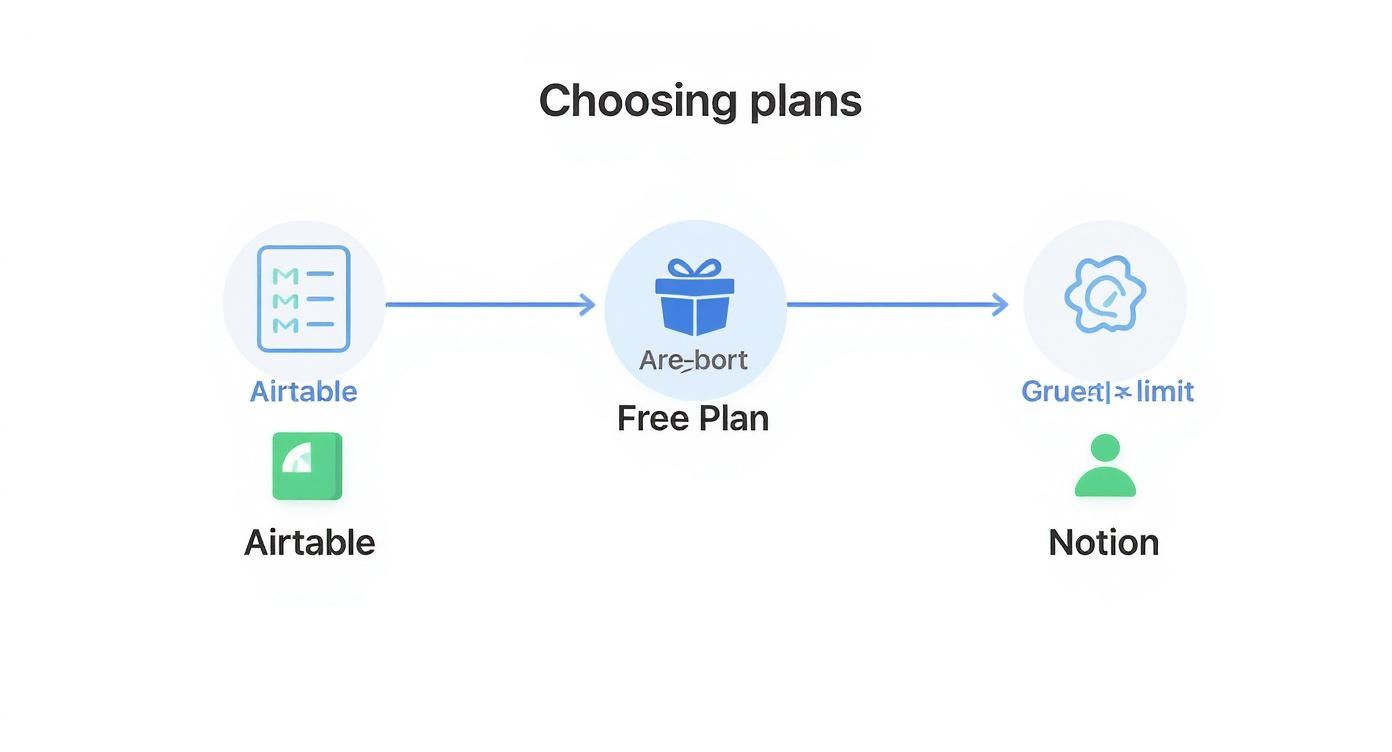
As you can see, the decision often hinges on a simple constraint: are you more worried about data volume (Airtable's record limit) or collaborating with external partners (Notion's guest limit)?
The Hybrid Approach: A Best of Both Worlds
Here’s a secret many of the smartest teams have figured out: the "Airtable vs Notion" question doesn't have to be an either/or. Often, the most powerful setup is using both tools for what they do best.
Use Airtable as your powerful, structured backend for critical business data. Then, connect it to Notion as the collaborative, user-friendly front end for your team.
For instance, a marketing team could run their entire content database, complete with performance metrics and SEO data, in an Airtable base. They can then sync key information over to a Notion project board where writers and designers collaborate on briefs, drafts, and feedback.
This hybrid model, often stitched together with tools like Whalesync, gives you the data-crunching power of Airtable alongside Notion’s beautiful and intuitive collaborative space. It’s a strategy that means you don’t have to compromise.
Frequently Asked Questions
When you're trying to pick between Airtable and Notion, a few questions always seem to pop up. The right answer usually boils down to the nitty-gritty of how your team works and whether you value structured data over collaborative context.
Can Notion Databases Replace Airtable?
For complex, data-heavy work? In short, no. While Notion's databases are fantastic for organizing tasks or simple lists right inside a document, they just don't have the raw relational power of Airtable.
Airtable was built from the ground up as a database. That means it absolutely shines at a few key things:
- True Relational Linking: You can link records between different tables in sophisticated ways that Notion simply can't match. It’s a true database relationship.
- Strict Data Typing: Airtable is strict about its field types—like single-selects or barcodes—which keeps your data clean and reliable.
- Advanced Views and Formulas: Its Gantt charts, complex formulas, and rollup fields are leagues ahead for any kind of deep data analysis.
Think of Notion as a supercharged notebook. Its databases are there to add structure to your documents, not to run your entire business operations.
Which Is Better for Project Management?
This one truly depends on the kind of project you're running. If you're doing formal project management with tight deadlines, resource allocation, and strict dependencies, Airtable is the clear winner. Its Gantt and Timeline views were purpose-built for tracking complex projects where every data point matters.
But if you're running more agile, collaborative projects where the conversation and documentation are just as important as the tasks, Notion takes the cake. A team can have a Kanban board sitting right next to the project brief, design mockups, and meeting notes, keeping all the context in one fluid space.
Situational Recommendation: Go with Airtable for structured, multi-stage projects (like a product launch). Choose Notion for more flexible, content-driven projects (like designing a new website).
How Hard Is It to Migrate Between Them?
Moving your setup from one to the other is not a one-click affair. Since there's no native import/export function between them, you'll need a third-party tool like Whalesync to bridge the gap. These tools can create a two-way sync, but be prepared for some careful mapping of fields and tables.
The biggest headache is the structural mismatch. Airtable’s rigid, structured fields often don't have a perfect counterpart in Notion. And going the other way—from Notion’s flexible, block-based pages into Airtable's strict rows and columns—is even tougher. No matter which direction you're going, expect to do some manual cleanup.
Ready to make your Notion workspace even more powerful? NotionSender integrates your email directly into your databases, letting you manage communications without ever leaving your favorite tool. Streamline your workflow with NotionSender today.