
The 12 Best Database Management Tools for Small Teams in 2026
Finding the right database management tool is a critical decision that directly impacts your team's productivity and your project's success. With countless options available, each with unique strengths and specific use cases, navigating the market can be overwhelming. Small businesses, project managers, and freelancers need more than just a list of features; they need a clear, comparative guide to make an informed choice. This resource is designed to cut through the noise, providing a detailed analysis of the best database management tools tailored for professional environments where efficiency is key.
We've evaluated each platform based on real-world application, focusing on usability, performance, and integration capabilities. Instead of generic marketing descriptions, you'll find an honest assessment of what each tool does best, who it's for, and its potential limitations. For instance, we explore how tools like Notion, paired with NotionSender, can serve as a lightweight, collaborative alternative for specific data management workflows, offering a different approach compared to traditional SQL clients.
This comprehensive listicle dives deep into each option, complete with screenshots, direct links, and practical setup tips. We'll cover everything from dedicated IDEs like DataGrip and DBeaver to versatile solutions like Navicat. The goal is to equip you with the insights needed to select a tool that not only manages your data but also streamlines your entire workflow. And for teams planning a system overhaul, understanding the transition process is just as important. When evaluating the best database management tools, it's also worth considering specialized solutions like the Top 12 Best Database Migration Tools for smoother transitions.
1. JetBrains DataGrip
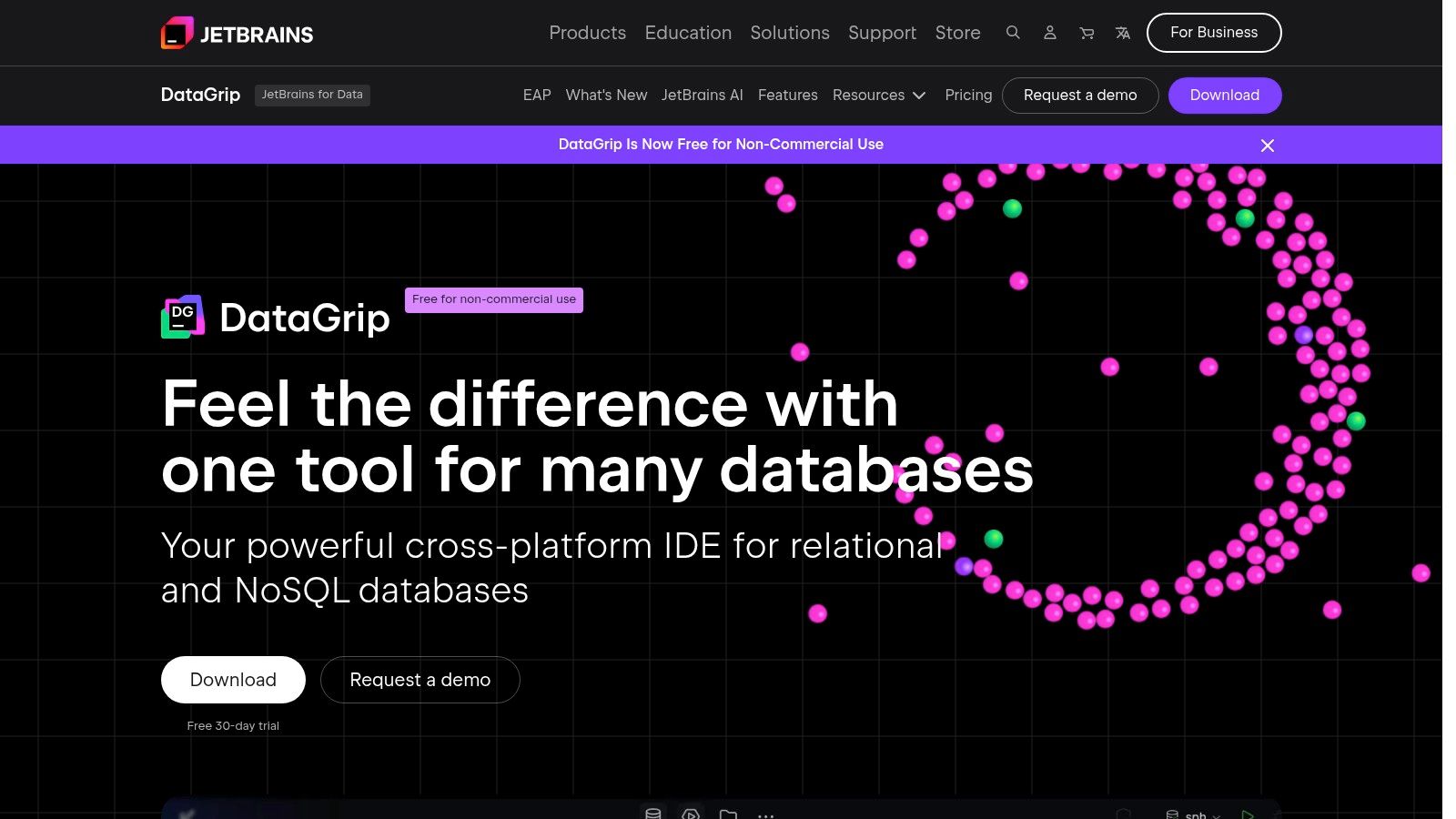
JetBrains DataGrip is a powerful, cross-platform Integrated Development Environment (IDE) designed for professionals working with multiple databases. It stands out by providing a unified interface for both relational (like PostgreSQL, MySQL) and NoSQL (like MongoDB) databases, making it one of the best database management tools for teams managing diverse data sources. Its core strength lies in its intelligent SQL editor, which offers smart code completion, on-the-fly analysis, and powerful refactoring capabilities that significantly speed up query development and debugging.
Key Features and Use Cases
DataGrip excels in complex data exploration and management tasks. The built-in database explorer allows users to easily navigate schemas and objects, while the data editor provides a spreadsheet-like interface for modifying data. For small businesses, this is invaluable for centralizing data work. For instance, a marketing team can use DataGrip to build and refine complex queries that pull customer data, which can then feed into a Notion dashboard for analysis, streamlining workflows much like applying effective email management tips to boost productivity.
- Best For: Developers and data analysts who work with multiple database technologies simultaneously.
- Unique Offering: A standout feature is its schema comparison tool, which can diff two databases and generate migration scripts, a crucial function for maintaining staging and production environments.
- Pricing: Free for non-commercial use (as of October 1, 2025) with an online activation requirement. Commercial use requires a paid subscription, with a 30-day free trial available.
Pros & Cons
| Pros | Cons |
|---|---|
| Supports a vast range of databases in one UI | Paid subscription required for commercial use |
| Powerful, intelligent SQL editor | Can be resource-intensive on older hardware |
| Excellent schema comparison and diff tools | Steeper learning curve than simpler tools |
For a comprehensive data management solution that combines power with versatility, visit the official website: https://www.jetbrains.com/datagrip/
2. DBeaver (Enterprise & Lite editions)
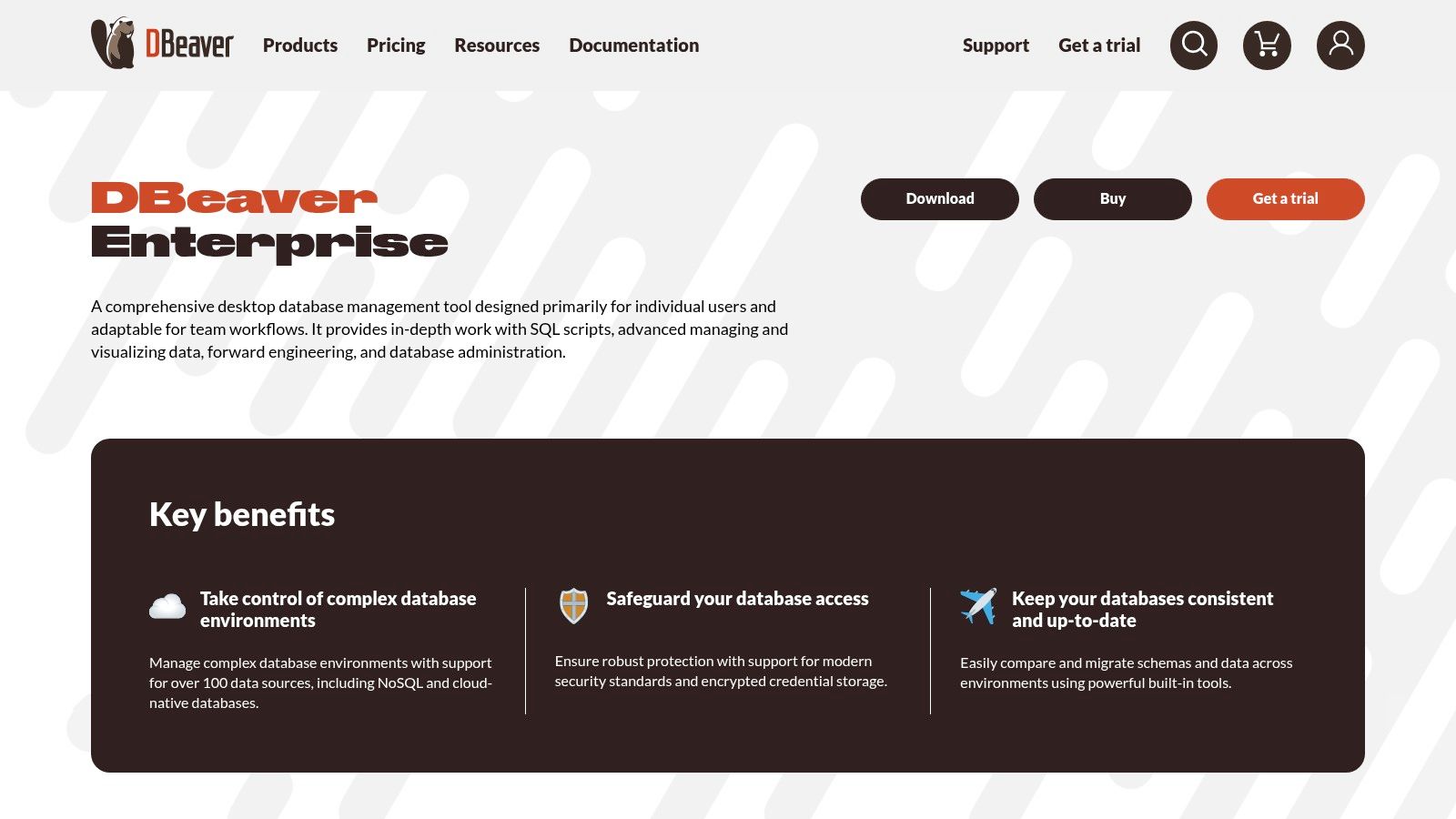
DBeaver is a universal database tool that supports a wide array of databases, including SQL, NoSQL, and Big Data sources, all from a single, intuitive interface. It's renowned for its flexibility, offering both a free, open-source Community edition and a more feature-rich Enterprise edition. This makes it one of the best database management tools for small businesses and freelancers who need a powerful solution without a hefty upfront investment. The Enterprise edition enhances its capabilities with advanced features like cloud database integrations and robust DBA tools, positioning it as a scalable choice for growing teams.
Key Features and Use Cases
DBeaver shines in its visual approach to database management. Its visual query builder and ER diagram generator allow less technical users, like project managers, to understand and interact with database structures without writing complex SQL. The Enterprise edition’s Git integration is perfect for development teams needing version control for their database scripts. For a small e-commerce business, this means the marketing team can visually build customer segmentation queries, while developers manage database schema changes in a controlled, collaborative environment, much like using a shared Notion workspace for project planning.
- Best For: Teams and individuals looking for a scalable, cost-effective tool that works across SQL, NoSQL, and cloud databases.
- Unique Offering: Its comprehensive free Community edition provides immense value, while the Enterprise version offers a smooth upgrade path with advanced features like cloud connectors and continuous integration support.
- Pricing: The Enterprise edition is available via subscription, with a 14-day free trial. The monthly subscription requires periodic online validation.
Pros & Cons
| Pros | Cons |
|---|---|
| Works with SQL, NoSQL, and Big Data sources from one UI | Some advanced features are exclusive to the paid Enterprise edition |
| Transparent, affordable pricing and strong value for SMBs | Monthly Enterprise license requires a periodic online check-in |
| Powerful free Community edition and a 14-day Enterprise trial | The interface can feel busy for first-time users |
To explore both editions and find the right fit for your needs, visit the official website: https://dbeaver.com/dbeaver-enterprise/
3. Navicat Premium
Navicat Premium is a highly polished, comprehensive database management tool that allows users to connect to and administer multiple database engines from a single application. It supports a wide array of databases, including MySQL, MariaDB, SQL Server, PostgreSQL, and Oracle, making it a versatile choice for teams managing diverse data environments. Its strength lies in its intuitive graphical user interface (GUI) and a rich set of features that simplify complex database tasks, from design and administration to data migration and synchronization.
Key Features and Use Cases
Navicat excels at visual database design and streamlined data management. Its visual query builder and report designer enable less technical users to interact with complex data without writing extensive SQL. Small businesses can leverage its data transfer and synchronization utilities to migrate data between different database types or set up reliable backup routines. For instance, a project manager could use Navicat to visually map out a new database schema and then synchronize it with a development environment, a process made even more efficient when a project's documentation is kept updated using an automated form builder for Notion.
- Best For: Database administrators and developers looking for a polished, all-in-one GUI for managing multiple database types on Windows, macOS, or Linux.
- Unique Offering: Its cross-engine data transfer and synchronization capabilities are a major differentiator, allowing seamless data movement between different database systems.
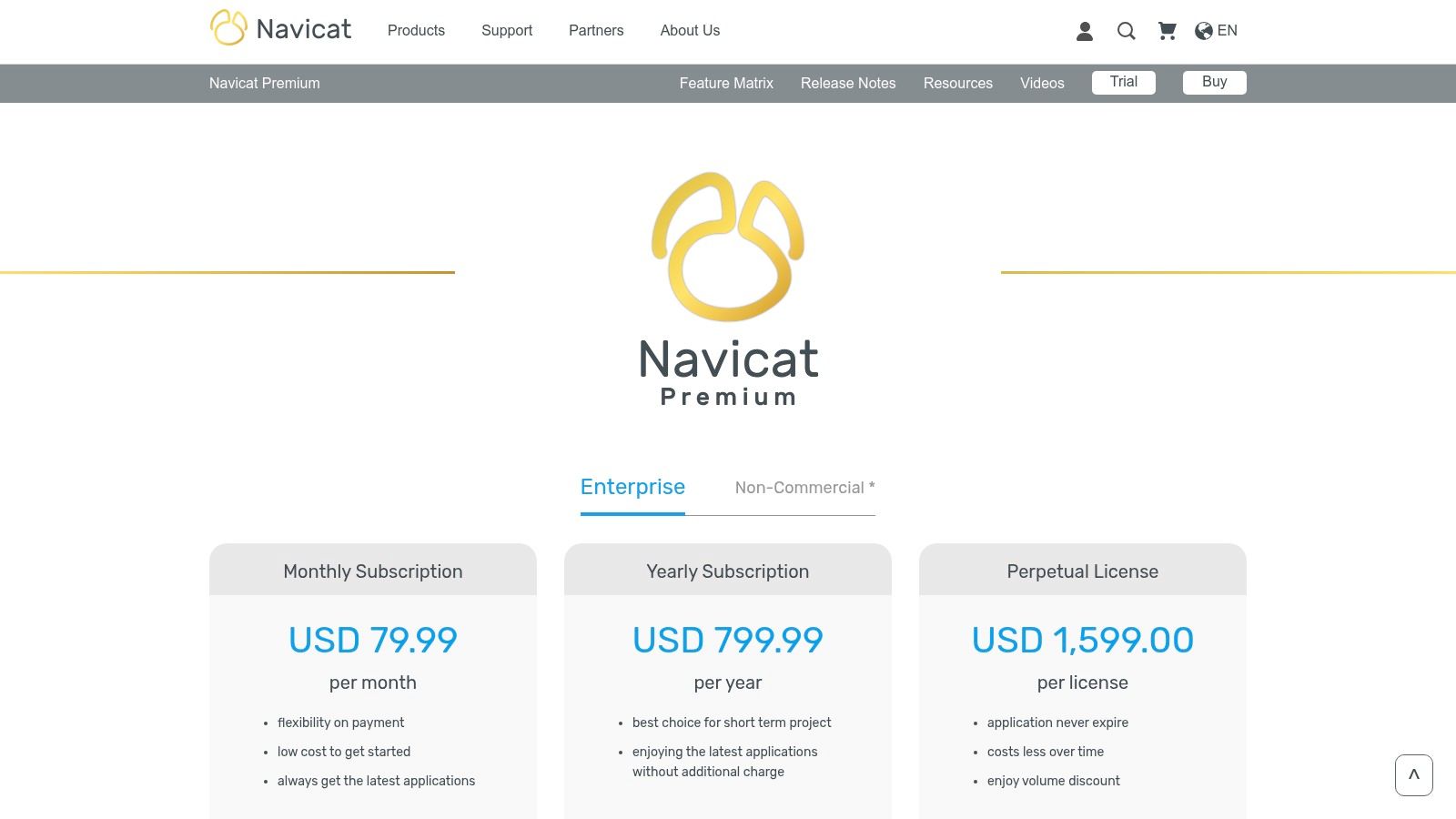
- Pricing: Navicat offers perpetual licenses with a higher upfront cost. Subscription-based plans and cloud add-ons are also available, though some pricing details are primarily visible during the checkout process.
Pros & Cons
| Pros | Cons |
|---|---|
| Supports multiple database engines in one app | Higher upfront cost compared to many alternatives |
| Polished, user-friendly interface and visuals | Subscription and some non-commercial pricing not public |
| Powerful data transfer and sync utilities | Can feel feature-heavy for users needing simple tools |
To explore its enterprise-grade features and licensing options, visit the official website: https://www.navicat.com/en/store/navicat-premium-plan
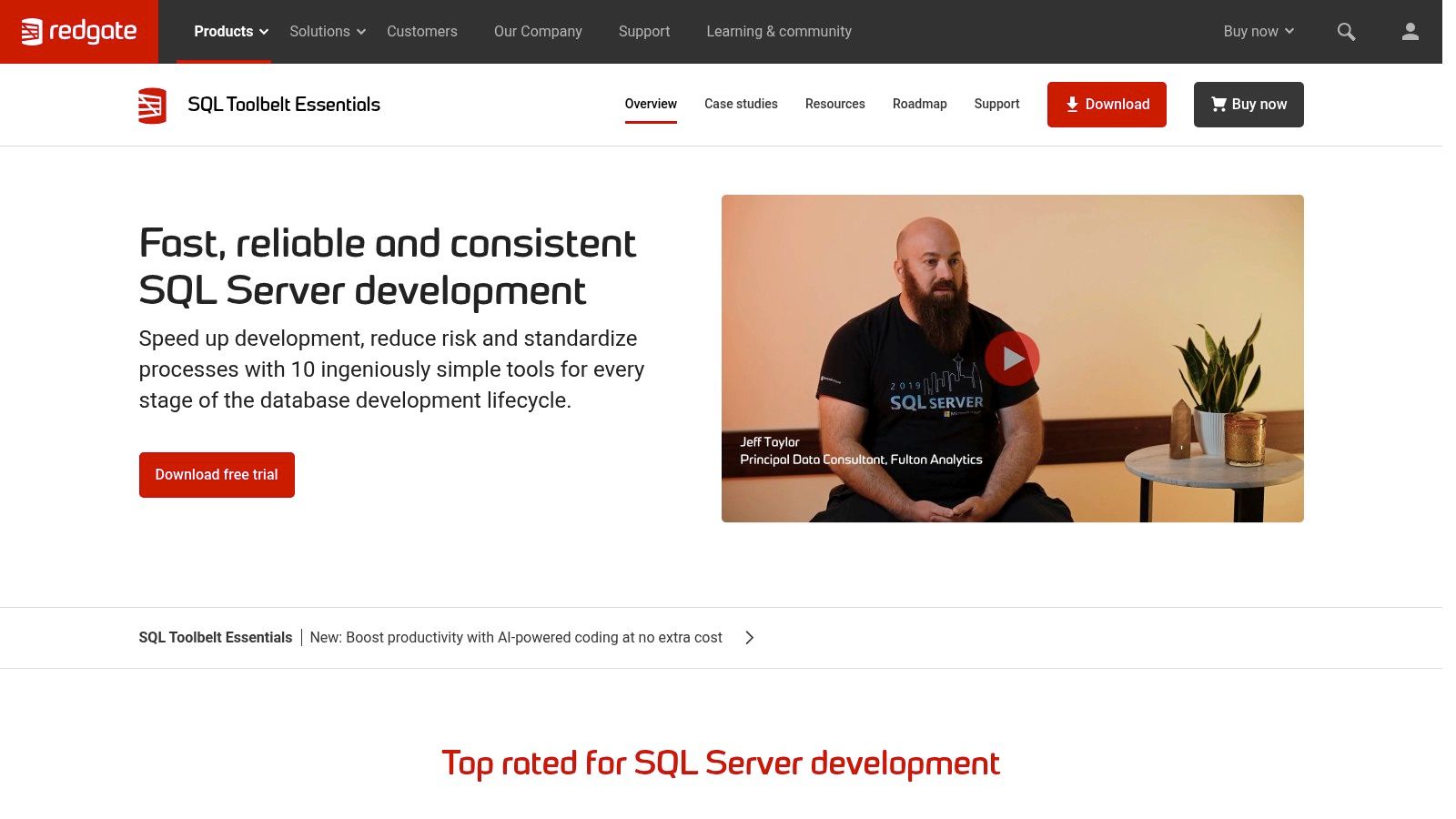
4. Redgate SQL Toolbelt Essentials
Redgate SQL Toolbelt Essentials is a specialized suite of tools focused on bringing robust DevOps practices to Microsoft SQL Server management. It provides a cohesive collection of industry-standard applications for database development, source control, and deployment automation. This makes it one of the best database management tools for teams looking to implement disciplined change management and integrate their databases into CI/CD pipelines, ensuring reliability and consistency from development to production.
Key Features and Use Cases
Redgate excels at automating and securing the database deployment process. Its tools allow developers to compare schemas and data between environments, generate precise deployment scripts, and commit database changes to version control systems like Git. For robust SQL Server management, understanding how to restore a SQL Server database is crucial for disaster recovery, a capability significantly enhanced by Redgate's reliable change management and backup solutions. A small business can use it to prevent deployment errors that could cause costly downtime, ensuring database updates are as reliable as application code changes.
- Best For: Development teams and database administrators managing complex SQL Server environments who need to automate database deployments.
- Unique Offering: The tight integration between its tools (like SQL Compare and SQL Source Control) and major platforms like Azure DevOps creates a seamless database CI/CD experience that is hard to match.
- Pricing: A 14-day free trial is available. Pricing is quote-based and requires contacting sales, which can be a significant investment for smaller teams.
Pros & Cons
| Pros | Cons |
|---|---|
| Industry-standard for SQL Server DevOps | Pricing is not transparent and can be a high expense |
| Excellent integration with SSMS and CI/CD | Overkill for teams not focused on database CI/CD |
| Strong reputation with great support/docs | Focused exclusively on the SQL Server ecosystem |
To explore how Redgate can streamline your SQL Server workflows, visit their official website: https://www.red-gate.com/products/sql-toolbelt-essentials/
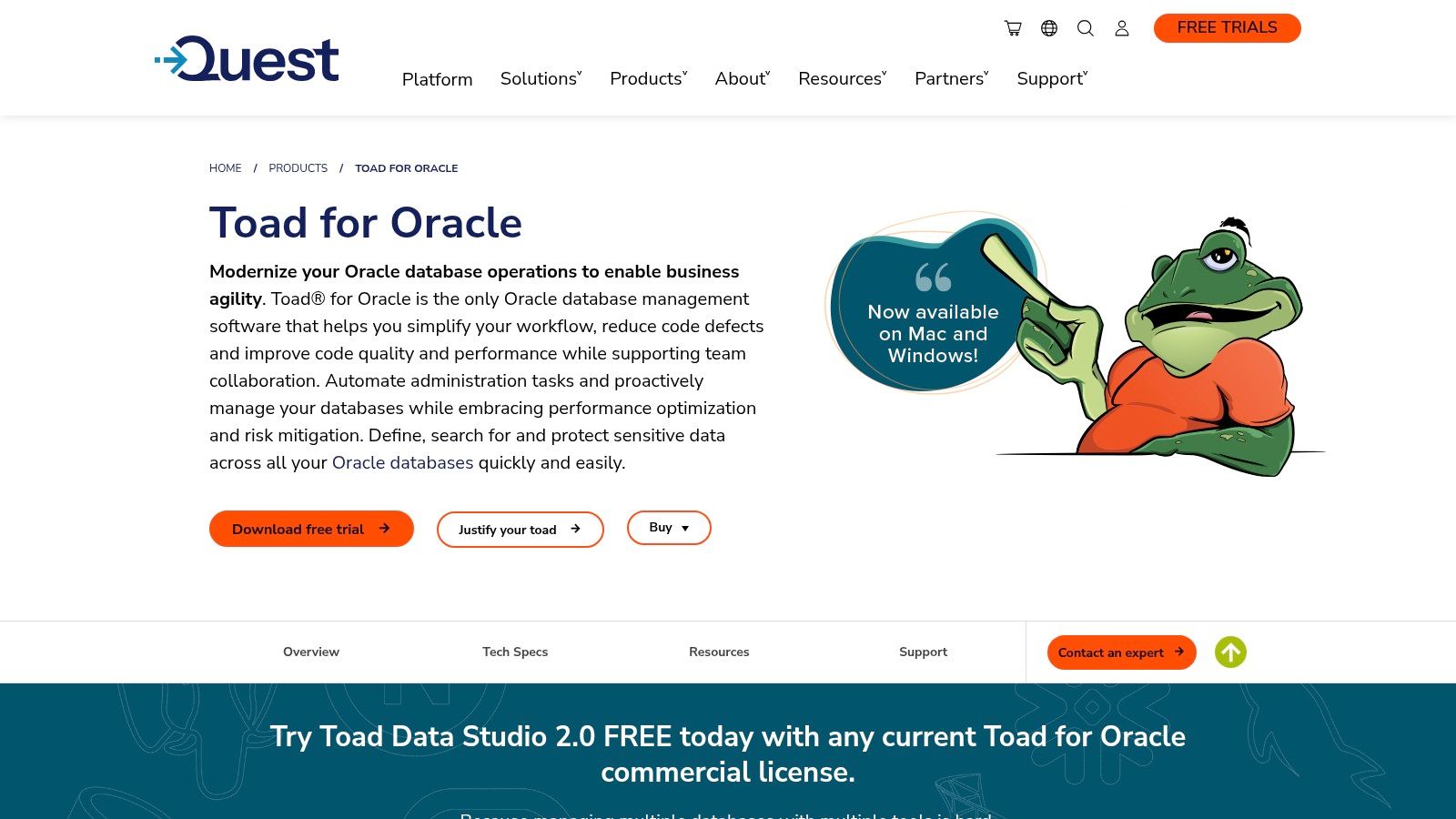
5. Quest Toad for Oracle
Quest Toad for Oracle is a highly specialized and comprehensive toolkit designed exclusively for Oracle database development and administration. It has been a long-standing industry leader, providing a rich environment that goes far beyond basic query execution. Toad for Oracle streamlines workflows with advanced PL/SQL editing, debugging, and performance tuning capabilities. This focus makes it one of the best database management tools for teams heavily invested in the Oracle ecosystem, offering a level of depth that general-purpose clients often lack.
Key Features and Use Cases
Toad for Oracle excels at optimizing complex database logic and automating routine administrative tasks. Its powerful PL/SQL debugger allows developers to step through code line-by-line, a critical function for troubleshooting intricate stored procedures. The schema comparison and synchronization feature is invaluable for managing database changes between development, testing, and production environments, ensuring consistency and reducing deployment errors. For small businesses, using Toad can significantly reduce the time spent on database maintenance, freeing up developer resources for core product development.
- Best For: Oracle developers, DBAs, and data analysts who require deep, platform-specific functionality for performance tuning and code optimization.
- Unique Offering: Its robust SQL Optimizer identifies and suggests rewrites for inefficient queries, a proactive feature that can dramatically improve application performance.
- Pricing: A free 30-day trial is available. Pricing is typically provided via a custom quote, with various editions (Base, Professional, Xpert) tailored to different needs.
Pros & Cons
| Pros | Cons |
|---|---|
| Mature, feature-rich toolset specifically for Oracle | Can be expensive; pricing is not transparently listed |
| Powerful PL/SQL debugging and performance tuning | The user interface can feel dated compared to modern IDEs |
| Excellent automation and schema management features | Subscription activation requires online license administration |
To explore its specialized features for Oracle, visit the official website: https://www.quest.com/products/toad-for-oracle/
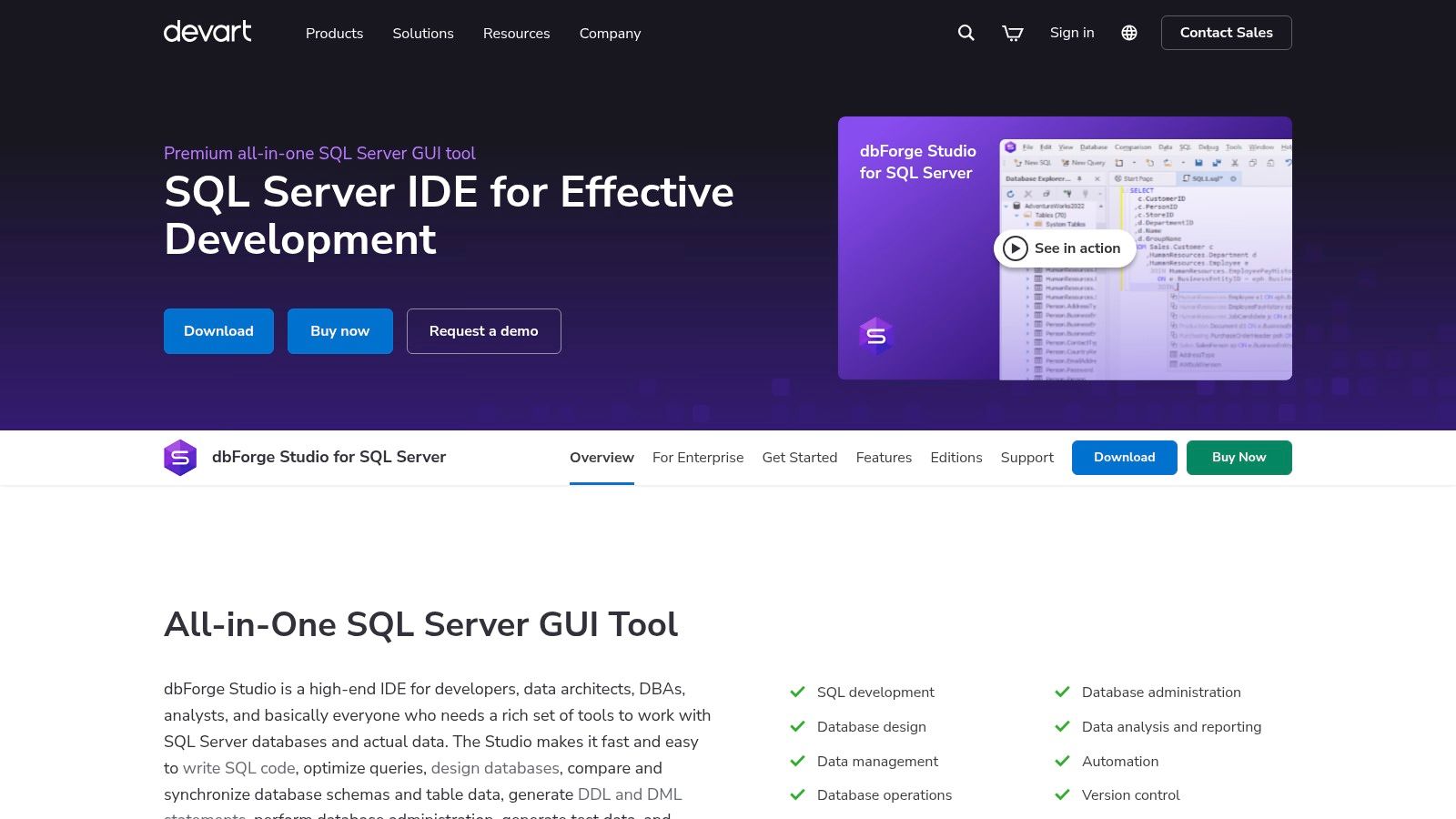
6. Devart dbForge Studio
Devart dbForge Studio is a suite of powerful, Windows-native IDEs tailored for specific database systems, including SQL Server, MySQL, Oracle, and PostgreSQL. It distinguishes itself by offering a feature-rich, consistent user experience across different database engines, making it one of the best database management tools for teams specializing in a particular technology stack. Its strength lies in its comprehensive toolset, which bundles visual query building, robust debugging, and advanced schema/data comparison utilities into a single, cohesive environment.
Key Features and Use Cases
dbForge Studio is ideal for streamlining complex database development and administration tasks. The visual query builder empowers users, even those with limited SQL knowledge, to construct sophisticated queries through a drag-and-drop interface. For small businesses, this can accelerate report generation; a project manager could use the visual tools to pull project metrics and import the data into a Notion database without writing a single line of code, optimizing data workflows effectively. The integrated debugging and profiling tools are invaluable for optimizing performance and ensuring data integrity.
- Best For: Database developers and administrators who work primarily on Windows and need a comprehensive toolset for a specific database system (e.g., SQL Server or MySQL).
- Unique Offering: The availability of free "Express" editions provides significant functionality for no cost, making professional-grade tools accessible for startups, freelancers, and educational purposes.
- Pricing: Offers free Express editions with core features. Paid versions (Standard, Professional, Enterprise) are available as perpetual licenses with tiered pricing based on functionality.
Pros & Cons
| Pros | Cons |
|---|---|
| Consistent UX across different DB engines | Primarily Windows-focused for certain studios |
| Powerful visual query builder and debugger | Advanced features are locked behind higher tiers |
| Free Express editions for basic needs | Not a single app for all databases (separate IDEs) |
To explore its powerful features for your specific database, visit the official website: https://www.devart.com/dbforge/sql/studio/
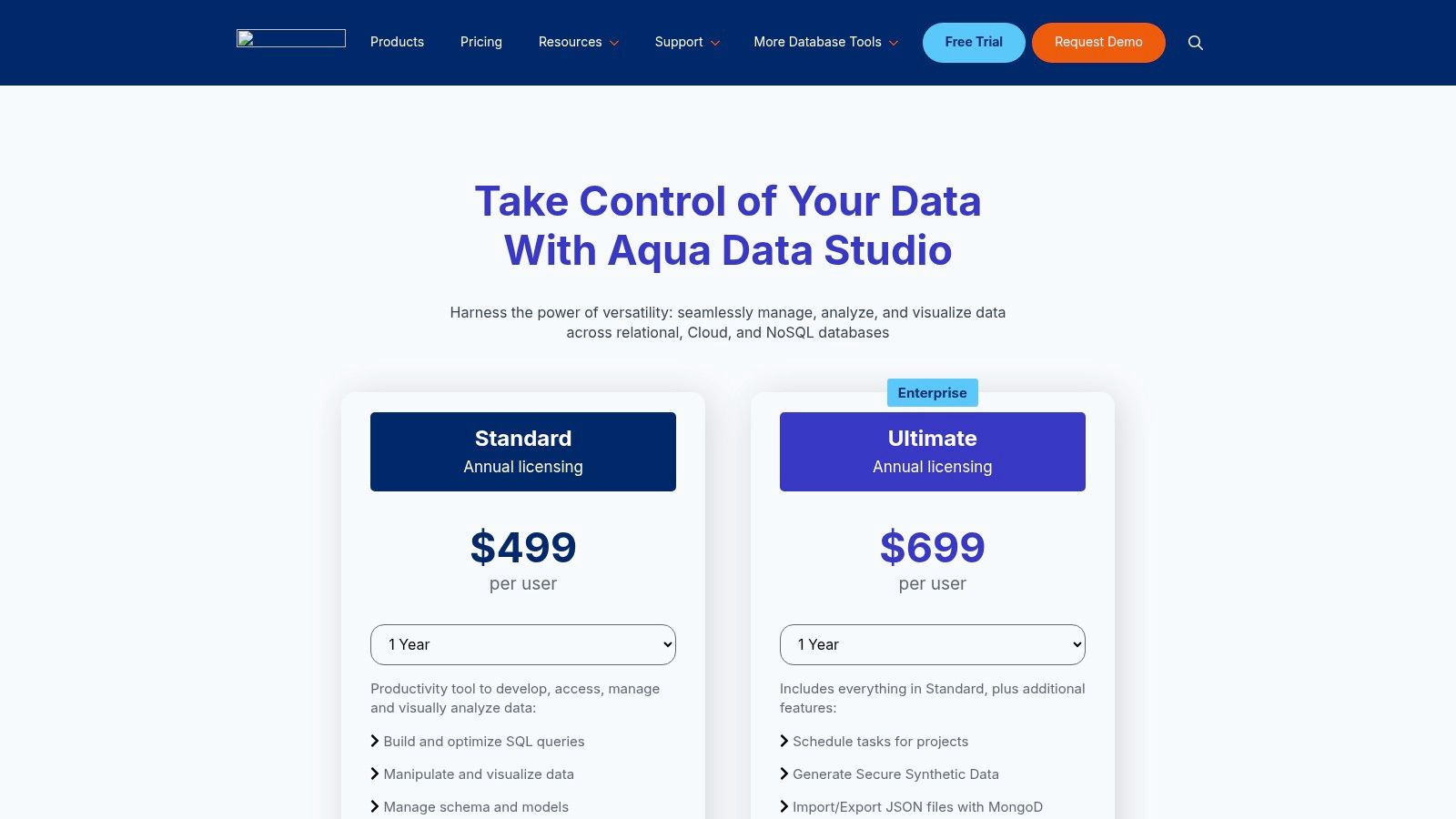
7. Aqua Data Studio
Aqua Data Studio is a versatile, cross-platform database IDE that combines robust SQL development tools with powerful visual analytics and data modeling capabilities. It stands apart by offering a comprehensive suite that caters not only to developers but also to business analysts and data architects. Supporting over 30 different database types, it provides a unified environment for querying, modeling, and visualizing data, making it one of the best database management tools for teams needing both technical and analytical features in a single package.
Key Features and Use Cases
Aqua Data Studio excels in environments where visual data interaction is paramount. Its visual query builder allows users to construct complex queries without writing SQL, while the ER modeler helps design and understand database schemas. For a small business, this means a project manager could build a custom dashboard to visualize sales data, then export it to a shared workspace like Notion for team review. The tool's task scheduling and synthetic data generation (in the Ultimate edition) are critical for automating reports and creating safe test environments.
- Best For: Data architects, business analysts, and developers who require strong visual modeling and business intelligence features alongside a traditional SQL IDE.
- Unique Offering: Its integrated visual analytics tool allows users to build interactive dashboards and charts directly from query results, bridging the gap between database management and BI.
- Pricing: Available through a paid annual subscription with a 14-day free trial. The Ultimate edition includes advanced features like synthetic data generation.
Pros & Cons
| Pros | Cons |
|---|---|
| Broad database coverage with strong modeling and BI tools | Some advanced features are gated to the pricier Ultimate edition |
| Excellent visual analytics and ER diagramming capabilities | Pricing is mid-to-high compared with open-source alternatives |
| Straightforward per-user pricing and online checkout | The interface can feel dense for users new to database IDEs |
To explore its full range of features, visit the official website: https://aquadatastudio.com/pricing/
8. HeidiSQL
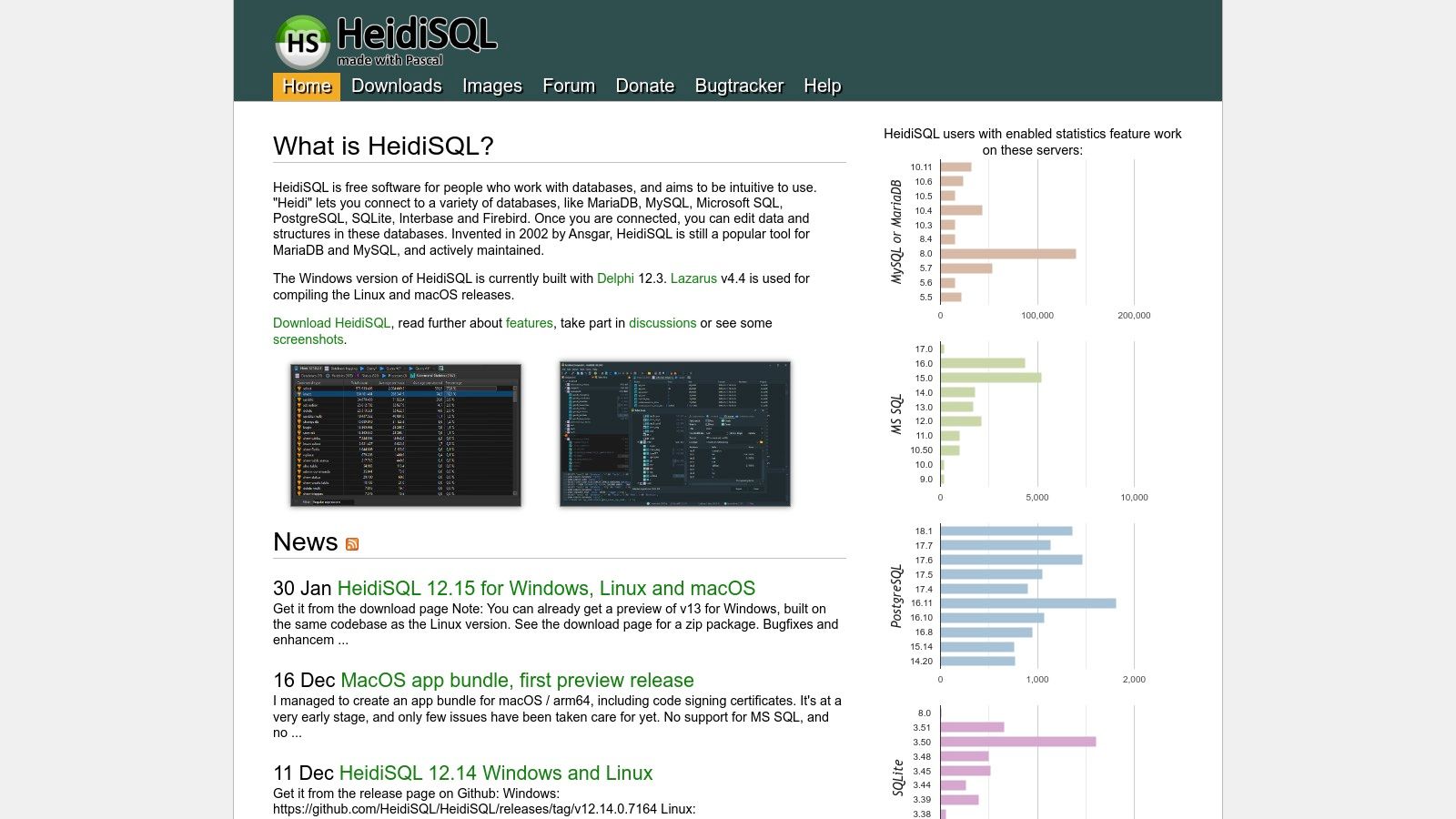
HeidiSQL is a popular, lightweight, and free graphical user interface (GUI) designed for managing databases like MariaDB, MySQL, Microsoft SQL Server, PostgreSQL, and SQLite. It provides a clean and efficient environment for database administrators and developers who need a no-cost, reliable tool for day-to-day tasks. Its simplicity and speed make it one of the best database management tools for freelancers, students, and small teams who prioritize ease of use and core functionality over advanced enterprise features.
Key Features and Use Cases
HeidiSQL is excellent for straightforward database administration, such as browsing and editing data in a grid, creating and modifying table structures, and running SQL queries. For a small business, it's a perfect tool for a project manager to quickly export a customer list from a database into a CSV file. This data can then be imported into a tool like NotionSender to manage a targeted outreach campaign, demonstrating how a simple, free tool can integrate into a broader business workflow without significant investment.
- Best For: Developers, hobbyists, and small teams needing a fast, free, and intuitive client for common SQL database management tasks.
- Unique Offering: Its standout quality is providing a robust, user-friendly experience completely for free. The portable version, which can be run from a USB drive without installation, is a significant advantage for users on the go.
- Pricing: Completely free and open-source.
Pros & Cons
| Pros | Cons |
|---|---|
| Free, open-source, and actively maintained | Lacks advanced features like team collaboration |
| Lightweight, fast, and easy to learn | Support is community-driven, not guaranteed |
| Portable version available for flexibility | Primarily Windows-native, though works via Wine on Linux/macOS |
To download this efficient and free database client, visit the official website: https://www.heidisql.com/
9. Microsoft Azure Marketplace — Databases
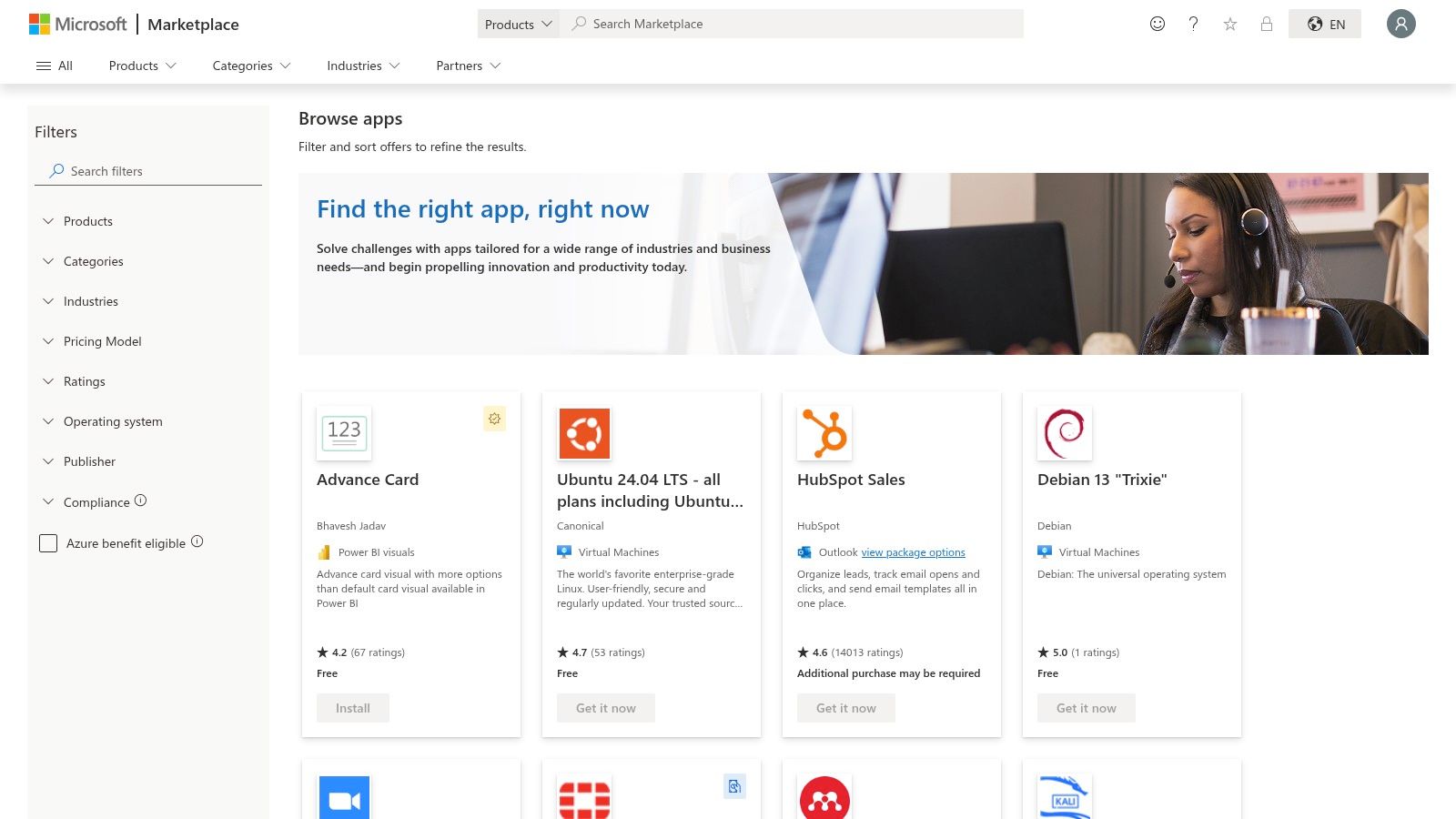
The Microsoft Azure Marketplace is not a single tool, but a centralized hub for discovering, deploying, and managing a wide array of database services and related software. It stands out by integrating directly into the Azure ecosystem, allowing businesses to procure everything from managed SQL Server instances and PostgreSQL to specialized vector databases using their existing Azure account. This makes it one of the best database management tools from a procurement and governance perspective, especially for teams already invested in Microsoft’s cloud platform.
Key Features and Use Cases
The Azure Marketplace simplifies the process of finding and deploying database solutions that fit specific technical and business requirements. Its strength lies in its tight integration with Azure's billing, security, and identity management services (like Azure Active Directory). For a small business, this means a new database can be deployed with established governance policies already in place, reducing administrative overhead. For example, a project team can spin up a managed database for a new application and have the costs automatically tracked on their departmental Azure bill, ensuring financial clarity without complex procurement cycles.
- Best For: Businesses and IT departments that are standardized on the Microsoft Azure cloud and require centralized billing and governance.
- Unique Offering: The ability to consolidate all software and service purchasing onto a single Azure bill, simplifying vendor management and budget tracking significantly.
- Pricing: Varies widely by publisher and service. Options include pay-as-you-go, bring-your-own-license (BYOL), and free trials for many offerings.
Pros & Cons
| Pros | Cons |
|---|---|
| Integrates seamlessly with Azure governance and billing | Requires filtering to find tools vs. full database services |
| Enterprise-friendly procurement and region-aware offers | Pricing and terms vary greatly between publishers |
| Wide selection of first-party and third-party solutions | Overwhelming for users not familiar with the Azure portal |
To explore the vast catalog of database solutions, visit the official website: https://azuremarketplace.microsoft.com/en-us/marketplace/apps/category/databases
10. AWS Marketplace
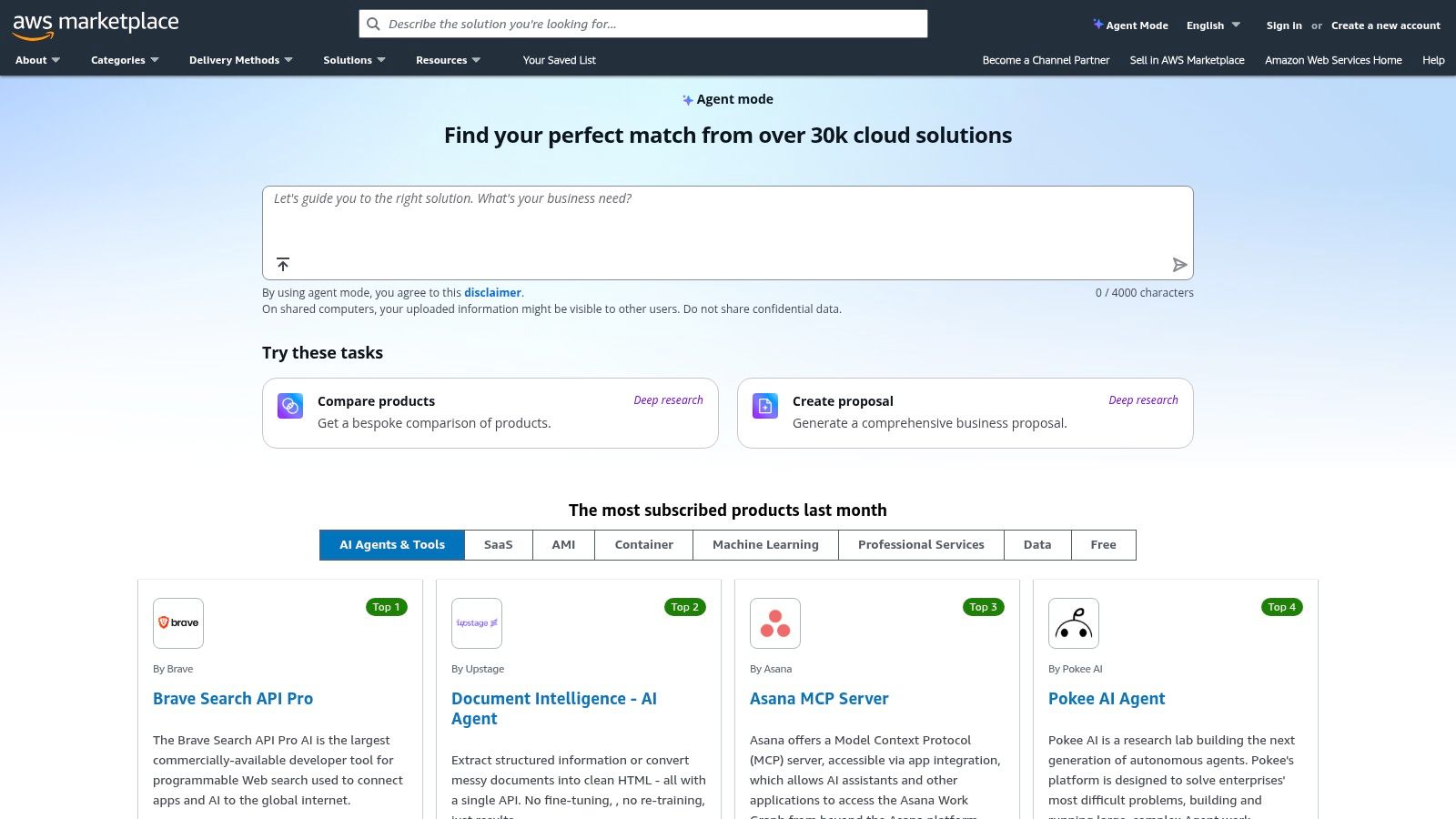
AWS Marketplace is not a single tool but a digital catalog where you can find, buy, and deploy thousands of third-party database management tools and related software. It stands out by streamlining procurement and billing for businesses already operating within the Amazon Web Services ecosystem. This platform simplifies the process of discovering, licensing, and launching everything from specialized SQL clients to data virtualization platforms, all consolidated under a single AWS bill.
Key Features and Use Cases
AWS Marketplace excels at simplifying the deployment of complex database software, offering options like pre-configured Amazon Machine Images (AMIs) or SaaS subscriptions. For a small business, this means you can launch a production-ready database instance with a trusted management tool in minutes instead of days. For example, a project team can acquire a database tool and connect its data to other systems using APIs for streamlined workflows, similar to how developers use the NotionSender API documentation to integrate applications.
- Best For: Teams and businesses heavily invested in the AWS cloud looking for a one-stop-shop for database software procurement.
- Unique Offering: Its primary value is the centralized governance and billing. All software subscriptions and usage-based charges appear on your AWS invoice, simplifying budget management.
- Pricing: Varies widely by vendor. Many tools offer pay-as-you-go, hourly pricing, or bring-your-own-license (BYOL) models. Free trials are common.
Pros & Cons
| Pros | Cons |
|---|---|
| Streamlined buy/deploy flow for existing AWS users | Discovery requires careful filtering to find specific tools |
| Centralized governance and billing via AWS | Some listings have limited public pricing information |
| Flexible deployment options (AMI, SaaS, containers) | Can feel overwhelming due to the vast number of listings |
For a comprehensive catalog of deployable database solutions, visit the official website: https://aws.amazon.com/marketplace/
11. G2 (Database categories)
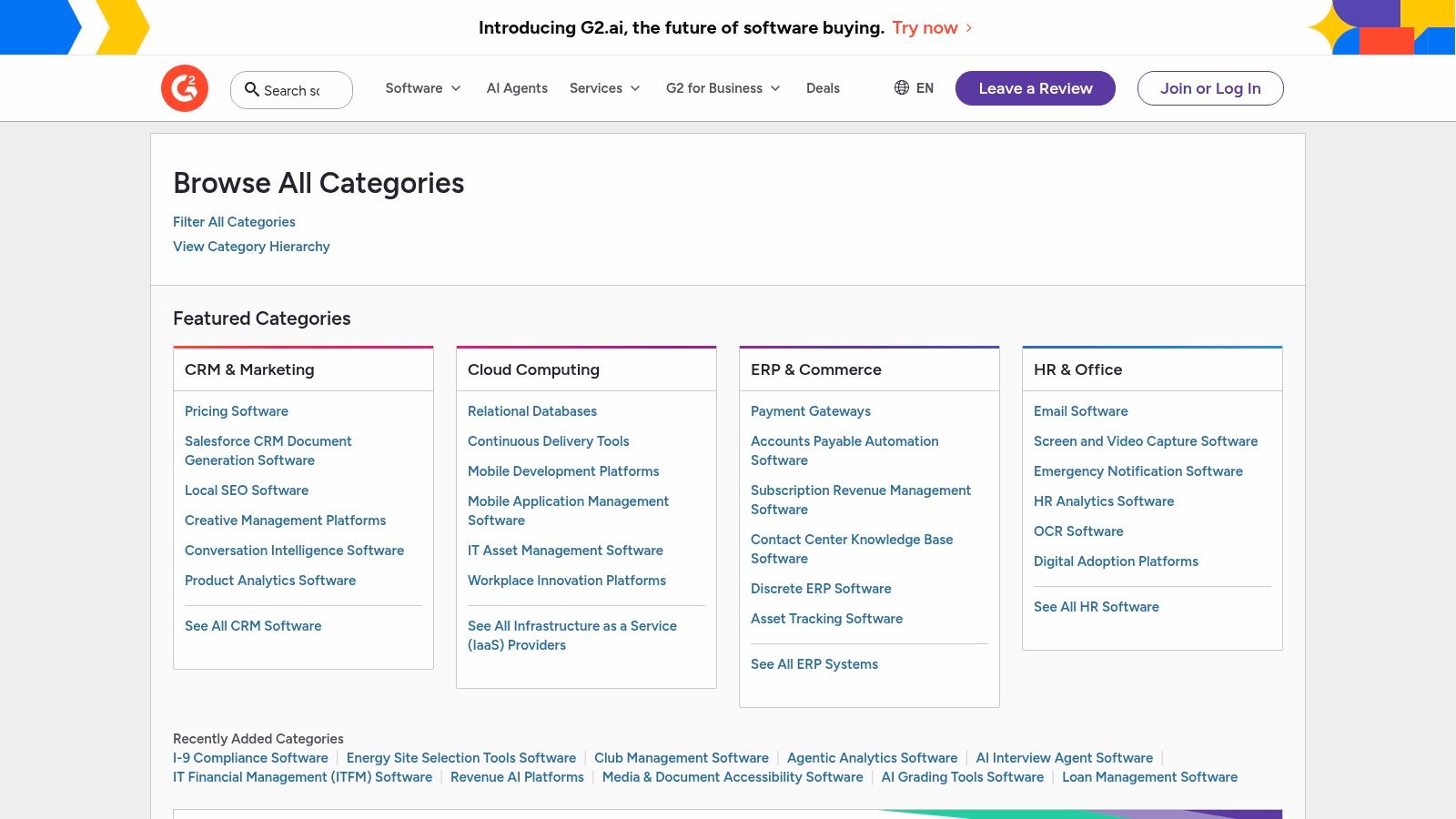
G2 is not a database tool itself, but a vital user-review-driven directory that is essential for evaluating the best database management tools on the market. It serves as a comprehensive research hub, allowing teams to shortlist and compare software based on verified peer feedback before committing to a purchase. Its strength lies in aggregating real-world user experiences, offering crowd-sourced insights that go beyond marketing materials to reveal how tools perform in actual business environments.
Key Features and Use Cases
G2 is invaluable for the initial research and comparison phases of selecting a database management tool. Its powerful filtering system allows you to narrow down options by company size, user satisfaction scores, and specific features. A project manager, for example, can use G2's comparison pages to create a side-by-side analysis of two or three top contenders, directly informing a data-driven decision. This process helps ensure the chosen tool aligns with both technical needs and budget constraints.
- Best For: Project managers and small business owners conducting due diligence before purchasing database software.
- Unique Offering: The G2 Grid reports visually plot tools based on user satisfaction and market presence, providing a quick, at-a-glance understanding of a category's leaders and niche players.
- Pricing: Free to browse reviews and comparisons. Vendors pay for enhanced profiles and marketing features.
Pros & Cons
| Pros | Cons |
|---|---|
| Crowd-sourced insights from verified, global users | Sponsored placements can influence vendor visibility in results |
| Powerful side-by-side feature comparison tools | Pricing data can sometimes lag behind vendor site changes |
| Helps identify popular tools and user satisfaction | Reviews can occasionally lack deep technical detail |
To start your research and compare top-rated tools, visit the G2 categories page: https://www.g2.com/categories
12. Capterra — Database Management Software
While not a database tool itself, Capterra's directory is an essential resource for finding the best database management tools tailored to your specific needs. As a Gartner-owned platform, it offers a comprehensive, filterable catalog of software solutions. This makes it an invaluable starting point for market research, allowing small businesses to compare features, pricing models, and user reviews for dozens of tools in one place, ensuring they make an informed purchasing decision without having to visit countless vendor sites individually.
Key Features and Use Cases
Capterra is most effective during the initial discovery and shortlisting phase of selecting a tool. Project managers can use its filters to narrow down options by business size, required features (like data migration or backup), and deployment type. For example, a marketing team looking to manage customer data can use Capterra to find a tool that integrates with their existing CRM, then read verified reviews to gauge user satisfaction. The platform consolidates this critical information, streamlining the otherwise time-consuming evaluation process.
- Best For: Project managers and business owners conducting market research to find and compare database software.
- Unique Offering: Its "Shortlist" reports, which use proprietary data and user reviews to highlight top products in the category, offer a data-backed starting point for your search.
- Pricing: Free to use for software buyers. Vendors pay for listings and lead generation.
Pros & Cons
| Pros | Cons |
|---|---|
| Extensive, filterable directory of database tools | Some listings are promotional and lead-generation focused |
| Verified user reviews provide real-world insights | Category includes database engines, not just management tools |
| Side-by-side comparison feature simplifies decision-making | Always verify pricing and features on the official vendor website |
To begin your search for the right database tool, explore the directory on the official website: https://www.capterra.com/database-management-software/
Top 12 Database Management Tools Comparison
| Product | Core features ✨ | UX / Quality ★ | Price / Value 💰 | Audience & USP 👥🏆 |
|---|---|---|---|---|
| JetBrains DataGrip | ✨ Intelligent SQL editor, DB explorer, schema diff | ★★★★ — polished, productivity‑focused | 💰 Subscription (commercial); free for non‑commercial; 30‑day trial | 👥 Devs/teams; 🏆 Multi‑DB IDE with smart completion |
| DBeaver (Enterprise & Lite) | ✨ Visual query builder, ER diagrams, cross‑DB UI | ★★★★ — versatile, community & enterprise editions | 💰 Free core; affordable Enterprise (14‑day trial) | 👥 SMBs/freelancers & teams; 🏆 Strong value for multi‑source work |
| Navicat Premium | ✨ Visual designers, transfer/backup, sync utilities | ★★★★ — polished GUI, enterprise docs | 💰 Higher upfront/subscription options | 👥 DBAs/enterprises; 🏆 Cross‑engine single‑app & cloud add‑ons |
| Redgate SQL Toolbelt Essentials | ✨ Schema/data compare, CI/CD & source control tools | ★★★★ — enterprise‑grade, reliable support | 💰 Quote/subscription; can be costly for small teams | 👥 SQL Server teams; 🏆 Change automation & deployment focus |
| Quest Toad for Oracle | ✨ PL/SQL debugging, unit testing, performance tuning | ★★★★ — Oracle‑specialist UX | 💰 Quote/subscription; 30‑day trial | 👥 Oracle DBAs/devs; 🏆 Deep Oracle workflows & automation |
| Devart dbForge Studio | ✨ Visual builder, profiling, consistent multi‑DB UX | ★★★★ — clear, IDE‑style experience | 💰 Tiered editions; free Express tiers | 👥 Multi‑engine developers; 🏆 Consistent UX & competitive pricing |
| Aqua Data Studio | ✨ ER modeling, visual analytics, scheduling (Ultimate) | ★★★★ — strong modeling & BI features | 💰 Mid–high per‑user pricing | 👥 Analysts & DBAs; 🏆 Modeling + BI + testing tools |
| HeidiSQL | ✨ Lightweight data editor, query tools, multi‑OS builds | ★★★ — fast, minimal learning curve | 💰 Free (open/community) | 👥 Freelancers/small teams; 🏆 Free, lightweight and easy to learn |
| Microsoft Azure Marketplace — Databases | ✨ Curated DB services, RBAC & billing integration | ★★★★ — enterprise procurement friendly | 💰 Pay‑as‑you‑go / publisher pricing varies | 👥 Enterprise/cloud procurement; 🏆 Centralized billing & governance |
| AWS Marketplace | ✨ AMI/SaaS/container delivery, reviews, usage pricing | ★★★★ — streamlined buy/deploy for AWS users | 💰 Usage & marketplace pricing; varies by seller | 👥 AWS customers & procurement teams; 🏆 Consolidated billing & deployment |
| G2 (Database categories) | ✨ Category rankings, verified user reviews, comparisons | ★★★★ — crowd insights, real‑user feedback | 💰 Free to browse; vendor lead gen | 👥 Buyers/researchers; 🏆 Peer reviews & shortlist help |
| Capterra — Database Management Software | ✨ Filters, shortlists, buyers' guides & reviews | ★★★★ — broad marketplace research tool | 💰 Free to use; vendor links to pricing | 👥 SMB buyers & researchers; 🏆 Buyers' guides and shortlist reports |
Making the Right Choice for Your Team's Data Needs
Navigating the landscape of database management tools can feel overwhelming, but making an informed decision is crucial for your team's productivity and data integrity. We've explored a wide array of options, from powerful, cross-platform IDEs like DataGrip and DBeaver to specialized, robust toolkits like Redgate's SQL Toolbelt Essentials. The key takeaway is that the "best" tool is not a one-size-fits-all solution; it’s the one that aligns most closely with your team's specific context, technical expertise, and business objectives.
For small businesses and project teams, the decision often hinges on a delicate balance between functionality, usability, and cost. While an enterprise-grade solution like Quest Toad for Oracle offers unparalleled depth for its specific ecosystem, a more versatile and budget-friendly tool like HeidiSQL or DBeaver Community Edition might provide more than enough power for your daily tasks. The journey to finding the best database management tools for your needs is one of careful evaluation and strategic selection.
Your Action Plan for Selecting a Database Tool
To move from analysis to action, it's essential to have a clear process. Don't get sidetracked by an exhaustive list of features you'll never use. Instead, focus on what will deliver tangible value to your projects right now and in the near future.
Here are the actionable next steps to guide your decision-making process:
- Define Your Core Requirements: Before you even start a free trial, list your non-negotiables. Do you need support for multiple database systems like PostgreSQL and MySQL? Is a visual query builder essential for less technical team members? How critical are advanced debugging, version control integration, or data migration features?
- Evaluate Your Team's Skillset: The most powerful tool is useless if your team finds it too complex. Assess your team's familiarity with SQL and command-line interfaces. A tool with a strong graphical user interface (GUI) like Navicat or Aqua Data Studio might be a better fit for a team with mixed technical skills.
- Consider Your Ecosystem and Workflow: How will this tool fit into your existing stack? Think about integrations. If your team relies heavily on collaborative platforms like Notion for project documentation and planning, consider how your database work can be streamlined. A tool that simplifies reporting and data sharing can significantly reduce administrative friction.
- Conduct a Pilot Test: Narrow your choices down to two or three top contenders. Take full advantage of their free trials. Assign a small, specific project to test each tool's real-world performance, focusing on the tasks your team performs most frequently. This hands-on experience is invaluable and will reveal practical limitations that aren't apparent from a feature list.
Final Considerations for Implementation
Once you've made your choice, a successful implementation requires more than just installing the software. Standardize your team's setup and configuration to ensure consistency. Document connection settings, create shared script libraries, and establish best practices for query formatting and version control. This initial investment in process will pay dividends by preventing confusion and improving collaboration down the line.
Ultimately, selecting from the best database management tools is about empowering your team. It's about reducing friction, automating repetitive tasks, and providing clear, actionable insights from your data. The right tool will feel less like a complex piece of software and more like a natural extension of your team’s workflow, freeing you to focus on building great products and growing your business.
Ready to bridge the gap between your powerful database and your team's project management hub? NotionSender automates the process of sending data from any source directly into your Notion databases. Stop manually exporting reports and start creating streamlined, automated workflows with NotionSender today.

