
The 12 Best Invoicing Software for Freelancers in 2026
As a freelancer, your time is your most valuable asset. The last thing you need is to spend hours creating, sending, and tracking invoices. The right software not only streamlines this process but ensures you get paid promptly and professionally. Chasing late payments disrupts your focus and hurts your cash flow, a problem that automated reminders and streamlined payment gateways can solve almost instantly. This guide cuts through the noise to analyze the 12 best invoicing software for freelancers, examining each tool's unique strengths, limitations, and ideal use cases.
We'll look beyond basic features to give you a clear picture of what it's like to actually use these platforms. To truly stop chasing payments and ensure robust cash flow, understanding and implementing essential Accounts Receivable best practices is key, and the right software makes this effortless.
Whether you need a completely free tool for simple projects, an all-in-one client management suite to handle proposals and contracts, or a system that integrates with your existing workflow, you'll find the perfect fit here. Each review includes screenshots, direct links, and a breakdown of who it’s best for, so you can make a confident choice and get back to what you do best.
1. FreshBooks
FreshBooks is a standout choice for service-based freelancers seeking a polished, all-in-one accounting and invoicing solution. It's particularly well-suited for those who need more than just basic invoicing, offering integrated tools for time tracking, expense management, and creating professional estimates that can be converted into invoices with a single click. This comprehensive feature set makes it one of the best invoicing software options for freelancers who want to manage their entire financial workflow in one place.
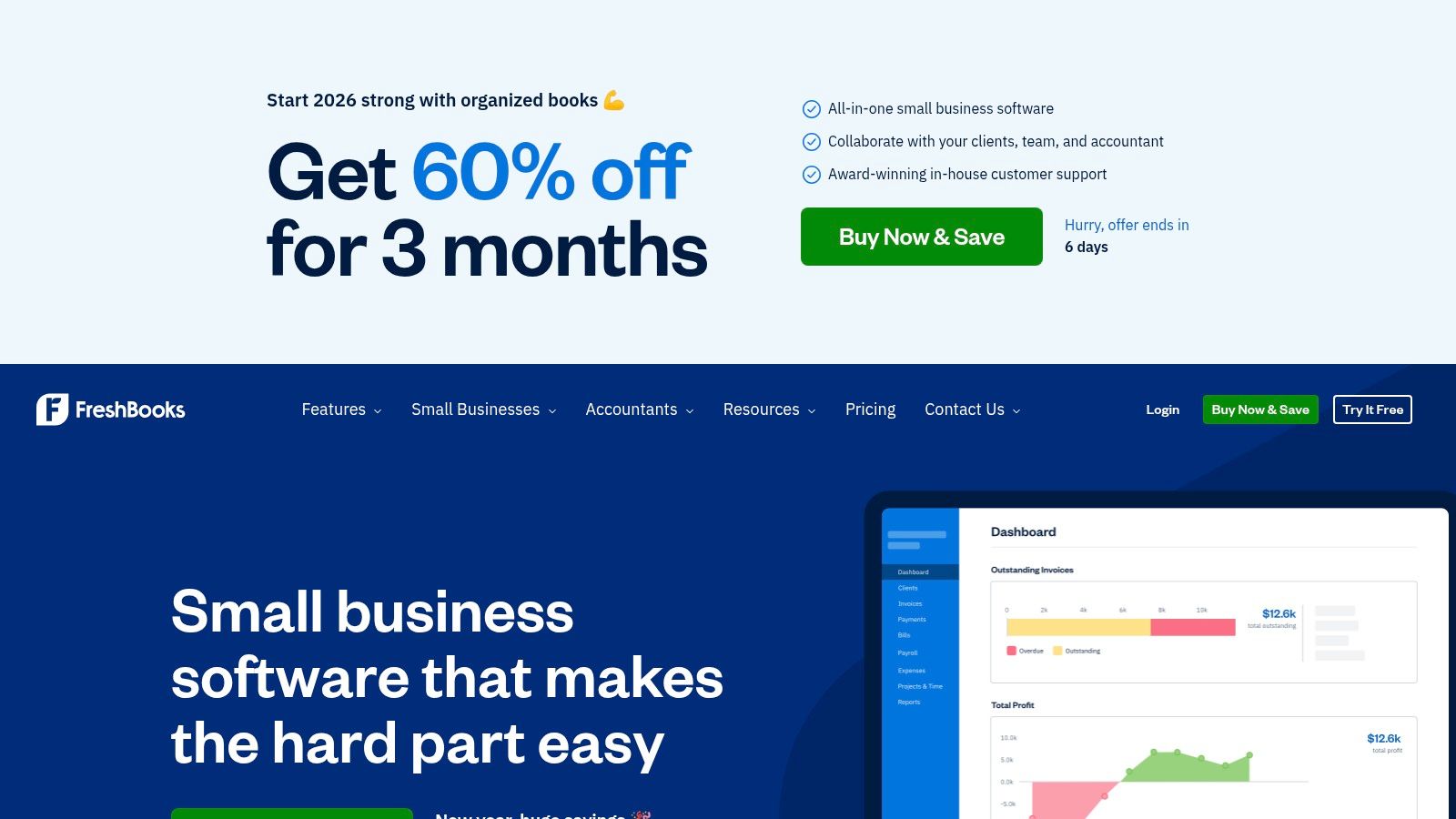
The user experience is where FreshBooks truly shines. Its interface is clean and intuitive, significantly reducing the learning curve often associated with accounting software. The well-designed mobile app allows you to create and send invoices on the go, a huge plus for busy freelancers.
Pricing & Key Features
Pricing starts with the Lite plan at $19/month, which allows you to bill up to 5 clients. The Plus and Premium tiers support more clients and add features like unlimited proposals and recurring client retainers.
- Best For: Freelancers and solopreneurs who need a simple yet powerful accounting suite with excellent invoicing.
- Pros: Very user-friendly, professional client portal, strong mobile apps.
- Cons: Lower-tier plans limit the number of billable clients, which can be restrictive as you grow.
You can learn more at their website: https://www.freshbooks.com
2. QuickBooks Online (Intuit)
QuickBooks Online is a powerful, full-scale accounting platform that is widely considered the industry standard. It's an ideal choice for freelancers who plan to grow their business or require robust accounting features beyond simple invoicing, such as detailed financial reporting and tax preparation tools. Its invoicing capabilities are comprehensive, allowing for customizable templates, automated payment reminders, and progress invoicing for larger projects, making it a top contender for the best invoicing software for freelancers needing scalability.
Because QuickBooks is so feature-rich, there can be a steeper learning curve compared to simpler tools. To maximize its benefits, it’s crucial to ensure a proper initial setup. Here’s a comprehensive guide on how to set up QuickBooks right the first time. Once configured, its extensive integration ecosystem and widespread support from accountants make it a reliable financial hub for any serious freelance business.
Pricing & Key Features
Pricing starts with the Self-Employed plan at $20/month, designed specifically for freelancers. More feature-rich plans like Simple Start and Essentials offer more advanced capabilities as your business needs evolve.
- Best For: Freelancers who need a comprehensive accounting solution that will scale with their business.
- Pros: Industry standard with vast integrations, excellent reporting, and familiar to most accountants.
- Cons: Can be more complex than necessary for basic invoicing, and pricing can be variable.
You can learn more at their website: https://quickbooks.intuit.com
3. Wave
Wave is a powerhouse for freelancers who prioritize affordability without sacrificing core functionality. It stands out by offering a completely free plan for invoicing, accounting, and receipt scanning, making it one of the best invoicing software for freelancers just starting out or those with tight budgets. Its primary appeal is providing professional-grade tools at no monthly cost, only charging for payment processing when your clients pay you.
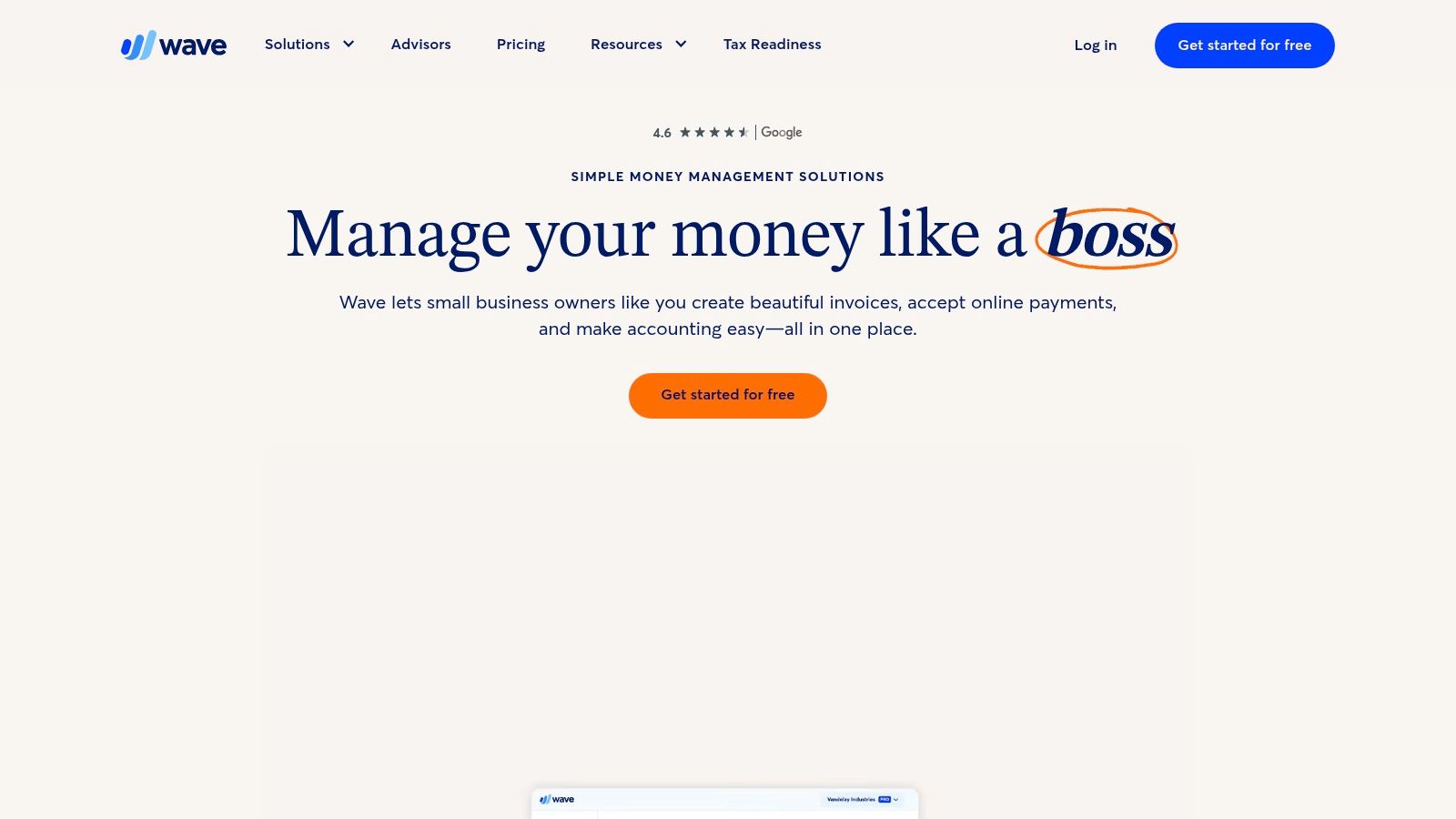
The platform is straightforward, allowing you to create and customize unlimited invoices and estimates easily. While the free tier is incredibly robust, Wave also offers a Pro plan that introduces time-saving automations, such as recurring invoices and automatic payment reminders, which can be crucial for freelancers looking to streamline their workflow as their business grows.
Pricing & Key Features
The Starter plan is genuinely free for invoicing and accounting. The Pro plan is $16/month and adds features like unlimited receipt capture and automated bank connections. Payment processing fees are pay-per-use on both plans.
- Best For: New freelancers or those on a strict budget who need a full-featured, no-cost invoicing and accounting solution.
- Pros: The free plan is highly functional and not just a trial, straightforward payment and ACH options.
- Cons: Premium support and some key automations are locked behind the paid Pro plan.
You can learn more at their website: https://www.waveapps.com
4. Zoho Invoice
Zoho Invoice is an impressive choice for freelancers looking for a completely free, yet powerful, invoicing solution. It stands out by offering a robust set of features at no cost, which is a major advantage for those just starting out or with tight budgets. The platform allows you to create and send unlimited customized invoices and estimates, track time for projects, and even manage expenses, all from a clean, straightforward dashboard. It's an excellent piece of the larger Zoho ecosystem.
The user experience is highly functional, focusing on efficiency. You can automate payment reminders, set up recurring invoices, and give clients access to a self-service portal where they can view their history and make payments directly. This level of automation in a free tool makes Zoho Invoice one of the best invoicing software for freelancers who want to streamline their billing process without any financial commitment.
Pricing & Key Features
Zoho Invoice is completely free and supports invoicing for one user and up to 1,000 customers per year. For more advanced accounting needs, users can upgrade to Zoho Books.
- Best For: Solopreneurs and freelancers who need a feature-rich, dedicated invoicing tool that is 100% free.
- Pros: Completely free with no feature restrictions, excellent invoice customization and automation.
- Cons: Lacks full accounting features like bank reconciliation, some payment gateway options are limited by region.
You can learn more at their website: https://www.zoho.com/invoice
5. Square Invoices
Square Invoices is a fantastic option for freelancers who operate in both the physical and digital worlds, offering a unified platform for managing payments. If you accept in-person payments at markets or consultations in addition to online work, Square consolidates everything into a single dashboard. Its strength lies in integrating seamless invoicing with a robust point-of-sale system, making it an incredibly versatile tool.
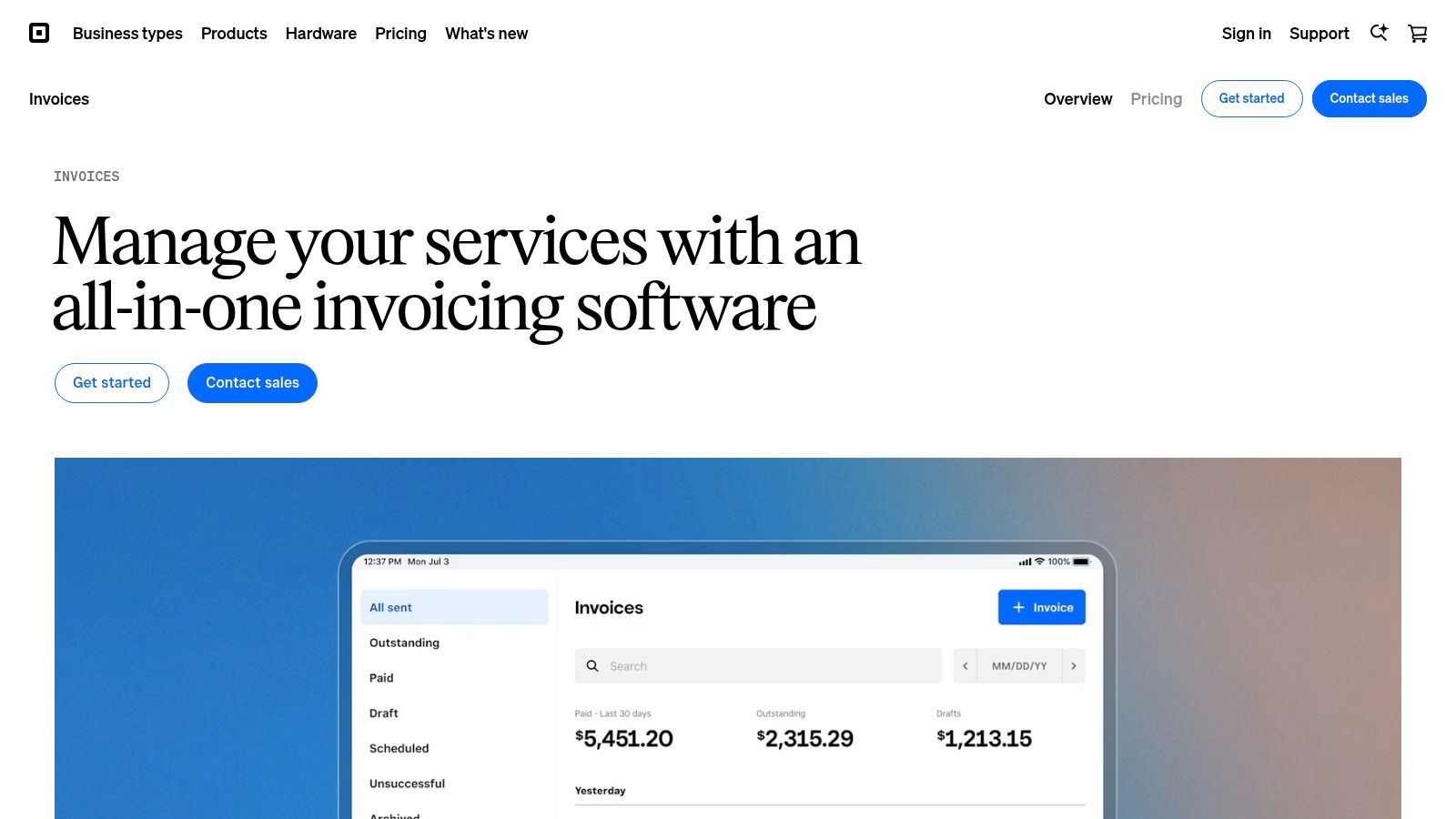
The platform is designed for quick adoption, allowing users to send professional invoices and estimates right away from their computer or the highly-rated mobile app. Clients have multiple payment options, including standard cards, ACH bank transfers, and even Cash App Pay, which simplifies the payment process and helps you get paid faster. This flexibility makes it one of the best invoicing software for freelancers with a diverse client base.
Pricing & Key Features
Square offers a powerful Free plan with unlimited invoices and estimates; you only pay standard processing fees per transaction. The Plus plan ($20/month) unlocks advanced features like auto-reminders and milestone-based payments.
- Best For: Freelancers and businesses that require both online invoicing and in-person payment processing.
- Pros: Generous free plan with no monthly fees, combines online and offline payments seamlessly, predictable processing fees.
- Cons: Advanced customization and automation features require a paid subscription; card-not-present fees can be higher than competitors.
You can learn more at their website: https://squareup.com/us/en/invoices
6. PayPal Invoicing
For freelancers already integrated into the PayPal ecosystem, its native invoicing tool is a logical and convenient choice. It allows you to create and send professional, branded invoices directly from your PayPal Business account, which clients can pay instantly using PayPal, Venmo, credit/debit cards, or even Pay Later options. This familiarity and broad payment acceptance make it an excellent option for freelancers working with international clients or those who prioritize a quick and trusted payment process for their customers.
The main advantage of PayPal Invoicing is its massive existing user base. Most clients are familiar with PayPal, which removes friction and can lead to faster payments. The system supports recurring billing and international payments with automatic currency conversion, simplifying transactions across borders. While it lacks the deep accounting features of dedicated platforms, it stands out as one of the best invoicing software options for freelancers who need a straightforward, globally recognized payment solution without monthly fees.
Pricing & Key Features
PayPal does not charge a monthly fee to create or send invoices. Instead, you pay transaction fees on payments received, which vary by payment method and location.
- Best For: Freelancers who prioritize fast, internationally-friendly payments and whose clients already use PayPal.
- Pros: Huge global payment network, trusted by clients, no monthly subscription fee for basic invoicing.
- Cons: Transaction fees can be higher than other processors, and advanced features require a paid subscription.
You can learn more at their website: https://www.paypal.com/us/business/invoicing
7. Stripe Invoicing
Stripe Invoicing is a powerful option for freelancers and agencies already integrated into the Stripe payments ecosystem. It's designed for those who prioritize robust payment processing, automation, and developer-friendly tools over a comprehensive accounting suite. The platform excels at creating professional, hosted invoice pages that simplify the payment process for clients globally, making it a top contender for the best invoicing software for freelancers with a tech-savvy client base.
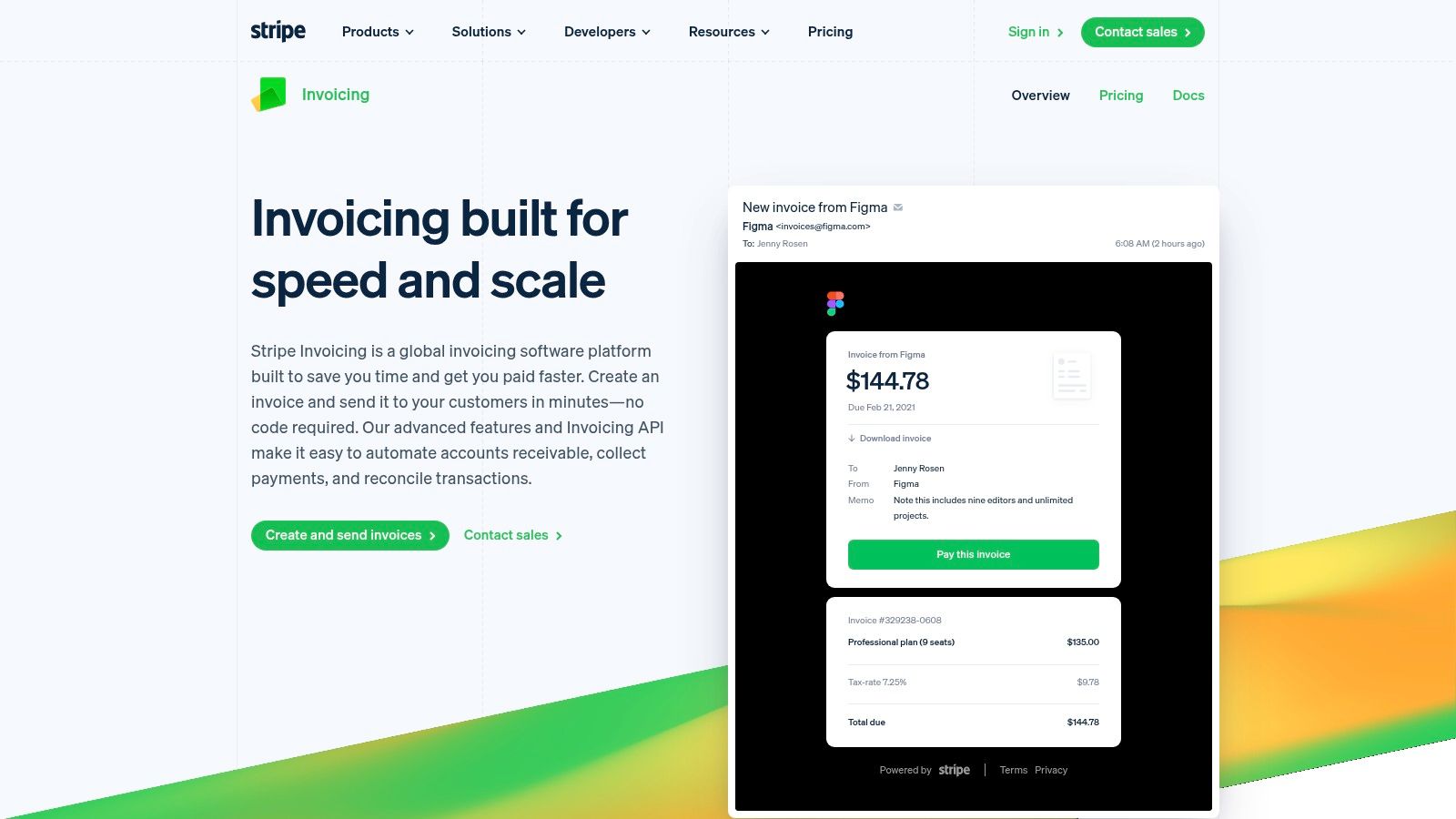
The real strength of Stripe Invoicing lies in its automation and integration capabilities. You can set up automated payment reminders and smart retries for failed payments to improve your accounts receivable workflow. Its seamless connection with Stripe Tax and Billing provides a unified system for managing subscriptions and handling complex tax requirements without leaving the platform.
Pricing & Key Features
Stripe Invoicing charges a per-invoice fee on top of standard payment processing rates, starting at 0.4% per paid invoice for the Starter plan. A Plus plan at 0.5% adds advanced features like smart retries and quote-to-invoice conversion.
- Best For: Tech-savvy freelancers and businesses who already use Stripe for payment processing and need powerful automation.
- Pros: Excellent APIs and developer tools, global payment acceptance, seamless integration with Stripe's product suite.
- Cons: Can be expensive with per-invoice fees added to processing costs; less of a standalone accounting tool.
You can learn more at their website: https://stripe.com/invoicing
8. Bonsai
Bonsai is designed as a complete clientflow suite for freelancers, aiming to reduce the need for multiple disparate tools. It goes far beyond simple invoicing by integrating proposals, contracts, project management, and time tracking into a single, cohesive workflow. This makes it a strong contender for the best invoicing software for freelancers who want to manage their entire client lifecycle, from initial pitch to final payment, within one platform.
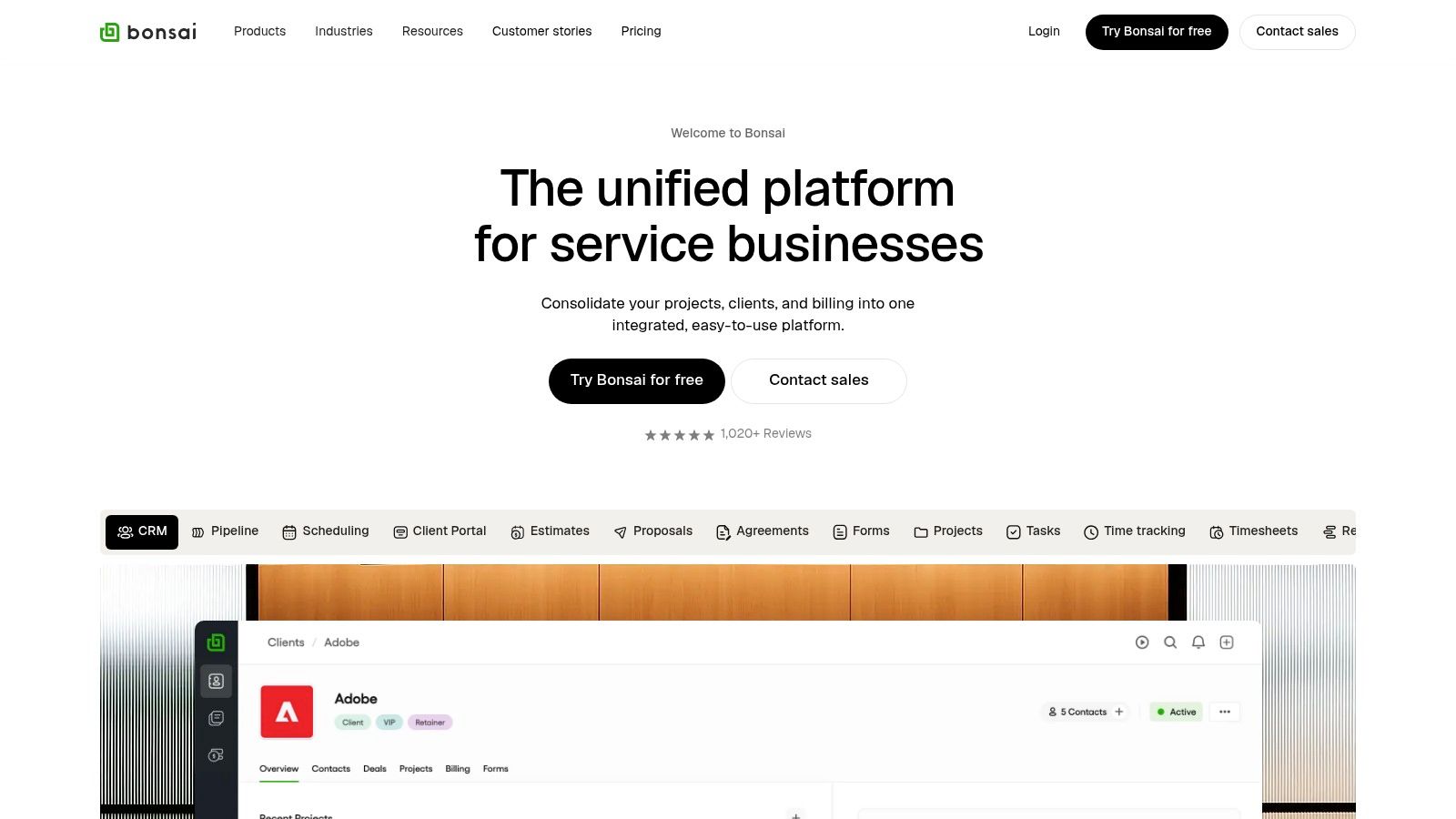
The platform's strength lies in its automation and interconnectivity. For instance, you can automatically generate an invoice from a signed proposal or approved timesheet, streamlining your administrative tasks significantly. The client portal provides a professional touch, giving your clients one central place to view contracts, invoices, and project files.
Pricing & Key Features
Bonsai's pricing starts with the Starter plan at $25/month, which includes unlimited clients and all core features like invoicing, proposals, and contracts. Higher tiers add workflow automations and white-labeling.
- Best For: Service-based freelancers who need an all-in-one system for managing clients, projects, and finances.
- Pros: Comprehensive feature set reduces tool sprawl, strong templates for proposals and contracts.
- Cons: No free invoicing plan, and its per-user pricing can become costly for growing teams.
You can learn more at their website: https://www.hellobonsai.com
9. HoneyBook
HoneyBook is more than just an invoicing tool; it’s a complete clientflow platform designed for creative and service-based freelancers. It excels at creating a seamless end-to-end client journey by combining proposals, contracts, invoices, and payment processing into a single, cohesive workflow. This makes it one of the best invoicing software for freelancers who want to manage the entire client relationship, from initial inquiry to final payment, in one unified workspace.
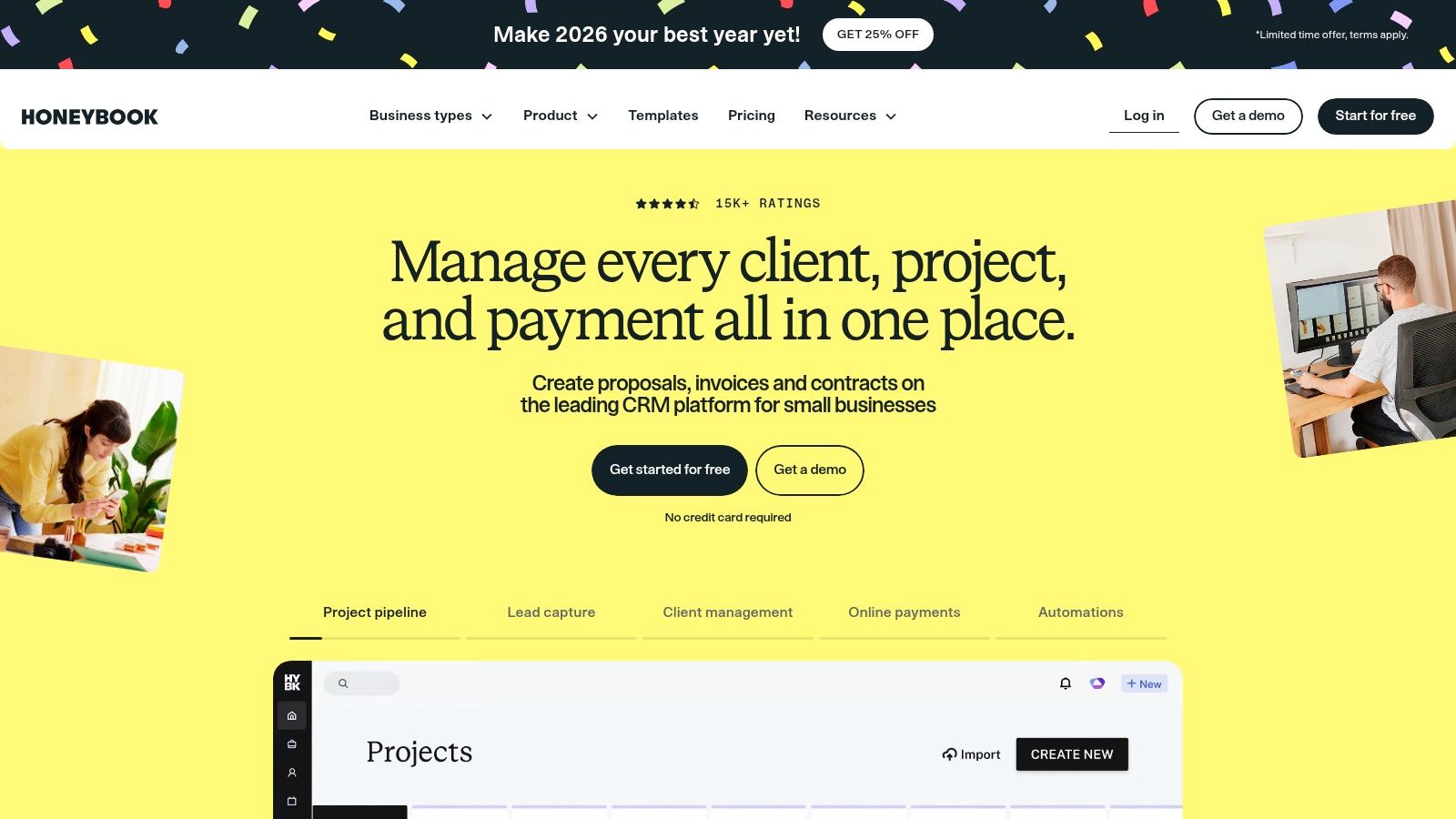
The platform's strength lies in its automation capabilities. You can set up workflows to automatically send follow-up emails, questionnaires, and payment reminders, saving significant administrative time. The integrated scheduler simplifies booking client meetings directly within the platform, further streamlining client interactions and reinforcing the professional experience you provide.
Pricing & Key Features
Pricing starts at $19/month for the Starter plan, with Premium and Ultimate tiers offering advanced features like multi-brand support and a dedicated account manager. While recent price increases make it costlier than some standalone tools, the value is clear if you leverage its full suite of features.
- Best For: Creative freelancers (photographers, designers, coaches) who need an all-in-one client management and invoicing system.
- Pros: Strong end-to-end client experience, powerful automations for repetitive tasks, combines proposals and contracts with invoicing.
- Cons: Costlier than pure invoicing tools, best value is realized when using its multiple modules, not just invoicing.
You can learn more at their website: https://www.honeybook.com
10. Fiverr Workspace (formerly AND.CO)
Fiverr Workspace, formerly known as AND.CO, is a streamlined, all-in-one management suite designed specifically for the modern freelancer. It goes beyond basic invoicing to include proposals, contracts, expense tracking, and time management, making it a strong contender for the best invoicing software for freelancers who want a unified back-office solution. The platform's strength lies in its simplicity and focus on the core freelance workflow, from pitching a project to getting paid.
The user experience is clean and action-oriented, helping you manage client relationships and project financials without a steep learning curve. Its integration with the Fiverr marketplace is a bonus for users of that platform. By simplifying invoice and proposal creation, it helps you focus more on client work and less on administrative tasks, a key part of effective time and email management for productivity.
Pricing & Key Features
Fiverr Workspace offers a generous Free plan with unlimited clients and core features. The paid Pro plan is $24/month and removes branding, adds editable contracts, and provides advanced analytics.
- Best For: Freelancers looking for a simple, integrated solution for proposals, contracts, and invoicing.
- Pros: Generous free plan, freelancer-first design, includes contracts and proposals.
- Cons: Fewer deep accounting features than dedicated suites, advanced customization is behind the paywall.
You can learn more at their website: https://workspace.fiverr.com
11. Invoice Ninja
Invoice Ninja is a powerful choice for tech-savvy freelancers who value flexibility, control, and an open-source framework. It stands out by offering a highly generous free plan and the unique option to self-host the platform, giving users complete control over their data and branding. Its strength lies in combining core invoicing features with advanced customization, making it one of the best invoicing software for freelancers who want to tailor their system without high costs.
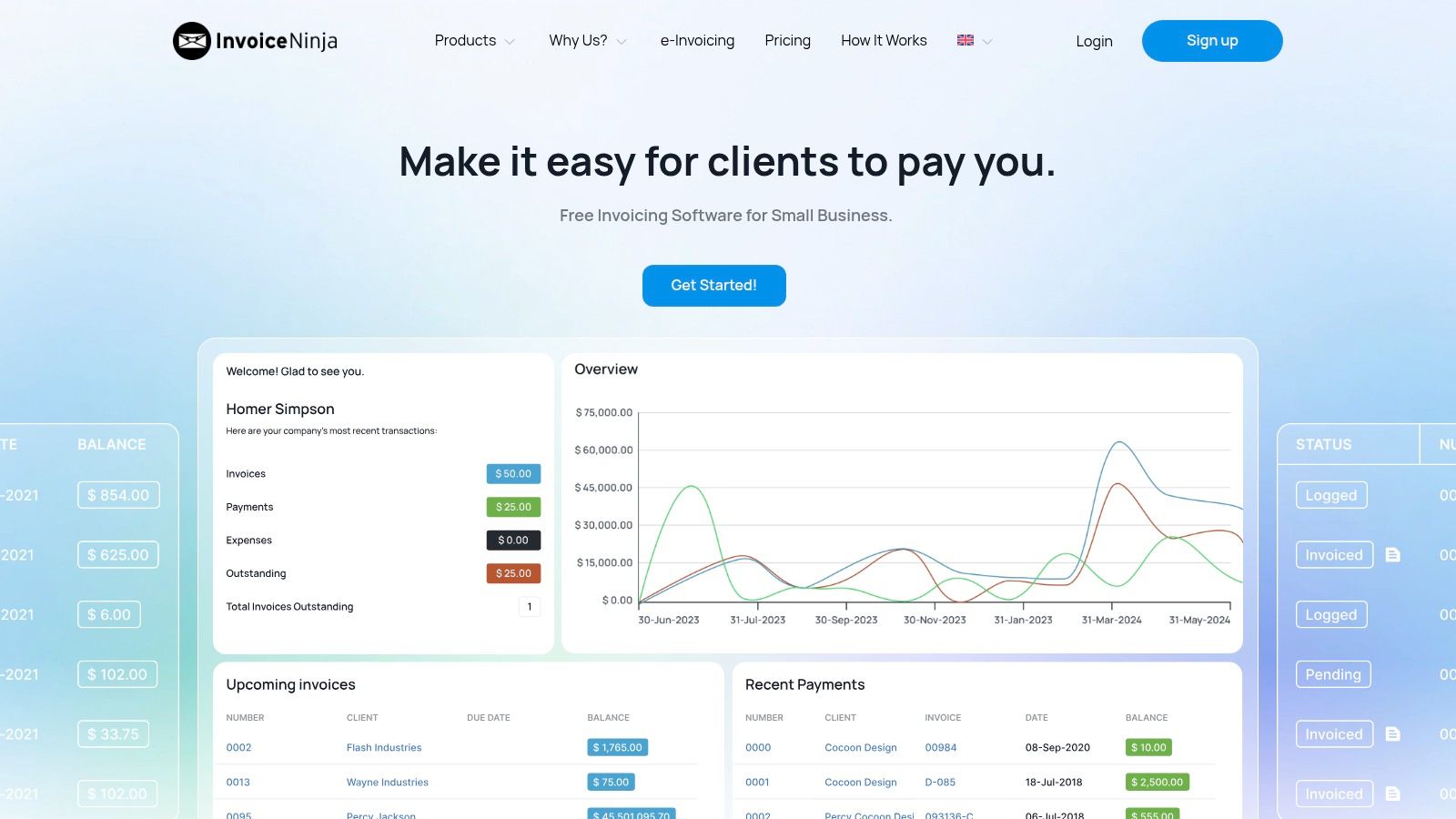
The platform supports a vast array of payment gateways, enabling you to offer clients multiple payment options. While its interface is more functional than flashy compared to polished competitors, its utility-focused design is straightforward and efficient for creating recurring invoices, setting up auto-billing, and managing clients through a dedicated portal.
Pricing & Key Features
The free plan allows unlimited invoices for up to 20 clients. Paid plans start at $10/month (billed annually) for the Ninja Pro plan, which adds features like unlimited clients, custom branding, and workflow automation.
- Best For: Developers and freelancers who want deep customization, self-hosting options, or a feature-rich free tool.
- Pros: Exceptional free plan, self-host option provides ultimate control, supports over 40 payment gateways.
- Cons: The interface is more utilitarian and less intuitive than some rivals, and DIY customization can be time-consuming.
You can learn more at their website: https://invoiceninja.com
12. Harvest
Harvest stands out for freelancers who bill by the hour and prioritize accurate time tracking above all else. Its core strength lies in its seamless workflow, allowing users to track time spent on specific projects and tasks and then instantly convert those billable hours and expenses into a professional invoice. This time-tracking-first approach removes the friction of manual data entry, making it one of the best invoicing software options for consultants, designers, and developers.
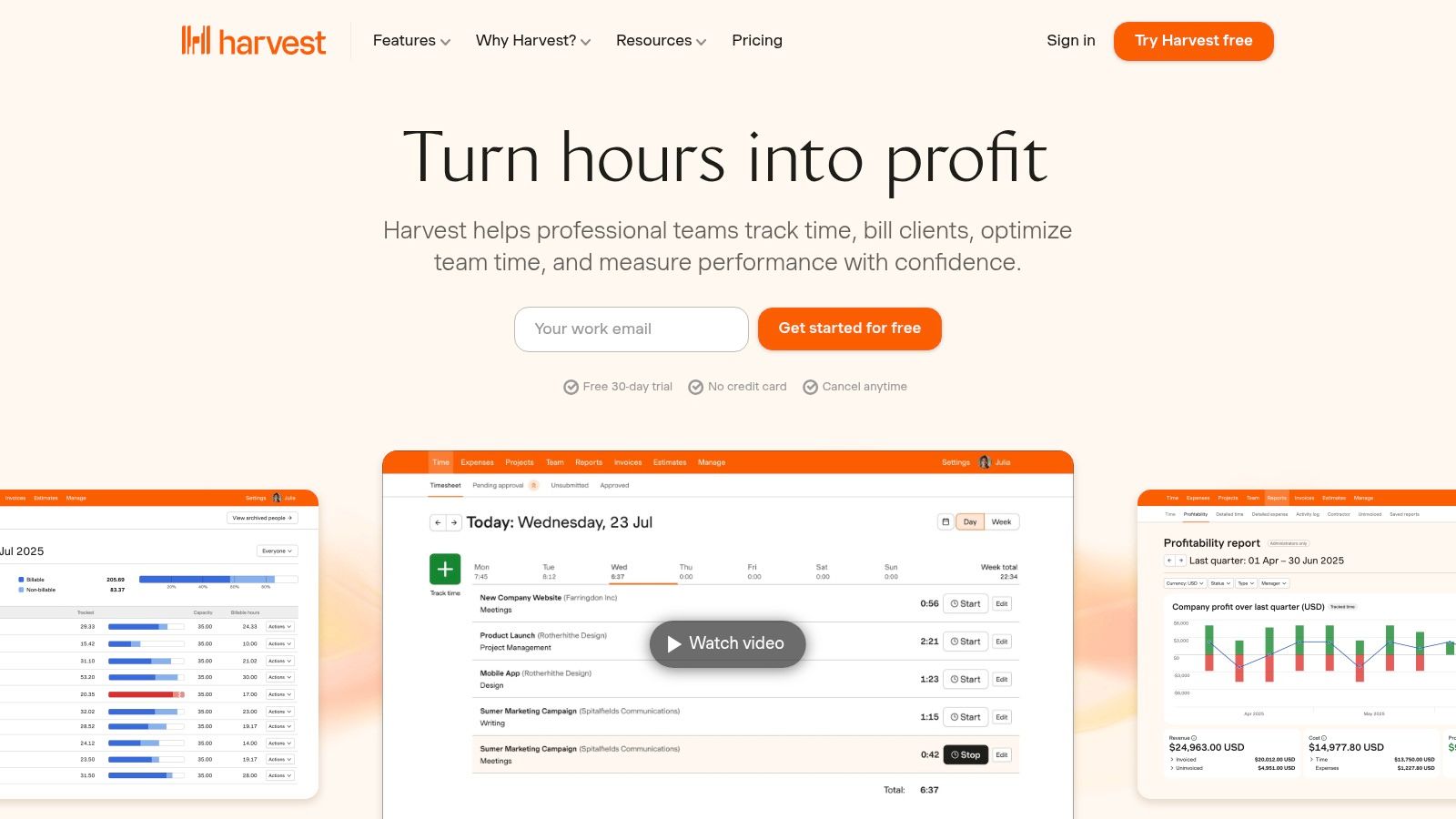
The platform's interface is built for efficiency, with desktop and mobile apps that make it easy to start and stop timers wherever you work. Its reporting tools also give valuable insights into project profitability and team capacity. Integrations with tools like Stripe for payments and project management apps extend its functionality, creating a more cohesive workflow. For those looking to streamline their entire operation, integrating Harvest's data into a central hub is a powerful strategy, and you can get tips to help you get the most out of Notion.so for just this purpose.
Pricing & Key Features
Harvest offers a generous Free plan for one user with up to two projects. The Pro plan is $12/seat/month, offering unlimited projects and clients.
- Best For: Hourly-billing freelancers who need robust time tracking that flows directly into invoicing.
- Pros: Excellent time tracking to invoice flow, generous free tier for solo freelancers, powerful integrations.
- Cons: Invoicing features are more basic than dedicated accounting tools; per-seat pricing for teams can add up.
You can learn more at their website: https://www.getharvest.com
Top 12 Freelance Invoicing Software Comparison
| Tool | Core features / Unique ✨ | UX / Quality ★ | Price / Value 💰 | Target audience 👥 | Standout 🏆 |
|---|---|---|---|---|---|
| FreshBooks | Invoices, time & expense tracking, payments, reports ✨ | ★★★★ — polished & mobile‑first | 💰 Tiered; intro discounts; client limits on low tiers | 👥 Solo freelancers & consultants | 🏆 Easy setup + client portal |
| QuickBooks Online | Full accounting, invoicing, payments, progress invoicing ✨ | ★★★★ — robust, accountant‑friendly | 💰 Tiered; promos vary, can be costly | 👥 Small businesses & bookkeepers | 🏆 Industry‑standard integrations |
| Wave | Free invoicing & accounting; optional payments & Pro automations ✨ | ★★★ — functional, straightforward | 💰 Free Starter; affordable Pro & payment fees | 👥 Cost‑conscious freelancers | 🏆 Free core plan |
| Zoho Invoice | Unlimited invoices, time tracking, client portal ✨ | ★★★★ — solid & template‑rich | 💰 Forever free (some gateway limits) | 👥 Freelancers wanting basic invoicing | 🏆 Free with Zoho ecosystem |
| Square Invoices | Unlimited invoices, recurring, in‑person + online payments ✨ | ★★★★ — simple, predictable | 💰 Free plan; processing fees; Plus paid tier | 👥 Merchants accepting in‑person & online | 🏆 Unified Square dashboard |
| PayPal Invoicing | Branded invoices, multi‑method & multi‑currency payments ✨ | ★★★★ — ubiquitous payer adoption | 💰 No monthly fee; higher transaction fees | 👥 Freelancers with international clients | 🏆 Massive payer network |
| Stripe Invoicing | Hosted invoices, automation, API & Billing integrations ✨ | ★★★★★ — developer‑grade, flexible | 💰 Per‑invoice fee + processing; best if on Stripe | 👥 Tech‑savvy freelancers/agencies | 🏆 Powerful APIs & automation |
| Bonsai | Contracts, proposals, invoices, scheduling, CRM ✨ | ★★★★ — cohesive all‑in‑one UX | 💰 Tiered; invoicing from Essentials | 👥 Service‑based freelancers & small teams | 🏆 Complete clientflow toolkit |
| HoneyBook | Proposals, contracts, invoices, scheduler, automations ✨ | ★★★★ — polished client workflows | 💰 Paid tiers; higher price for full suite | 👥 Creative & service freelancers | 🏆 End‑to‑end client experience |
| Fiverr Workspace | Proposals, contracts, invoices, CRM, payments ✨ | ★★★ — lightweight & easy | 💰 Free plan; paid add‑ons | 👥 Freelancers (Fiverr users) | 🏆 Fast setup + Fiverr integration |
| Invoice Ninja | Unlimited invoices, recurring, client portal, self‑host ✨ | ★★★★ — powerful, utilitarian | 💰 Strong free plan; self‑host/white‑label options | 👥 DIY & cost‑conscious freelancers | 🏆 Self‑hosting & wide gateway support |
| Harvest | Time tracking → invoices, expenses, integrations ✨ | ★★★★ — best time tracking flow | 💰 Free tier; per‑seat pricing for teams | 👥 Hourly‑billing freelancers/agencies | 🏆 Time‑to‑invoice efficiency |
Making Your Final Choice and Getting Started
Navigating the landscape of the best invoicing software for freelancers can feel overwhelming, but the right tool is a powerful asset for your business. We've explored a dozen excellent options, from all-in-one accounting giants like QuickBooks Online and FreshBooks to streamlined, free solutions like Wave and PayPal Invoicing. Each has its own distinct advantages tailored to specific freelance needs.
The key takeaway is that there is no single "best" platform for everyone. The ideal choice depends entirely on your unique business model, client base, and growth ambitions. A freelance writer just starting out might find the simplicity of Square Invoices perfect, while a creative agency owner managing multiple projects and contractors will benefit more from the robust project management features found in HoneyBook or Bonsai.
How to Choose Your Perfect Invoicing Tool
Making a confident decision comes down to systematically evaluating your own requirements against the features offered. Don't get distracted by a long list of features you'll never use. Instead, focus on what truly matters for your day-to-day operations.
Ask yourself these critical questions before committing:
- What is my absolute budget? If your budget is zero, options like Wave or the free tiers of Zoho Invoice and Invoice Ninja are your starting point. If you can invest a small monthly fee, you unlock advanced features like automated follow-ups and time tracking.
- How complex are my needs? Do you just need to send simple invoices, or do you require time tracking, expense management, and project proposals? Tools like Harvest excel at time tracking, while QuickBooks offers comprehensive accounting.
- What payment gateways do I need? Ensure the software integrates seamlessly with payment processors your clients prefer, such as Stripe, PayPal, or ACH bank transfers.
- Will this tool scale with my business? Consider your five-year plan. A simple tool might be perfect now, but will it support you when you hire subcontractors or take on more complex projects?
Your Action Plan for Implementation
Once you've narrowed your list down to one or two contenders, the next step is to take action. Paralysis by analysis is the enemy of progress. Dedicate a small block of time to get started, and you'll quickly see the benefits.
- Sign Up for a Free Trial: Almost every paid tool on our list offers a free trial period. Use this time to send a test invoice to yourself, explore the dashboard, and see how intuitive the user interface feels.
- Set Up Your Brand: Upload your logo, choose your brand colors, and customize your invoice template. A professional-looking invoice reinforces your brand identity and builds client trust.
- Integrate Payment Gateways: Connect your Stripe, PayPal, or bank account immediately. This is the most critical step to ensure you get paid promptly.
- Configure Reminders: Set up automated payment reminders. This single feature can drastically reduce the time you spend chasing late payments and improve your cash flow.
Choosing the right invoicing software is more than an administrative task; it's a strategic business decision. By automating your financial workflow, you reclaim valuable time and mental energy. This allows you to move away from chasing payments and focus on what truly drives your business forward: delivering high-quality work and building lasting client relationships.
Ready to streamline your entire client management process, from proposal to payment, all within your favorite workspace? If you use Notion to manage your projects and clients, NotionSender allows you to create, send, and track professional invoices directly from your Notion pages. Integrate your financial workflow seamlessly with your project hub by visiting NotionSender to learn more.

