
The 12 Best Workflow Automation Software Tools for 2025
In a competitive business environment, manual, repetitive tasks are a significant drain on productivity and morale. From chasing invoices and manually entering data to updating project management boards, these small jobs add up, preventing you and your team from focusing on high-impact strategic work. The solution lies in leveraging technology to handle these processes for you, freeing up valuable time and cognitive energy. To fully grasp the value of reclaiming your time, delve deeper into the broader benefits of automation in business.
This guide dives deep into the best workflow automation software available, moving beyond simple feature lists to provide a practical, hands-on analysis. We explore how these tools solve real-world problems for small business owners, project managers, and marketing professionals. You'll learn which platforms excel at connecting your favorite apps, which are best for no-code beginners, and which offer the power needed for complex enterprise-level operations.
Our goal is to help you find the right tool for your specific needs and budget. We've assessed each option based on its core strengths, integration capabilities (including how tools like NotionSender can supercharge your Notion workflows), and ideal user profile. Each entry includes screenshots, direct links, and a clear breakdown of pros and cons, empowering you to make an informed decision. Get ready to discover which platform can streamline your operations, eliminate bottlenecks, and unlock new levels of efficiency.
1. NotionSender
Best for Deep Notion Integration and Email-Centric Workflows
NotionSender carves out a unique and powerful niche in the landscape of the best workflow automation software by transforming Notion from a passive knowledge base into an active communications hub. Instead of treating email as a separate, disconnected channel, it deeply integrates sending, receiving, and organizing messages directly within your Notion workspace. This native approach eliminates the context-switching and manual data entry that plagues many business processes, making it an exceptional choice for teams whose operations revolve around Notion.
The platform’s core strength lies in its ability to assign a unique email address to any Notion database. This simple yet profound feature allows you to automate the capture of client inquiries, support tickets, invoices, and project updates directly into a structured database. All incoming email data, including sender, date, subject, and attachments, is automatically parsed and saved as properties, turning your inbox into a queryable, actionable dataset.
Why It Stands Out as a Top Automation Tool
NotionSender distinguishes itself with its smart data extraction and outbound automation capabilities. The AI-driven property parsing intelligently identifies and pulls key information like invoice numbers, meeting links, or due dates from the email body into dedicated Notion properties. This structured data can then trigger other automations, making it a critical first step in a larger workflow.
On the outbound side, users can compose emails directly from Notion pages, leveraging page properties as dynamic variables (e.g., {{page.Name}}) for personalization at scale. Combined with scheduling and triggers based on page status changes (e.g., sending an invoice when a project status moves to "Completed"), it provides a robust system for automating client communication, sales outreach, and operational notifications without ever leaving Notion.
"Saving attachments directly in my Notion workspace has been a game-changer." - Megan W., NotionSender User
Key Features and Implementation
- Per-Database Inboxes: Generate unlimited unique email addresses for different databases (Premium) to automatically route and sort incoming communication.
- AI Property Extraction: Automatically parse key details from emails into structured Notion properties, making information searchable and ready for use in other automations.
- Dynamic Email Templating: Compose and personalize emails using Notion page properties as variables for streamlined, consistent messaging.
- Trigger-Based Sending: Automate email sending based on changes to Notion page properties, such as updating a status from "In Progress" to "Ready for Review."
- No-Code Setup: The entire system can be configured in under a minute, requiring no technical expertise to connect your workspace.
Pricing & Plan Details
NotionSender offers a straightforward pricing structure designed to scale with your needs.
- Free Trial: $0/month. Includes up to 100 saved emails and 50 sent emails every 31 days.
- Premium: $19/month (with annual discounts available). Significantly increases limits (e.g., 10,000 saved / 5,000 sent emails), unlocks AI property extraction, scheduling, custom sender addresses, unlimited inboxes, and priority support.
Limitations to Consider: The current attachment size limit for sent emails is 10MB, and live support is reserved for Premium plan subscribers. The free plan's limits are modest, making it best suited for light use or evaluation.
2. Zapier
Zapier is arguably the most recognizable name in the no-code automation space, earning its spot as one of the best workflow automation software options due to its sheer simplicity and massive app ecosystem. It acts as a digital middleman, connecting over 7,000 applications to automate repetitive tasks without writing a single line of code. Its visual, trigger-and-action workflow builder makes it incredibly accessible for non-technical users, from freelancers to large marketing teams.
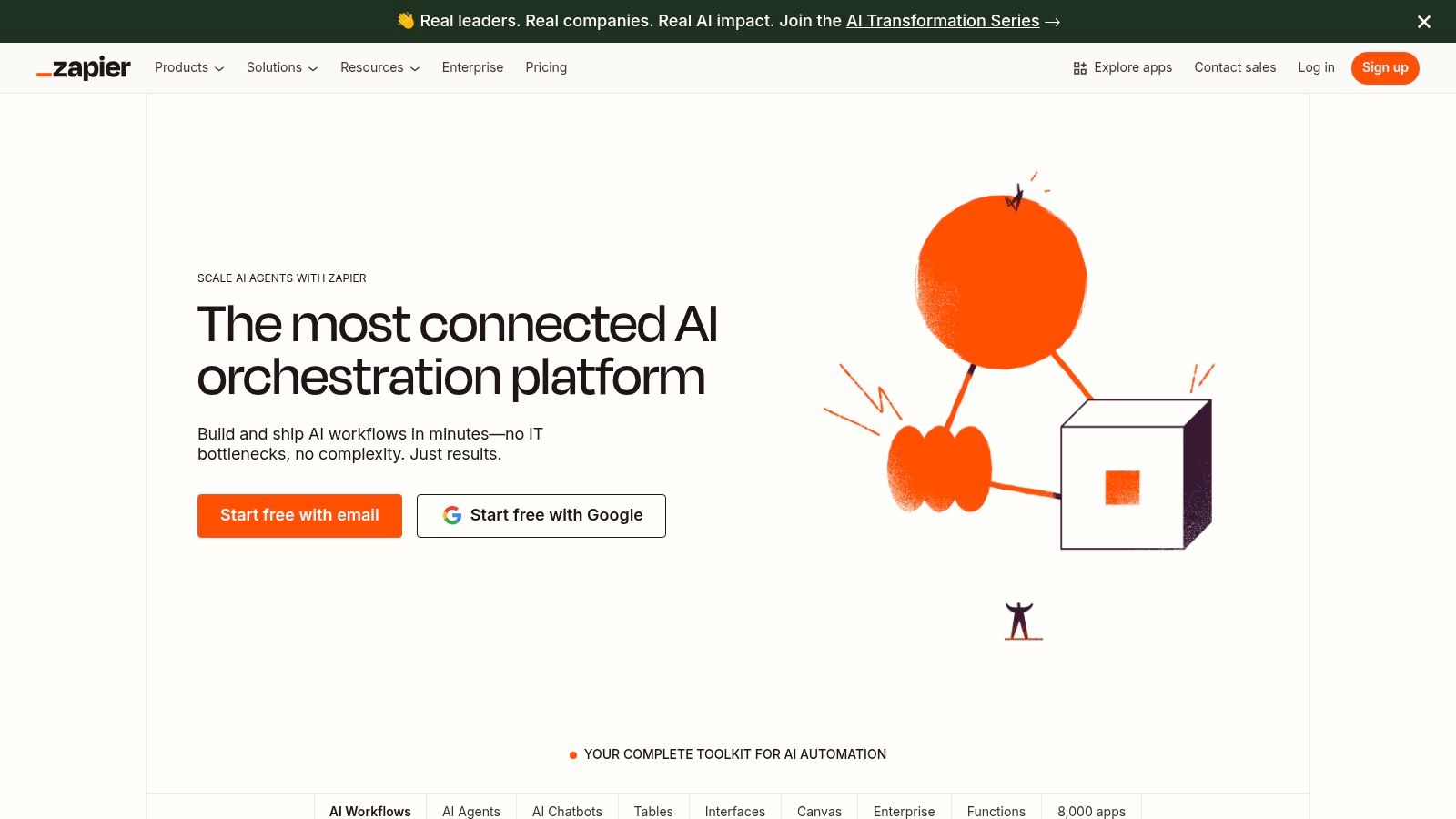
The platform's core strength lies in its speed to value. A user can create a multi-step "Zap" (Zapier's term for an automated workflow) in minutes, connecting tools like Slack, Google Sheets, and Trello. For example, you could automatically create a Trello card from a new starred message in Slack or log new Stripe sales into a Google Sheet. This makes it ideal for teams needing quick, straightforward solutions. For those heavily invested in Notion, Zapier can bridge the gap with other tools, a topic detailed in this guide on how to create and send emails directly from Notion.
Key Features and Pricing
Zapier offers a robust feature set that scales with business needs. Its visual editor supports branching logic with "Paths," allowing a single trigger to initiate different actions based on specific conditions. The recent introduction of AI Agents adds another layer, enabling autonomous task execution across connected apps.
| Plan | Key Benefit | Ideal For |
|---|---|---|
| Free | Core features for 100 tasks/mo | Individuals or very light use |
| Starter | Multi-step Zaps, filters, formatters | Freelancers & small businesses |
| Professional | Paths, unlimited Premium apps | Growing teams with complex logic |
Pros:
- Massive App Library: Its 7,000+ connectors are unmatched, minimizing the need for custom integrations.
- Ease of Use: The intuitive interface has a minimal learning curve.
- Generous Free Tier: A great starting point to test its capabilities.
Cons:
- Cost at Scale: The task-based pricing can become expensive for high-volume automations.
- Limited for Complex Logic: Deeply complex, data-intensive workflows might hit a ceiling.
3. Make (formerly Integromat)
Make, formerly known as Integromat, carves out its niche as one of the best workflow automation software options for users who crave visual control and granular detail. Instead of a linear, step-by-step approach, Make uses a powerful drag-and-drop canvas where you can build intricate "Scenarios" with multiple branches, routers, and error handlers. This makes it a favorite among tech-savvy users, developers, and anyone needing to visualize and control every step of their data flow.
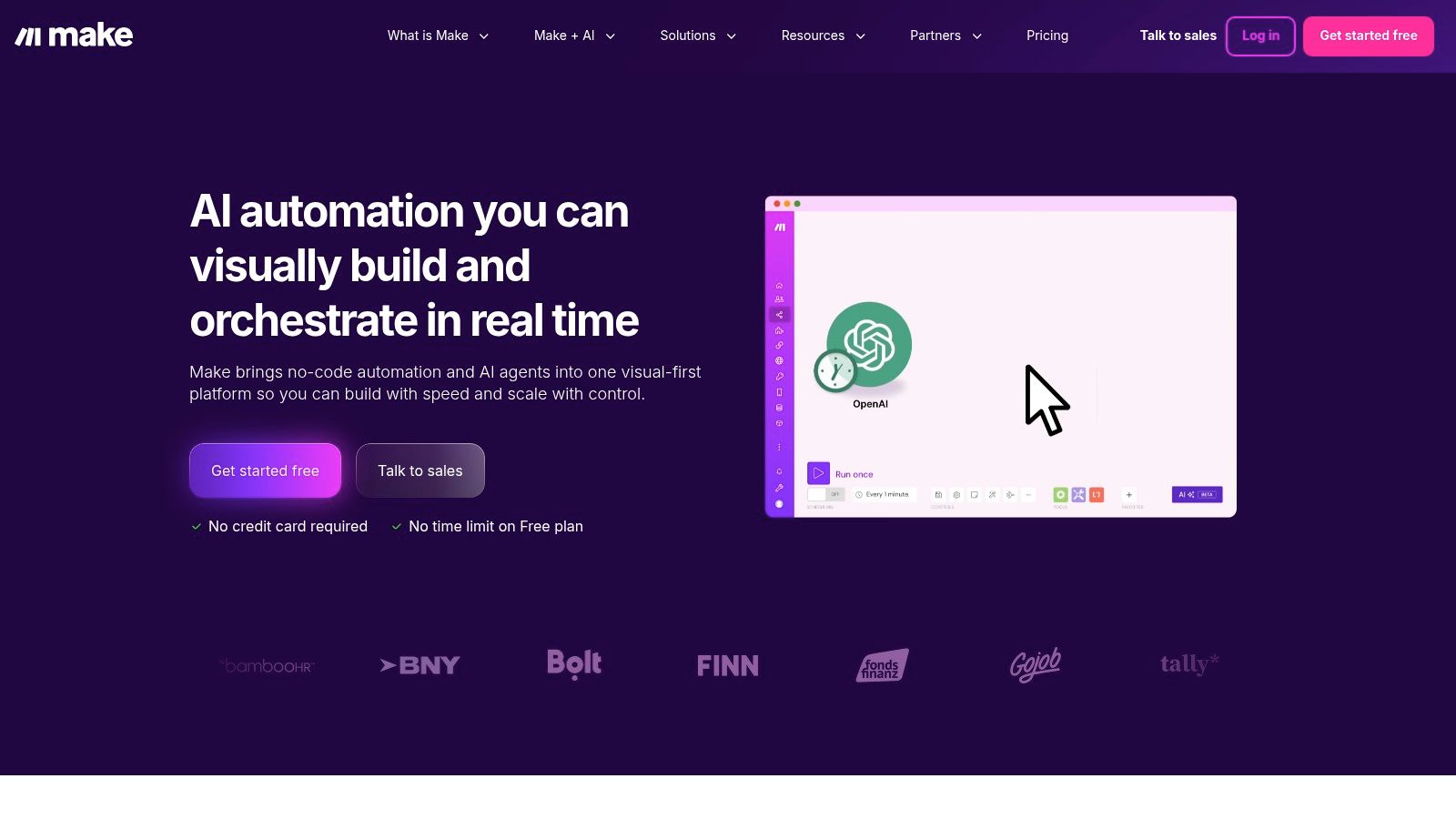
Its strength is the transparency and power it offers. You can see data packets moving between modules in real-time, making debugging complex automations significantly easier. This is ideal for scenarios like processing form entries, filtering them into different CRM pipelines, and then sending customized follow-ups. For Notion users, Make provides deep integration, allowing for sophisticated database management; for instance, you can automate saving important emails directly into a Notion database with custom field mapping.
Key Features and Pricing
Make's visual interface supports advanced logic like routers to split data flows and iterators to process arrays. Its detailed execution history and flexible scheduling (down to one-minute intervals on paid plans) give users unparalleled oversight.
| Plan | Key Benefit | Ideal For |
|---|---|---|
| Free | 1,000 ops/mo for 2 active scenarios | Individuals testing complex ideas |
| Core | No scenario limit, API endpoints | Small businesses and power users |
| Pro | Full-text search, priority support | Teams with mission-critical automations |
Pros:
- Visual Control: The canvas-style builder is excellent for mapping complex, multi-path logic.
- Transparent Execution: Real-time data flow visualization and detailed logs simplify troubleshooting.
- Competitive Pricing: The per-operation pricing model can be very cost-effective for intricate but low-volume tasks.
Cons:
- Learning Curve: The interface and concepts like routers and aggregators are less intuitive for beginners.
- Operation Counting: Understanding how operations are consumed can be confusing initially.
4. Microsoft Power Automate
For organizations deeply integrated into the Microsoft ecosystem, Microsoft Power Automate emerges as one of the best workflow automation software choices. It moves beyond simple cloud-based automation (DPA) to include powerful robotic process automation (RPA) for desktop tasks. Its native integrations with tools like Office 365, SharePoint, Teams, and Dynamics 365 are its core strength, allowing for seamless and secure process automation within a familiar environment.
Power Automate excels at automating internal business processes. For example, a user can build a flow that automatically saves email attachments from Outlook into a specific SharePoint folder, notifies a Teams channel, and then creates a task in Microsoft Planner. It also includes process and task mining tools, which help businesses analyze their existing workflows to identify bottlenecks and opportunities for automation. This analytical capability sets it apart for enterprises focused on large-scale optimization.
Key Features and Pricing
The platform is designed for enterprise-level scale and governance, offering both cloud flows and desktop flows (RPA) that can run attended or unattended. Its deep connection with Microsoft Dataverse provides a robust data backbone for complex automations and applications.
| Plan | Key Benefit | Ideal For |
|---|---|---|
| Microsoft 365 Plans | Limited Power Automate use rights included | Users automating personal tasks within Office 365 |
| Premium | Unlimited cloud flows, access to all connectors | Individual users with advanced, cross-platform needs |
| Process | Unattended RPA bot license | Businesses automating large-scale, back-end processes |
Pros:
- Deep Microsoft Integration: Unmatched, native connectivity across the entire Microsoft stack.
- Enterprise-Grade: Strong security, governance, and administration features suitable for large organizations.
- Includes RPA: Offers desktop automation (RPA) alongside cloud automation, a powerful combination.
Cons:
- Complex Licensing: The pricing and licensing model can be confusing, especially for premium and RPA features.
- Steeper Learning Curve: Can be less intuitive for users outside the Microsoft ecosystem compared to competitors.
5. n8n
n8n is an open-core, source-available platform that stands out as one of the best workflow automation software options for technical teams and those who prioritize data control. It offers a powerful node-based visual editor that gives users granular control over their workflows, allowing for complex logic and data transformations. With both a self-hosted option and a managed n8n Cloud, it provides flexibility for developers and businesses that want full ownership of their automation stack.
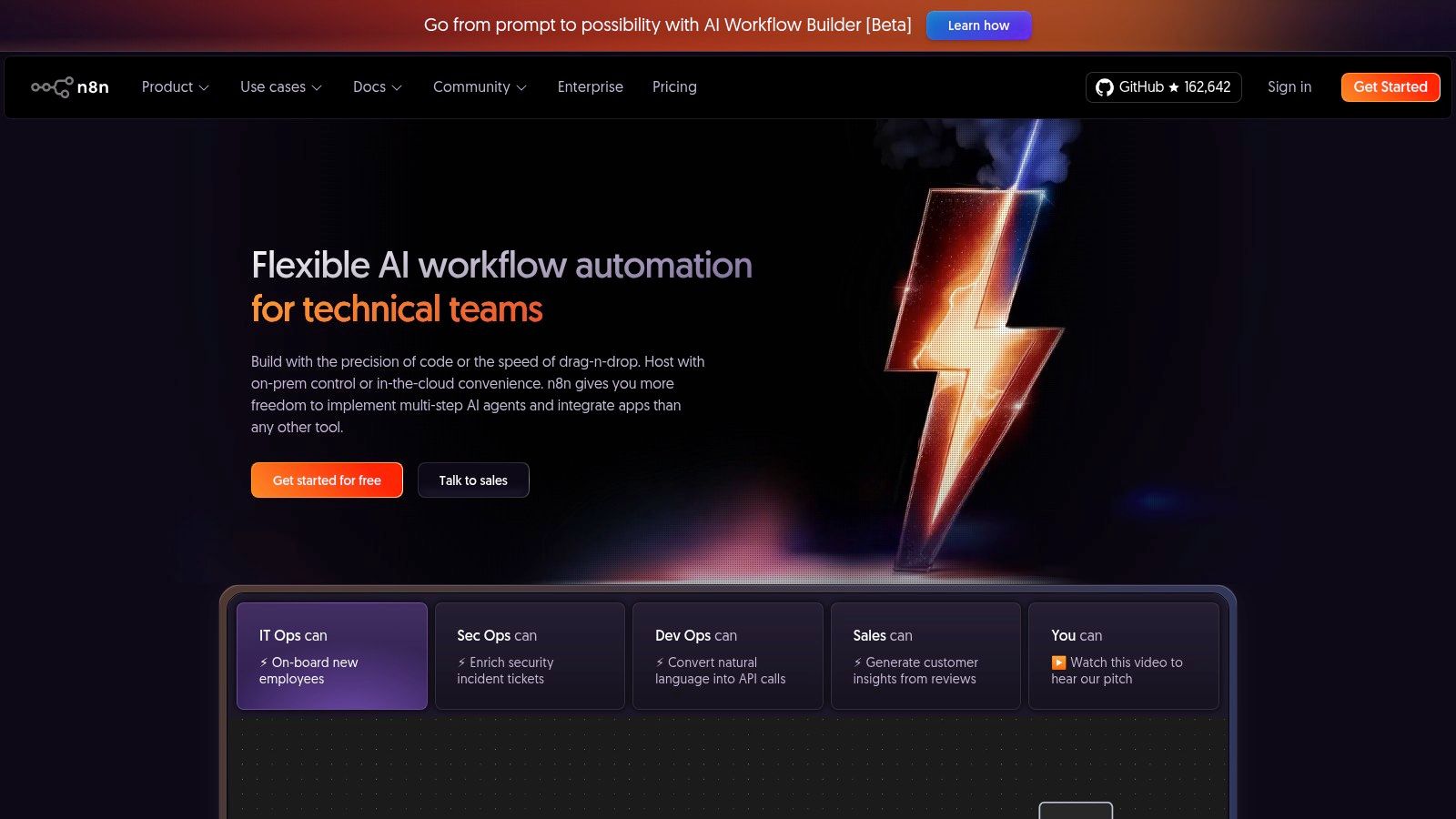
The platform's strength lies in its developer-friendly environment. Users can insert custom JavaScript code directly into nodes, build custom connectors, and run the entire system on their own infrastructure. This extensibility is perfect for creating bespoke integrations, such as connecting to internal tools or custom applications. For teams looking to integrate with specialized APIs, the platform offers the necessary tools, and you can explore more about this in the Notion Sender API documentation. n8n's pricing model, based on workflow executions rather than steps or apps, is also a significant differentiator.
Key Features and Pricing
n8n is built for extensibility, featuring a robust set of tools for both no-code builders and developers. Its pricing tiers focus on execution volume, making it a predictable and scalable choice.
| Plan | Key Benefit | Ideal For |
|---|---|---|
| Starter (Cloud) | 2,500 executions/mo | Individuals and small teams getting started |
| Pro (Cloud) | 15,000 executions/mo, higher limits | Growing businesses with critical workflows |
| Self-Hosted | Full control and data sovereignty | Technical teams with specific security needs |
Pros:
- Flexible and Developer-Friendly: Custom code nodes and the ability to build custom integrations offer unparalleled control.
- Data Control: The self-hosting option is ideal for companies with strict data privacy and compliance requirements.
- Transparent Pricing: Execution-based pricing is straightforward and often more cost-effective for complex workflows.
Cons:
- Technical Setup: Self-hosting requires technical expertise and is more complex than purely cloud-based tools.
- Pricing in EUR: US-based buyers may need to account for currency conversion, as pricing is listed in Euros.
6. Workato
Workato positions itself as an enterprise-grade iPaaS (Integration Platform as a Service), earning its place among the best workflow automation software for large-scale, mission-critical operations. It excels at connecting complex systems across departments, from HR and finance to sales and IT. Its low-code/no-code environment is designed for both business users and IT teams, providing the governance and security controls necessary for enterprise-level deployments.
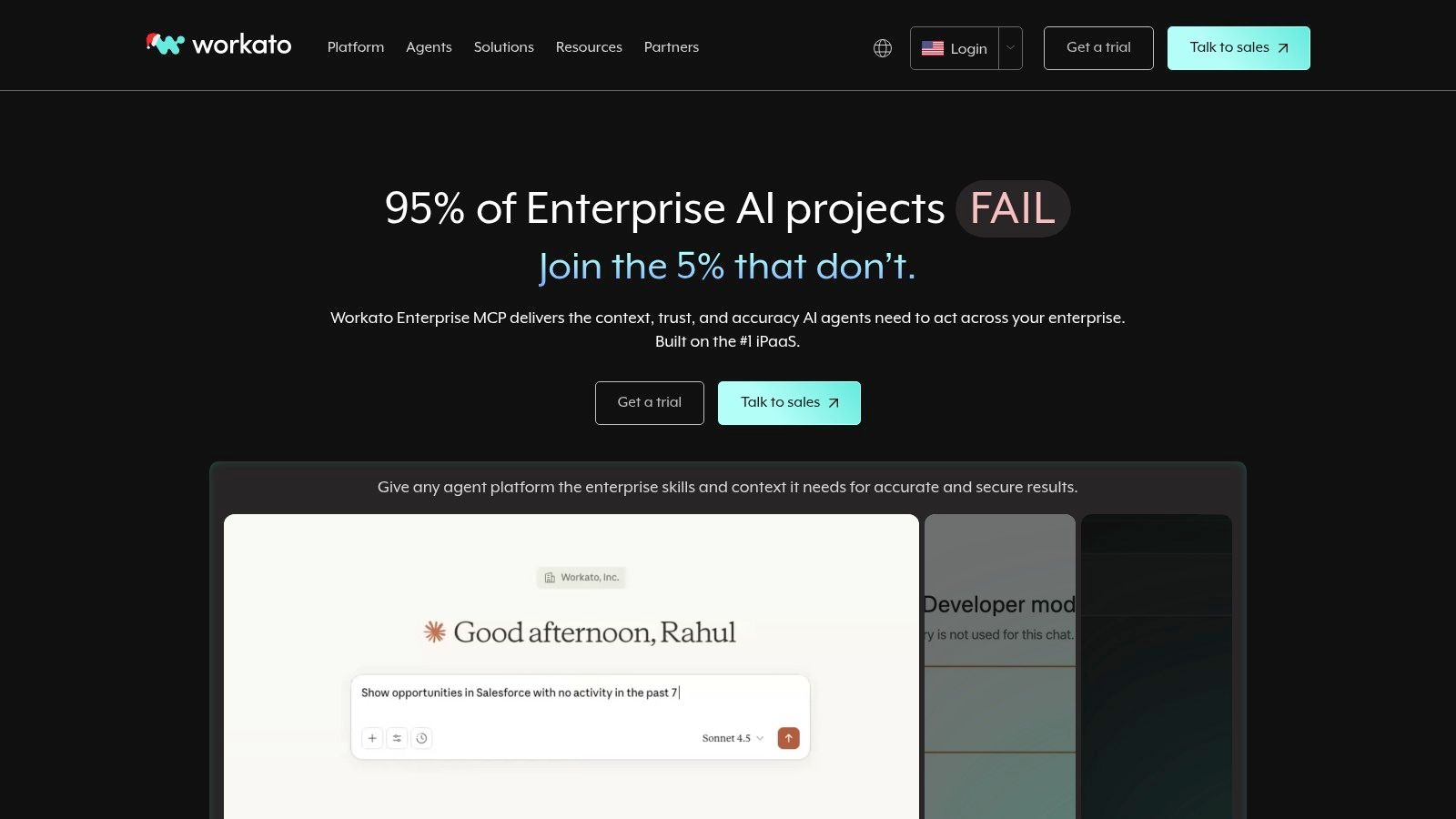
Unlike simpler tools focused on individual tasks, Workato is built for orchestrating entire business processes, like employee onboarding that spans Workday, ServiceNow, and Slack. The platform uses "Recipes" - plain English instructions for automations - that can handle intricate logic, data transformations, and API management. This power makes it ideal for companies looking to automate core operations rather than just peripheral tasks, ensuring robust, scalable, and secure workflows that can grow with the business.
Key Features and Pricing
Workato's platform is structured around capability tiers and a usage-based model, which requires direct engagement with their sales team for a custom quote. This model is designed to align costs with the value and scale of automation, featuring extensive governance, security, and lifecycle management controls.
| Edition | Key Benefit | Ideal For |
|---|---|---|
| Standard | Core integration and automation capabilities | Departments starting with automation |
| Business | Advanced security, governance, and connectivity | Growing companies with cross-functional needs |
| Enterprise | Full platform capabilities for mission-critical processes | Large organizations with complex IT ecosystems |
Pros:
- Enterprise-Grade Security: Offers robust governance, compliance, and lifecycle management controls.
- High Scalability: Built to handle complex, high-volume, and mission-critical business processes.
- Powerful Capabilities: Manages sophisticated data mapping, API management, and error handling with ease.
Cons:
- Pricing is Not Public: Requires engaging with the sales team, which can be a barrier for smaller teams.
- Overkill for Simple Use Cases: Its feature depth can be excessive for small businesses or freelancers.
7. Tray.io
Tray.io is a modern, enterprise-grade integration platform (iPaaS) that has carved out a niche as one of the best workflow automation software options for teams requiring both power and governance. It provides a low-code, visual workflow builder that can handle complex, high-volume automations, making it a strong choice for scaling businesses and enterprise departments. The platform is designed to connect entire cloud stacks, from marketing and sales to support and HR systems.
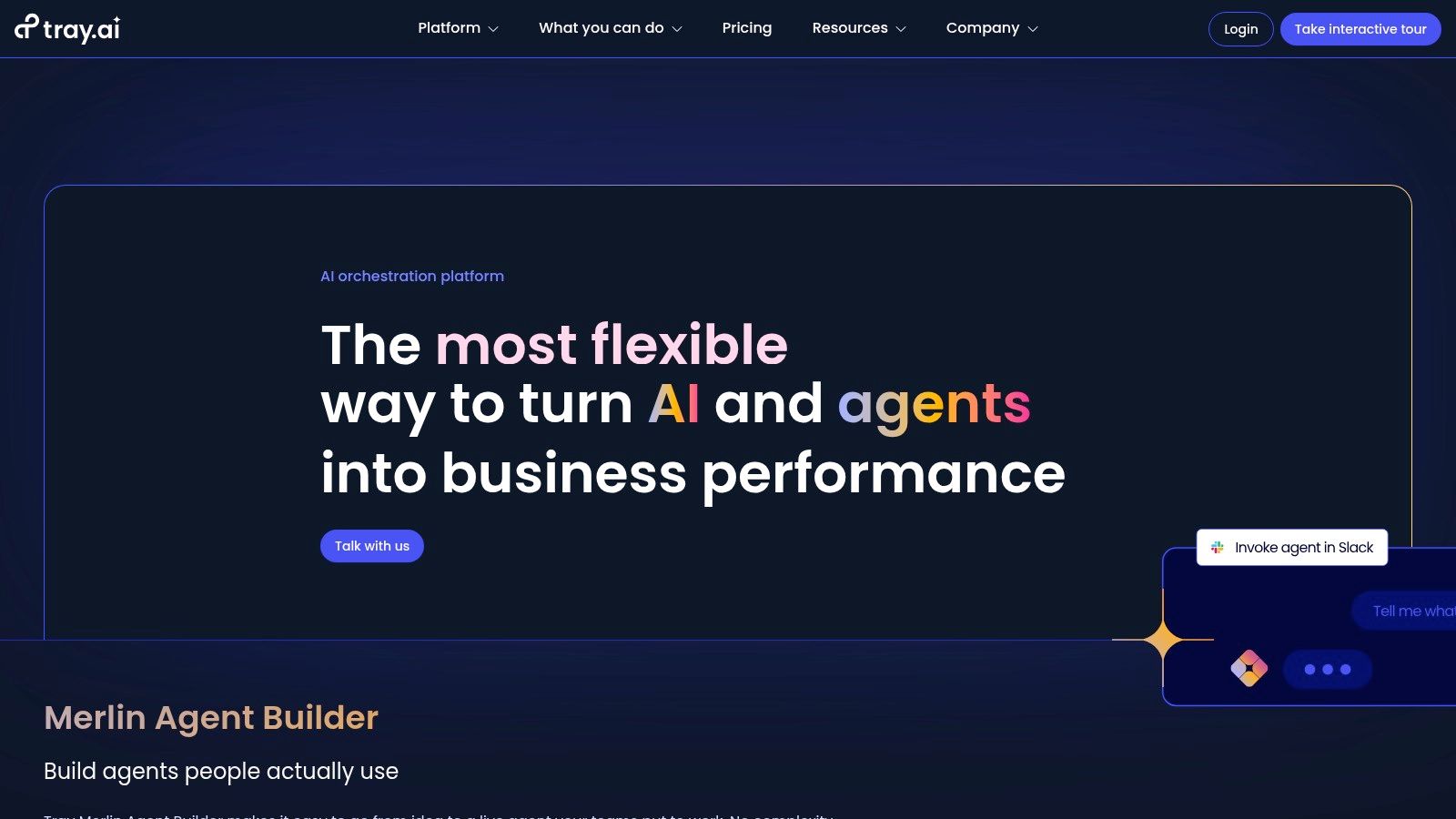
What sets Tray.io apart is its balance between accessibility and enterprise-ready features. While its interface is user-friendly, it doesn’t sacrifice the depth needed for sophisticated logic, data mapping, and error handling. A unique offering is the Merlin AI Agent Builder, which allows teams to create and deploy governed AI agents with full audit logs. This capability is ideal for businesses looking to leverage AI in their workflows while maintaining strict compliance and security standards, including options for HIPAA and regional data hosting.
Key Features and Pricing
Tray.io’s feature set is geared towards scalability and security. It offers collaborative Workspaces, detailed logging, and even an embedded solution for SaaS companies to offer native integrations. The pricing model is quote-based, reflecting its focus on customized, usage-based plans.
| Plan | Key Benefit | Ideal For |
|---|---|---|
| Pro | Core automation & integration | Growing teams and single departments |
| Team | Collaboration & advanced logic | Multiple departments with shared needs |
| Enterprise | Governance, security & full AI | Organizations with strict compliance |
Pros:
- Scales to Enterprise Needs: Strong governance, security, and compliance features.
- Governed AI Agents: The Merlin AI Agent Builder provides a secure way to deploy AI.
- Powerful Visual Builder: Handles complex logic and data transformations effectively.
Cons:
- Opaque Pricing: No public monthly pricing; requires a custom quote.
- Add-on Costs: Advanced features like enhanced logging may require additional investment.
8. UiPath
UiPath ventures deep into the territory of Robotic Process Automation (RPA), positioning itself as one of the best workflow automation software choices for enterprise-level challenges. Unlike API-first platforms, UiPath excels at automating tasks involving legacy systems, desktop applications, and virtual environments where APIs don't exist. It uses software "robots" to mimic human actions like clicking, typing, and data entry, making it invaluable for digitizing complex, UI-driven processes.
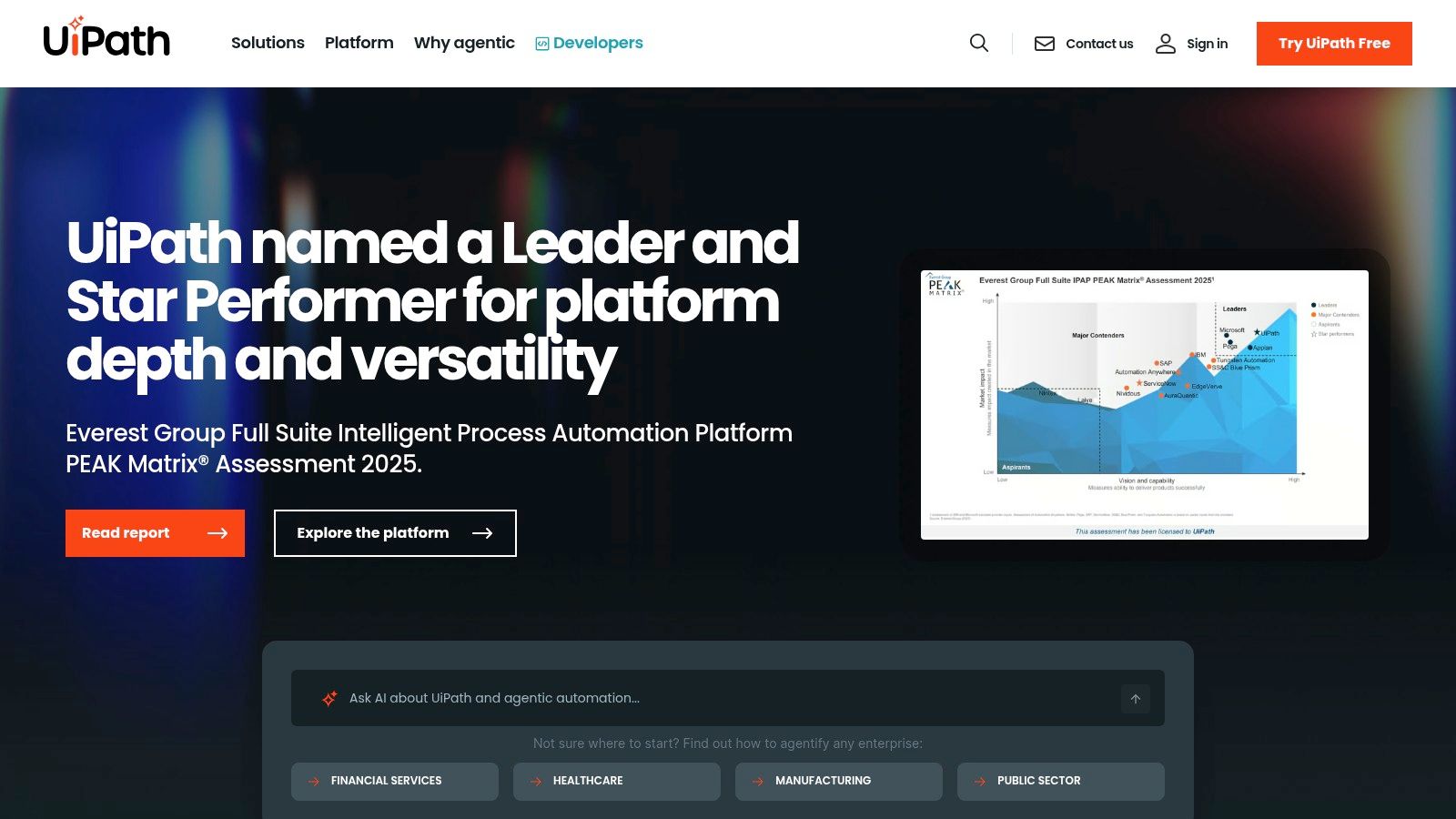
The platform is built for scale, offering attended robots that work alongside humans and unattended robots that execute back-office tasks autonomously. Its strength lies in handling high-volume, rule-based operations like invoice processing or data migration from older systems. For businesses struggling with non-API-accessible tools, UiPath provides a powerful bridge to modern automation, managed and governed through its central Orchestrator and Automation Cloud.
Key Features and Pricing
UiPath's ecosystem includes tools for process discovery, development, and analytics, providing a complete automation lifecycle. The marketplace offers pre-built components to accelerate development, while AI and machine learning features enhance bot capabilities.
| Plan | Key Benefit | Ideal For |
|---|---|---|
| Community | Free access to core Studio & robots | Individual developers & learning |
| Pro Trial | Full platform access for 60 days | Businesses evaluating enterprise features |
| Enterprise | Full suite with SLAs & governance | Large organizations with complex needs |
Pros:
- Deep RPA Capabilities: Unmatched for automating UI-driven processes across desktop and legacy apps.
- Enterprise-Grade: Scales effectively with robust governance, security, and orchestration tools.
- Strong Ecosystem: Extensive marketplace and a large community provide ample support and resources.
Cons:
- High Learning Curve: Requires more technical skill compared to no-code iPaaS solutions.
- Complex Pricing: Enterprise tiers and specific features require contacting sales for a quote.
9. Automation Anywhere
Automation Anywhere carves out its niche in the enterprise space as a leading Robotic Process Automation (RPA) platform. Its cloud-native solution, Automation 360, is designed for large-scale, complex process automation that often involves legacy systems and desktop applications where traditional API-based tools fall short. It empowers businesses to build, deploy, and manage software "bots" that mimic human actions to execute tasks across various applications and systems.
The platform's standout feature is its Bot Store, a marketplace of pre-built bots and digital workers that significantly accelerates deployment time. Instead of building every automation from scratch, teams can download ready-made solutions for common tasks like invoice processing or data entry. This makes it a strong contender for the best workflow automation software for organizations looking to quickly implement proven RPA solutions with robust governance and security.
Key Features and Pricing
Automation Anywhere offers a comprehensive suite for building and managing automations, from a drag-and-drop interface for bot creation to advanced AI and analytics capabilities. The Community Edition provides a free entry point for developers and small businesses to explore the platform.
| Plan | Key Benefit | Ideal For |
|---|---|---|
| Community Edition | Free access to the core platform | Developers, students, and small businesses |
| Cloud Starter Pack | Pre-packaged for quick RPA adoption | Small to medium-sized businesses |
| Enterprise | Full platform with advanced security | Large enterprises with complex needs |
Pros:
- Accelerated Deployment: The Bot Store provides pre-built components that reduce development time.
- Powerful RPA Capabilities: Excels at automating tasks in desktop and legacy applications.
- Free Community Edition: Offers a robust free version for learning and prototyping.
Cons:
- Enterprise-Focused Pricing: Full-featured plans require a sales quote and can be costly.
- Potential Add-on Costs: Some Bot Store assets are premium and require separate purchases.
10. IFTTT
IFTTT, which stands for "If This Then That," brings workflow automation to a personal and smart-home level, making it a unique contender for best workflow automation software. While most platforms focus on business applications, IFTTT excels at connecting everyday web services, mobile apps, and IoT devices. It operates on a simple principle of "Applets," which are pre-built or custom-made automations that trigger an action in one service based on an event in another. This makes it incredibly accessible for individuals, freelancers, and small businesses looking for straightforward, life-hacking automations.
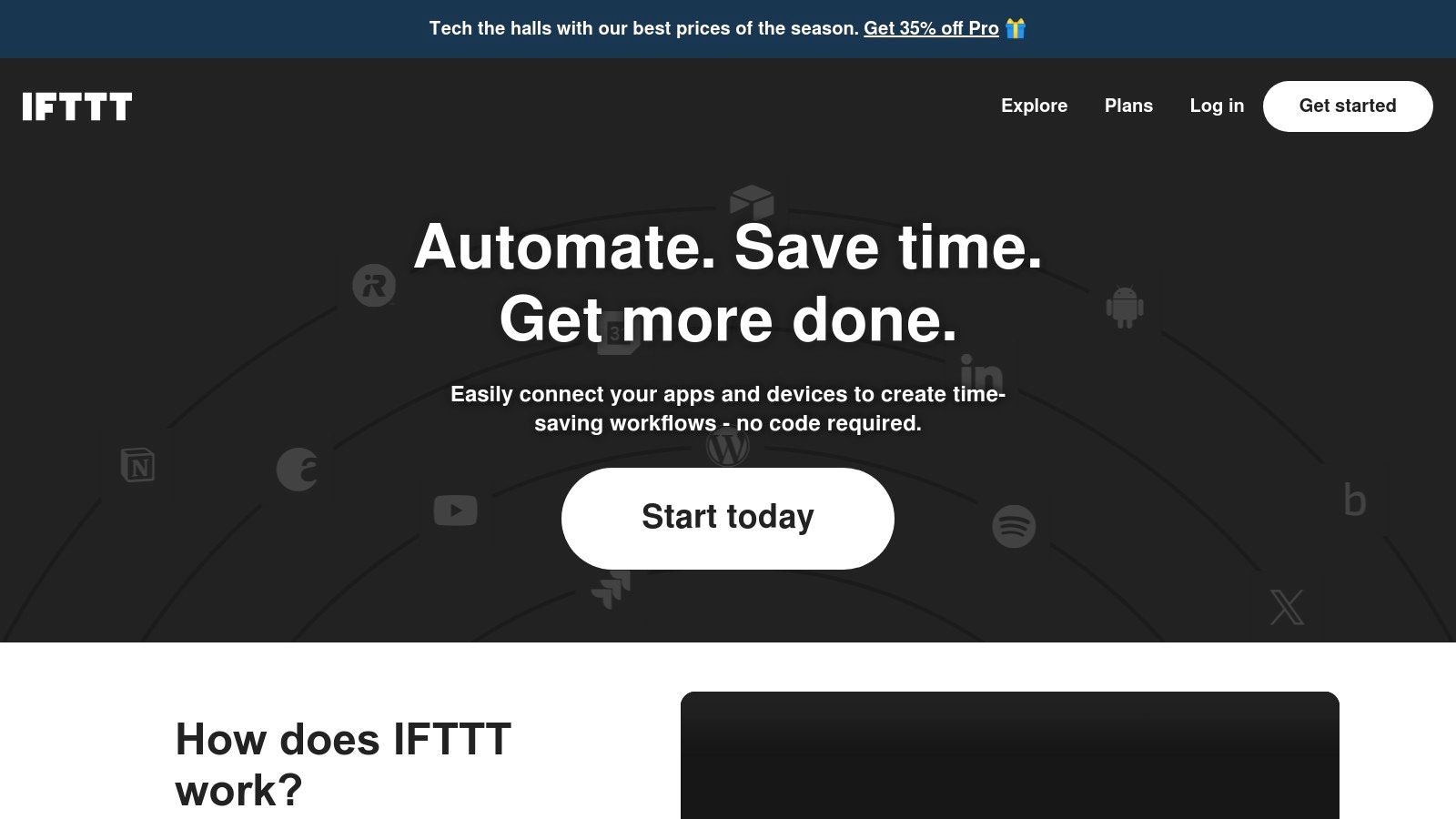
The platform's strength is its simplicity and vast library of consumer-focused integrations. For example, you can create an Applet to automatically save your Instagram photos to Dropbox, turn on your Philips Hue lights when you arrive home, or add a song you Shazam to a Spotify playlist. For business use, it can handle basic tasks like logging mentions from Twitter into a Google Sheet or creating a Trello card from a specific email. Its mobile-first approach also sets it apart, allowing users to manage and trigger automations directly from their phones.
Key Features and Pricing
IFTTT’s features are designed for simplicity and immediate value, with more advanced capabilities like multi-action Applets and developer tools available on paid plans.
| Plan | Key Benefit | Ideal For |
|---|---|---|
| Free | Create 2 custom Applets and use unlimited published Applets | Individuals for basic personal and smart-home automation |
| Pro | Unlimited Applet creation, multi-action Applets, faster polling | Power users and freelancers needing more complex connections |
| Pro+ | Multiple accounts, developer tools, and advanced API access | Small businesses and developers building custom solutions |
Pros:
- Extremely Simple: The "if this, then that" model is intuitive and requires zero technical skill.
- Strong Smart-Home Integration: It’s a leader in connecting IoT devices and consumer-grade services.
- Affordable: The pricing is very accessible for individual users and light business needs.
Cons:
- Limited Business Focus: Not suitable for complex, enterprise-level B2B workflows.
- Variable Speed: Execution times can be slower on lower-tier plans, which may not be ideal for time-sensitive tasks.
11. AWS Marketplace
AWS Marketplace offers a different approach to finding the best workflow automation software. Rather than being a single tool, it’s a curated digital catalog where organizations can find, buy, and deploy thousands of software solutions directly through their AWS account. This makes it a powerful procurement hub for companies already embedded in the Amazon Web Services ecosystem, streamlining vendor management and billing into a single, familiar interface.
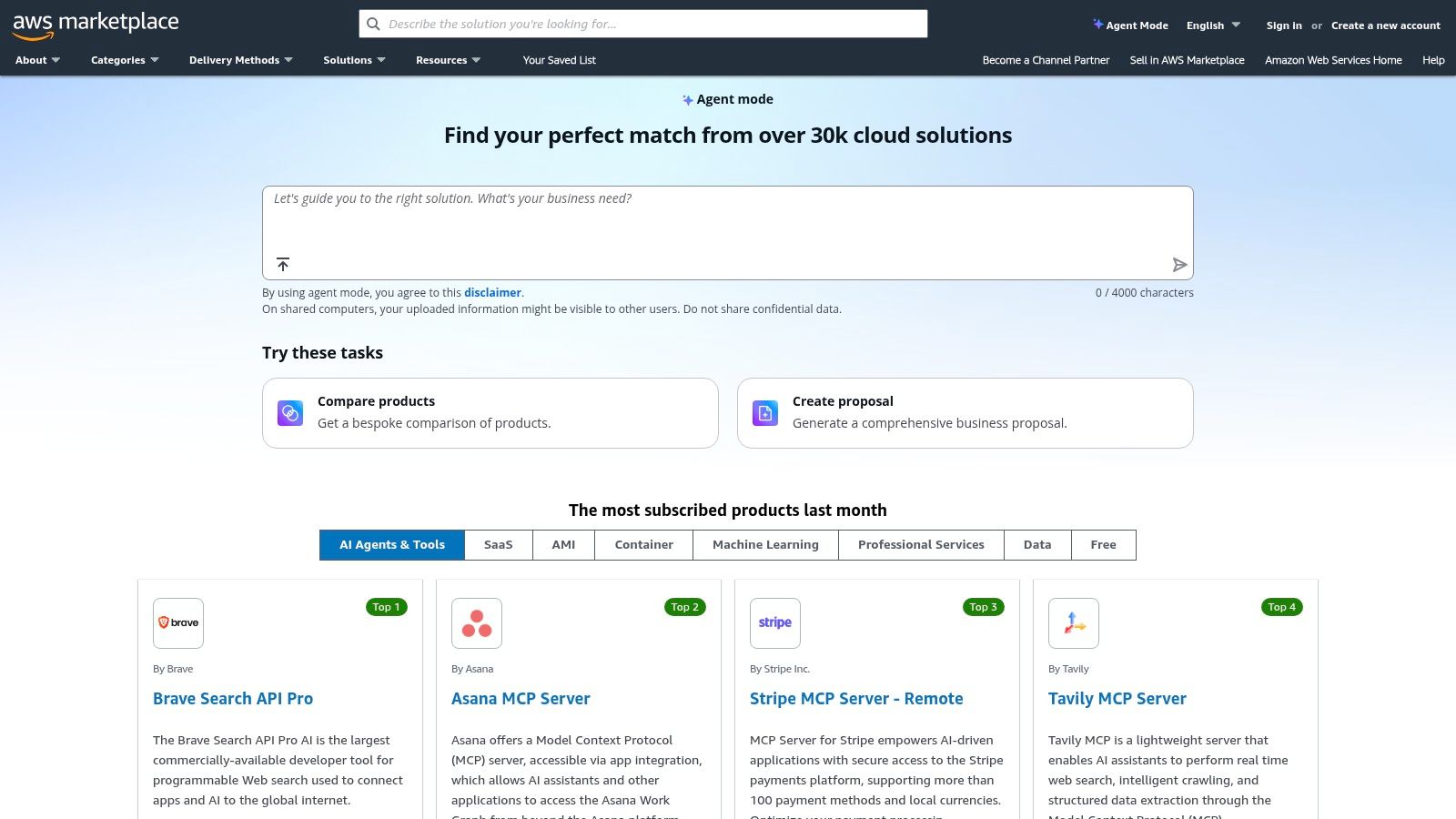
The platform’s value is its integration with corporate procurement workflows. Instead of onboarding a new vendor for each automation tool, teams can leverage their existing AWS relationship. This simplifies purchasing with options for private offers, consolidated billing, and even financing for eligible U.S. customers. It’s an ideal solution for IT and finance departments aiming to centralize software spending and governance while giving teams access to powerful, often enterprise-grade, automation tools.
Key Features and Pricing
AWS Marketplace's primary feature is its procurement model, which supports various purchasing and deployment options. Listings typically include detailed information on pricing, support, and how to deploy the software within your AWS environment.
| Feature | Key Benefit | Ideal For |
|---|---|---|
| Consolidated Billing | Simplifies accounting by billing software through the AWS account. | Companies with established AWS infrastructure. |
| Private Offers | Enables negotiation of custom pricing and terms with vendors. | Enterprises seeking bulk discounts or custom deals. |
| Procurement Integration | Connects with existing procurement systems for streamlined approvals. | Organizations with strict purchasing controls. |
Pros:
- Simplified Procurement: Centralizes software purchasing and vendor management for AWS customers.
- Centralized Billing: Consolidates software costs into a single AWS bill, often with enterprise discounts.
- Enterprise-Grade Selection: Provides access to powerful, cloud-native automation and orchestration tools.
Cons:
- Pricing Isn't Always Public: Many listings require a quote or a private offer to see final pricing.
- Niche Focus: The selection is heavily skewed toward enterprise and cloud-native solutions, which may not fit all small businesses.
12. G2
While not a direct automation tool itself, G2 is an indispensable resource for anyone in the market for the best workflow automation software. It’s a massive software review marketplace that provides a comprehensive, crowd-sourced view of the landscape. Instead of building workflows, you use G2 to research, compare, and validate the tools that do, making it a critical first step in the decision-making process for businesses of all sizes.
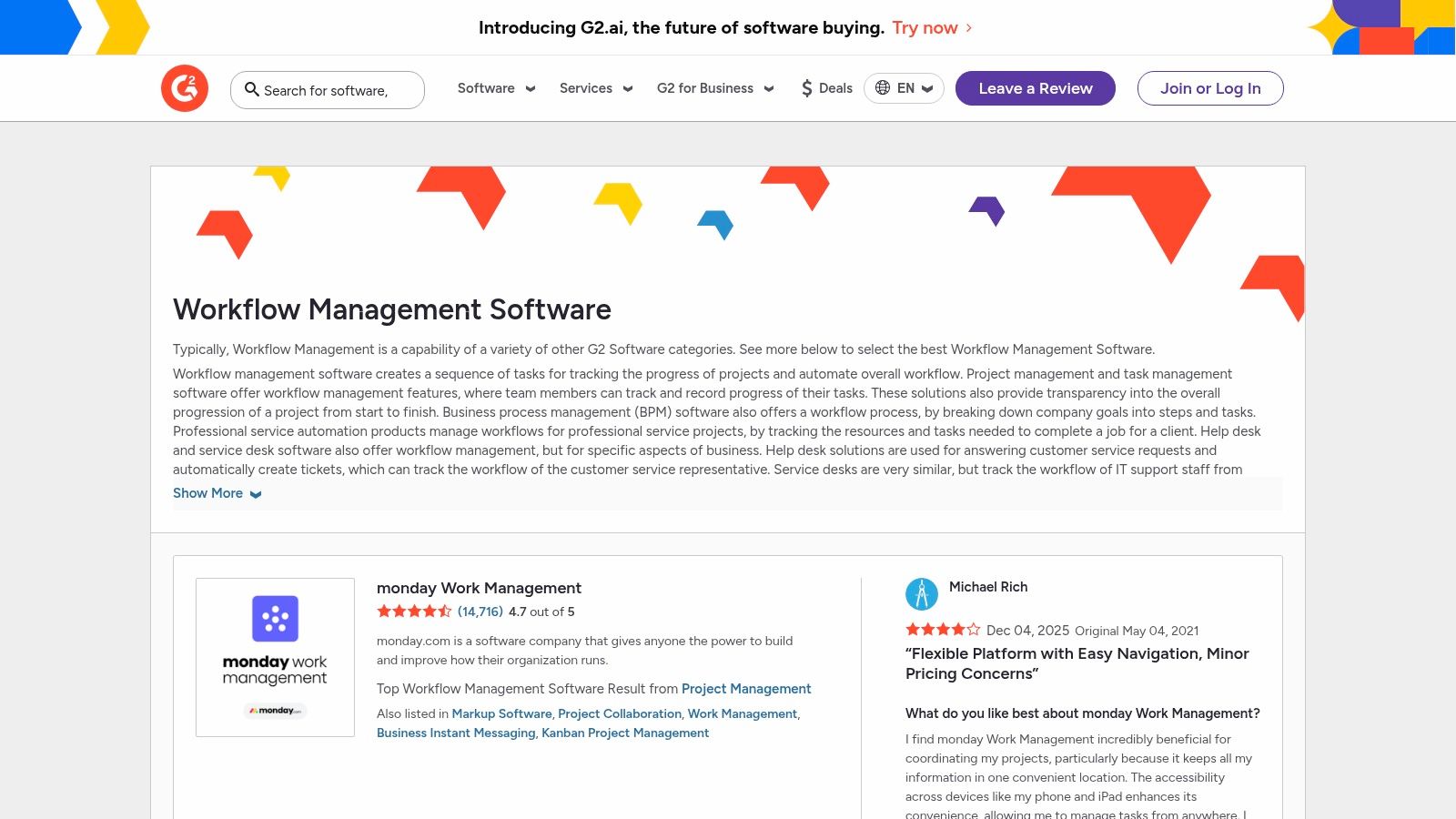
The platform's strength is its depth of authentic user feedback. You can filter solutions by company size, industry, or required integrations to create a relevant shortlist. Its side-by-side comparison grids and leader reports are particularly useful for visualizing how different platforms stack up on key features and user satisfaction. This data-driven approach helps teams move beyond marketing claims and understand real-world performance before committing to a platform.
Key Features and Use Cases
G2’s value lies in its research and validation capabilities, helping you make a more informed software purchase. It aggregates user sentiment to reveal practical strengths and weaknesses you might not find on a vendor's website.
| Feature | Key Benefit | Ideal For |
|---|---|---|
| Verified User Reviews | Authentic feedback on usability and support | Vetting vendor claims before a demo |
| Comparison Grids | At-a-glance feature and rating comparisons | Shortlisting the top 2-3 options |
| Category Leader Reports | Market positioning based on satisfaction and presence | Understanding market leaders and niche players |
Pros:
- Broad Market View: Offers a comprehensive look at the available tools with crowd-sourced data.
- Authentic Insights: User reviews highlight real-world strengths, weaknesses, and user experience.
- Helpful Comparison Tools: Simplifies the process of narrowing down potential solutions.
Cons:
- Vendor Influence: Paid placements and sponsored content can affect visibility on the platform.
- Outdated Information: Pricing and feature details may occasionally lag behind official vendor updates.
Top 12 Workflow Automation Tools — Feature & Pricing Comparison
| Product | Core features | UX & Quality | Value & Pricing | Target audience | Unique selling points |
|---|---|---|---|---|---|
| NotionSender 🏆 | Send/receive in Notion, per-database inboxes, templating, AI property extraction | ★★★★☆ (Notion-native, fast setup) | 💰 Free trial · Premium $19/mo (higher limits) | 👥 Notion users, SMBs, ops & PMs | ✨ Per-db unique addresses, AI parsing, Notion-format emails |
| Zapier | 7,000+ connectors, multi-step workflows, AI Agents | ★★★★☆ (very user-friendly) | 💰 Freemium · usage-based tasks | 👥 SMBs, non-technical teams | ✨ Huge connector ecosystem, templates |
| Make (Integromat) | Visual scenario canvas, routers, minute scheduling, logs | ★★★★☆ (powerful, visual) | 💰 Freemium · credit-based usage | 👥 Power users, integration builders | ✨ Granular control, detailed execution logs |
| Microsoft Power Automate | Cloud flows, desktop RPA, process mining, Dataverse | ★★★★☆ (enterprise-grade) | 💰 Included/paid via MS licensing | 👥 MS365/Teams enterprises | ✨ Deep Microsoft ecosystem integration |
| n8n | Node-based editor, JS code nodes, self-host or cloud | ★★★★☆ (developer-friendly) | 💰 Open-core · executions pricing | 👥 Dev teams, self-hosters | ✨ Self-hosting, extensibility, unlimited users |
| Workato | Enterprise iPaaS, governance, lifecycle & add-ons | ★★★★☆ (scales for enterprise) | 💰 Platform + metered usage (sales) | 👥 Large enterprises, cross-dept IT | ✨ Strong governance & enterprise controls |
| Tray.io | Visual builder, Merlin Agent Builder, workspaces & logging | ★★★★☆ (scalable & governed) | 💰 Packaging & usage (sales) | 👥 Mid→Enterprise integration teams | ✨ Governed AI agents, embedding tools |
| UiPath | Attended/unattended RPA, Orchestrator, analytics & marketplace | ★★★★☆ (RPA-focused, mature) | 💰 Enterprise licensing (sales) | 👥 RPA teams, large enterprises | ✨ Deep UI-driven automation & ecosystem |
| Automation Anywhere | Cloud RPA, Bot Store, Community Edition | ★★★★☆ (RPA with marketplace) | 💰 Community free · enterprise quotes | 👥 RPA developers, enterprises | ✨ Bot Store for faster deployments |
| IFTTT | Trigger–action applets, smart-home integrations, mobile apps | ★★★☆☆ (simple & quick) | 💰 Free & affordable paid tiers | 👥 Consumers, micro-businesses | ✨ Easiest smart-home / consumer automations |
| AWS Marketplace | SaaS/AMI procurement, consolidated billing, private offers | ★★★☆☆ (procurement-focused) | 💰 Purchase via AWS billing & offers | 👥 AWS customers, enterprise procurement | ✨ Consolidated billing, private enterprise offers |
| G2 | Verified reviews, comparisons, leaderboards, filters | ★★★★☆ (research & validation) | 💰 Free for buyers (vendor-paid) | 👥 Buyers, procurement, researchers | ✨ Crowd-sourced reviews, side-by-side grids |
Making Your Final Decision: How to Choose and Implement the Right Tool
Navigating the landscape of workflow automation platforms can feel overwhelming, but the journey from manual processes to streamlined efficiency is well worth the effort. We've explored a wide spectrum of tools, from the user-friendly simplicity of Zapier and IFTTT to the powerful, developer-centric capabilities of n8n and Tray.io. We’ve also seen how enterprise-grade solutions like UiPath and Workato handle complex, large-scale automation, while specialized tools like NotionSender solve critical communication gaps within specific ecosystems.
The central takeaway is that there is no single "best" workflow automation software for everyone. The ideal choice is deeply personal to your organization's unique context. A freelancer might find Zapier’s extensive app library and straightforward interface perfect for connecting their essential tools. Conversely, a project manager in a mid-sized company might gravitate towards Make for its visual canvas and granular control over complex, multi-step scenarios.
A Practical Framework for Your Selection Process
To move from analysis to action, follow a structured approach. This will ensure you select a tool that not only solves today's problems but also scales to meet tomorrow's challenges.
- Document Your Core Processes: Before you even look at a free trial, map out the one or two most time-consuming, repetitive tasks your team faces. What are the triggers? What applications are involved? What is the desired outcome? A clear process map is your most valuable asset.
- Assess Your Team's Technical Comfort: Be honest about your team's skills. Is your team full of non-coders who need a simple, no-code interface? Or do you have developers who would feel constrained by a purely visual builder and prefer the flexibility of a tool like n8n or Microsoft Power Automate?
- Evaluate Your Existing Tech Stack: Your new automation tool must integrate seamlessly with the software you already use daily. If your entire company operates within the Microsoft ecosystem, Power Automate offers unparalleled native integration. If Notion is your central hub for project management and documentation, a dedicated solution like NotionSender becomes a non-negotiable part of your automation strategy.
- Consider Total Cost of Ownership (TCO): Look beyond the monthly subscription price. Factor in the time it will take to learn and implement the tool, the cost of potential overages on task limits, and whether you'll need premium support. Sometimes a slightly more expensive tool with a gentler learning curve provides a better long-term return on investment.
Implementation: Start Small, Scale Smart
Once you've shortlisted a few candidates, the real test begins. Don't attempt a company-wide rollout from day one. Instead, run a pilot program focused on a single, high-impact workflow. This "proof-of-concept" approach allows you to validate the tool's effectiveness in a low-risk environment. It also helps you build internal momentum as team members see the tangible benefits of automation firsthand.
This hands-on experience is the ultimate tiebreaker, revealing nuances about a platform's usability and reliability that you can't get from a feature list alone. To further aid in your selection of the ideal software, consider consulting a comprehensive list of the 12 Best Workflow Automation Tools for Businesses in 2025 for additional perspectives and comparisons.
Ultimately, embracing workflow automation is about reclaiming your most valuable resource: time. By carefully choosing and strategically implementing the right software, you empower your team to focus on high-value, creative work that drives growth and innovation, leaving the repetitive tasks to the machines.
Ready to close the communication loop in your Notion-based workflows? NotionSender allows you to send emails directly from your Notion databases, automating everything from project updates to client notifications. Turn your Notion workspace into a powerful communication hub by trying NotionSender today.

