
12 Best Sources for Notion Dashboard Templates in 2026
Notion's true power isn't just in its flexibility, but in its ability to become a centralized, personalized hub for everything you do. Starting from a blank canvas, however, can be daunting. This is precisely why notion dashboard templates are essential for unlocking the platform's potential quickly and efficiently, transforming your workspace from a simple note-taking app into a dynamic operating system for your business, projects, or personal life.
The challenge isn't a lack of options, it's the overwhelming volume. With thousands of templates scattered across various platforms, finding high-quality, functional, and well-supported dashboards can feel like a full-time job. This guide cuts through the noise. We have curated a comprehensive list of the best websites and creators for finding Notion dashboard templates that actually work, saving you hours of searching and testing.
This resource is designed to help small business owners, project managers, and freelancers find the perfect starting point for their custom workspace. For each source, we provide a clear breakdown of what they offer, who they are best for, and what makes their templates stand out. We'll explore official marketplaces, boutique creator shops, and popular digital product platforms, giving you a direct path to building a more organized and productive Notion environment. You'll find direct links and practical insights to help you choose with confidence and build your perfect workspace faster.
1. Notion Marketplace (official)
The best place to begin your search for Notion dashboard templates is the source itself. The official Notion Marketplace is an expansive, integrated platform hosting tens of thousands of templates from both the Notion team and a global community of verified creators. It serves as the central hub for discovering, vetting, and instantly duplicating dashboards directly into your workspace.
This marketplace stands out due to its sheer scale and seamless user experience. You can find templates for nearly any use case imaginable, from hyper-specific small business client portals to minimalist personal productivity dashboards. The interface is clean, allowing you to filter by category, price (many are free), and creator. Editorially curated collections and "Featured" sections help surface high-quality options, cutting through the noise.
Key Details & Tips
- Best For: Everyone, from Notion beginners seeking a simple starting point to power users looking for complex, niche-specific systems.
- Unique Offering: The direct integration is its biggest advantage. A single click on "Get template" or "Duplicate" adds it to your private workspace, eliminating any complex import process.
- Pricing: Ranges from free community submissions to paid, professionally designed systems costing over $100.
- Pro Tip: The immense volume can be overwhelming. Use the search and filter functions aggressively to narrow your results. Start with curated collections like "Dashboards" or "Project management" to find top-tier options vetted by the Notion team. For more insights on optimizing your workspace, explore these 10 tips to get the most out of Notion.
Website: https://www.notion.com/templates
2. Notionery
If the official marketplace feels like a sprawling megastore, Notionery is the curated boutique on the corner. This platform prioritizes quality over quantity, handpicking and testing high-caliber templates from top-tier creators. It's designed to cut through the noise, offering a more focused browsing experience for users who know they need a robust, well-designed system without spending hours sifting through options.
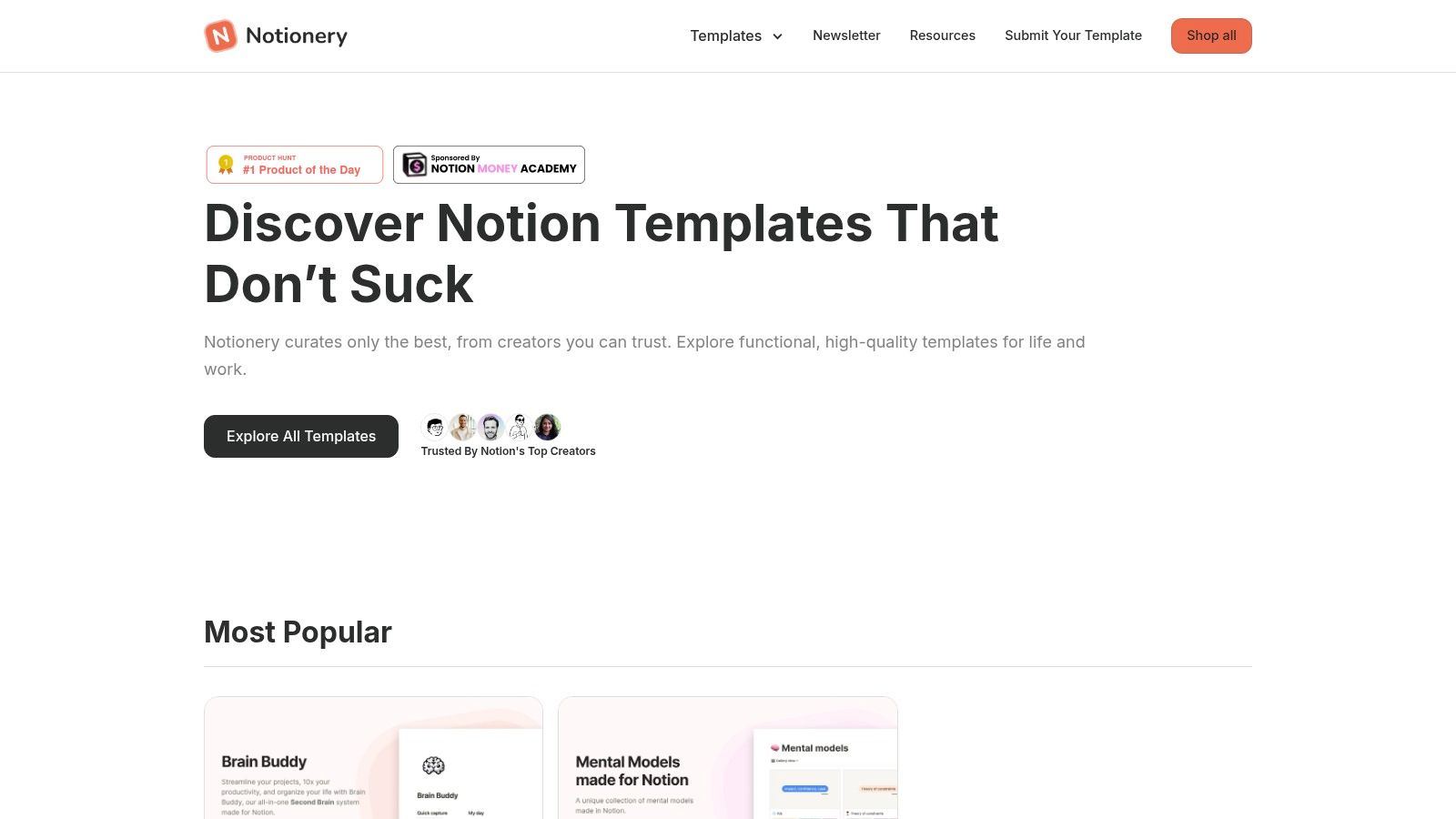
Notionery stands out by vetting every submission, ensuring that the dashboards listed are not just aesthetically pleasing but also functional, scalable, and built on sound Notion principles. This curation results in a smaller but more reliable catalog, with clear categories like "Startups," "Productivity," and "Lifestyle." The platform also develops its own in-house products, such as the popular "Brain Buddy" dashboard, which are known for their polish and comprehensive design.
Key Details & Tips
- Best For: Users who value design and functionality over sheer volume and want a vetted, "best-of" selection without extensive research.
- Unique Offering: A high signal-to-noise ratio. Its curated approach means you are far more likely to find a durable, powerful dashboard template quickly. The in-house templates are a significant draw.
- Pricing: Features both free and premium templates, with paid options typically ranging from $10 to $150 for complex, all-in-one systems.
- Pro Tip: Look for the "Best of the Best" section to find the most powerful and popular systems on the site. Be aware that some listings may require an email signup to fully explore, a small trade-off for accessing their curated content.
Website: https://www.notionery.com/
3. Prototion
Prototion is a dedicated third-party marketplace boasting an extensive library of over 1,000 Notion dashboard templates. It curates a broad selection from various creators, focusing on both personal and professional systems. The platform is particularly strong for those hunting for specific dashboard types, such as comprehensive student planners, detailed finance trackers, or robust CRM solutions.
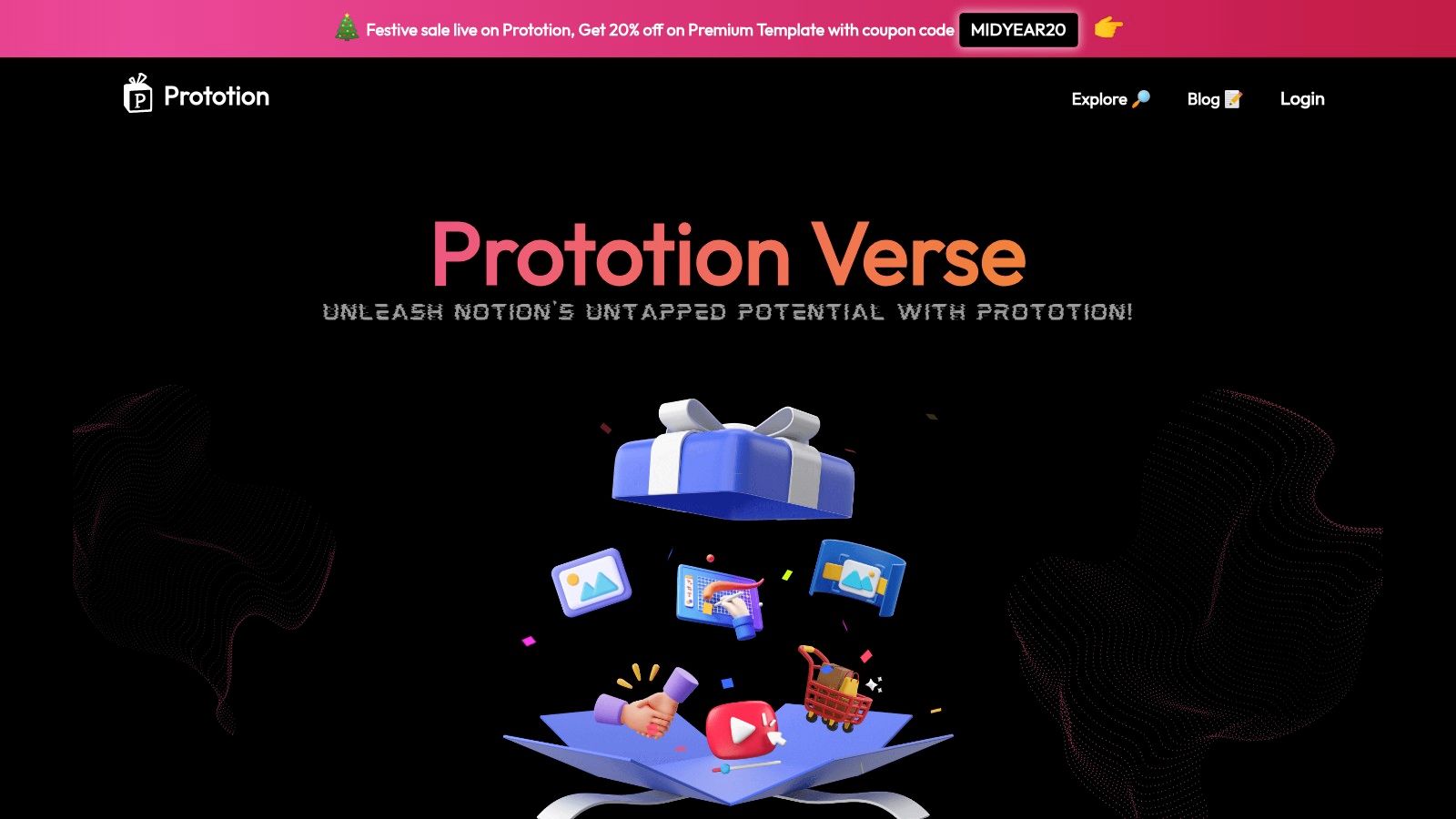
What makes Prototion stand out is its deep catalog and frequent promotions. The site often features template bundles and sales, offering a cost-effective way to acquire multiple high-quality systems at once. Its structure allows users to browse by detailed categories and tags or explore specific creator pages to find a style that fits their needs. The direct checkout and duplication process is smooth, making it easy to purchase and integrate a new dashboard into your workspace.
Key Details & Tips
- Best For: Users looking for niche-specific templates like finance trackers or student systems, and bargain hunters seeking bundles and discounts.
- Unique Offering: A strong focus on curation, with frequent sales, bundles, and "meta-lists" that help users discover even more creator shops and unique templates.
- Pricing: A mix of free and paid templates, with paid options typically ranging from $5 to $75+. Bundles offer significant value.
- Pro Tip: While the catalog is vast, quality can vary between creators. Take time to review the creator's page and template previews before purchasing. Keep an eye on the homepage for limited-time promotions to get the best deals on popular notion dashboard templates.
Website: https://www.prototion.com/
4. Notion Everything
Notion Everything is a long-running, curated directory and shop built by Notion-certified experts. It serves as a high-quality resource for both individuals and teams, offering a meticulously organized collection of in-house and third-party templates designed to solve specific business and productivity challenges. Its reputation is built on the depth and quality of its flagship products.
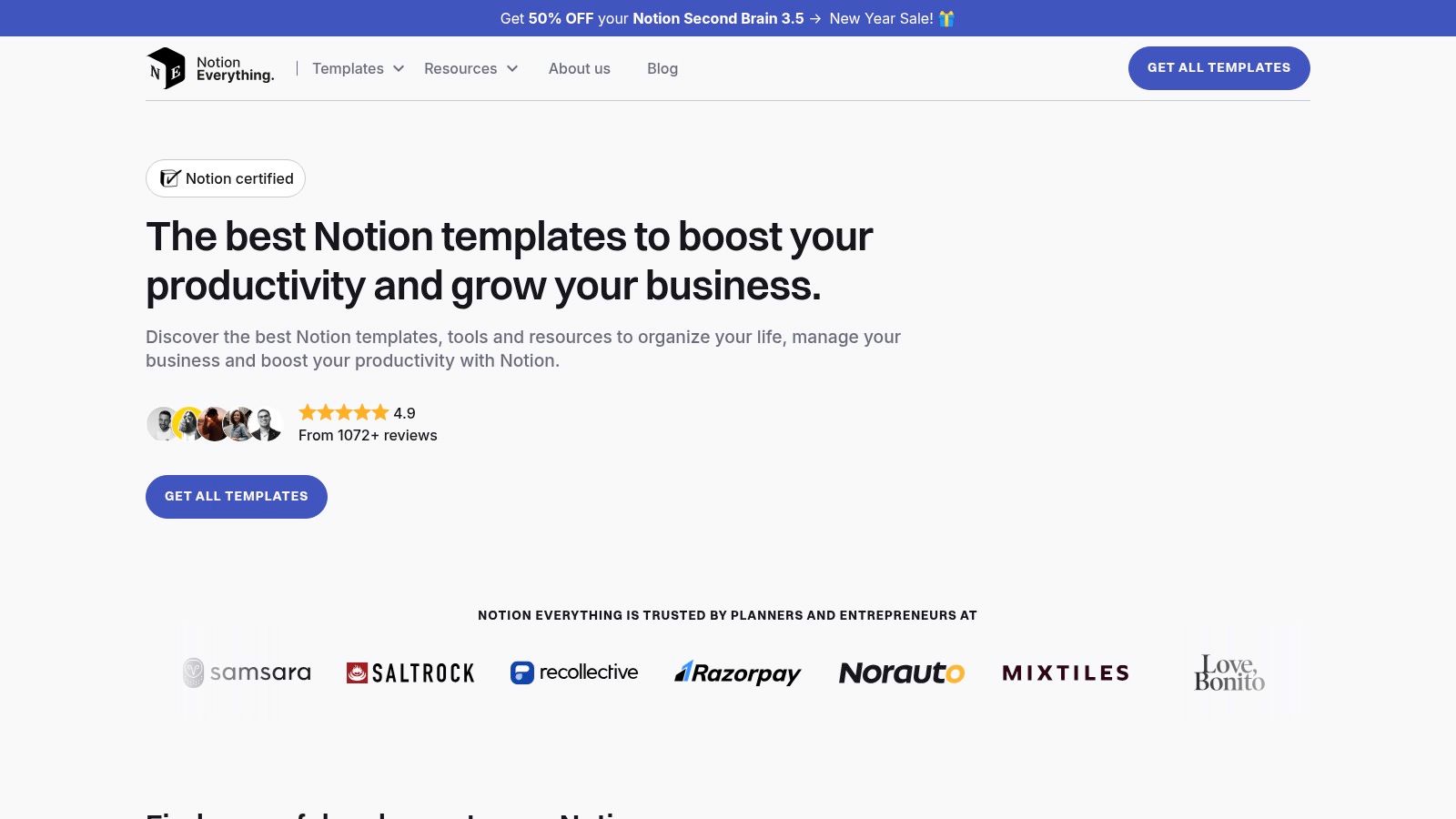
The platform excels by combining a vast, searchable directory with its own premium, highly-reviewed templates like the Small Business OS and Second Brain systems. This mix allows users to explore a wide range of community-made options while also having access to comprehensive, professionally supported solutions. The site’s clear organization, with dedicated sections for free templates and curated lists, makes finding the right notion dashboard templates straightforward.
Key Details & Tips
- Best For: Freelancers, small business owners, and teams looking for robust, all-in-one systems with dedicated support and onboarding resources.
- Unique Offering: The credibility of its Notion-certified creators and the depth of its in-house templates. Many premium products come with helpful onboarding documentation to ensure users get the most out of their purchase.
- Pricing: Features a large collection of free templates alongside premium systems that can range from $20 to over $150, reflecting their complexity and scope.
- Pro Tip: Take advantage of the large "Free Templates" section to test out different layouts and concepts before committing to a paid, comprehensive system. Note that some purchases redirect to third-party platforms like Gumroad for checkout.
Website: https://www.notioneverything.com/
5. Gridfiti Shop (Notion Templates)
For those who prioritize aesthetics as much as functionality, Gridfiti offers a curated collection of Notion dashboard templates that are both visually stunning and incredibly robust. This creator-led shop specializes in polished, interconnected systems designed to bring a sense of calm and cohesion to your digital workspace, with a focus on personal productivity, finance, and lifestyle management.
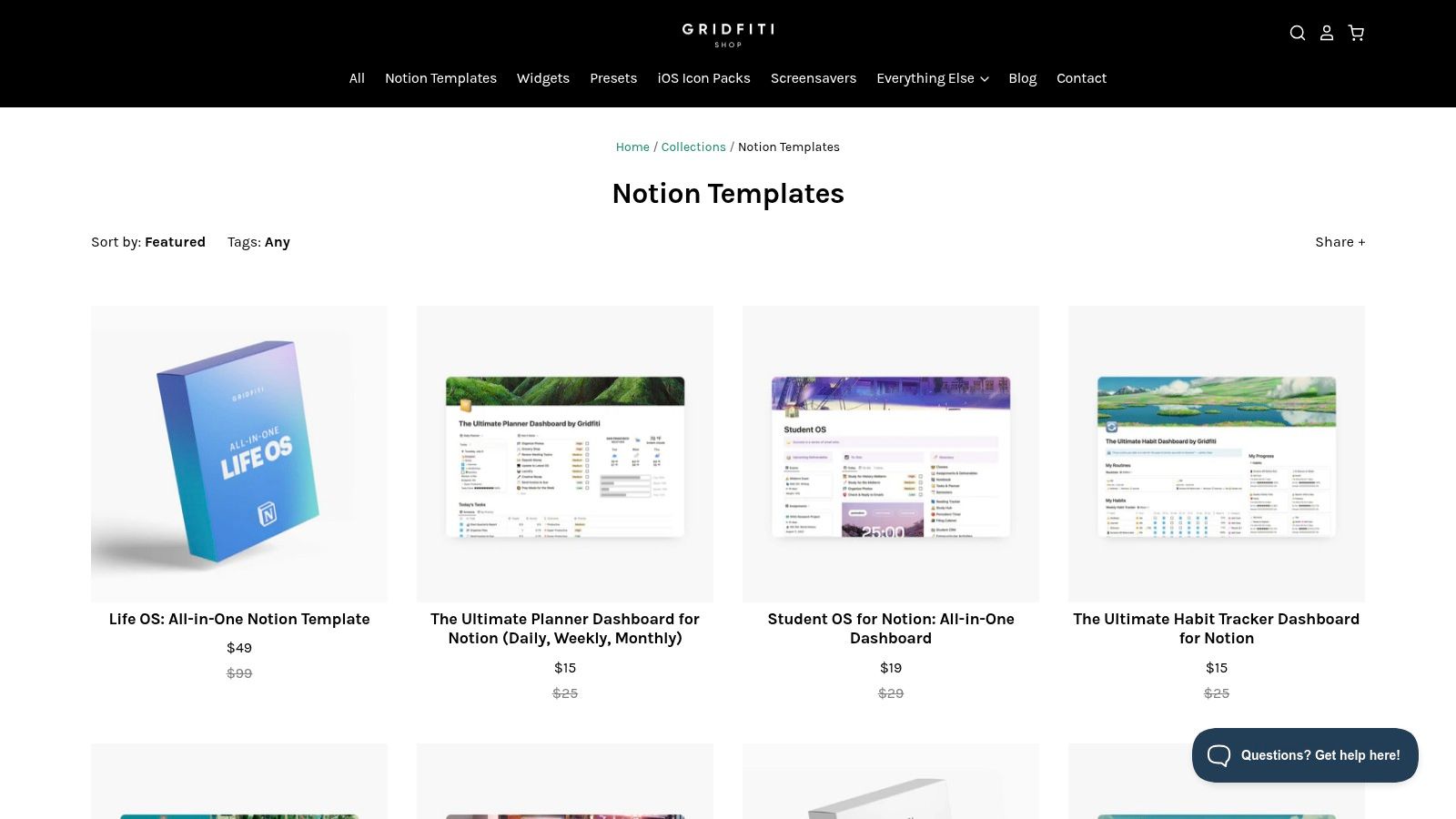
Gridfiti stands out for its design-first approach, ensuring every template is not only powerful but also a pleasure to use. Their flagship "Life OS" is a prime example, bundling multiple dashboards for goals, habits, and planning into one seamless system. Clean onboarding instructions, helpful tooltips, and layouts optimized for both desktop and mobile make their templates particularly accessible for users who want an elegant solution right out of the box.
Key Details & Tips
- Best For: Individuals, students, and freelancers seeking a highly aesthetic, all-in-one system for managing personal productivity and lifestyle goals.
- Unique Offering: A strong emphasis on cohesive visual design and bundled systems. Their templates are designed to work together, creating a unified and aesthetically pleasing workspace that encourages consistent use.
- Pricing: Templates are sold individually, with prices typically ranging from $15 to $79 for comprehensive bundles like the Life OS.
- Pro Tip: Look for their bundle deals. Purchasing a bundled system like the "Productivity OS" or "Life OS" is often more cost-effective than buying individual planners and trackers, and it guarantees a consistent design language across all your personal dashboards.
Website: https://shop.gridfiti.com/collections/notion-templates
6. Etsy (Notion Dashboard Templates category)
While known for handmade goods, Etsy has become a sprawling digital marketplace where creative entrepreneurs offer an incredible variety of Notion dashboard templates. It hosts thousands of unique, aesthetically driven templates often targeting very specific niches that might not be available on larger, Notion-focused platforms. This makes it a goldmine for users seeking a particular visual style or a highly specialized tool.
The platform’s strength lies in its sheer diversity and the power of its review system. You can find everything from intricate life planners and ADHD-friendly dashboards to detailed small business CRMs and social media content calendars. The competitive nature of the marketplace often leads to very accessible pricing and frequent sales, making it a budget-friendly option. User reviews and star ratings provide crucial social proof, helping you vet a template's quality and functionality before purchasing.
Key Details & Tips
- Best For: Individuals and small businesses looking for aesthetically pleasing, highly niche, or budget-friendly Notion templates.
- Unique Offering: The vast selection of visual styles and hyper-specific use cases, like templates for authors, students, or specific hobbies, backed by a robust seller review system.
- Pricing: Highly competitive, with many excellent templates available for under $10 and frequent discounts offered by individual sellers.
- Pro Tip: Quality can vary significantly from one seller to another. Always read the latest reviews, check the item description for a demo link or video walkthrough, and review the seller's overall rating before making a purchase. Use specific keywords like "minimalist finance tracker" or "boho client portal" to find dashboards that match your desired aesthetic.
Website: https://www.etsy.com/market/notion_templates_dashboard
7. Gumroad (creators selling Notion dashboards)
Gumroad is a popular e-commerce platform that empowers independent creators to sell digital products directly to their audience. For Notion users, it has become a de facto marketplace where many of the most innovative template creators launch and sell their dashboards. It offers a direct line to the people who build the systems, often providing access to unique bundles, early releases, and direct support.
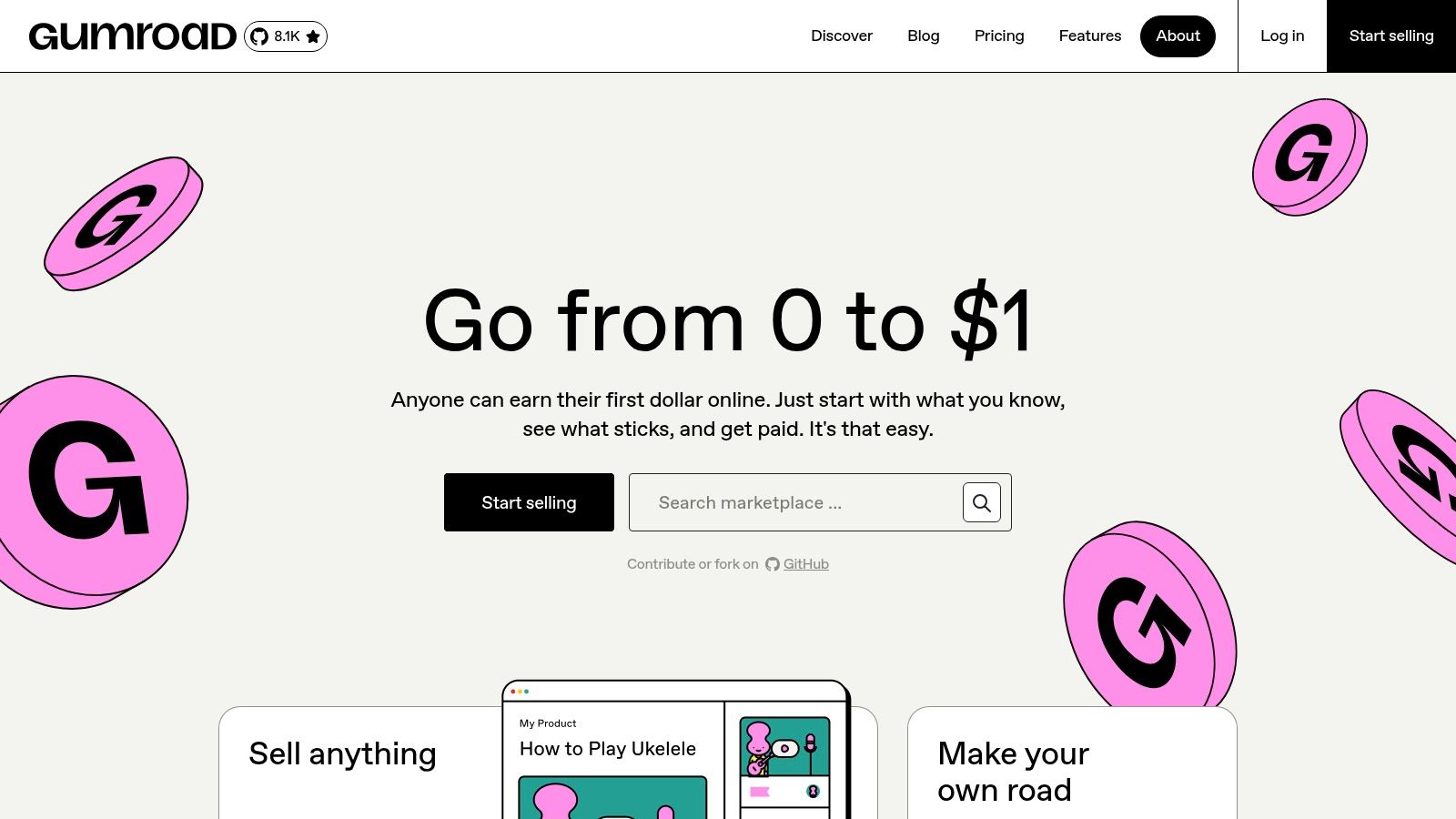
Unlike a curated marketplace, Gumroad is a vast, open storefront. This means you can discover experimental and highly specialized notion dashboard templates that might not be available elsewhere. The platform facilitates a closer relationship between user and creator, with integrated email updates for product improvements and the ability to ask questions directly. The experience is less about browsing a unified catalog and more about following and supporting specific creators whose work you admire.
Key Details & Tips
- Best For: Users who follow specific Notion creators and want to directly support their work, or those looking for niche and experimental templates.
- Unique Offering: The direct-to-creator model. When you buy a template, you often get access to direct support, community groups, and automatic updates from the person who designed it.
- Pricing: Varies widely from free or pay-what-you-want templates to comprehensive "second brain" systems costing over $150.
- Pro Tip: Since Gumroad isn't a dedicated Notion store, use specific search terms like "Notion dashboard," "Notion business template," or "Notion student planner." Follow creators you like on social media, as they frequently announce new releases and offer discount codes exclusively through their Gumroad pages.
Website: https://gumroad.com/
8. Easlo
Easlo is the digital storefront of a prominent and trusted Notion creator, offering a curated collection of over 30 high-quality templates. The platform is best known for its clean, minimalist aesthetic and its focus on personal and small-business productivity systems. Templates like the flagship "Second Brain" and comprehensive finance trackers are well-documented, frequently updated, and supported by a strong community.
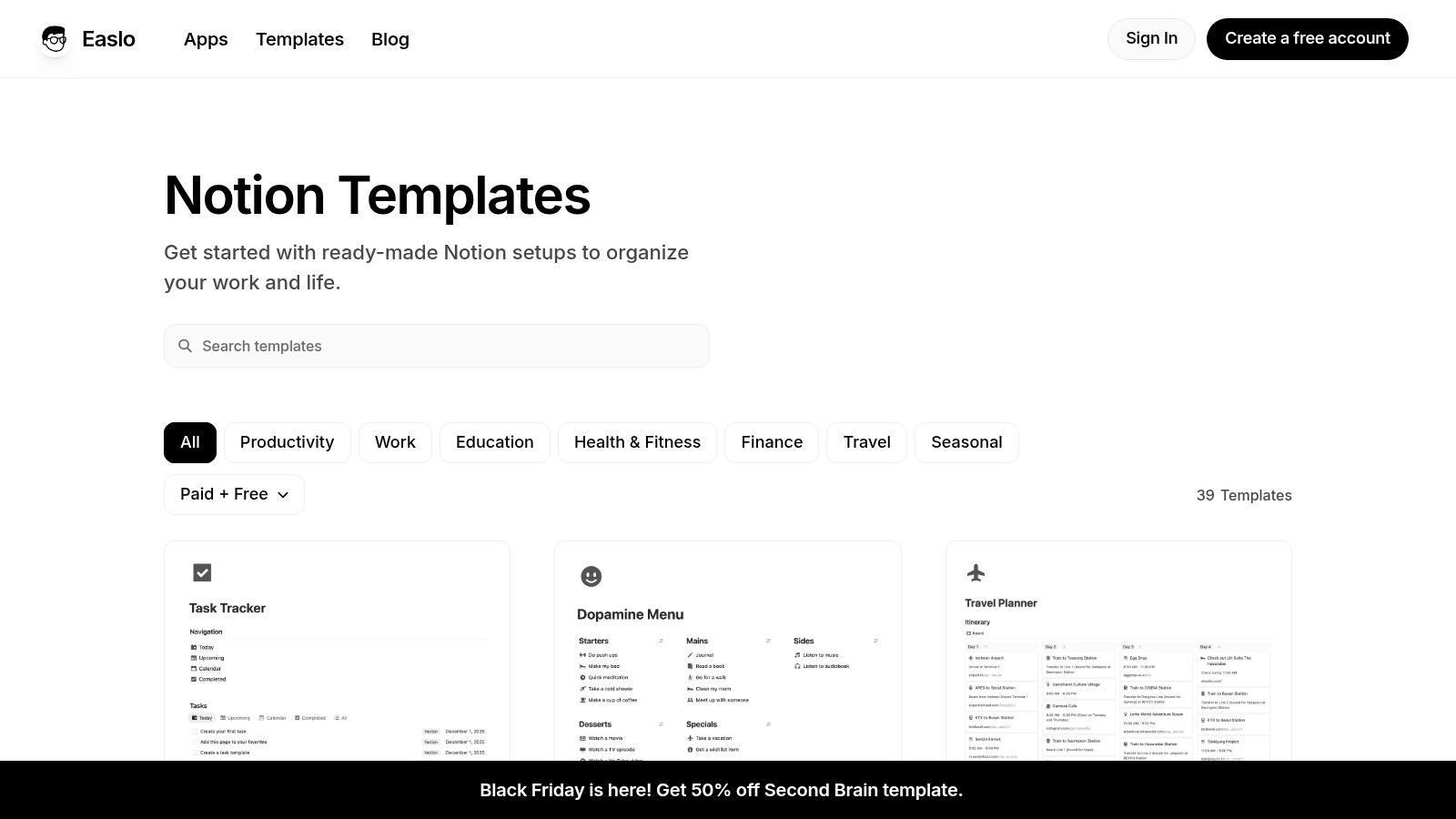
This creator shop stands out for its consistent design language and excellent user onboarding. Each template feels like part of a cohesive system, making it easy to combine multiple dashboards without a jarring user experience. The focus is on low-friction, intuitive layouts that help users organize their work, education, or health goals without a steep learning curve. Easlo's dedication to quality over quantity makes it a reliable source for polished, effective notion dashboard templates.
Key Details & Tips
- Best For: Individuals, students, and freelancers looking for aesthetically pleasing and highly functional personal productivity systems.
- Unique Offering: The consistent, minimal design philosophy and robust documentation. Each template comes with clear tutorials, making them easy to set up and customize even for Notion beginners.
- Pricing: A mix of free and premium templates. Paid templates typically range from $10 to $80, often with bundles available.
- Pro Tip: Look out for seasonal promotions or bundles to get the best value. Before purchasing, watch the video tutorials provided on the template pages to get a real feel for the dashboard’s workflow and ensure it fits your specific needs.
Website: https://www.easlo.co/templates
9. Notion VIP (Bulletproof Workspace + templates)
For users who want to move beyond simple templates and build a truly scalable, enterprise-grade system, Notion VIP offers a methodology-first approach. Run by Notion expert William Nutt, the site is built around the "Bulletproof Workspace," a framework for structuring master databases (Tasks, Projects, Areas, Resources) in a way that prevents disorganization and ensures long-term usability. It focuses on teaching you how to build, not just giving you a pre-made solution.
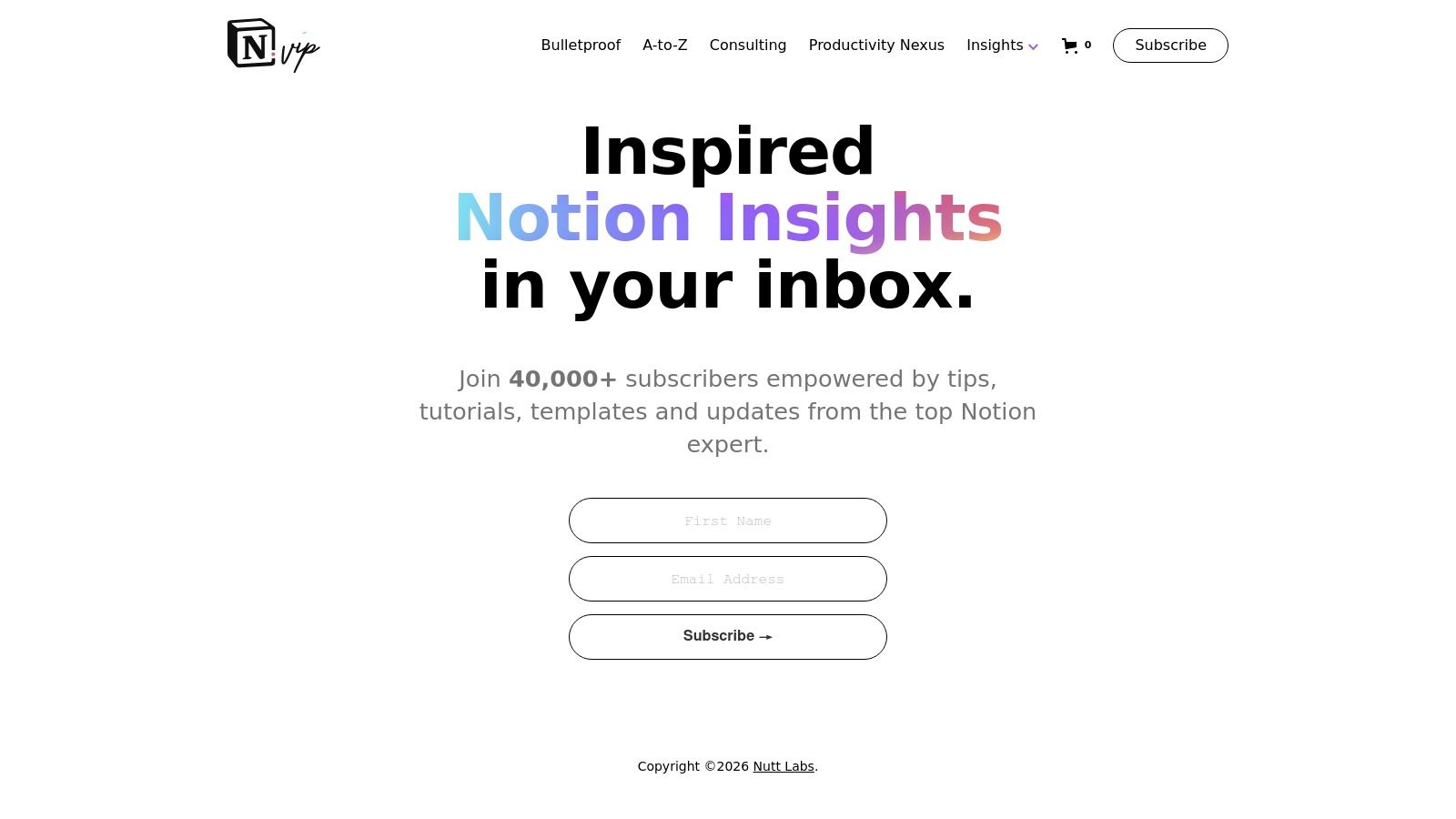
This platform stands out by prioritizing foundational principles over plug-and-play convenience. While you can get a template of the Bulletproof system, the real value lies in the deep educational content, documentation, and long-running newsletter that explain the logic behind it. It’s less about a quick dashboard fix and more about creating a durable, interconnected operating system for your work or business.
Key Details & Tips
- Best For: Advanced Notion users, teams, and small business owners who want to build a robust, future-proof workspace from the ground up.
- Unique Offering: The core "Bulletproof" methodology is a powerful, logical framework for organizing information that scales exceptionally well, preventing the common issue of chaotic, disconnected pages.
- Pricing: The core Bulletproof Workspace documentation and template are free, with additional, more specific paid resources and templates also available.
- Pro Tip: Fully commit to understanding the PARA (Projects, Areas, Resources, Archives) and master database concepts before implementing. This isn't a quick install; it's a system to learn. Once your databases are structured, you can integrate email directly into your Notion projects to centralize communication.
Website: https://www.notion.vip/
10. Creative Market (Notion Templates category)
Creative Market is a well-established digital marketplace where independent designers and small studios sell their assets. Its dedicated Notion category is a curated space for those who prioritize aesthetics and brand consistency in their digital tools. It's an excellent destination for finding visually polished Notion dashboard templates, particularly for creative businesses, freelancers, and content creators.
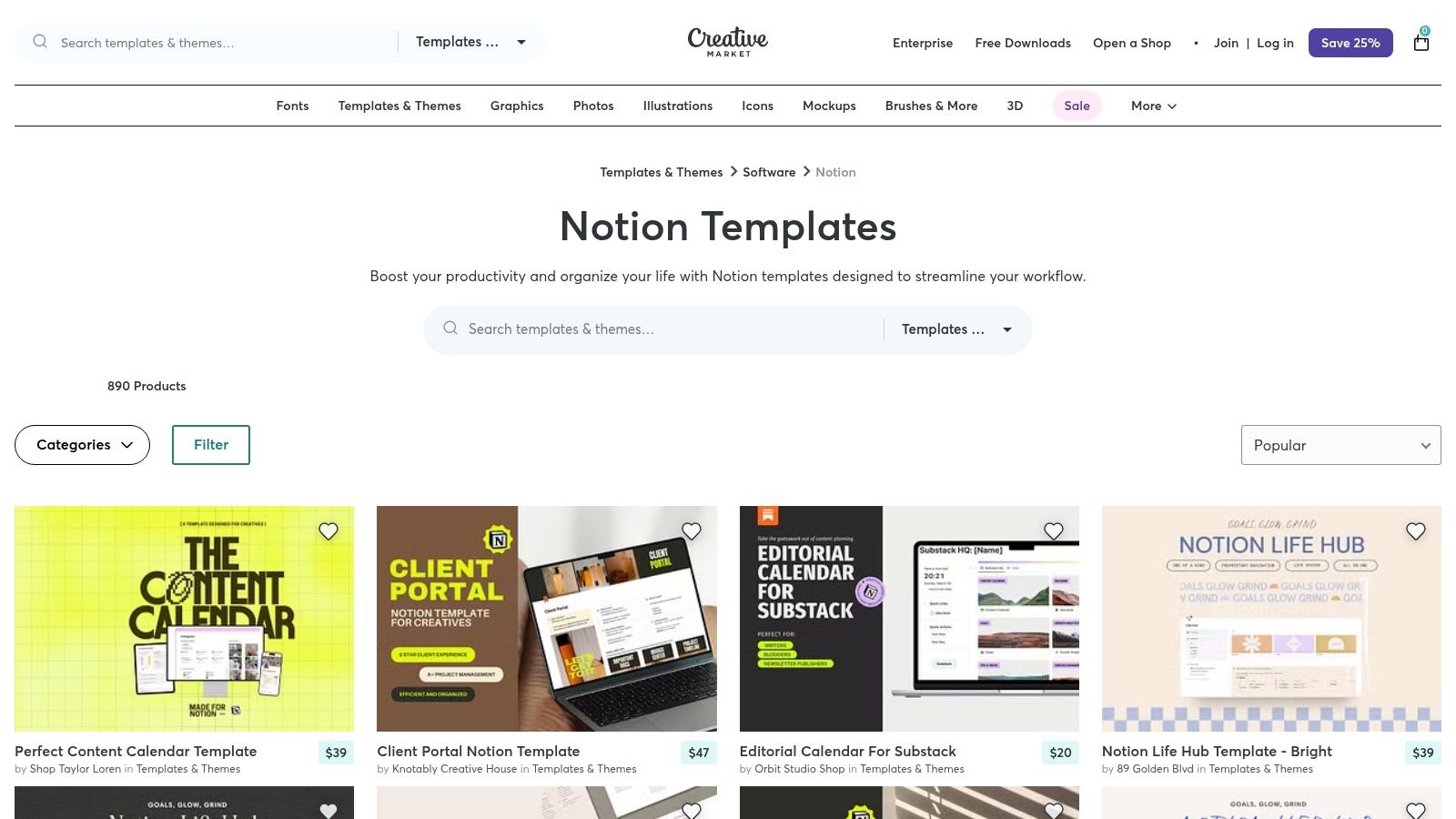
This platform excels in its presentation. Unlike more utilitarian marketplaces, Creative Market emphasizes high-quality mockups and detailed visual previews, allowing you to see exactly how a dashboard will look and feel before purchasing. The selection often includes cohesive branding kits, social media planners, and client portals that are designed to impress, making it ideal for user-facing workspaces. While its Notion library is smaller than dedicated template sites, the quality is often higher from a pure design perspective.
Key Details & Tips
- Best For: Creative entrepreneurs, branding agencies, and solopreneurs who need a dashboard that reflects their professional brand identity.
- Unique Offering: The designer-led focus ensures templates often come with superior layouts, custom icons, and thoughtful typographic choices that go beyond standard Notion functionality.
- Pricing: Most templates are paid, typically ranging from $15 to $75, reflecting the professional design work involved.
- Pro Tip: Always read the full item description to understand what databases, pages, and assets are included. Since quality and complexity can vary between creators, check the creator’s profile and reviews to gauge their reputation before making a purchase.
Website: https://creativemarket.com/templates-themes/notion
11. Supercreative — Notion Pack (Freelance OS)
For freelancers and creative agencies seeking an all-in-one operational system, the Notion Pack from Supercreative offers a comprehensive solution. This is not just a single template but a bundled "Freelance OS" containing over 20 interconnected templates. It's designed to replace multiple disparate tools and centralize your entire business workflow, from client proposals and contracts to project timelines and invoicing, all within Notion.
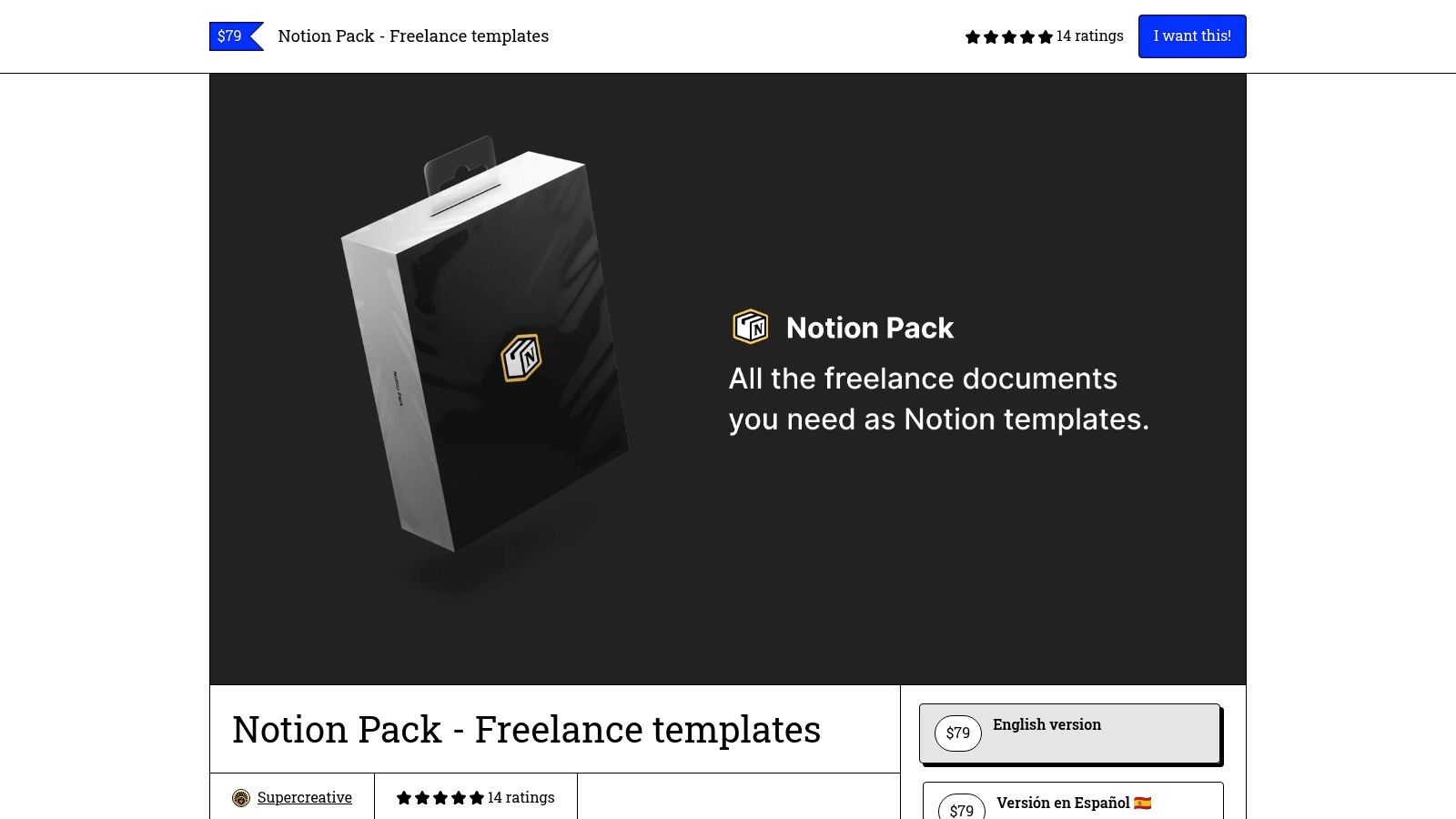
What makes this pack stand out is its laser focus on the service-based business lifecycle. The templates, such as the Statement of Work (SOW), client onboarding checklists, and invoice generators, are crafted with professional best practices in mind. This bundle transforms Notion from a simple note-taking app into a powerful, integrated business management dashboard, significantly reducing administrative overhead and tool sprawl. It’s a complete business-in-a-box for service professionals who live in Notion.
Key Details & Tips
- Best For: Freelancers, consultants, and small creative agencies who want a complete, ready-to-use system for managing client work from start to finish.
- Unique Offering: A comprehensive bundle approach rather than a single-purpose template. All documents are designed to work together, creating a cohesive operational hub with multi-language availability and PDF export functionality.
- Pricing: A one-time purchase, which is a higher initial investment than single templates but provides a complete operational toolkit.
- Pro Tip: Take time to customize the proposal and invoice templates with your own branding. Since these are client-facing, a bit of upfront personalization goes a long way. You can further enhance this system by exploring the 7 ways to use Notion to send emails, allowing you to manage client communications directly from your new dashboard.
Website: https://supercreative.design/notionpack
12. Notion Market Hub
Notion Market Hub operates as a boutique marketplace and template studio, focusing on practical and purpose-built dashboards for students and small-to-medium businesses. It distinguishes itself by offering not just templates but also comprehensive training materials to help teams adopt and maximize their new systems, such as an AI-enhanced project manager or a detailed academic thesis planner.
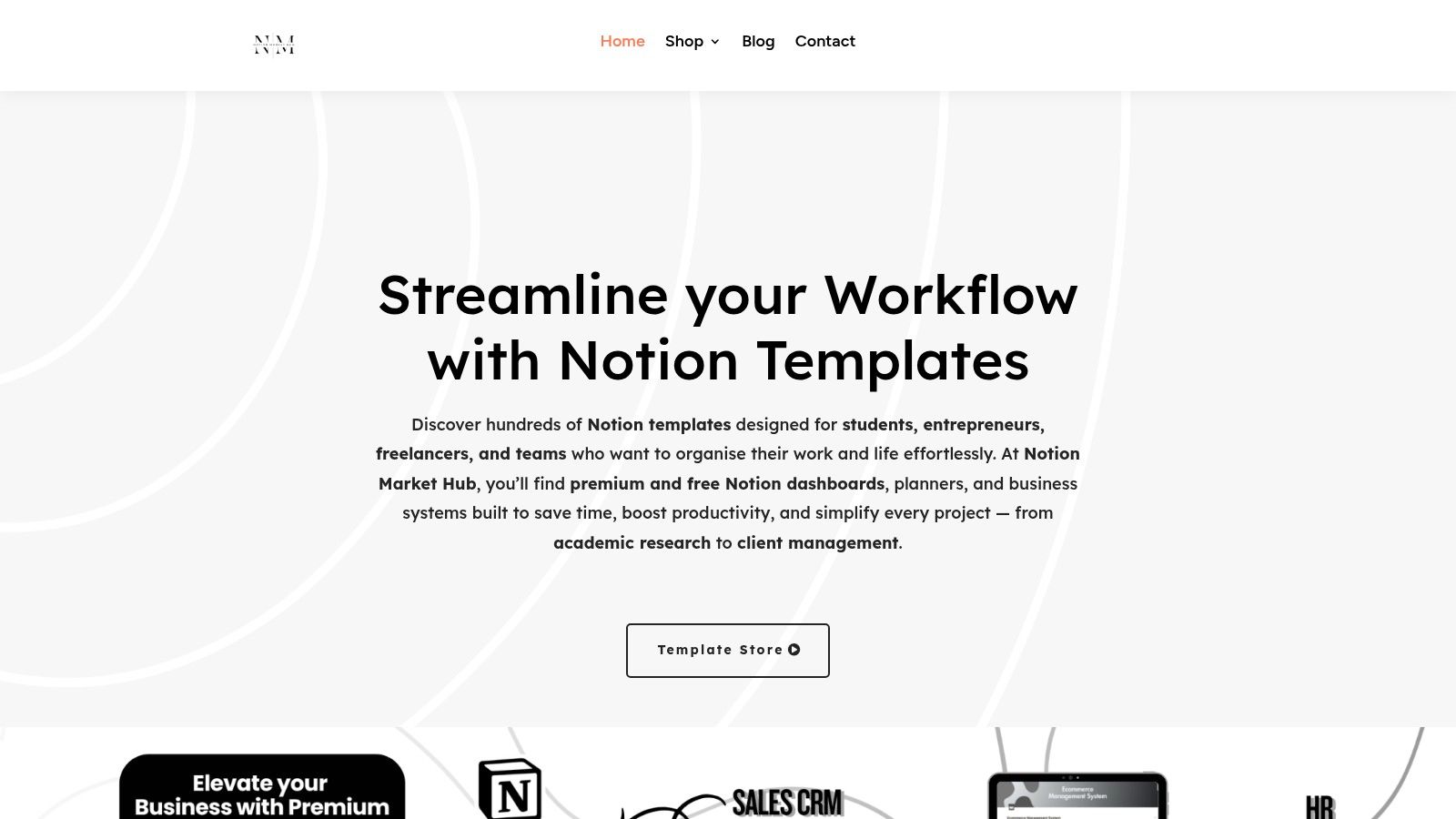
This platform excels in providing clear, actionable systems with ample guidance. Many of its paid Notion dashboard templates come with detailed storefront walkthroughs and interactive demos, allowing you to fully understand the system's functionality before making a purchase. This hands-on preview process removes guesswork and ensures the template is a good fit for your specific operational needs, from managing client work to organizing complex academic research.
Key Details & Tips
- Best For: Students, academics, and small business teams who need a functional dashboard and the training resources to implement it effectively.
- Unique Offering: The combination of templates with optional training add-ons is its key differentiator. This approach helps bridge the gap between acquiring a template and achieving full team adoption.
- Pricing: Features a mix of free dashboards for simple tasks and premium, low-cost paid systems for more complex business or academic workflows.
- Pro Tip: Take full advantage of the demo content and video walkthroughs provided on each product page. Since the catalog is smaller and more curated, you can invest more time in evaluating each potential dashboard to ensure it aligns perfectly with your team's processes before committing.
Website: https://notionmarkethub.com/
Notion Dashboard Templates — 12-Source Comparison
| Marketplace | Core features ✨ | UX / Quality ★ | Price / Value 💰 | Target 👥 | Standout 🏆 |
|---|---|---|---|---|---|
| Notion Marketplace (official) | Largest catalog, curated collections, instant Duplicate | ★★★★☆ | 💰 Free → Paid, wide choice | 👥 All users, businesses & creators | 🏆 Official source, fast workspace integration |
| Notionery | Handpicked catalog, vetted systems, in‑house templates | ★★★★★ | 💰💰 Curated, quality-first | 👥 Users wanting vetted, durable dashboards | ✨ High signal-to-noise; "Best of" curation |
| Prototion | 1,000+ templates, category/tags, frequent bundles | ★★★★☆ | 💰 Competitive; frequent sales | 👥 Bargain hunters & niche seekers | ✨ Bundles & deep niche coverage |
| Notion Everything | In-house templates, big free list, onboarding guides | ★★★★☆ | 💰💰 Mix (free + premium flagships) | 👥 Freelancers, teams, small businesses | 🏆 Credible creators + strong onboarding |
| Gridfiti Shop (Notion Templates) | Polished Life OS, mobile layouts, bundles | ★★★★☆ | 💰💰 Premium, design-forward | 👥 Users valuing cohesive visual style | ✨ Polished UI & mobile-friendly systems |
| Etsy (Notion templates) | Huge variety, filters, seller reviews | ★★★☆☆ | 💰 Low-cost options; competitive | 👥 Variety seekers & bargain shoppers | ✨ Massive variety + buyer protections |
| Gumroad (creators) | Creator storefronts, instant duplicate links, updates | ★★★★☆ | 💰 Creator-priced; supports indies | 👥 Supporters of individual creators | ✨ Direct creator support & early releases |
| Easlo | Second Brain, finance dashboards, strong docs | ★★★★☆ | 💰 Moderate; docs add value | 👥 Personal productivity enthusiasts | ✨ Clear tutorials & frequent updates |
| Notion VIP | Bulletproof Workspace methodology, templates, education | ★★★★★ | 💰💰 Premium; membership options | 👥 Advanced users & teams building scale | 🏆 Methodology-first, enterprise-grade logic |
| Creative Market (Notion) | Design-led templates, visual previews, designer shops | ★★★★☆ | 💰💰 Designer-priced, branded assets | 👥 Designers & brand-forward teams | ✨ Visual-first, high-quality previews |
| Supercreative — Notion Pack (Freelance OS) | 20 templates for freelancers (invoices, SOWs, proposals) | ★★★★☆ | 💰💰💰 Higher one-time cost; comprehensive | 👥 Freelancers & agencies | 🏆 Complete freelance OS — client docs & workflows |
| Notion Market Hub | Storefront with demos, mix of free/paid, training | ★★★★☆ | 💰💰 Low-cost dashboards + training add-ons | 👥 Students, SMBs & teams | ✨ Walkthroughs, demos & team training options |
Choosing Your Foundation and Making It Your Own
We've explored a comprehensive landscape of resources for top-tier notion dashboard templates, from official marketplaces like the Notion Marketplace to curated creator hubs like Notionery and Gumroad. The sheer variety can feel overwhelming, but it also represents an incredible opportunity to find a pre-built system that aligns almost perfectly with your specific needs, whether you're a freelancer managing clients, a project manager wrangling complex timelines, or a small business owner integrating multiple operational facets.
The journey doesn't end with a click and a duplicate. The true power of a Notion template is its role as a springboard. The templates we've covered, from the robust Freelance OS by Supercreative to the aesthetic and functional layouts on Gridfiti, are designed to be starting points. They provide the structure, the database relationships, and the initial framework, saving you countless hours of setup. Your task is to take that foundation and sculpt it into a system that feels like an extension of your own mind.
Key Takeaways and Next Steps
As you move forward, keep these core principles in mind to maximize the value you get from your chosen template:
- Audit Before You Commit: Before fully integrating a complex template into your daily workflow, spend some time in the duplicated version. Click through every page, understand the database relations, and assess if the logic aligns with your process. A template that fights your natural workflow will create more friction than it solves.
- Customization is Non-Negotiable: Don't be afraid to break things. Change database properties to match your terminology. Adjust the dashboard layout to prioritize the information you need to see first thing in the morning. A great template is one that is flexible enough to withstand your personal touch.
- Focus on Integration, Not Just Collection: The goal isn't just to have a beautiful dashboard; it's to create a central nervous system for your work. This is where connecting external tools becomes a game-changer. Think about how information flows into your Notion workspace. Automating the capture of client emails, form submissions, or meeting notes transforms your dashboard from a static planner into a dynamic, living system.
Making the Right Choice for Your Needs
Selecting the perfect template requires a clear understanding of your own requirements. Ask yourself a few critical questions to narrow down the vast options available from sources like Etsy, Prototion, and Notion Everything.
-
What is the primary problem I need to solve? Are you struggling with project visibility, client communication, content planning, or personal habit tracking? Pinpoint your main pain point and search for notion dashboard templates specifically designed to address it. A project management template won't solve your CRM issues.
-
How much complexity can I handle? Be honest about your Notion skill level. Comprehensive "second brain" or "business OS" templates, like the Bulletproof Workspace from Notion VIP, are incredibly powerful but have a steeper learning curve. If you're new to Notion, starting with a more focused, single-purpose template might be a better strategy.
-
What is my budget? The Notion template ecosystem ranges from free community-built solutions to premium, high-ticket systems. Your budget will naturally filter your options, but remember to evaluate the return on investment. A $100 template that saves you five hours of administrative work every week pays for itself very quickly.
Ultimately, the best notion dashboard templates are not the ones with the most features, but the ones that you consistently use. By selecting a solid foundation and thoughtfully customizing it to your unique workflow, you can transform Notion from a simple note-taking app into a powerful, personalized engine for productivity and organization.
Ready to bridge the gap between your email inbox and your newly organized workspace? NotionSender allows you to send and receive emails directly from any Notion page, turning your CRM or project dashboards into powerful communication hubs. Stop context-switching and start integrating your workflow by exploring NotionSender today.

