The Ultimate Notion Template Gallery: 12 Best Marketplaces for 2026
Published Feb 7, 202619 min read
In this article14 sections
- 1. Notion Marketplace (Official)
- 2. Notionery
- 3. Gumroad (Discover: “Notion template”)
- 4. Etsy (Digital Notion Templates)
- 5. Creative Market (Notion Templates)
- 6. Gridfiti Shop (Notion Templates)
- 7. Notion Everything
- 8. Prototion
- 9. Easlo (Creator Shop)
- 10. Supercreative – Notion Pack (for Freelancers)
- 11. Taskspaces (Notion Templates)
- 12. Notion VIP (Templates & Systems)
- 12 Notion Template Gallery Comparison
- Integrate and Automate: Taking Your Templates to the Next Level
A fresh Notion page is a canvas of pure potential, but building complex systems from scratch can be a major time sink. That's where a high-quality Notion template gallery comes in. These marketplaces and creator shops offer pre-built, battle-tested solutions that can instantly transform your workspace from a simple note-taking app into a powerful operating system for your life or business. Instead of spending hours designing databases and dashboards, you can duplicate a proven framework in seconds.
However, with thousands of templates available across countless platforms, finding the right one can feel like searching for a needle in a haystack. The quality varies dramatically, and a poorly designed template can create more clutter than clarity. This guide cuts through the noise. We’ve curated the top 12 destinations for finding exceptional Notion templates, from massive official marketplaces to boutique creator shops. Beyond the well-known platforms, exploring specialized template galleries like Templatecat can uncover niche and unique Notion templates that perfectly fit your specific needs.
We'll analyze the strengths, weaknesses, and ideal use cases for each, complete with screenshots and direct links. This resource will help you confidently find the perfect template to organize your projects, manage your finances, or even build a complete Second Brain system.
1. Notion Marketplace (Official)
As the official, centralized notion template gallery, the Notion Marketplace is the definitive starting point for any user. It offers the largest and most up-to-date collection, featuring over 30,000 community and partner-built templates. The platform’s direct integration with the Notion app allows for seamless one-click duplication into your workspace, eliminating extra steps.
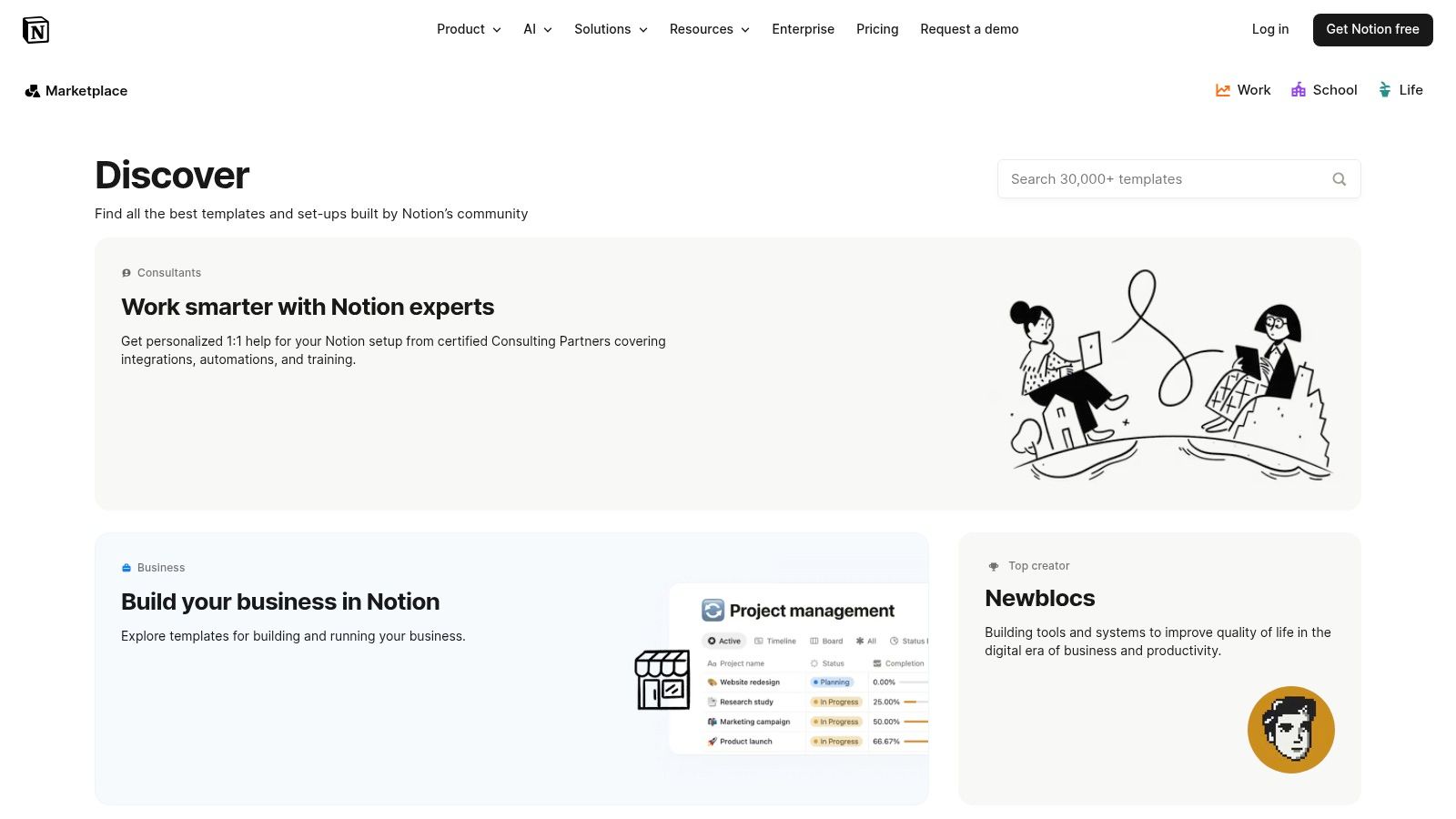
This official hub excels at providing trust signals like creator profiles, ratings, and curated collections, which help users navigate the vast selection of both free and paid options. While the sheer volume can be overwhelming, the powerful search and filtering capabilities make it easier to find exactly what you need. For anyone serious about enhancing their workspace, mastering template integration is key; you can find more strategies in our guide covering 10 tips to get the most out of Notion.
Key Details:
- Best For: Users who want a trusted, comprehensive, and up-to-date source directly from Notion.
- Pricing: Free and paid templates are available; paid options can be purchased via Notion checkout or third-party sites.
- Pros: Largest official directory, strong trust signals (ratings, verified creators), seamless one-click duplication.
- Cons: Discovery can feel overwhelming due to the massive selection, and quality can vary significantly between creators.
- Website: https://www.notion.com/templates
2. Notionery
Notionery positions itself as a curated notion template gallery, focusing on quality over quantity. Unlike massive marketplaces, it handpicks and tests complex systems from top-tier creators, ensuring users find reliable and polished solutions. This selective approach helps users avoid low-quality clones and find comprehensive templates for startups, freelance businesses, and advanced productivity.
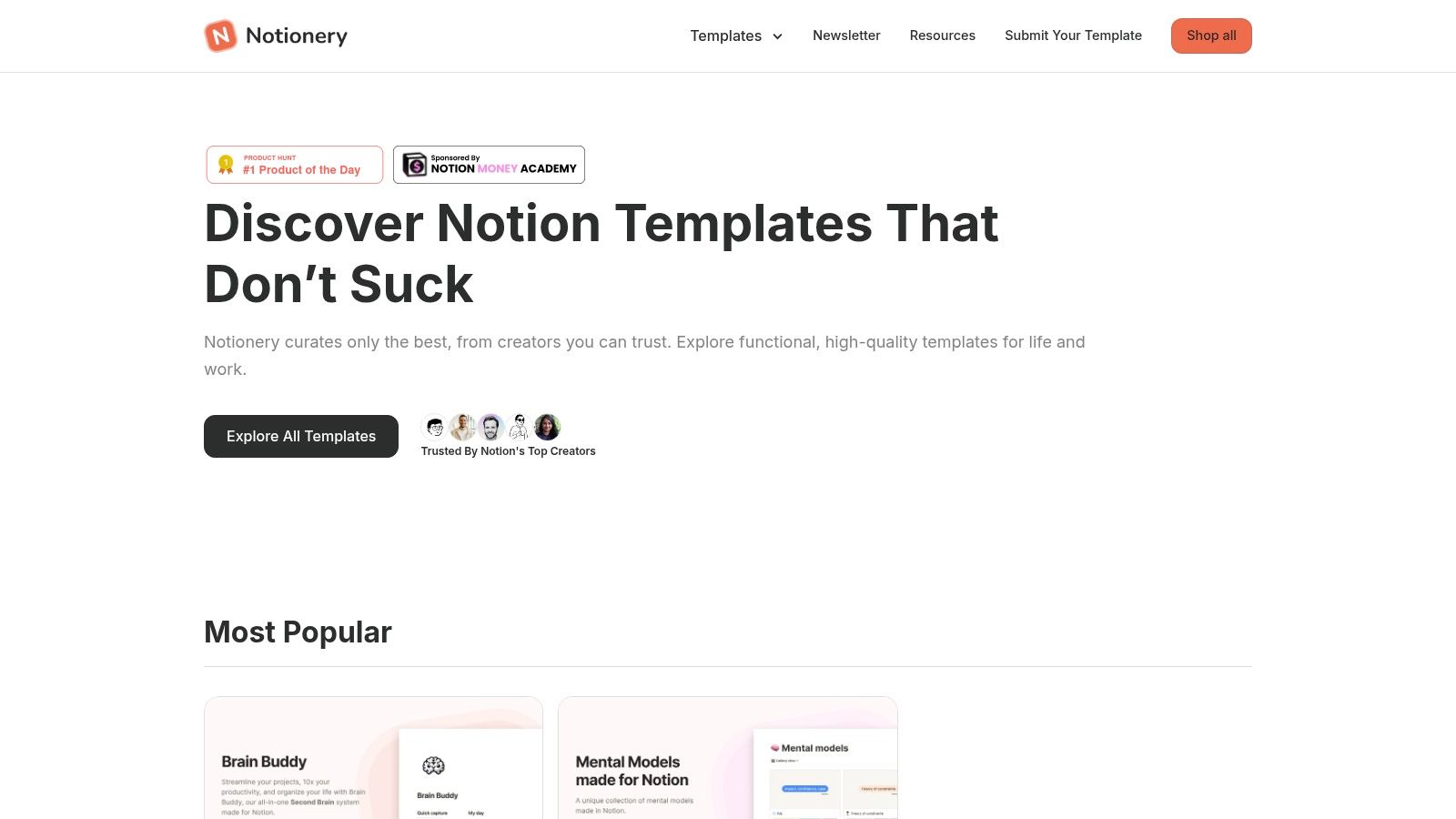
The platform presents its templates as complete products, with detailed listings that showcase real-world use cases rather than just features. While this high-quality filter is a significant advantage, the browsing experience is partially gated, requiring an email signup to view the full catalog. This trade-off between discovery and exclusivity makes Notionery ideal for users who prioritize proven, high-value systems and are willing to invest in a premium, vetted template from the start.
Key Details:
- Best For: Users seeking premium, vetted, and comprehensive systems who prefer quality over sheer volume.
- Pricing: Primarily paid templates, positioned as premium systems.
- Pros: High-quality, curated selection saves time; polished product listings clearly explain use cases and value.
- Cons: Smaller selection compared to open marketplaces; requires an email signup to browse the full catalog.
- Website: https://www.notionery.com
3. Gumroad (Discover: “Notion template”)
As a massive digital marketplace, Gumroad has become a de facto notion template gallery for independent creators. It hosts tens of thousands of listings, making it an essential hub for finding niche systems, from comprehensive business operating systems to minimalist student planners. The platform handles everything from payments and digital delivery to creator updates, providing a direct and streamlined channel between buyers and sellers.
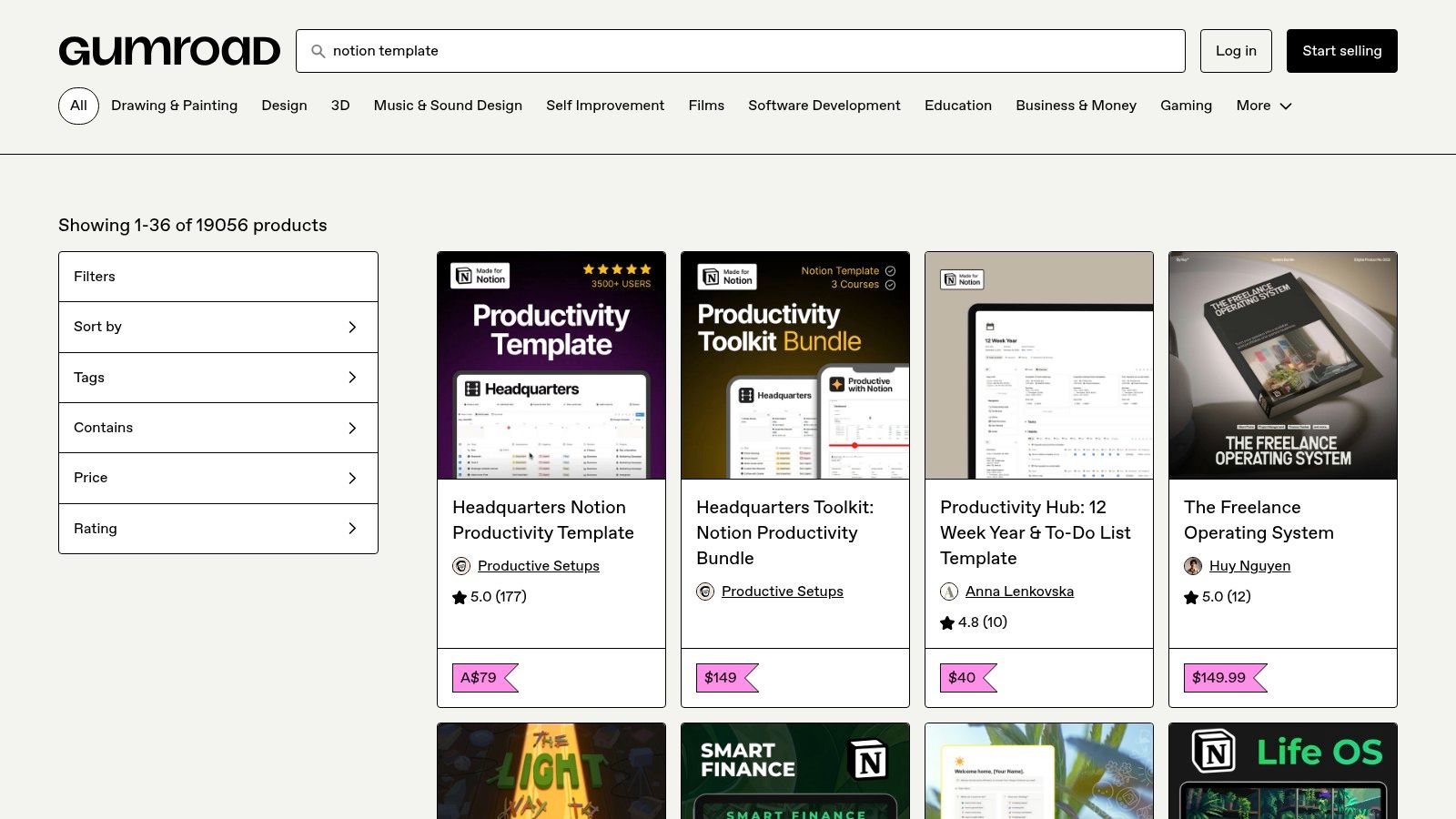
Gumroad's main advantage is the sheer breadth of its inventory and the frequent bundles or discounts offered directly by creators. However, this vastness comes at a cost. Discovery can be challenging due to basic filtering options and a lack of a standardized quality review process, meaning users must sift through more content to find high-value templates. Despite this, it remains an unparalleled resource for discovering unique and innovative solutions directly from the source.
Key Details:
- Best For: Users looking for unique, indie-creator templates and who don't mind searching to find hidden gems.
- Pricing: Primarily paid templates, with pricing set by individual creators; many free options are also available as lead magnets.
- Pros: Huge variety of templates from independent creators, frequent discounts and bundles, direct access to creator updates.
- Cons: Quality varies widely with no formal vetting, and discovery can be time-consuming due to overcrowding and limited filters.
- Website: https://gumroad.com/discover?query=notion%20template
4. Etsy (Digital Notion Templates)
While not a dedicated notion template gallery, Etsy has become a surprisingly popular marketplace for aesthetically pleasing and functional templates. It hosts thousands of independent creators selling digital planners, small business kits, and student dashboards, often with a strong focus on visual design and user-friendly layouts. The platform’s familiar interface, trusted buyer protections, and extensive review system make it a reliable choice for finding unique designs.
Etsy stands out for its visual-driven discovery, where detailed mockups and customer photos help you assess a template's look and feel before buying. While the search can return a lot of noise, filtering by reviews and carefully examining item previews helps ensure you get a quality product. It’s an excellent source for those who prioritize a beautiful workspace alongside functionality, especially for personal organization, content creation, or tracking financial goals.
Key Details:
- Best For: Users seeking aesthetic, visually driven templates and budget-friendly planners from independent creators.
- Pricing: Mostly paid, with a wide range of prices from a few dollars to more comprehensive bundles.
- Pros: Trusted platform with buyer protections and reviews, great for budget-friendly and design-forward templates.
- Cons: Quality can be mixed, with some templates prioritizing design over function; search requires careful validation of previews.
- Website: https://www.etsy.com/market/notion_template
5. Creative Market (Notion Templates)
For those who prioritize aesthetics and brand cohesion, Creative Market offers a highly curated notion template gallery focused on professional design. Unlike broader marketplaces, it excels in providing visually polished templates such as brand kits, client portals, and life operating systems that feel less like databases and more like finished products. This makes it an ideal destination for freelancers, agencies, and small businesses needing presentation-ready systems.
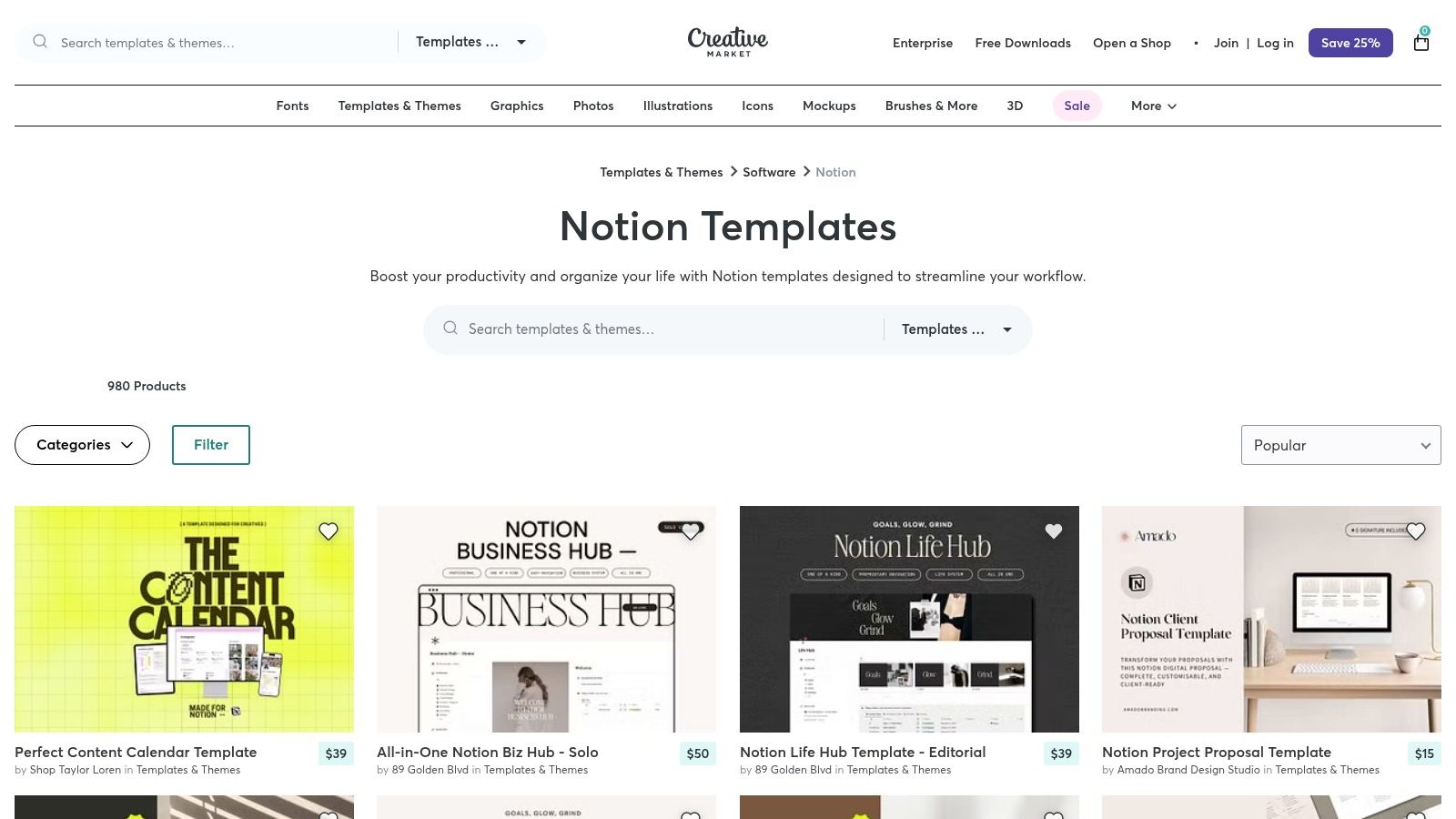
The platform stands out with its clear licensing terms, which are particularly helpful for commercial use, and its emphasis on designer storefronts that often feature bundles with consistent visual themes. While the selection is smaller and generally priced higher than on other sites, the value lies in the premium design quality and the ability to find templates that require minimal visual tweaking to align with your brand identity.
Key Details:
- Best For: Creatives, marketers, and teams who need visually appealing, client-facing, or on-brand Notion systems.
- Pricing: Primarily paid templates, with prices set by individual designers; expect a higher average cost for premium quality.
- Pros: High design quality and brand consistency, clear commercial licensing, useful for presentation-ready systems.
- Cons: Smaller selection compared to Gumroad or the official Notion Marketplace, higher average prices due to the design focus.
- Website: https://creativemarket.com/templates-themes/notion
6. Gridfiti Shop (Notion Templates)
For users seeking highly polished, interconnected Notion systems, Gridfiti offers a specialty notion template gallery focused on deep integration. Their offerings are less like individual templates and more like complete operating systems, such as their popular Life OS, productivity bundles, and finance dashboards. Gridfiti excels by providing detailed product pages, comprehensive onboarding guides, and tooltips that make their powerful systems accessible.
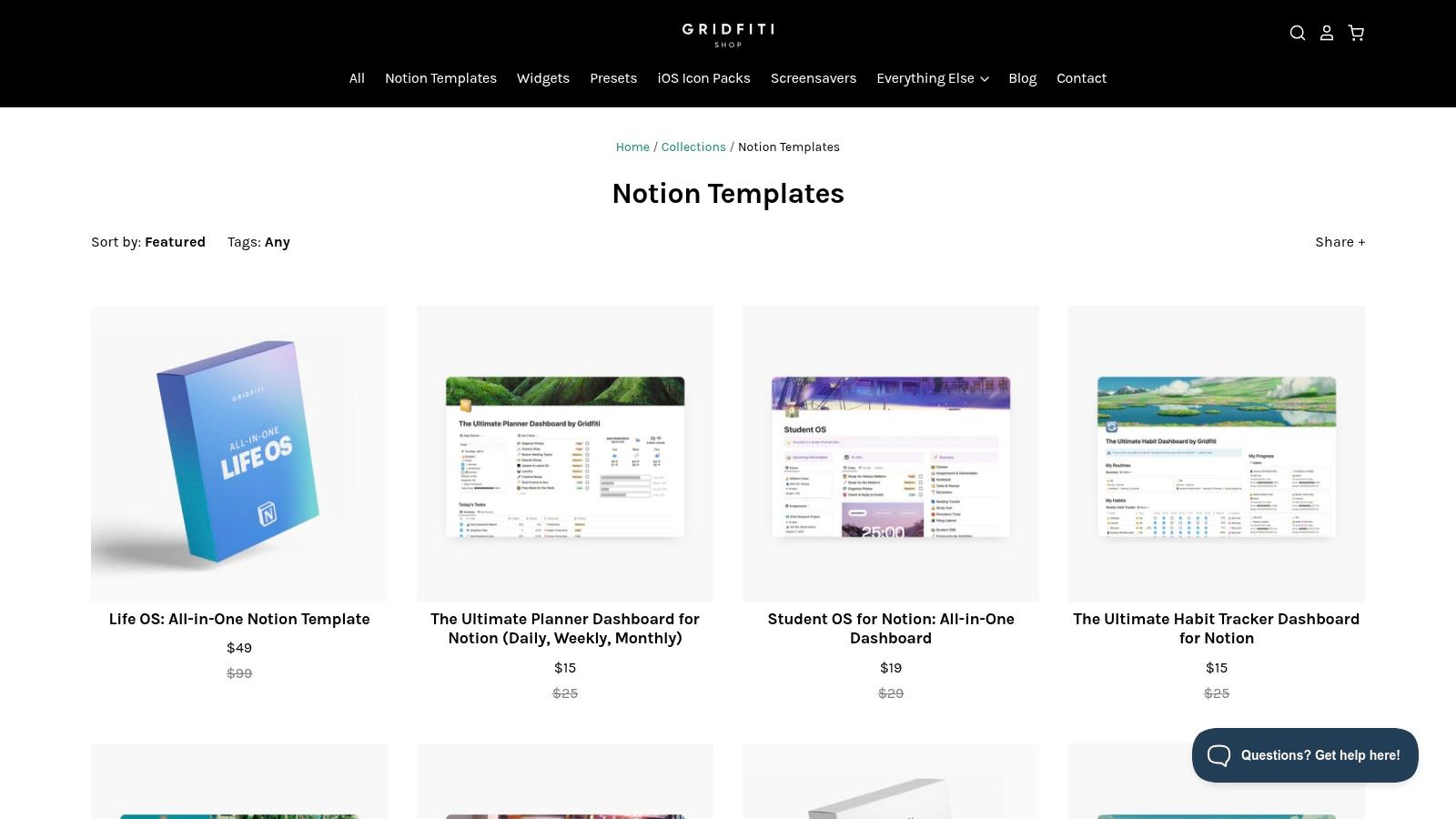
This boutique approach stands out for its thoughtful information architecture, designed to manage daily workflows effectively. The templates often feature multiple linked databases that work in harmony right out of the box, saving users from building complex relations themselves. With responsive support and frequent promotions, Gridfiti provides a premium experience for those ready to commit to a more structured and all-in-one Notion setup.
Key Details:
- Best For: Power users looking for comprehensive, all-in-one Notion systems and life planners.
- Pricing: Primarily paid templates, often sold individually or in discounted bundles.
- Pros: Thoughtful information architecture for daily workflows, clear upgrade paths from single templates to full systems, detailed onboarding.
- Cons: Heavier systems can require an initial time investment for setup, and its focused catalog offers less variety than a broad marketplace.
- Website: https://shop.gridfiti.com/collections/notion-templates
7. Notion Everything
Notion Everything serves as a specialized notion template gallery focused on high-quality, business-ready systems. It stands out by offering curated bundles that combine multiple templates into comprehensive solutions for project management, finance, and client relations. These bundles often come with lifetime updates and extensive documentation, including video tutorials, making them ideal for small businesses and teams seeking an all-in-one setup.
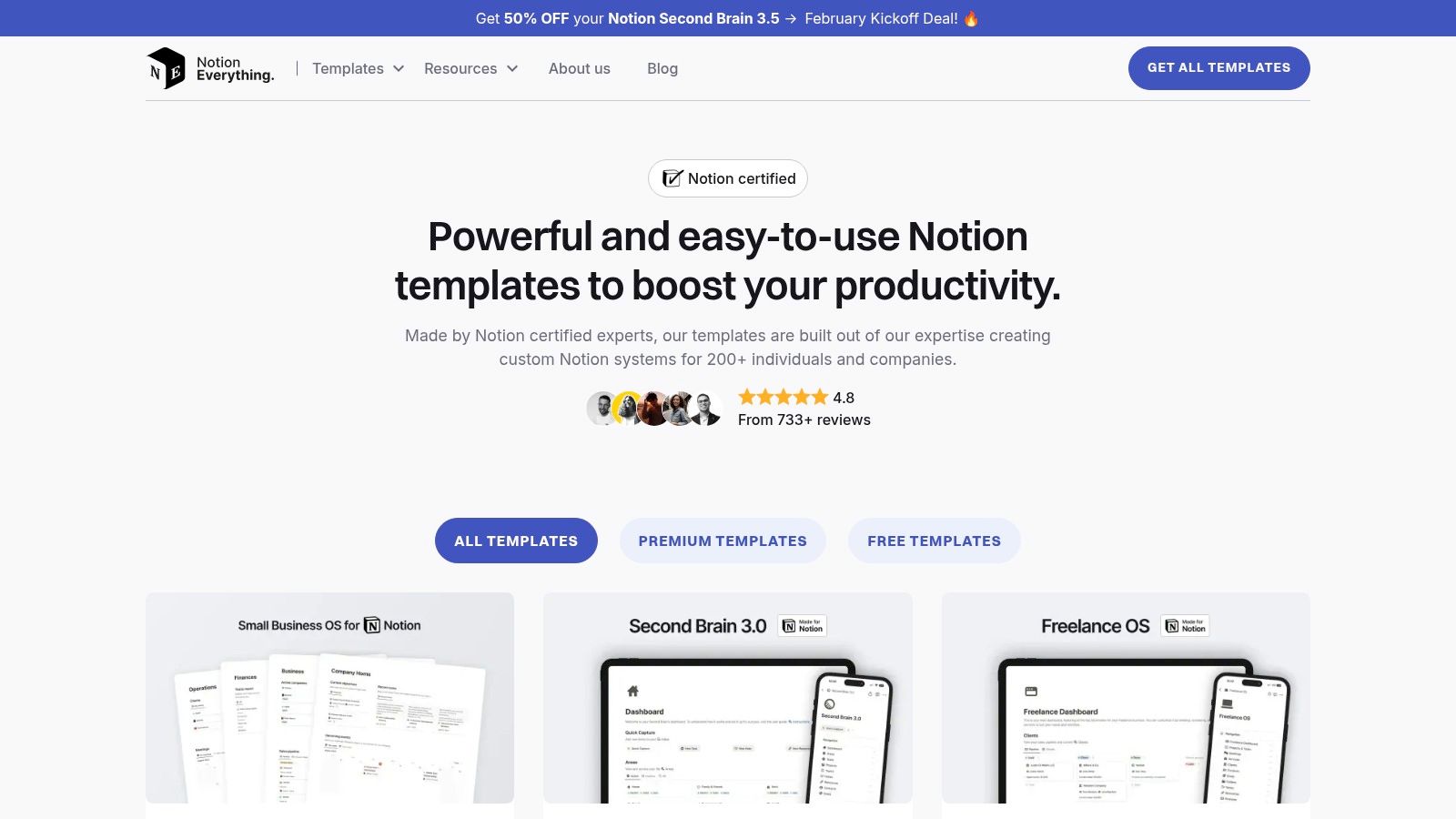
This platform emphasizes quality over quantity, featuring work from Notion-Certified creators. The templates are designed to work together seamlessly, which saves significant time on integration. While its catalog is smaller than larger marketplaces, the value lies in its professionally designed, interconnected systems. For example, a CRM template from Notion Everything can be easily paired with NotionSender to automate follow-up emails, creating a powerful workflow directly from your client database.
Key Details:
- Best For: Small businesses, teams, and freelancers looking for comprehensive, interconnected business systems with great support.
- Pricing: A mix of free individual templates and premium bundles sold via Gumroad or Lemon Squeezy.
- Pros: Excellent documentation and video support, high-value bundles with lifetime updates, focuses on professional, business-centric solutions.
- Cons: Smaller catalog than open marketplaces, and premium bundles can represent a sizable upfront investment.
- Website: https://www.notioneverything.com/our-notion-templates
8. Prototion
Prototion is a community-driven notion template gallery built to connect independent creators directly with users. It simplifies the process for makers to sell their templates by providing a simple submission flow and built-in checkout, removing the need for separate storefront tools. For users, this means access to a constant stream of fresh, innovative concepts from a diverse pool of creators.
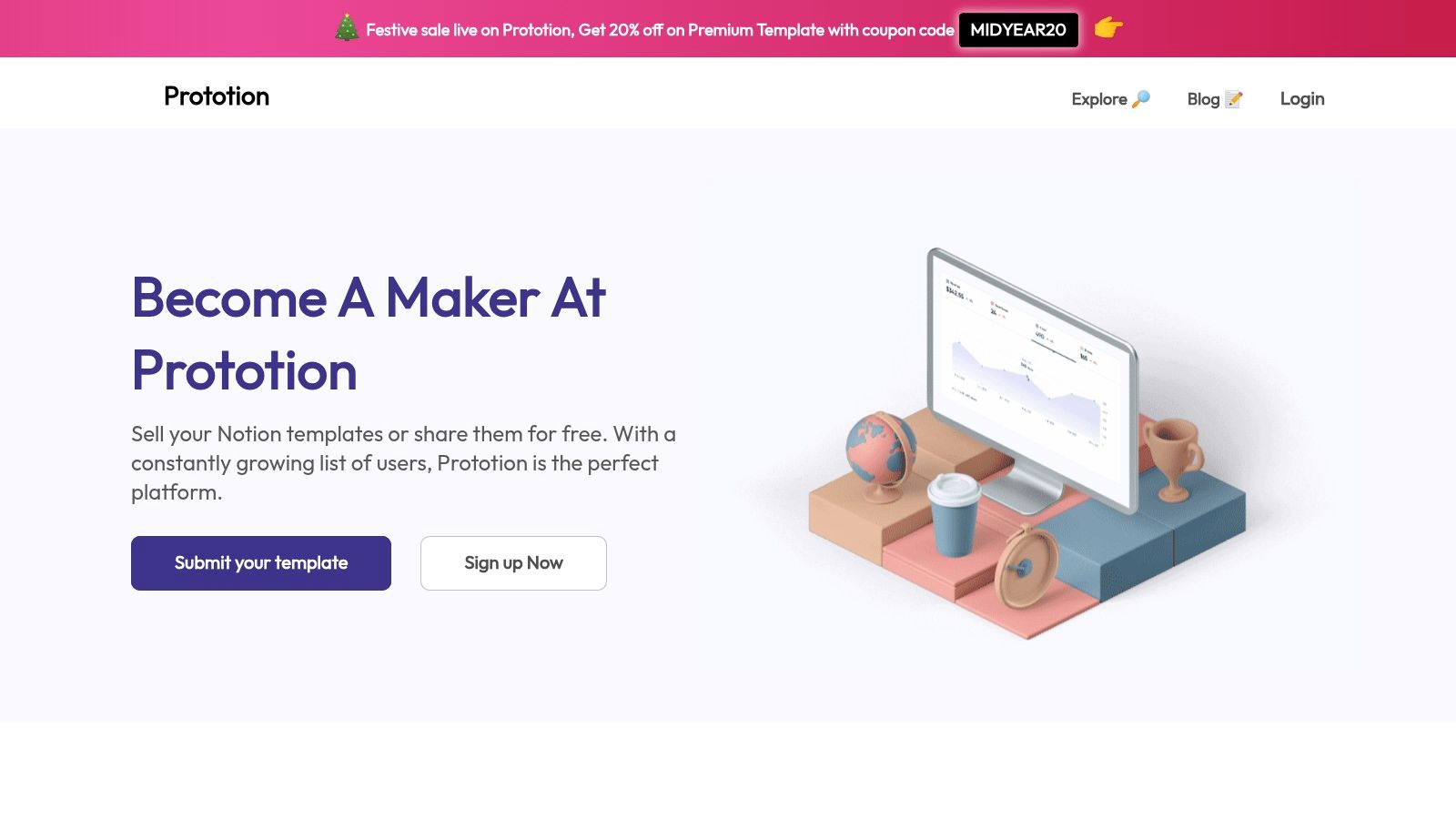
The platform’s strength lies in its low friction for indie creators, which encourages experimentation and unique template designs that might not appear on larger marketplaces. While its catalog depth can vary by category and discovery is more limited than on massive platforms, Prototion is an excellent place to find niche solutions and support emerging template designers directly. The transparent pricing and straightforward payment system enhance the user experience.
Key Details:
- Best For: Users looking to support indie creators and discover unique, niche templates not found on larger platforms.
- Pricing: Both free and paid templates are available, with payments handled directly on the platform.
- Pros: Low friction for creators leads to a variety of fresh concepts, transparent pricing, and direct support for independent makers.
- Cons: Smaller audience limits discovery, and the catalog depth can be inconsistent across different categories.
- Website: https://www.prototion.com/sell-notion-templates
9. Easlo (Creator Shop)
Easlo is one of the most recognized individual creators in the Notion ecosystem, offering a curated collection of highly polished templates known for their clean design and strong usability. This creator-centric notion template gallery focuses on personal and professional productivity systems, including popular options like the Second Brain, comprehensive habit trackers, and finance dashboards. Each template is accompanied by clear tutorials, ensuring users can implement and customize these advanced systems effectively.
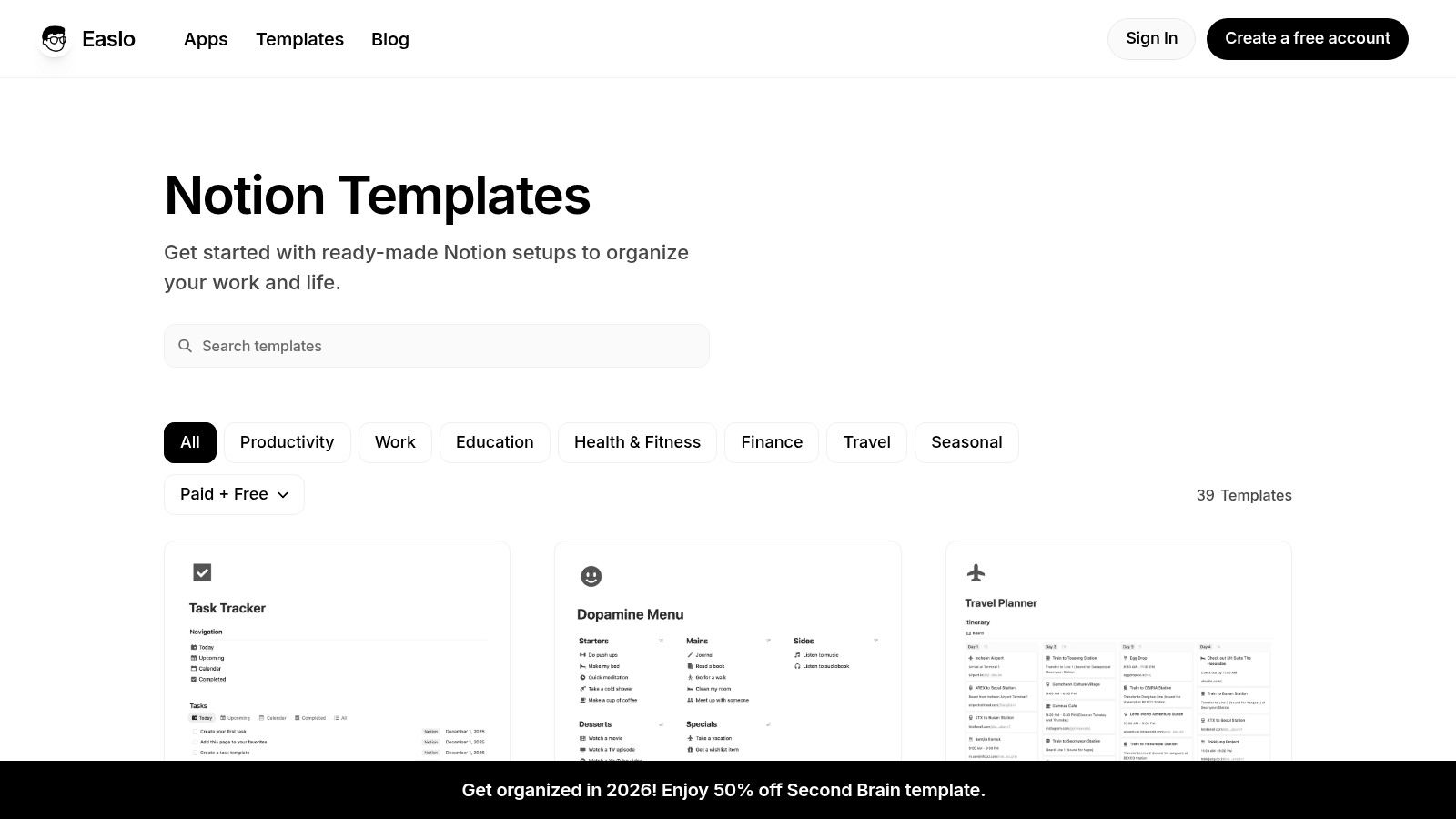
What sets Easlo apart is the All-Access bundle, a lifetime pass that grants users access to all current and future templates. This one-time purchase is a significant value proposition for power users committed to the platform. While the aesthetic is consistent across all products, which may not suit every taste, the reliability and ongoing maintenance make this a trusted source for high-quality, well-documented Notion solutions.
Key Details:
- Best For: Individuals and professionals looking for meticulously designed, all-in-one systems with excellent documentation and long-term support.
- Pricing: Templates are sold individually, but an All-Access pass provides lifetime access to all current and future templates for a one-time fee.
- Pros: High usability and strong documentation, reliable updates and ongoing maintenance, excellent value with the All-Access bundle for dedicated users.
- Cons: A single creator’s aesthetic may not suit all users, and the All-Access pass involves a significant upfront investment.
- Website: https://www.easlo.co/templates
10. Supercreative – Notion Pack (for Freelancers)
Supercreative offers a highly specialized notion template gallery focused entirely on the operational needs of freelancers and creative agencies. Instead of a broad catalog, it provides a curated “Notion Pack” with over 20 templates designed for client-facing documentation, such as invoices, proposals, Statements of Work (SOWs), and client onboarding checklists. This purpose-built approach makes it a powerful asset for professionals managing client relationships and project administration directly within Notion.
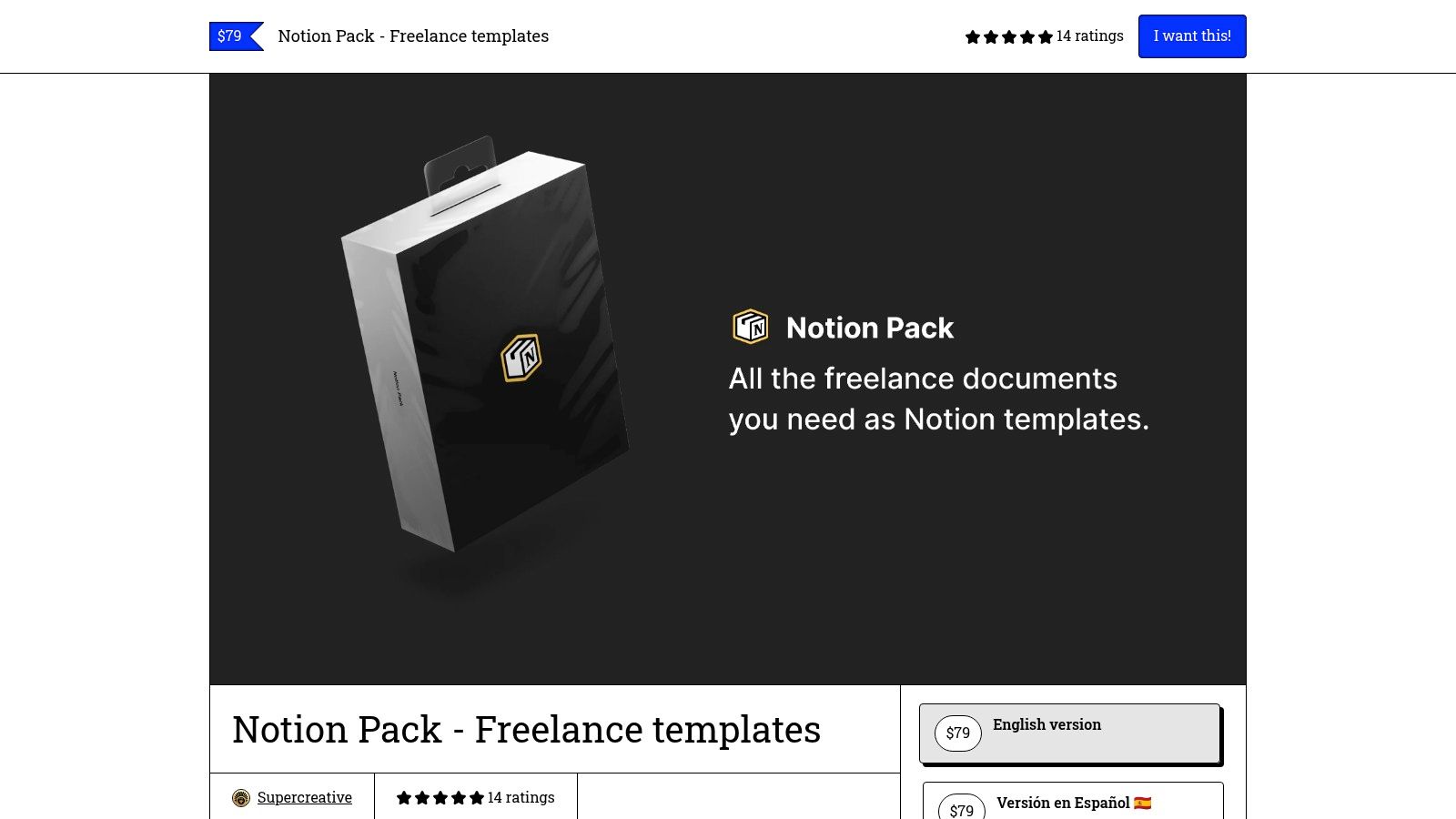
The bundle excels by providing pre-formatted documents that are easy to export to PDF or share directly for collaboration. It includes multilingual options and a comprehensive setup guide to ensure quick implementation. By automating document creation, it saves significant time on administrative tasks, allowing freelancers to focus on billable work. This aligns perfectly with workflows where you can use Notion to send emails and manage client communication from a single hub.
Key Details:
- Best For: Freelancers, consultants, and small agencies needing a ready-made system for client management and documentation.
- Pricing: Offered as a one-time purchase for the complete bundle.
- Pros: Purpose-built for client-facing operations and proposals, saves significant time on freelancer/admin workflows, includes lifetime updates.
- Cons: Narrow focus on freelance/agency workflows versus general Life OS, offered primarily as one bundle rather than a broad catalog.
- Website: https://supercreative.design/notionpack
11. Taskspaces (Notion Templates)
Taskspaces operates as a boutique notion template gallery, focusing on clean, pragmatic, and highly integrated systems. It offers a curated selection of comprehensive templates like Second Brain, FinanceOS, and LifeOS, which are designed to work together seamlessly. The emphasis on minimal aesthetics and straightforward onboarding makes these systems easy to adopt without a steep learning curve.
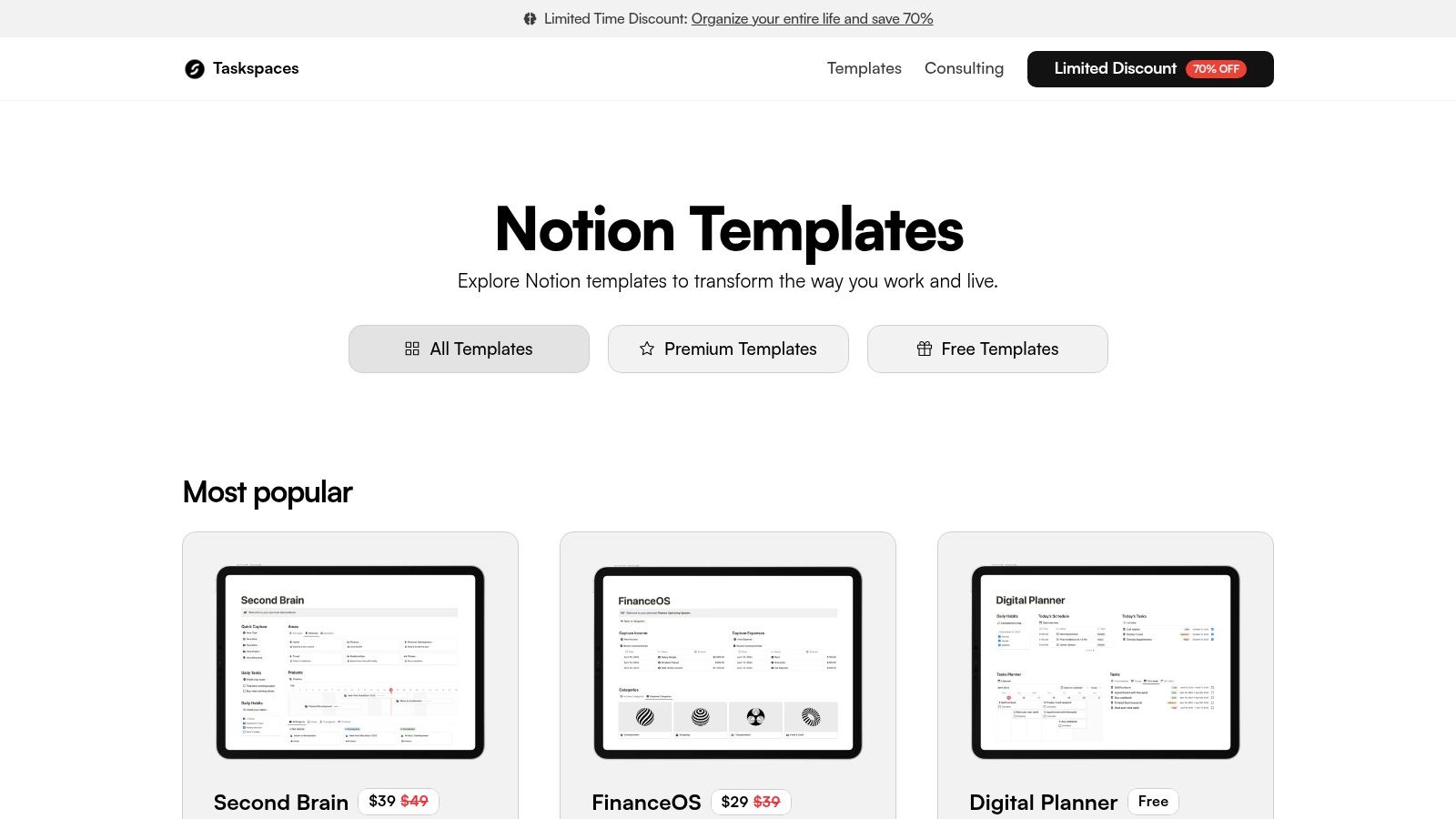
This platform stands out for its value-driven bundles, offering discounted packages like the "Essentials" and "Premium" bundles that are ideal for freelancers and small teams. By providing free starter versions of their premium templates, Taskspaces allows users to test the core functionality before committing. For instance, the FinanceOS template can be a great foundation for a system where you can create and send invoices directly from Notion, streamlining your workflow from tracking to client communication.
Key Details:
- Best For: Users seeking clean, all-in-one systems and value bundles for personal or team use.
- Pricing: Free starter templates are available, with premium paid options and discounted bundles.
- Pros: Good value bundles for teams and freelancers, straightforward, minimal designs that are easy to adopt.
- Cons: Smaller catalog with fewer niche verticals, less community/social proof compared to larger marketplaces.
- Website: https://www.taskspaces.co/notion-templates
12. Notion VIP (Templates & Systems)
Notion VIP positions itself as more than just a notion template gallery; it's an educational resource for power users and teams. Run by a renowned Notion expert, the platform offers meticulously crafted systems like the Bulletproof Workspace, focusing on scalable information architecture rather than simple, single-purpose templates. This approach is ideal for those looking to build sophisticated, interrelated databases that can grow with their business needs.
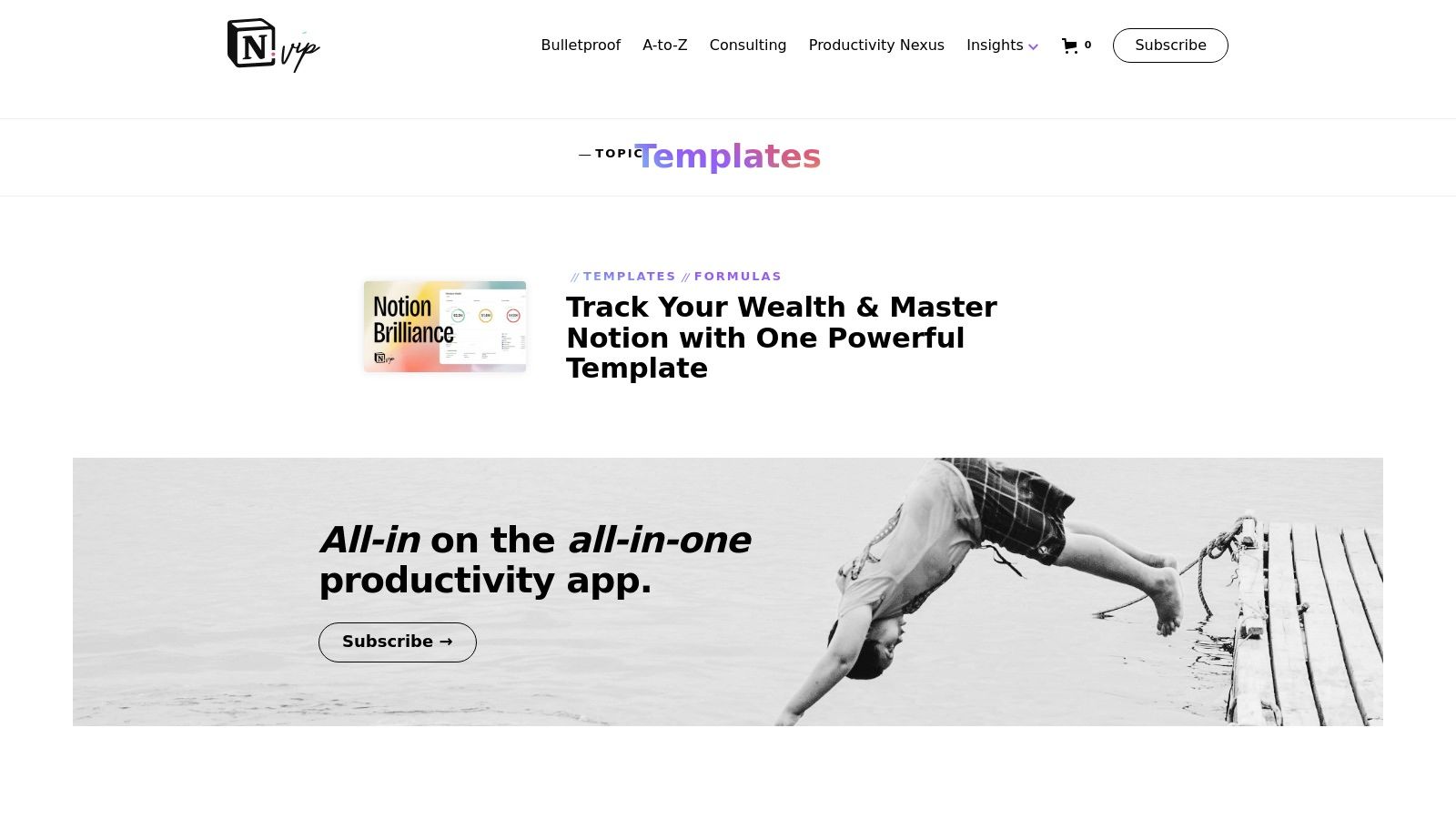
The platform combines deep, instructional guides with its paid resources, ensuring users understand the methodology behind each system. This emphasis on learning makes it stand out from typical marketplaces. While the catalog is smaller and requires a greater time investment to master, the payoff is a highly robust and customized workspace. It’s less about plug-and-play convenience and more about constructing a long-term, foundational system for productivity and data management.
Key Details:
- Best For: Power users and teams who need scalable, systematic frameworks rather than standalone templates.
- Pricing: Primarily paid, premium systems and a membership model with access to extensive resources.
- Pros: Deep educational content alongside templates, proven systems designed for business scalability, focus on robust information architecture.
- Cons: Higher learning curve compared to simple templates, smaller and more focused catalog, premium pricing.
- Website: https://www.notion.vip/topics/templates
12 Notion Template Gallery Comparison
| Platform | Core Features ✨ | Quality / Trust ★🏆 | Price & Value 💰 | Target Audience 👥 |
|---|---|---|---|---|
| Notion Marketplace (Official) | ✨ 30k+ curated templates; one-click duplicate; creator profiles | ★★★★☆; 🏆 Official curation & ratings | 💰 Mix of free & paid; easy checkout | 👥 All users, teams, businesses |
| Notionery | ✨ Handpicked, tested systems; product-style listings | ★★★★★; 🏆 High vetting & quality control | 💰 Mostly premium; quality-first pricing | 👥 Users wanting reliable, proven templates |
| Gumroad (Discover: “Notion template”) | ✨ Massive catalog; creator updates & buyer library | ★★★☆☆; variable by creator | 💰 Wide price range; frequent discounts/bundles | 👥 Indie creators, bargain hunters |
| Etsy (Digital Notion Templates) | ✨ Visual-driven listings; instant delivery; reviews | ★★★☆☆; trusted platform protections | 💰 Budget-friendly options; refunds available | 👥 Design-focused buyers & casual users |
| Creative Market (Notion Templates) | ✨ Design/brand-focused templates; clear licensing | ★★★★☆; designer storefront quality | 💰 Higher average prices; premium design value | 👥 Marketers, creatives, client-facing teams |
| Gridfiti Shop (Notion Templates) | ✨ OS-style interconnected systems; guides & support | ★★★★☆; thoughtful IA & onboarding | 💰 Mid-range; frequent bundles/promos | 👥 Power users needing daily-ready systems |
| Notion Everything | ✨ Business-ready templates; bundles + docs/videos | ★★★★☆; certified creators & solid docs | 💰 Good bundle value; some upfront cost | 👥 Small businesses & teams |
| Prototion | ✨ Maker profiles; simple submission & checkout; community | ★★★☆☆; fresh indie concepts | 💰 Transparent indie pricing; creator-set fees | 👥 Indie creators & early adopters |
| Easlo (Creator Shop) | ✨ Polished systems; tutorials; Pro Access (lifetime) | ★★★★☆; maintained by top creator | 💰 Premium pricing; pro-bundle lifetime option | 👥 Power users who want polished UX |
| Supercreative – Notion Pack (Freelancers) | ✨ Freelancer docs (invoices, proposals, SOWs); PDF export | ★★★★☆; purpose-built pack | 💰 One-time bundle; high freelancer ROI | 👥 Freelancers & agencies |
| Taskspaces (Notion Templates) | ✨ Minimal, pragmatic systems; free starters + bundles | ★★★★☆; easy onboarding | 💰 Good starter value; discounted bundles | 👥 Teams & freelancers seeking simplicity |
| Notion VIP (Templates & Systems) | ✨ Expert frameworks (Bulletproof Workspace); membership | ★★★★☆; deep expertise & advanced docs | 💰 Premium/membership pricing for power users | 👥 Power users & teams needing scalable systems |
Integrate and Automate: Taking Your Templates to the Next Level
Navigating the expansive world of Notion templates can feel overwhelming, but as we've explored, the right framework can revolutionize how you manage projects, clients, and entire business operations. This curated notion template gallery has guided you through a dozen premier sources, from the official Notion Marketplace to specialized creator shops like Easlo and Prototion. The goal was not just to list resources but to empower you to find systems that fit your specific workflow, whether you're a freelancer building a client portal or a project manager orchestrating a complex content calendar.
The most crucial takeaway is that a template is not a static endpoint; it is a dynamic starting point. The true potential is unlocked when you treat it as the foundation of an interconnected, automated system. A CRM template is useful on its own, but its power multiplies when it automatically triggers a welcome email to a new client. An invoice tracker is great for organization, but it becomes an engine for cash flow when it can send payment reminders on its own schedule.
From Static Pages to Dynamic Systems
The key to this transformation lies in integration. By connecting your meticulously organized Notion databases to other essential tools, particularly your email inbox, you bridge the gap between planning and execution. This is where the concepts we've discussed come to life. Imagine changing a project status from "In Progress" to "Pending Review" and having a notification email automatically sent to your client, complete with a link to the relevant Notion page. This level of automation eliminates manual tasks, reduces the risk of human error, and creates a seamless, professional experience for everyone involved.
When selecting a template from any of the galleries mentioned, your evaluation should go beyond aesthetics and basic structure. Ask yourself:
- How can this be automated? Identify the repetitive tasks associated with the template's workflow. Can status changes, new database entries, or date properties trigger an action?
- What data needs to flow in and out? Consider how you can save incoming client emails directly to their project page or use database properties to personalize outgoing messages.
- Does this structure support integration? A well-organized database with clear properties (like Email, Status, and Next Follow-Up Date) is essential for connecting with tools like NotionSender.
Thinking with this integration-first mindset ensures you choose a template that not only organizes your work but actively helps you do the work. You are no longer just building a library of information; you are architecting a command center for your business. This shift in perspective is what separates a passive Notion user from a power user who leverages the platform to its fullest extent, saving time and creating truly efficient, scalable workflows.
Ready to turn your chosen templates into automated powerhouses? NotionSender connects your Notion workspace directly to your email, allowing you to send personalized emails, schedule follow-ups, and automate communication based on your database triggers. Explore how you can supercharge the templates from this notion template gallery and build the seamless workflow you've always wanted at NotionSender.