
Top 12 Notion Templates for Project Management in 2025
Managing projects effectively requires a robust system that balances flexibility with structure. Notion offers this balance, but building a comprehensive project management dashboard from scratch is a time-consuming and often overwhelming task. This is precisely where templates provide immense value. A well-designed template gives you the essential scaffolding you need - from task databases and Gantt charts to client portals and resource libraries - allowing you to focus on execution rather than setup.
However, with thousands of options scattered across various platforms, finding the right fit can feel like a project in itself. This guide cuts through the noise. We've curated and analyzed the top sources for high-quality Notion templates for project management, designed for everyone from solo freelancers and small business owners to marketing professionals and dedicated project managers. We go beyond simple descriptions, providing a detailed breakdown of each resource with screenshots, direct links, and practical insights.
You will learn not just where to find templates, but how to select the best one for your specific workflow. We'll explore ideal use cases for each source, from minimalist free options to all-in-one premium systems. Furthermore, we’ll provide actionable guidance on integrating your chosen template with tools like NotionSender, helping you automate client communication and transform your project dashboard into a powerful, streamlined command center. This resource is your definitive shortcut to building a more organized and efficient project management system in Notion.
1. Notion Marketplace (official)
The official Notion Template Marketplace is the most reliable and integrated starting point for finding high-quality notion templates for project management. As Notion's own curated platform, it offers thousands of options from verified creators, covering everything from simple task lists to complex, multi-layered project management systems. Its key advantage is trust; listings include user ratings, reviews, and last-updated information, providing transparency before you commit.
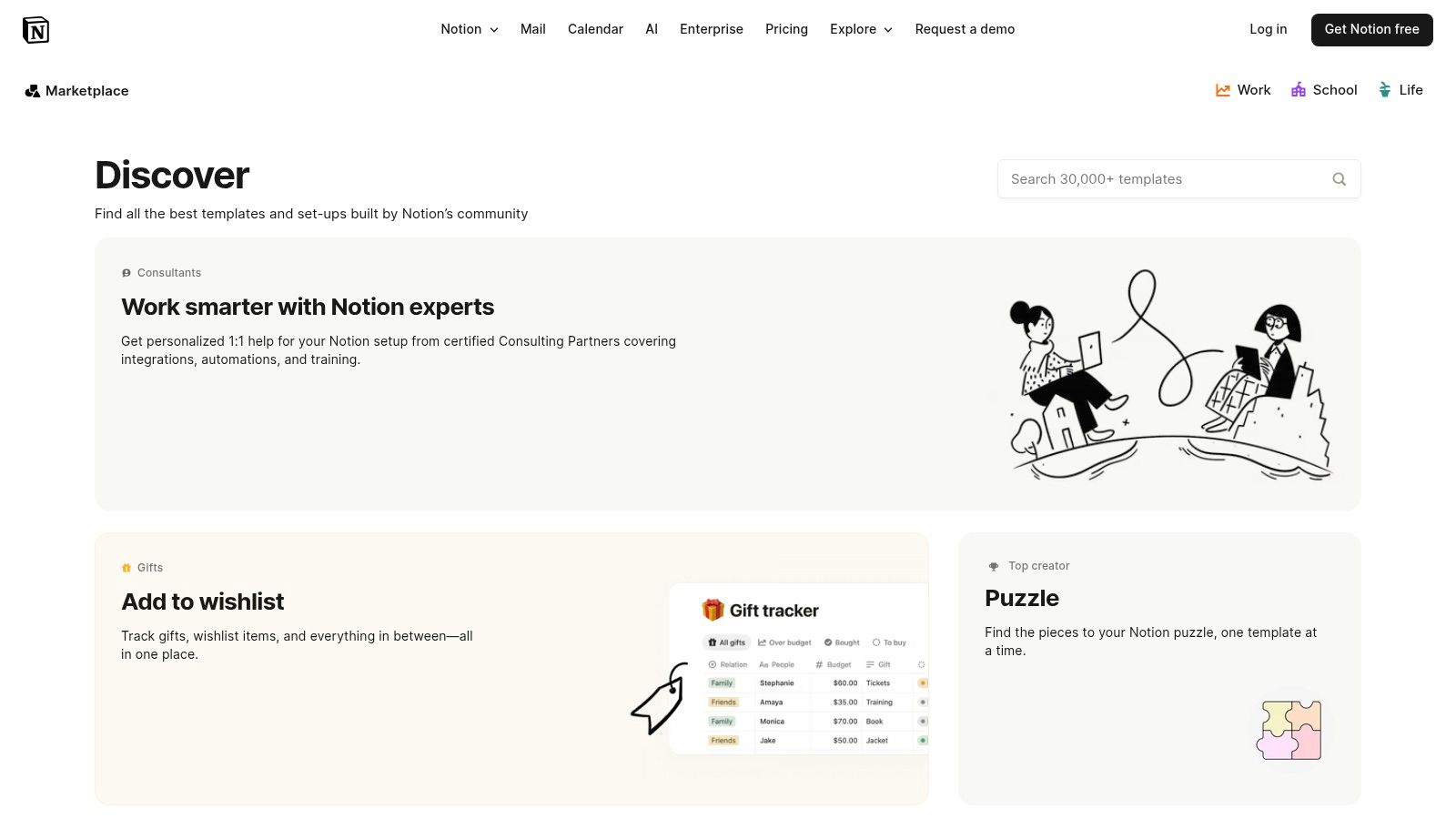
The user experience is seamless. You can filter templates by category, such as "Project Plans" or "Work," and add free templates to your workspace with a single click. For paid templates, the marketplace handles the transaction, often with a clear refund policy, though some creators may redirect to a third-party site. This direct integration eliminates the security risks associated with unverified third-party sources.
Pros & Cons
-
Pros:
- Official and Trusted: All templates come from verified sources with clear creator profiles and reviews.
- Seamless Integration: The "Duplicate" or "Buy" flow is built directly into the Notion ecosystem for fast, secure access.
- Huge Selection: Offers a massive catalog of both free and premium options to suit any budget or project complexity.
-
Cons:
- Variable Quality: With so many creators, the quality can be inconsistent, requiring careful vetting of reviews.
- External Checkouts: Some listings redirect to external sites like Gumroad, which can disrupt the otherwise smooth user experience.
Integrating with NotionSender
The templates found here are ideal for email automation. For instance, you could link a project database to NotionSender to automatically email stakeholders when a project’s status changes to "Completed" or notify team members when a task is assigned to them. These advanced integrations can help you get the most out of your Notion setup by automating routine communications.
Website: https://www.notion.so/templates
2. Notion Everything
Notion Everything is a curated store run by certified Notion experts, offering a powerful catalog of notion templates for project management. The platform specializes in systems designed for freelancers, startups, and small businesses, often built from direct consulting experience with over 200 clients. This real-world foundation means templates come with practical features like onboarding guides and multiple dashboards tailored for both personal and team use.
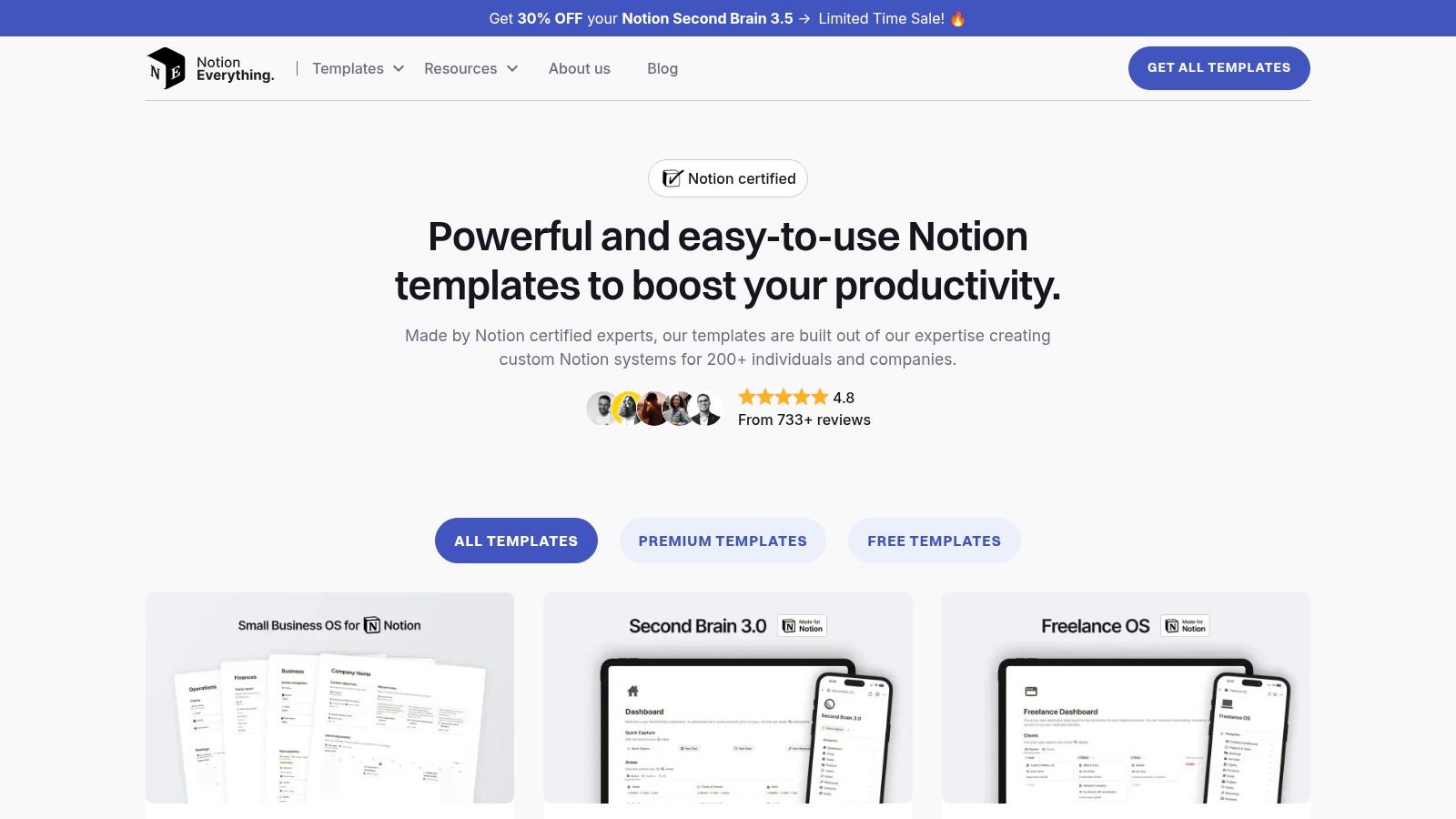
The user experience is straightforward, with a mix of free and premium templates available for instant duplication after checkout. The key differentiator is the included documentation and clear onboarding materials, which significantly improve user adoption and help teams get up to speed quickly. Their offerings range from focused project and task systems with over 30 unique views to comprehensive small-business operating systems.
Pros & Cons
-
Pros:
- Expert-Built: Templates are designed by certified Notion consultants based on real client needs.
- Excellent Onboarding: Clear documentation and guides make complex systems easier to adopt.
- Wide Range: Caters to both simple PM needs and full-scale business operations.
-
Cons:
- Premium Pricing: More comprehensive systems can be a significant investment.
- External Checkout: Some templates are fulfilled via Gumroad, which may require a separate account.
Integrating with NotionSender
The advanced project systems from Notion Everything are perfect for automation. For example, you can connect a project database to NotionSender to send automated weekly progress reports to clients or trigger reminder emails for upcoming deadlines. Exploring the different ways to use Notion to send emails can unlock the full potential of these professionally designed templates by automating critical project communications.
Website: https://www.notioneverything.com/our-notion-templates
3. Notionery
Notionery positions itself as a premium, heavily curated marketplace, making it an excellent destination if you prefer quality over quantity when searching for notion templates for project management. Unlike larger, more open platforms, Notionery hand-picks its listings, focusing on aesthetically pleasing and functionally robust templates from top-tier creators. This curation process filters out the noise, presenting you with vetted project workflows that are ready to deploy.
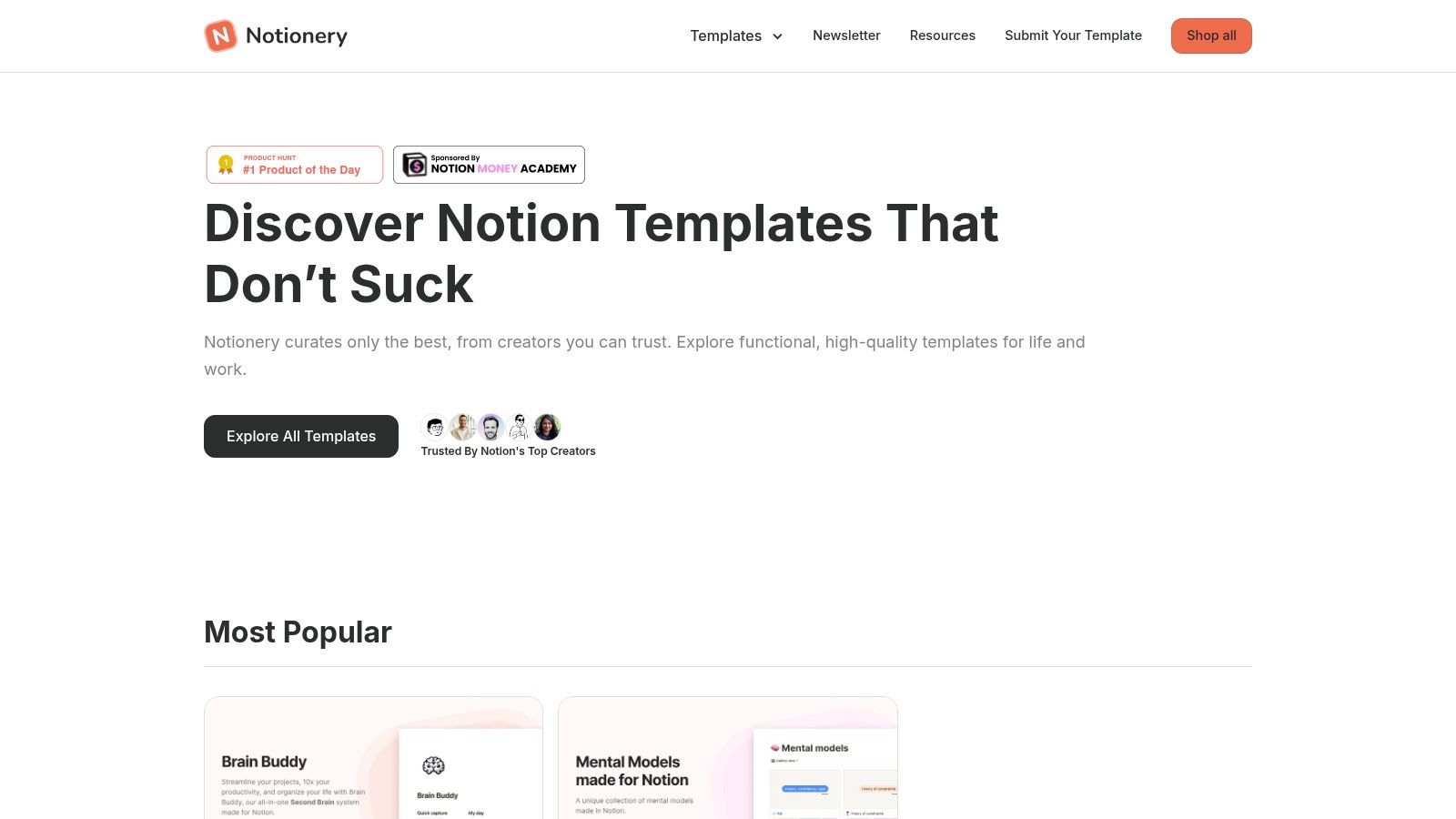
The user experience is clean and boutique-like, highlighting creator bundles and "Best of the Best" lists to guide your selection. While it lists third-party creators, it also features in-house templates designed with a high standard of quality. To access the full catalog, you may need to provide an email address, but this gate helps ensure you're getting access to a more exclusive collection of resources.
Pros & Cons
-
Pros:
- Strong Curation: Significantly reduces time spent sifting through low-quality or basic templates.
- Discover Vetted Systems: Ideal for finding comprehensive project management systems designed by proven Notion experts.
- High-Quality Design: Emphasis on clean aesthetics and user-friendly layouts.
-
Cons:
- Smaller Catalog: The selection is much more limited compared to the official marketplace or other large directories.
- Email Gate: Requires an email signup to browse the complete list of available templates.
Integrating with NotionSender
A highly polished project management template from Notionery can be a powerful hub for your team's workflow. By connecting its task or project database with NotionSender, you can automate client updates when milestones are hit or send out weekly project summary emails directly from Notion. This combination allows you to maintain a professional, organized system while automating key communication tasks, making your premium template even more valuable.
Website: https://www.notionery.com/
4. Notionland
Notionland is a well-organized, community-run gallery that serves as an excellent discovery platform for notion templates for project management. It curates a diverse mix of free and paid options, making it easy to find everything from a simple task tracker to more robust systems like the "Ultimate Project Manager." Its main appeal lies in its straightforward browsing experience and the availability of low-cost templates, which is ideal for users who want to test different project management styles without a significant investment.
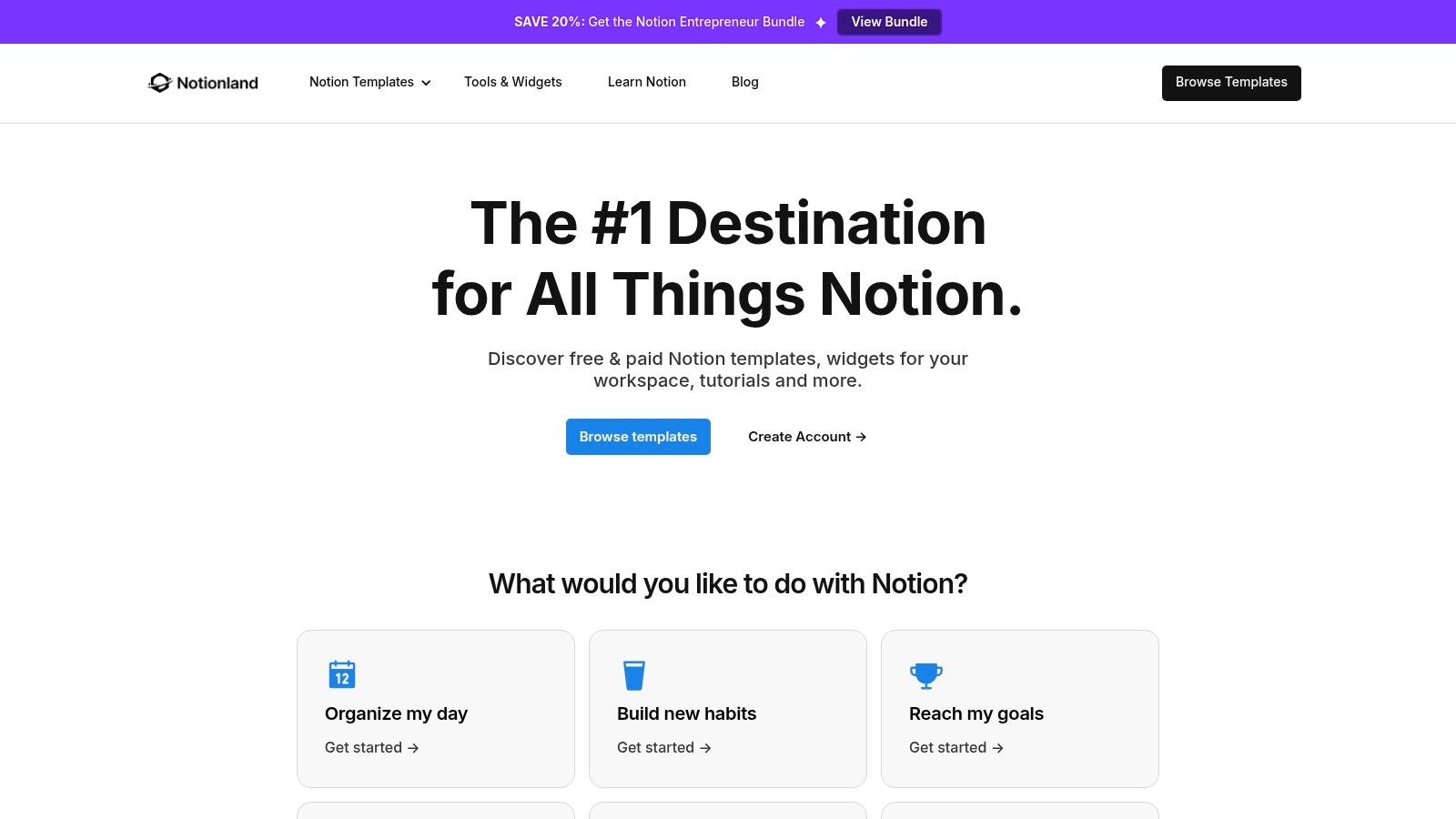
The platform presents templates with simple product pages that highlight key features, such as integrated progress bars and multiple database views. The purchase and duplication process is quick, typically providing an immediate link to add the template to your workspace. While it lacks the unified review system of the official marketplace, Notionland is a great secondary source for finding hidden gems and affordable solutions from independent creators.
Pros & Cons
-
Pros:
- Low Entry Prices: Many templates are very affordable, making it easy to experiment with different systems.
- Curated Selection: Offers a good mix of free and paid project management templates in one centralized location.
- Simple User Interface: The website is easy to navigate, with a clear and straightforward checkout process.
-
Cons:
- Inconsistent Support: Documentation and creator support can vary significantly between different templates.
- Fewer Reviews: Templates often have a smaller review footprint, making it harder to gauge quality beforehand.
Integrating with NotionSender
Templates from Notionland, like the "Project Center," can be easily connected to NotionSender. You could set up an automation to send a weekly project summary email to your team, pulling data directly from the template's task database. This helps keep everyone aligned by automating status updates without requiring manual report creation.
Website: https://www.notionland.co
5. Etsy
While best known for handmade crafts, Etsy has emerged as a surprisingly robust marketplace for notion templates for project management. It's a goldmine for those seeking aesthetically pleasing and budget-friendly options, with thousands of independent creators offering everything from minimalist freelancer dashboards to comprehensive client portals and agency management systems. The platform's strength lies in its competitive pricing, frequent sales, and the sheer variety of visual styles available.
The user experience is driven by Etsy's familiar e-commerce interface. You purchase a template as a digital download, and the seller typically provides a PDF with a link to duplicate the template into your Notion workspace. The abundance of seller ratings and detailed user reviews, often with photos, is a key advantage, helping you gauge the quality and usability of a template before buying. This peer-review system helps navigate the otherwise variable quality inherent in an open marketplace.
Pros & Cons
-
Pros:
- Competitive Pricing: Often features lower prices, bundles, and frequent discounts compared to dedicated template sites.
- Abundant User Reviews: Extensive ratings and customer photos provide valuable social proof and insight into a template's quality.
- Aesthetic Variety: A huge range of visual styles to match personal or brand aesthetics, from minimalist to vibrant.
-
Cons:
- Inconsistent Quality: The quality, complexity, and documentation can vary dramatically from one seller to another.
- Varied Support: Post-purchase support is entirely dependent on the individual seller's responsiveness and policies.
Integrating with NotionSender
Many project management templates from Etsy, particularly client portals or freelancer dashboards, are perfect for NotionSender. You can set up a client database within the template and use NotionSender to automate onboarding emails, send project update summaries, or dispatch invoices directly from Notion. This turns a visually appealing template into a powerful, automated client communication hub.
Website: https://www.etsy.com/market/notion_project_management_template
6. Gumroad
Gumroad serves as a massive independent marketplace where countless creators sell their digital products, including a vast and diverse collection of notion templates for project management. Unlike curated platforms, Gumroad offers a direct-to-creator experience, allowing you to discover unique, niche systems that might not be available elsewhere. You can find everything from minimalist single-page task managers to comprehensive agile sprint planners and multi-phase roadmap templates, often with lifetime updates included.
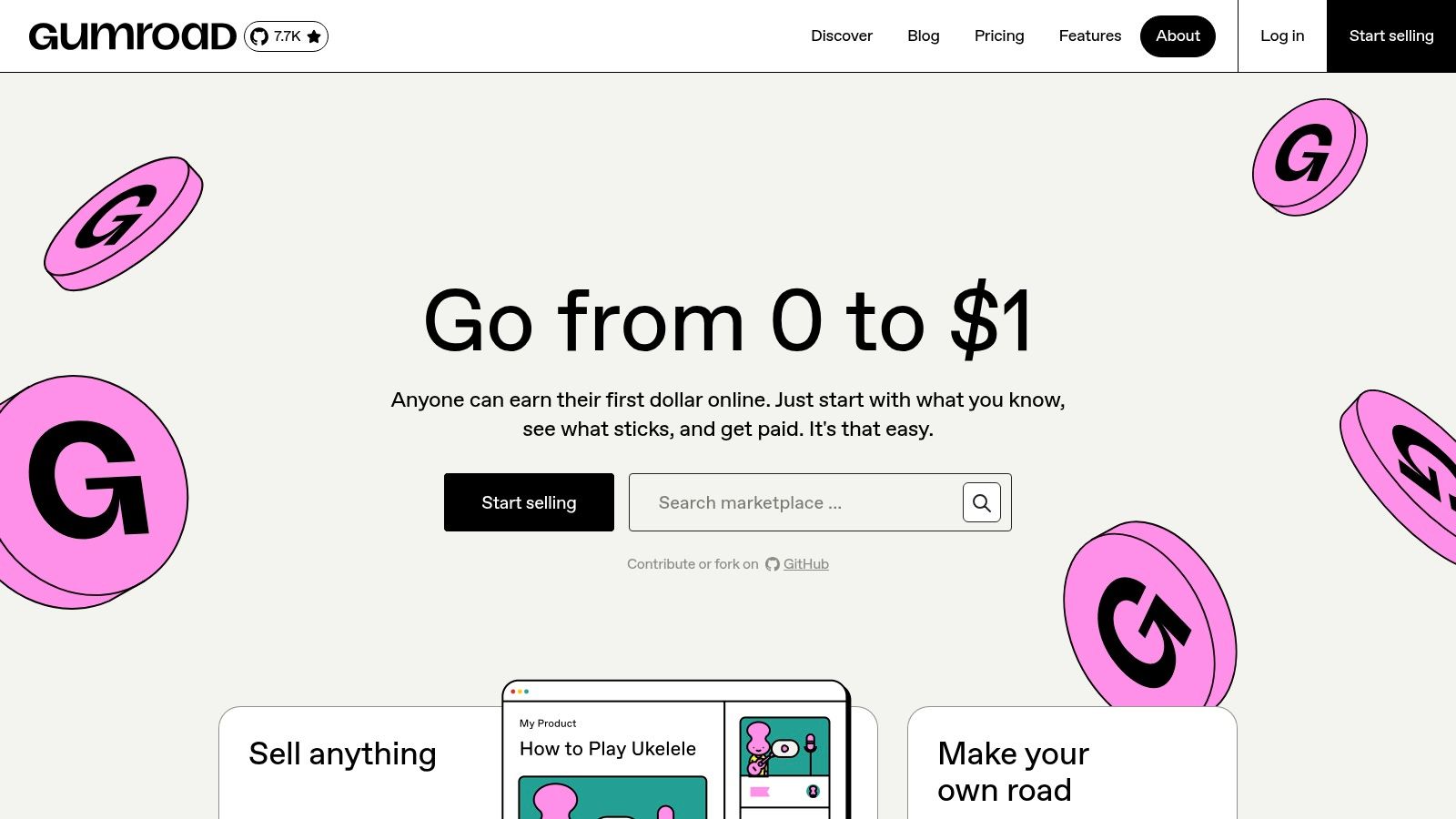
The platform is known for its straightforward purchasing process. Once you buy a template, it's instantly delivered and stored in your personal Gumroad library for easy access and re-downloading later. Creator pages often provide ratings, sales counts, and detailed previews, which are essential for gauging quality. However, since there is no central "Notion Project Management" category, finding the right template requires effective searching and browsing using keywords like "Notion roadmap" or "Notion PM system."
Pros & Cons
-
Pros:
- Direct Creator Support: Purchases directly support independent creators, who often provide personalized support and updates.
- Niche and Unique Systems: Excellent source for specialized or unconventional project management methodologies.
- Easy Library Management: Gumroad keeps all your purchases in one place, making it simple to find and duplicate templates again.
-
Cons:
- Decentralized Discovery: Requires users to search proactively as there is no dedicated Notion template category.
- Highly Variable Quality: Vetting is crucial; rely heavily on creator ratings, detailed descriptions, and user reviews.
Integrating with NotionSender
Templates from Gumroad are just as compatible with NotionSender as any other. For instance, a freelancer using a client project management template from Gumroad can connect its database to NotionSender. This allows them to automate weekly progress reports or send an email notification to the client whenever a major milestone in the "Status" property is marked as "Ready for Review," keeping stakeholders informed without manual effort.
Website: https://gumroad.com/
7. Gridfiti Shop
Gridfiti Shop is known for its highly polished and aesthetically pleasing templates that blend form with function. While not exclusively focused on project management, its dedicated 'Notion Templates' collection includes several powerful systems perfect for those who value a clean, visually organized workspace. Their key advantage is the editorial content and guides that accompany the store, helping users choose the right notion templates for project management based on their specific needs and workflow.
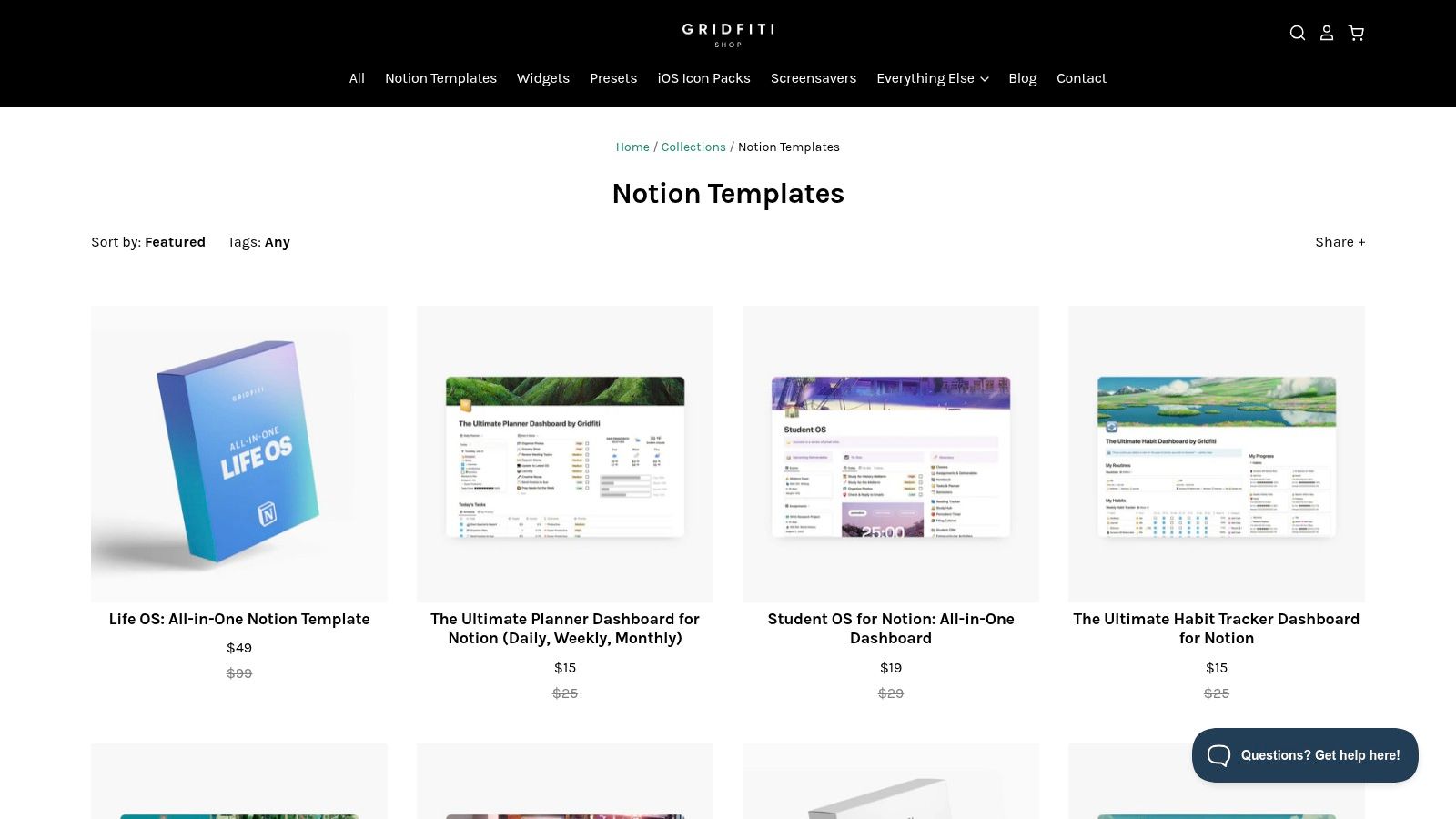
The user experience on Gridfiti is smooth, with detailed product pages featuring polished previews, clear feature lists, and comprehensive documentation. Many of their popular options are all-in-one "Life OS" or "Student OS" bundles that contain robust project and task management modules inside. This makes them a great choice for users looking for a single, integrated system to manage both work and personal life, rather than just a standalone project tracker. Checkout is handled externally via Gumroad, which is a standard and secure process.
Pros & Cons
-
Pros:
- Polished Designs: Templates are exceptionally well-designed with a focus on aesthetics and a clean user interface.
- Helpful Editorial Content: Blog posts and guides assist in matching users with the best template for their needs.
- Clear Previews: Detailed product pages give you a solid understanding of the template's functionality before purchase.
-
Cons:
- Smaller Selection: The collection is more curated and smaller than large marketplaces.
- Broader Focus: Many templates are comprehensive "OS" systems, which might be more than what a user seeking a simple PM tool needs.
Integrating with NotionSender
The integrated project databases within Gridfiti’s OS templates are excellent candidates for automation. You can connect a task database to NotionSender to send yourself a daily email summary of upcoming deadlines. Similarly, you could set up an automation to email a client an update whenever a project milestone is marked "Complete," maintaining professional communication with minimal effort.
Website: https://shop.gridfiti.com/collections/notion-templates
8. Thomas Frank (Ultimate Brain + free PM template)
Thomas Frank is a renowned productivity expert whose Notion templates are among the most comprehensive and well-documented available. His flagship premium product, Ultimate Brain, combines tasks, notes, projects, and goals into an all-in-one "second brain" system. For those seeking dedicated notion templates for project management without the full suite, he also offers a powerful free "Ultimate Tasks & Projects" template, which serves as an excellent, feature-rich starting point.
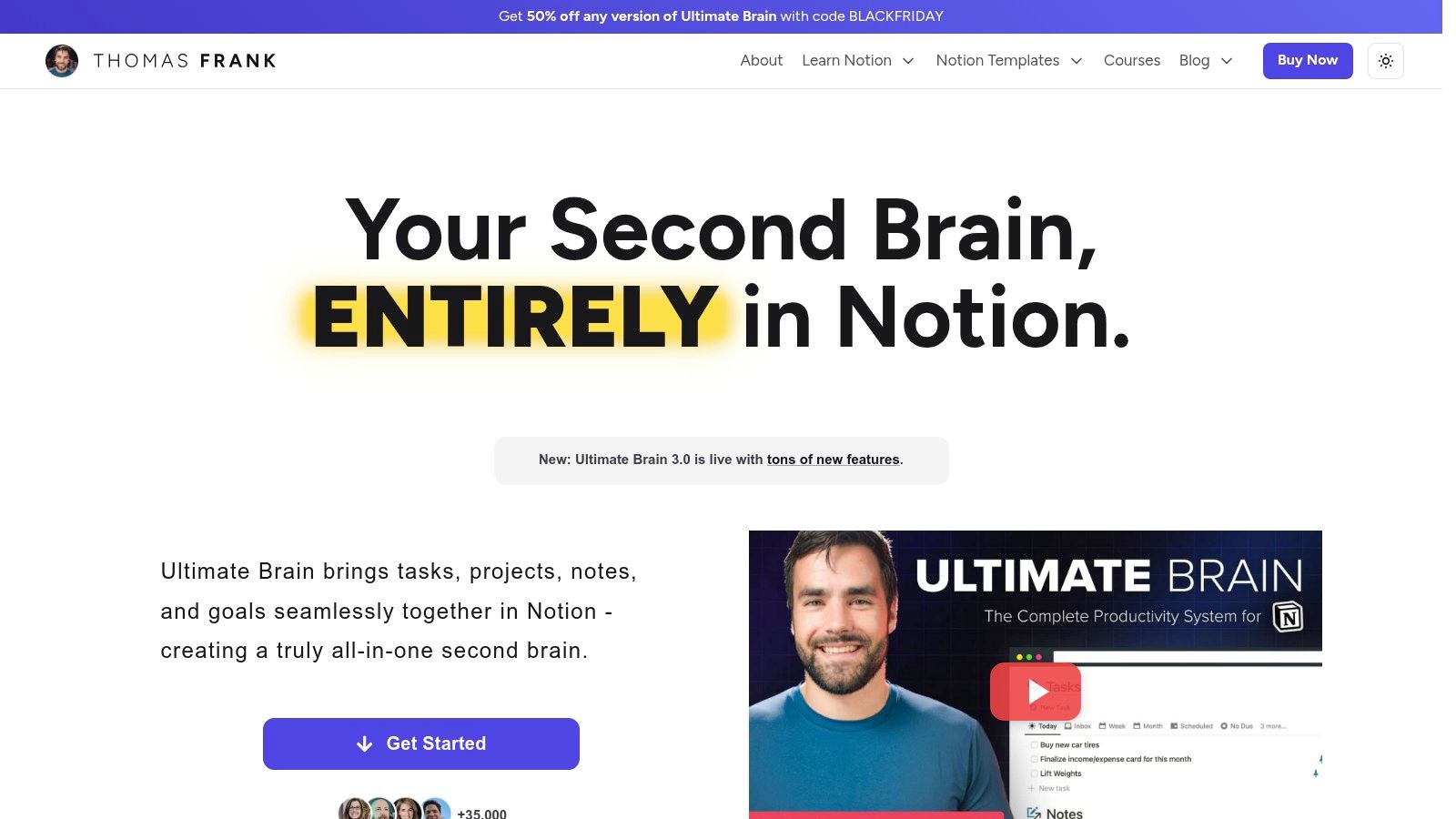
The key differentiator for Thomas Frank's templates is the extensive support system. Users gain access to in-depth video tutorials, a dedicated support community, and regular updates that ensure the systems remain effective and bug-free. This level of documentation makes his templates accessible even to Notion beginners, despite their underlying complexity and powerful features like recurring tasks and sub-task dependencies.
Pros & Cons
-
Pros:
- Strong Documentation: Unparalleled tutorial resources and guides make setup and customization straightforward.
- Reliable and Updated: The templates are actively maintained by a trusted creator with a strong track record.
- Powerful Free Option: The free "Ultimate Tasks & Projects" template is more robust than many premium alternatives.
-
Cons:
- Premium Price: The full Ultimate Brain system is a significant investment compared to simpler, single-purpose templates.
- Potentially Overwhelming: The sheer number of features may be more than what a solo user or small team requires.
Integrating with NotionSender
The structured project and task databases in these templates are perfect for automation. You can configure NotionSender to trigger email notifications for key project milestones, such as when a task moves to the "In Review" stage or a project deadline is approaching. By sending emails directly from your Notion workspace, you can keep stakeholders informed without ever leaving your project management hub.
Website: https://thomasjfrank.com/brain
9. Easlo
Easlo is a popular Notion creator shop known for its clean, minimalist aesthetic combined with powerful functionality. It offers a curated collection of both free and paid notion templates for project management designed for freelancers, students, and small teams. The creator, Easlo, emphasizes a consistent and intuitive design language across all products, ensuring that even complex systems like project trackers and work dashboards feel approachable and easy to navigate.
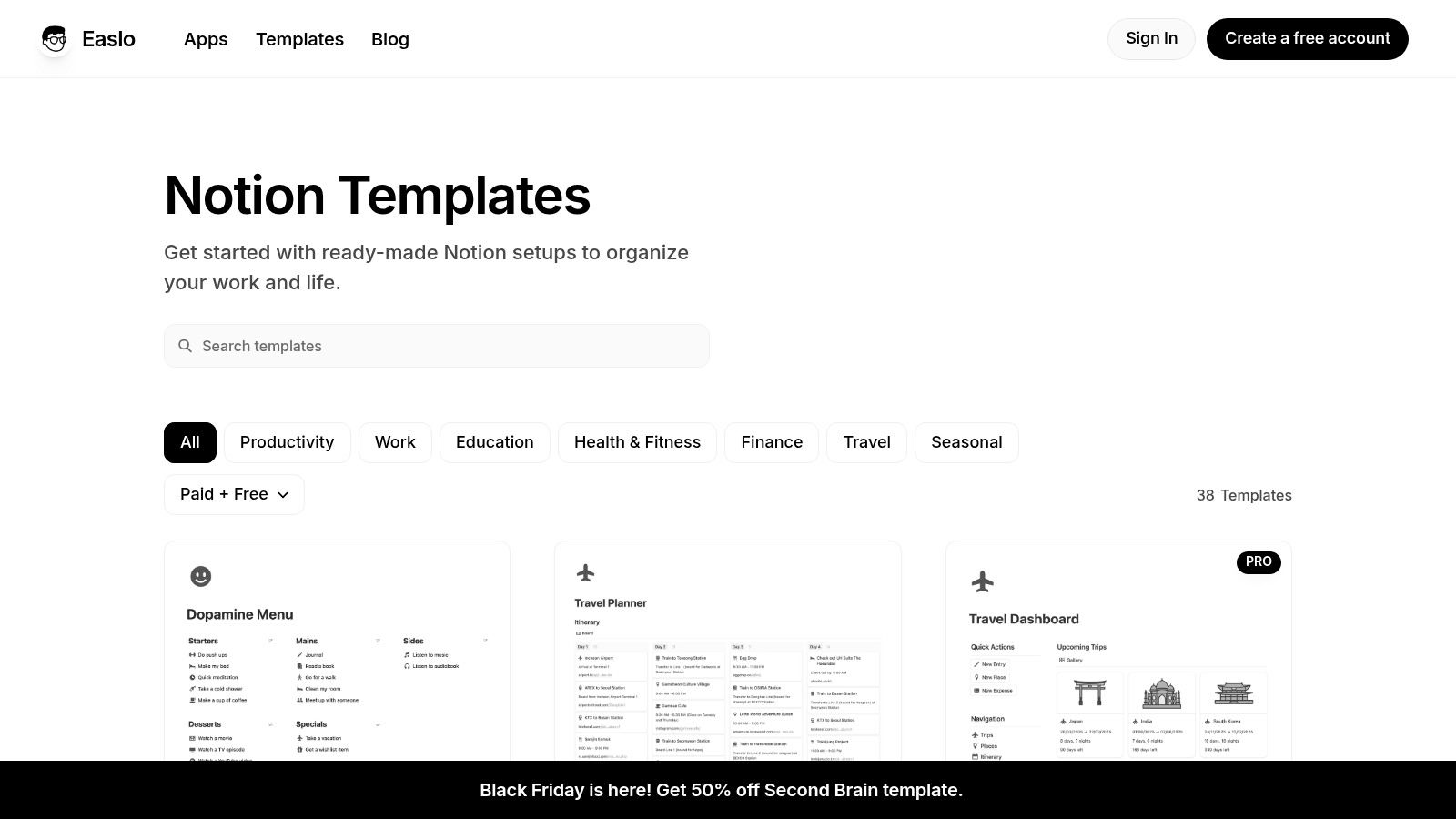
What sets Easlo apart is the blend of a dedicated creator store with a presence on the official Notion Marketplace. This hybrid approach gives users the best of both worlds: a boutique experience with detailed FAQs and support on the main site, plus the social proof of reviews and ratings from the official marketplace. The templates focus on individual productivity and small-scale collaboration, making them ideal for users who need structured systems without enterprise-level complexity.
Pros & Cons
-
Pros:
- Consistent Design: All templates share a clean, minimal UI that is both visually appealing and highly functional.
- Official Marketplace Presence: Many templates are listed on the Notion Marketplace, providing access to user reviews and ratings for social proof.
- Active Creator: Templates receive regular updates, and the creator is active in the community, often providing helpful guides.
-
Cons:
- Limited Enterprise Features: Systems are geared more toward individuals or small teams and may lack advanced, out-of-the-box features for large-scale corporate projects.
- Broad Focus: While excellent, the store offers templates for many use cases, not just project management, so the selection is less specialized than some competitors.
Integrating with NotionSender
Easlo's project trackers are perfect for streamlined communication. You can connect a task database from an Easlo template to NotionSender to automatically send a weekly summary email of all completed tasks to a client. Similarly, you could set up a trigger to email a team member a reminder when a task's due date is approaching, helping keep everyone on track without manual follow-ups.
Website: https://www.easlo.co/templates
10. Notion VIP / Notion Market
Created by Notion expert William Nutt, Notion VIP offers a methodology-first approach to notion templates for project management. Instead of just providing templates, the site focuses on deep educational content, teaching users how to build structured, effective project management systems from the ground up. This makes it an invaluable resource for those who want to understand the "why" behind their setup, not just download a pre-made solution. The associated Notion Market is a curated space for his affordable, well-designed products.
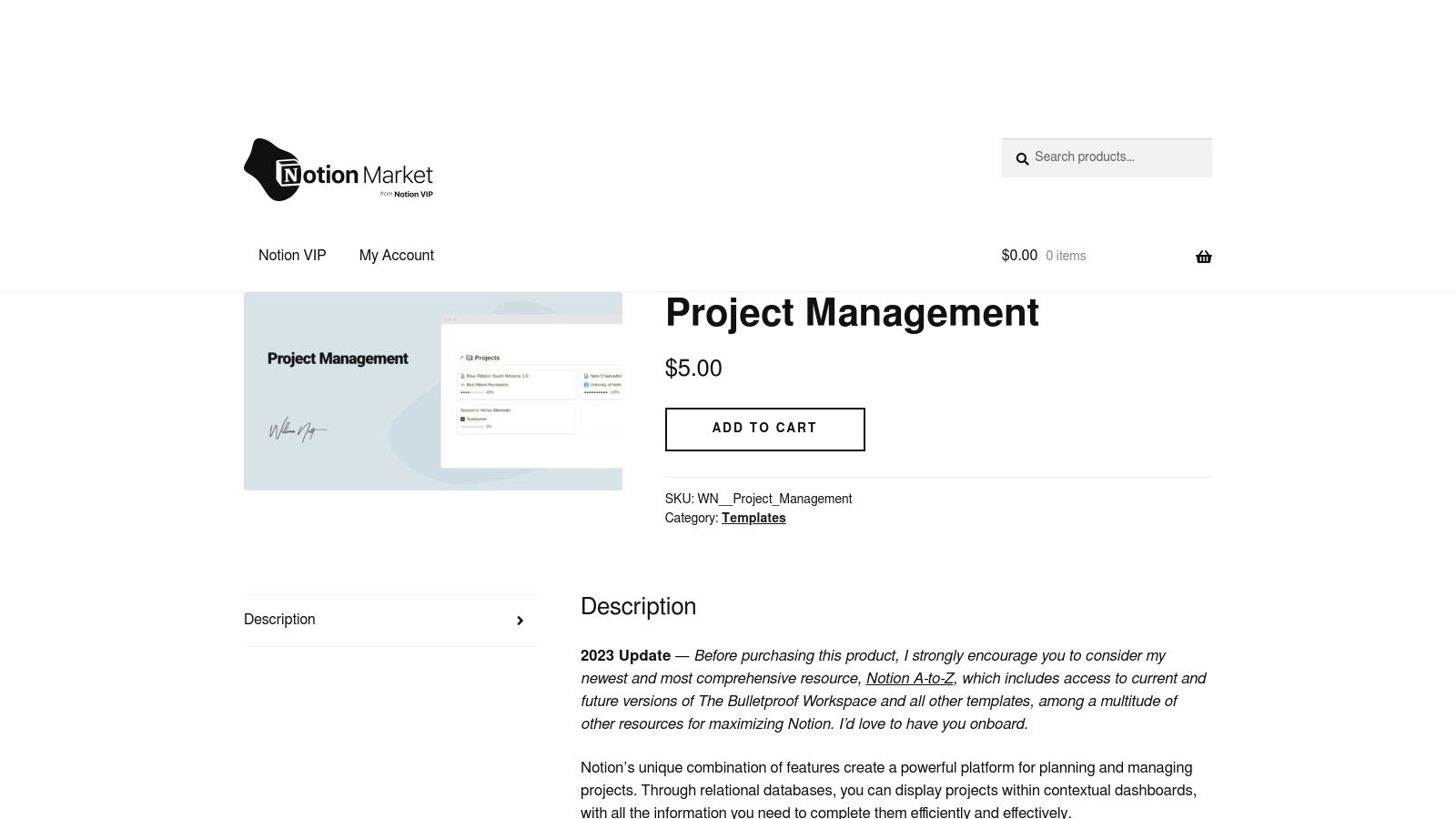
The platform's strength lies in its educational content, which explains complex concepts like relations and rollups in an accessible way. While its template catalog is smaller than larger marketplaces, each product is built on sound project management principles. This focus on fundamentals ensures that users don't just get a template; they gain the knowledge to customize and scale their systems effectively as their needs evolve, making it a powerful long-term investment.
Pros & Cons
-
Pros:
- Education-First Approach: Excellent for learning structured PM principles and advanced Notion features.
- High-Quality Templates: Products are well-structured and based on proven methodologies.
- Affordable Pricing: Templates are reasonably priced, offering great value for the expertise provided.
-
Cons:
- Smaller Selection: The template catalog is more limited compared to broad marketplaces.
- Potentially Dated Content: Some tutorials or articles may be older, so it's wise to check the last-updated dates.
Integrating with NotionSender
The systematic nature of Notion VIP templates makes them perfect for automation. For instance, you can use a project management system learned from the site to trigger NotionSender emails. When a task’s due date is updated, an automated email can be sent to the assigned team member. You could also set up a weekly digest email that pulls all "High Priority" tasks and sends them to project leads every Monday morning, keeping everyone aligned.
Website: https://market.notion.vip/item/project-management/
11. Prototion
Prototion is a minimalist template directory that excels at providing budget-friendly and free notion templates for project management. It’s an ideal destination for users who want to experiment with different project management frameworks without a significant financial commitment. The platform offers a straightforward browsing experience, with clear tags and categories that make it easy to find relevant templates, from simple task managers to more structured productivity kits.
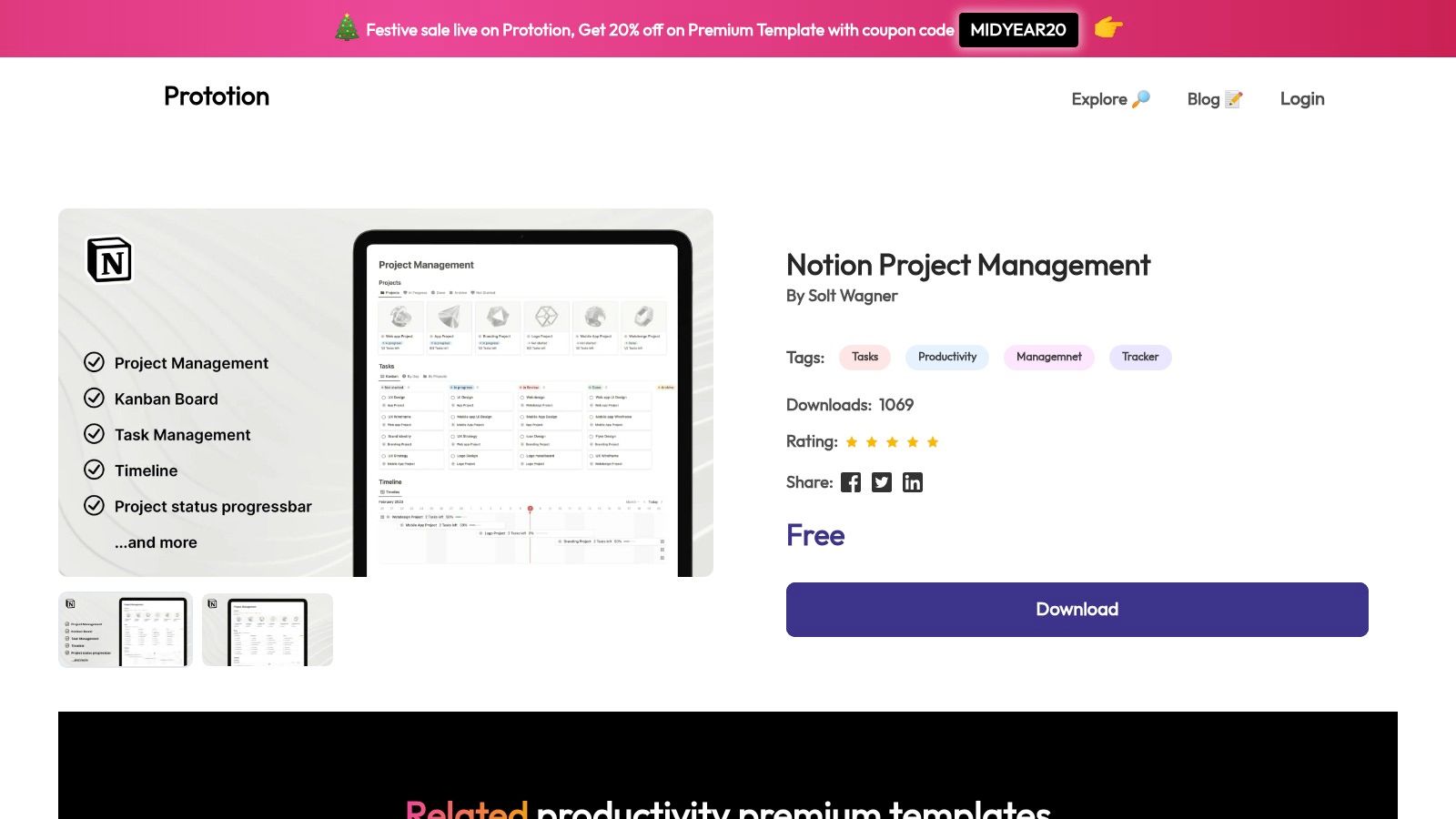
The user experience is centered on speed and simplicity. You can quickly find, preview, and duplicate free templates directly into your Notion workspace, making it a frictionless process for testing multiple options. While some premium templates are available, the core appeal lies in its accessible, no-cost offerings, which are perfect for individuals, students, or small teams just starting with Notion for project management.
Pros & Cons
-
Pros:
- Budget-Friendly: A strong emphasis on free and low-cost templates makes it highly accessible for all users.
- Easy to Test: The quick download and duplicate flow encourages trying multiple PM systems to find the best fit.
- Simple Navigation: A clean site structure with tags and ratings helps you find what you need without hassle.
-
Cons:
- Variable Quality: The quality and documentation can be inconsistent across different creator submissions.
- Smaller Selection: The library is less extensive than larger marketplaces, with fewer complex or niche systems.
Integrating with NotionSender
Prototion's simple templates are a great foundation for building automated workflows. For example, a basic project tracker from Prototion can be connected to NotionSender to send a weekly summary email of all tasks marked "In Progress" to your team. This automation adds powerful functionality to a free template, helping you keep stakeholders informed without any manual effort.
Website: https://www.prototion.com/notion-template/Notion-project-management
12. Template Road (TemplateRoad / Notionly)
Template Road offers a specialized collection of business-oriented notion templates for project management, focusing on integrated toolkits for founders, operators, and teams. Unlike broad marketplaces, this platform provides deeply interconnected systems that bridge high-level strategy with day-to-day execution. Their flagship "Strategy + Projects Toolkit" is designed to create a single source of truth, linking company goals directly to project tasks and milestones.
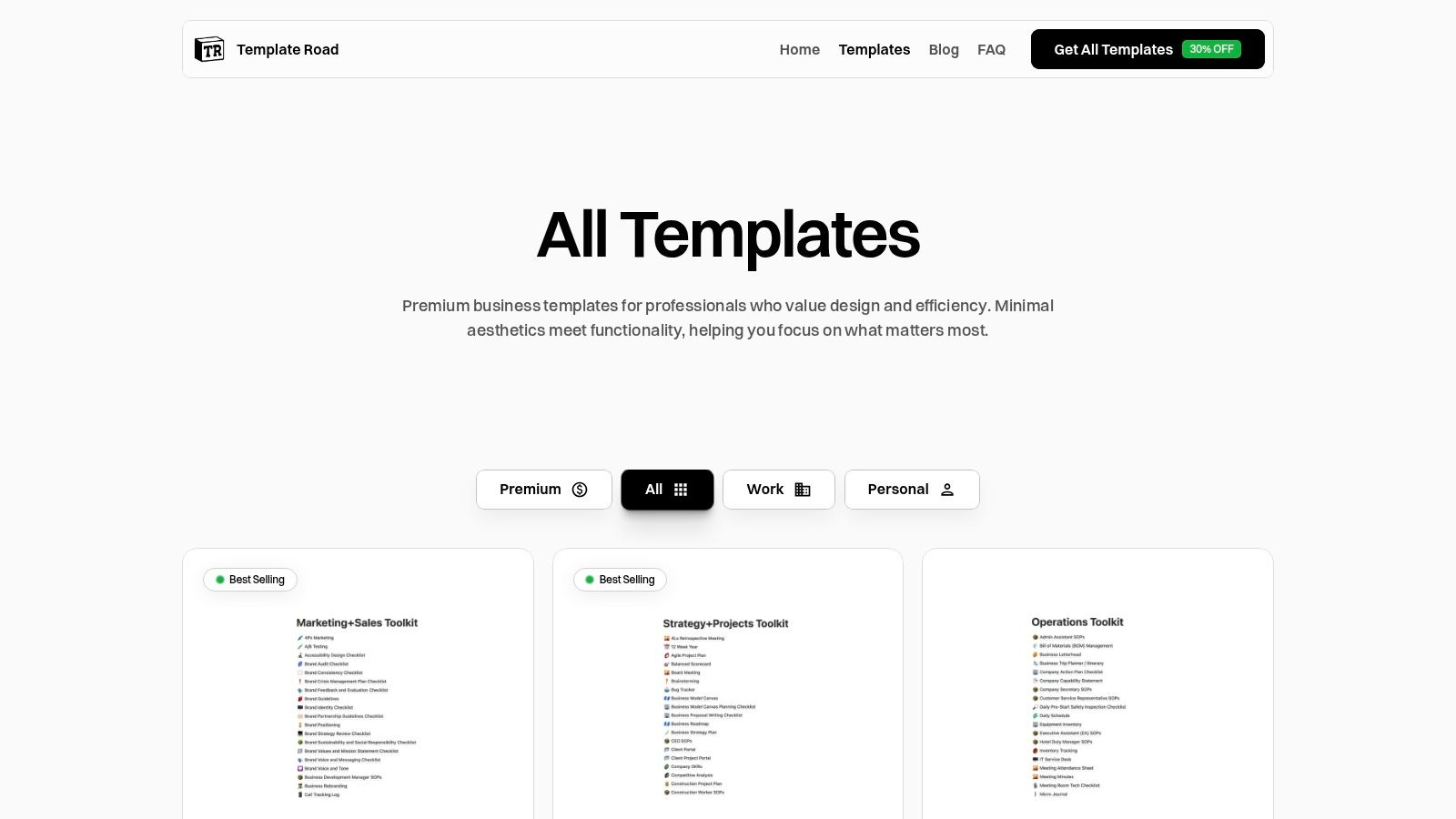
The platform specializes in comprehensive bundles rather than individual, disconnected pages. This makes it an excellent choice for businesses looking to implement a structured operational framework from the ground up. Templates are available as one-time purchases, delivered digitally for immediate duplication into your Notion workspace. The focus is on providing a cohesive ecosystem for planning, operations, and marketing that works seamlessly together.
Pros & Cons
-
Pros:
- Business-Grade Structure: Templates connect high-level planning to granular execution, ideal for operational consistency.
- Integrated Toolkits: Bundles offer strong value by providing a complete, interconnected system for teams.
- Clear Scope: Each product has a well-defined purpose, helping users choose the right solution for their business needs.
-
Cons:
- Higher Price Points: The comprehensive nature of the toolkits and bundles results in a higher initial investment.
- Smaller Ecosystem: Offers a more curated and limited selection compared to large creator marketplaces.
Integrating with NotionSender
The structured databases in Template Road's kits are perfect for advanced automations. You can connect the projects database to NotionSender to send weekly progress reports to stakeholders or create an automation that emails the marketing team whenever a new campaign is moved to the "In Progress" stage. This helps keep cross-functional teams aligned without manual check-ins.
Website: https://templateroad.com/templates
12-Source Comparison: Notion Project Management Templates
| Platform | Core Features ✨ | Quality & Trust ★🏆 | Price & Value 💰 | Best For 👥 |
|---|---|---|---|---|
| Notion Marketplace (official) | Huge catalog; one-click add; ratings & updates | ★★★★★ 🏆 Official, refund policy, verified creators | 💰 Varied (free → paid); secure purchases | 👥 Teams, cautious buyers, mainstream users |
| Notion Everything | Consult-built PM systems; 30+ views; onboarding docs | ★★★★☆ 🏆 Expert-created, well-documented | 💰💰 Mix free/paid; premium for big systems | 👥 Solo pros, startups, SMBs |
| Notionery | Hand-picked templates; top-creator bundles | ★★★★ 🏆 Strong curation, vetted picks | 💰 Moderate; smaller catalog | 👥 Quality-seekers, discoverers |
| Notionland | Community gallery; quick duplicate links; low-cost PMs | ★★★ Useful variety; creator-dependent | 💰 Low; easy to test templates | 👥 Budget testers, casual users |
| Etsy | Wide stylistic range; frequent discounts & bundles | ★★★ Variable; rely on seller reviews | 💰💰 Competitive pricing; frequent sales | 👥 Bargain hunters, aesthetic-focused buyers |
| Gumroad | Creator storefronts; instant delivery; lifetime updates | ★★★★ Creator-maintained; niche depth | 💰 Low–Medium; many bargains | 👥 Niche seekers, power users |
| Gridfiti Shop | Polished designs; editorial roundups & guides | ★★★★ Polished previews & docs | 💰💰 Moderate pricing | 👥 Design-minded users, learners |
| Thomas Frank (Ultimate Brain) | Ultimate Brain system; free PM template; tutorials | ★★★★★ 🏆 Excellent docs, active community | 💰 Free PM + premium bundle (higher) | 👥 Productivity enthusiasts, learners |
| Easlo | Clean UI templates; FAQs; Marketplace listings | ★★★★ Consistent design & updates | 💰💰 Mix free/paid; fair value | 👥 General users wanting clean PM |
| Notion VIP / Notion Market | Methodology-first PM articles; structured templates | ★★★★ Education-first; actionable guides | 💰 Affordable; tutorial-rich value | 👥 Builders, learners, methodical teams |
| Prototion | Free & low-cost PM templates; tags & ratings | ★★☆ Variable quality; basic listings | 💰 Low-budget; easy to try | 👥 Budget users, quick testers |
| Template Road (TemplateRoad / Notionly) | Business toolkits; strategy + execution bundles | ★★★★ Business-grade structure | 💰💰💰 Higher for full toolkits | 👥 Operators, founders, teams |
Choosing and Implementing Your Ideal Project Management System
We've explored a comprehensive landscape of resources, from official hubs like the Notion Marketplace to dedicated creators like Thomas Frank and Easlo. The sheer variety of Notion templates for project management available today is a testament to the platform's incredible flexibility. You've seen everything from minimalist task trackers perfect for solo freelancers to all-encompassing business operating systems designed for growing teams.
The most crucial takeaway is this: the perfect template is not a one-size-fits-all solution. It is a starting point, a foundation upon which you build a system that is uniquely yours. The true power of using Notion for project management is unlocked through thoughtful customization.
Finding Your Perfect Fit
To move forward, avoid the trap of "analysis paralysis" from having too many options. Instead, revisit the list with a clear objective.
- For Freelancers & Solopreneurs: If you need a straightforward system to manage client work and personal tasks, consider starting with a simpler, focused template from a creator like Prototion or exploring the free options on Gumroad. Your priority is clarity and low friction.
- For Small Teams & Startups: Your needs are more complex, often requiring integrated databases for projects, tasks, clients, and meetings. A more robust template from Notion Everything or a premium offering from a marketplace like Notionery could provide the structure you need to scale effectively.
- For Project Managers in Larger Organizations: You require advanced features like Gantt charts, resource allocation, and detailed reporting. Look towards comprehensive systems like Thomas Frank's Ultimate Brain or highly-rated, feature-rich templates on Notionland that can handle multi-layered projects.
The Implementation Mindset
Once you've selected a template or two to test, your journey has just begun. Implementation is where the system comes to life. Don't be afraid to experiment. Modify database properties to capture the specific data you need, redesign dashboards to surface your most critical information, and archive or delete components that don't serve your workflow. A template is a guide, not a set of rigid rules.
Remember that while Notion offers a powerful, all-in-one environment, it's wise to understand the full spectrum of tools available. For those deeply embedded in the Apple ecosystem, exploring dedicated project management software for Mac OS X can provide valuable context and highlight alternative features that might complement your Notion workspace. This broader awareness ensures you're making the most informed decision for your team's specific needs.
Ultimately, the goal is to build a project management system that feels less like a tool you have to update and more like an intuitive extension of your team's collective brain. It should reduce friction, enhance communication, and bring clarity to your most ambitious goals. By combining the right foundational template with a willingness to iterate and integrate, you can transform your Notion workspace from a simple document editor into a dynamic command center that truly drives your projects forward.
Ready to supercharge your new project management template? NotionSender bridges the gap between your workspace and your inbox. Sign up for NotionSender today to automate client communication, send scheduled project updates, and capture emails as tasks directly within Notion, turning your system into a truly automated powerhouse.

