
The 12 Best Notion To Do List Templates to Supercharge Your Productivity in 2026

Tired of scattered sticky notes, overflowing inboxes, and a nagging feeling that you're forgetting something important? A well-structured to-do list is the foundation of productivity, but finding a system that adapts to your unique workflow can be a challenge. This is where Notion excels, offering unparalleled flexibility to build the exact task manager you need. The only hurdle is starting from a blank page.
This guide eliminates that initial friction. We've curated the ultimate resource list of the best places to find high-quality Notion to do list templates, saving you hours of searching and setup. Whether you're a freelancer managing multiple clients, a project manager tracking complex timelines, or a small business owner coordinating a team, the right template can transform your productivity overnight. We’ll move beyond generic lists and dive into platforms and creators offering specialized solutions for every need.
In the following sections, you'll discover a comprehensive breakdown of top marketplaces and individual creator shops. Each entry includes:
- Key features and ideal use-cases to help you match a template to your specific role.
- A preview screenshot so you know what you're getting.
- Direct links to download or purchase the template.
- Practical tips for integration, including how to connect tools like NotionSender to turn emails directly into actionable tasks within your new system.
While Notion offers powerful solutions for to-do lists, for a broader perspective on tools that can streamline your entire workflow, explore some of the other best personal productivity apps available. Our goal is to provide a clear, actionable path to finding a template that not only organizes your tasks but fundamentally improves how you approach your daily work. Let's find the perfect system to help you dominate your day.
1. Notion Marketplace (official)
The official Notion Marketplace is the definitive starting point for anyone searching for a Notion to do list template. As Notion's own curated hub, it offers an unparalleled selection of both first-party and community-created templates, ensuring high compatibility and access to the latest features. The user experience is seamless, with a one-click "Duplicate to Notion" button that instantly adds any template to your workspace, eliminating complex setup processes.

This platform excels in discoverability. You can easily search, filter by category (like "Project Management" or "Personal"), and browse curated collections to find the perfect fit. Public creator profiles, complete with ratings and download counts, provide valuable social proof, helping you gauge a template's quality and popularity before committing.
Key Features & Considerations
| Feature | Details |
|---|---|
| Selection | Thousands of templates ranging from simple checklists to complex GTD systems. |
| Pricing | A mix of high-quality free and premium (paid) options are available. |
| Trust Signals | Verified creators, user ratings, and reviews help you choose with confidence. |
| Ease of Use | One-click duplication makes installation effortless. |
While the sheer volume is a major advantage, quality can vary between creators. Some free templates may be too simplistic for advanced users, requiring significant customization to become truly powerful. To get the most out of any template you choose, it's beneficial to understand Notion's core functionalities. For a deeper dive, you can explore these 10 essential tips for getting the most out of Notion.so.
Website: https://www.notion.com/templates
2. Notion Everything
Notion Everything serves as a curated marketplace, offering a more focused and vetted selection compared to broader platforms. It distinguishes itself with strong editorial oversight, ensuring that the notion to do list templates featured meet a high standard of quality and utility. A standout feature is the ability to view live demos for many templates, allowing you to interact with a system before committing to a download or purchase.
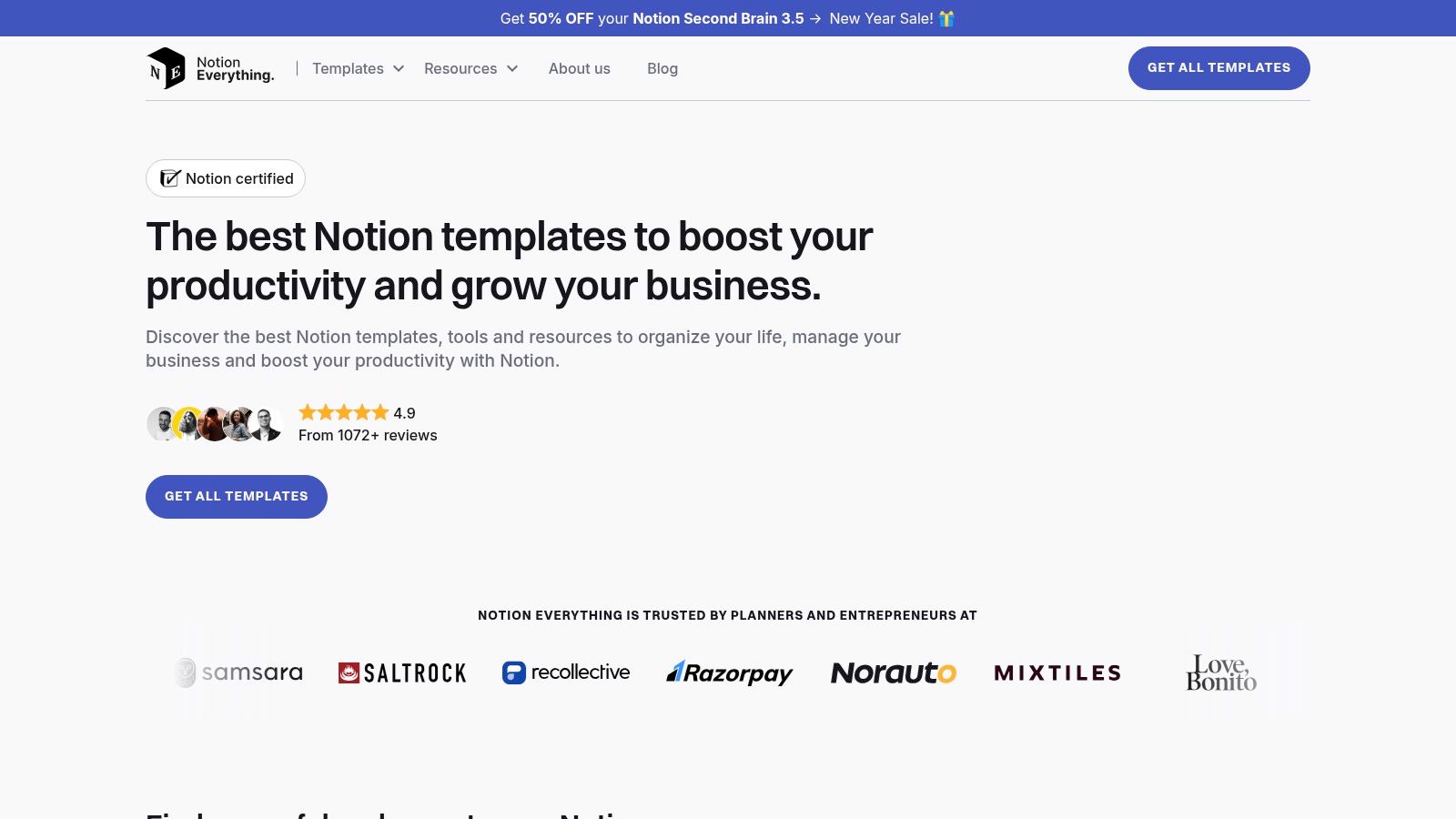
This platform simplifies the discovery process with clear tagging for categories like "Productivity" and "GTD," making it easy for freelancers and project managers to find relevant solutions quickly. The consistent product page layouts provide clear guidance and feature breakdowns, creating a predictable and user-friendly browsing experience. Most transactions are handled through trusted third-party platforms like Gumroad.
Key Features & Considerations
| Feature | Details |
|---|---|
| Selection | A smaller, curated collection of high-quality templates. |
| Pricing | Features both free and premium templates, with occasional discounts available. |
| Trust Signals | Strong editorial curation and live previews build confidence in template quality. |
| Ease of Use | Standard one-click duplication after checkout, typically via Gumroad. |
While the curated approach guarantees a higher baseline of quality, the overall selection is significantly smaller than Notion's official marketplace. The checkout process, often redirecting to Gumroad, means you will manage your purchase and receipt through a separate service, which may be a minor inconvenience for some users. This platform is ideal for those who value quality over quantity and prefer a pre-vetted selection of powerful templates.
Website: https://www.notioneverything.com
3. Gridfiti Shop
For users who value aesthetics and cohesive system design, the Gridfiti Shop offers beautifully crafted productivity templates that go beyond simple checklists. Gridfiti specializes in polished, all-in-one planner bundles where the to-do list is a core component of a larger, interconnected system. This approach is ideal for individuals who want their task management, goal setting, and habit tracking to exist within a single, visually consistent dashboard.
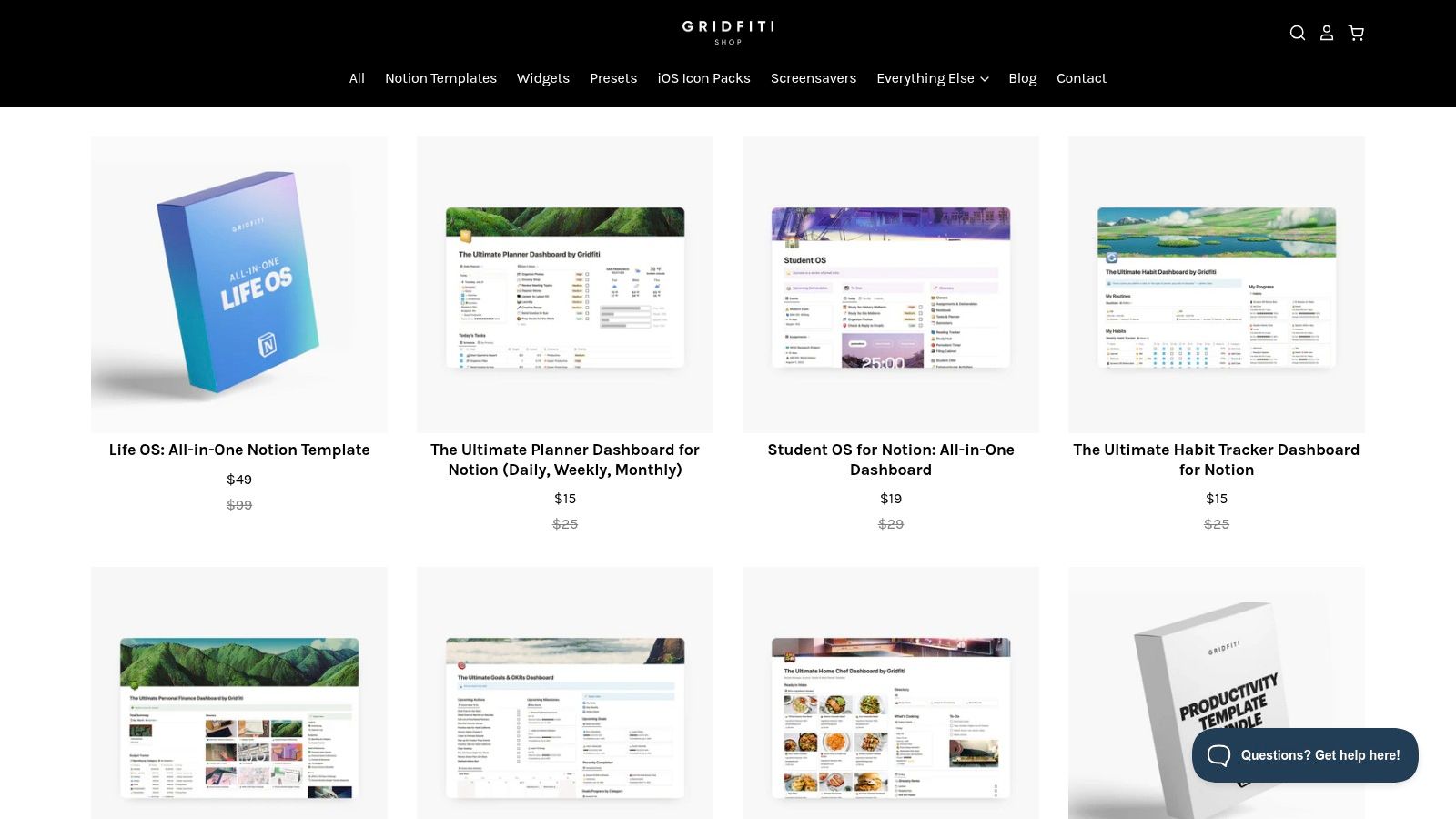
The platform stands out for its strong emphasis on user experience, with clean designs and helpful in-template tooltips that guide you through the setup. This makes even their more complex systems accessible to non-technical users. Their purpose-built packs ensure every element, from the task database to the weekly planner view, works together seamlessly.
Key Features & Considerations
| Feature | Details |
|---|---|
| Selection | Primarily sells comprehensive, all-in-one productivity and planner systems. |
| Pricing | Premium (paid) templates, often sold as bundles with future updates included. |
| Trust Signals | Detailed product pages, positive customer reviews, and priority support. |
| Ease of Use | Excellent documentation and in-template guides simplify onboarding. |
While Gridfiti’s cohesive ecosystems are a major strength, they can be heavier and more complex than a standalone notion to do list template. If you only need a basic checklist, these systems might be overkill. Additionally, as is standard with digital goods, all sales are final, so it's important to review the product details carefully before purchasing.
Website: https://shop.gridfiti.com
4. Etsy (Notion To‑Do List category)
Etsy has emerged as a surprisingly rich marketplace for independent creators selling unique and aesthetically-driven Notion to do list templates. If you're looking for a task manager with a specific theme, color palette, or niche focus (like ADHD-friendly layouts or wedding planning checklists), Etsy is an excellent destination. The platform offers a highly personalized shopping experience where you can browse countless designs from individual sellers, often at very affordable price points.
The primary advantage of Etsy is the sheer creative diversity. You can find templates that go beyond pure function to include artistic dashboards, motivational trackers, and custom icons. Seller ratings, detailed reviews with user photos, and "Star Seller" badges provide crucial trust signals, helping you navigate the vast selection and identify high-quality products. After purchase, you typically receive an instant digital download link to duplicate the template into your Notion workspace.
Key Features & Considerations
| Feature | Details |
|---|---|
| Selection | Thousands of niche and aesthetically-focused templates from individual creators. |
| Pricing | Highly budget-friendly, with most templates costing between $2 and $20. |
| Trust Signals | Detailed seller ratings, extensive customer reviews, and Q&A sections. |
| Ease of Use | Instant digital delivery with a direct link for one-click duplication. |
While the variety is a major draw, the quality and complexity of these Notion to do list templates can vary significantly from one seller to another. Since these are digital goods, return and refund options are often limited, so it's important to read reviews carefully before purchasing. Many sellers are highly responsive, however, and may offer support if you encounter issues with your template.
Website: https://www.etsy.com/market/notion_to_do_list_template
5. Gumroad (Notion To‑Do & GTD templates)
Gumroad is a popular e-commerce platform where independent creators sell digital products, making it a treasure trove for unique and powerful Notion to-do list templates. Unlike a centralized marketplace, Gumroad hosts individual storefronts, giving you access to templates directly from their creators. This often results in highly specialized systems, from simple daily planners to comprehensive GTD (Getting Things Done) dashboards that you won't find elsewhere.
The platform empowers creators to offer flexible pricing, including popular "pay-what-you-want" models that make high-quality templates accessible for free. Product pages typically provide in-depth feature lists, user guides, and FAQs, while social proof like ratings and sales counts helps you identify popular and well-regarded templates. After purchase, you receive a direct link to duplicate the template into your Notion workspace instantly.
Key Features & Considerations
| Feature | Details |
|---|---|
| Selection | Vast range of creator-driven templates, from minimalist checklists to complex life OS systems. |
| Pricing | Many templates are free or use a "pay-what-you-want" model. Premium options are common. |
| Trust Signals | Creator ratings, sales numbers, and detailed product descriptions offer insight into quality. |
| Ease of Use | Instant access to a Notion duplication link after transaction. |
While Gumroad offers unparalleled variety, its decentralized nature means discovery can be a challenge; you often need a direct link from a creator's social media or blog. The quality of documentation can also vary significantly between sellers. For those looking to integrate tasks from their inbox, many of these templates can be configured with tools that are great for saving emails directly into a Notion database.
Website: https://gumroad.com/search?query=notion%20template
6. Notionery
Notionery positions itself as a curated marketplace, prioritizing quality over sheer quantity. Rather than an open-for-all platform, it features a handpicked selection of premium templates from vetted creators and their own in-house team. This editorial curation significantly reduces the time users spend sifting through subpar options, making it an excellent resource for professionals who want a reliable, well-designed Notion to do list template without the trial-and-error.
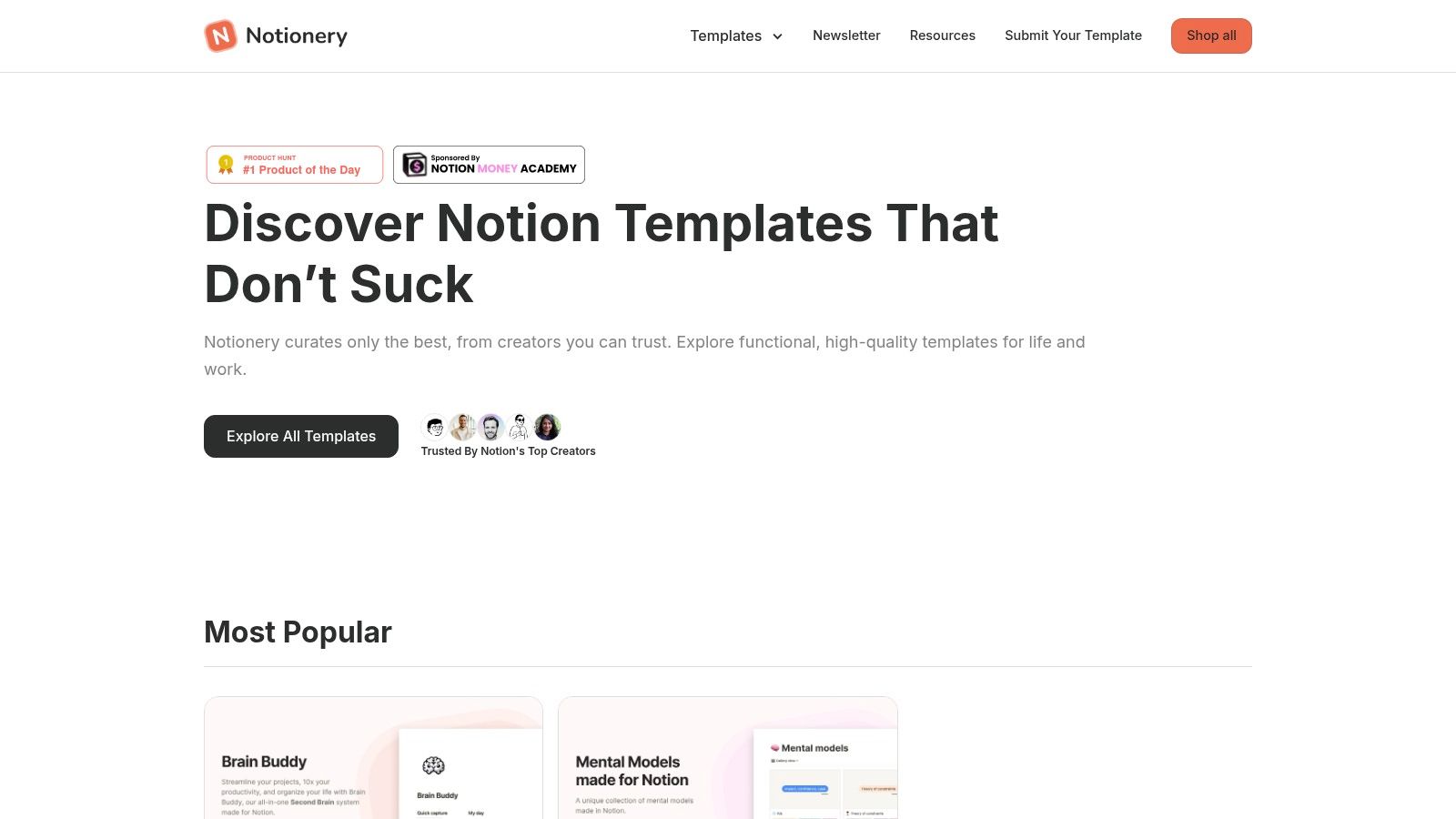
The platform is organized into clear categories and "Best of" collections, guiding you toward proven solutions for project management, personal productivity, and business operations. The focus on a higher baseline of quality means templates often come with better documentation and more thoughtful design, appealing to users who value aesthetics and immediate usability. This curated approach helps ensure that any template you select is built to a professional standard.
Key Features & Considerations
| Feature | Details |
|---|---|
| Selection | A smaller, handpicked catalog focusing on high-quality, aesthetic templates. |
| Pricing | Primarily a premium marketplace, with both paid and a limited selection of free templates. |
| Trust Signals | Editorial curation and creator vetting serve as the primary quality indicators. |
| Ease of Use | Standard one-click duplication for easy installation into your Notion workspace. |
While the curated selection is a major advantage for quality-conscious buyers, it naturally results in a smaller catalog compared to larger marketplaces like the official one. Some free template collections may also require an email signup to access, which could be a minor hurdle for some users. However, for those willing to invest in a polished and effective system from the start, Notionery provides a focused and trustworthy shopping experience.
Website: https://www.notionery.com
7. Easlo (creator shop)
Easlo is a prominent Notion creator renowned for his minimalist, high-utility productivity templates. His creator shop serves as a central hub for individuals seeking meticulously designed systems that prioritize clean user interfaces and functional efficiency. The templates here, including various to-do list systems, share a cohesive aesthetic, making them ideal for users who want a unified and distraction-free workspace.
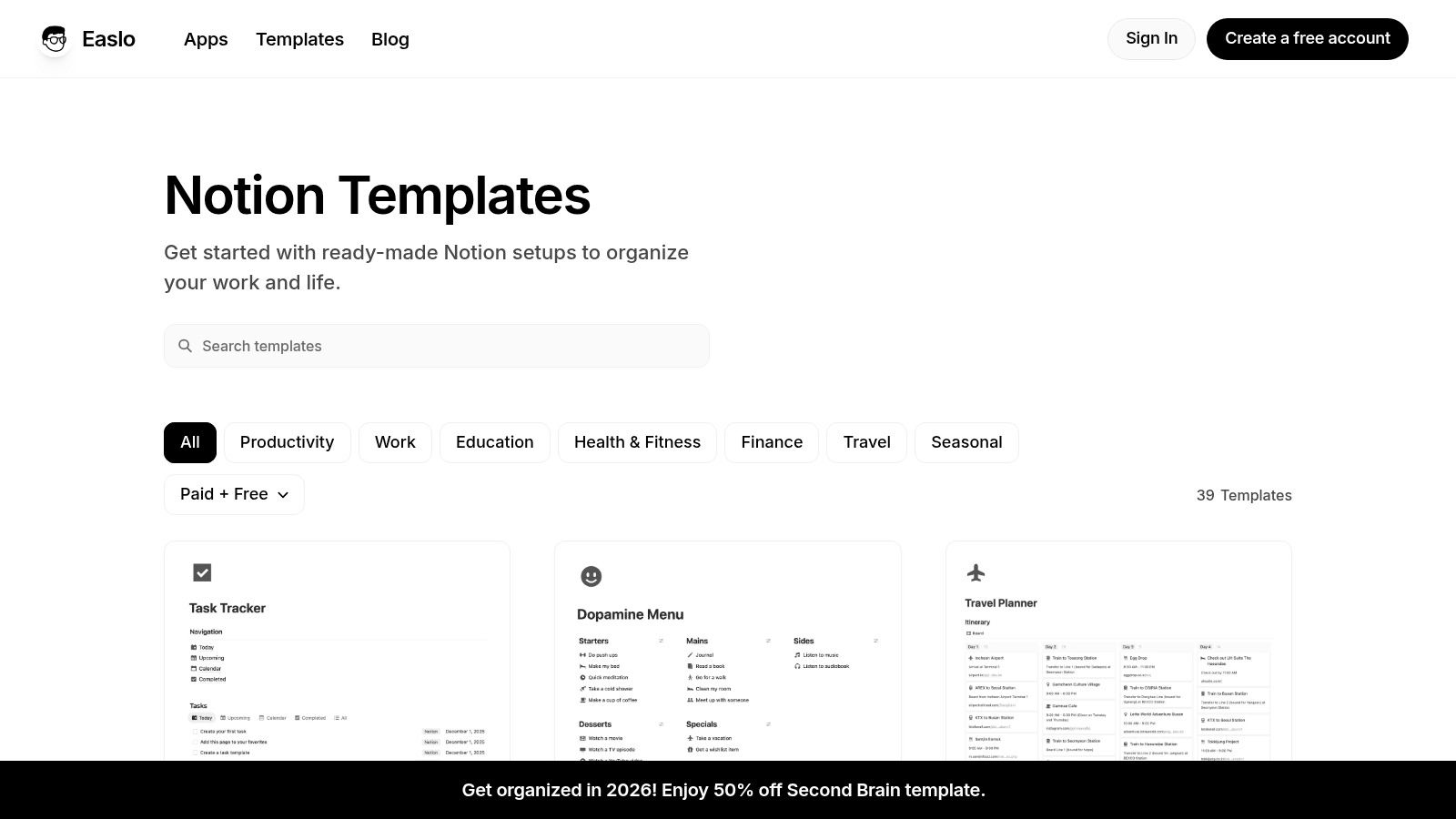
What sets Easlo apart is the combination of thoughtful design with robust support. Templates often come with detailed documentation and onboarding guides, which is a significant advantage for users who are newer to complex Notion setups. This creator-centric approach ensures a higher level of polish and reliability compared to randomly selected templates from a larger, less curated marketplace.
Key Features & Considerations
| Feature | Details |
|---|---|
| Selection | A focused portfolio of productivity, work, and finance templates with a consistent design language. |
| Pricing | Offers a mix of free starter templates and more comprehensive premium systems. |
| Trust Signals | Well-established creator with a strong reputation, active updates, and community support. |
| Ease of Use | Excellent documentation and a clean UX make templates accessible even for complex systems. |
While the cohesive design is a major pro, the catalog is naturally limited to a single creator's vision, offering less variety than a multi-creator platform. Some of the flagship Notion to do list templates might be more comprehensive than a solo user needs for a simple daily checklist. However, for those committed to building an entire productivity ecosystem in Notion, Easlo’s interconnected templates provide a powerful and elegant solution.
Website: https://www.easlo.co/templates
8. Notion Wizard (creator shop on Gumroad)
Notion Wizard is a Gumroad-based creator shop that focuses on pragmatic, low-cost Notion templates for individuals who need functional solutions without overwhelming complexity. Their offerings are ideal for beginners or users who prefer a straightforward approach to task management, stripping away unnecessary features in favor of core to-do list mechanics. The emphasis is on ease of use, with clear instructions and a clean interface.
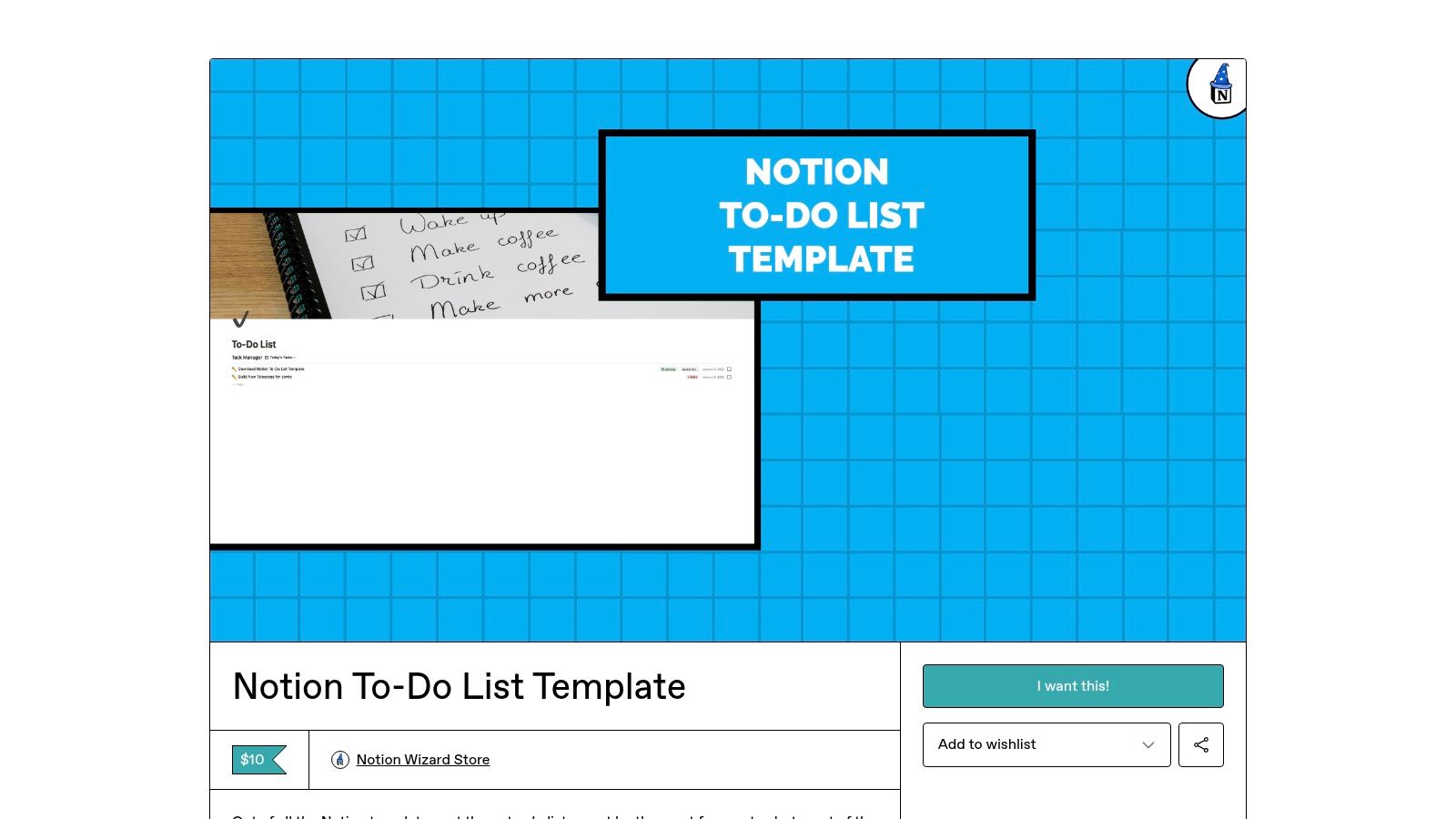
The platform stands out by providing affordable, focused tools that solve specific problems. Instead of massive, all-in-one systems, you'll find lightweight templates designed for single purposes, like their popular to-do list template. This makes Notion Wizard a great choice for users who feel intimidated by overly intricate dashboards and simply want a reliable digital checklist to get started with Notion.
Key Features & Considerations
| Feature | Details |
|---|---|
| Selection | A small, curated library of templates focused on practical, everyday use. |
| Pricing | Highly affordable, often with templates available for just a few dollars. |
| Simplicity | Designed for beginners with a non-bloated, easy-to-navigate layout. |
| Ease of Use | Purchase via Gumroad is simple, and duplication into Notion is straightforward. |
The main strength of Notion Wizard is its accessibility and budget-friendly pricing, making it an excellent entry point for new Notion users. However, those seeking advanced automations, intricate database relations, or a wide variety of templates might find the selection limited. It’s perfect for someone looking for a simple, effective notion to do list template that just works right out of the box.
Website: https://notionwizard.gumroad.com/l/notion-to-do-list-template
9. Ko‑fi Shops (Notion template creators)
Ko-fi has become a bustling hub for independent Notion creators, making it a fantastic platform for discovering unique and often free to-do list templates. Unlike formal marketplaces, Ko-fi offers a more direct connection to creators, allowing you to support their work through donations or by purchasing premium templates. The platform is especially good for finding niche or aesthetically-driven layouts that you might not find elsewhere.
The primary strength of Ko-fi is the sheer variety and accessibility of its offerings. Many creators share high-quality notion to do list templates for free or under a "pay-what-you-want" model, making it an excellent resource for users on a budget. You'll find everything from simple daily planners to complex, gamified task management systems, often with a personal touch that reflects the creator's own productivity style.
Key Features & Considerations
| Feature | Details |
|---|---|
| Selection | A diverse collection of indie templates, including daily planners, weekly organizers, and themed task lists. |
| Pricing | Heavily focused on free and "pay-what-you-want" models, with some premium options. |
| Trust Signals | Based on individual creator reputation, follower counts, and community comments. |
| Ease of Use | Duplication is straightforward, typically with a link provided directly on the listing page. |
While Ko-fi is a treasure trove for finding creative templates, the quality and complexity can vary significantly from one creator to another. The platform's search function is less robust than a dedicated marketplace, so discovering the perfect template may require some browsing. It's best suited for those who enjoy exploring unique designs and supporting independent makers directly.
Website: https://ko-fi.com
10. Creative Market (Notion productivity listings)
Creative Market is a bustling marketplace for designers and creatives, offering a curated selection of aesthetically pleasing Notion templates. While not a dedicated Notion platform, its strength lies in the high-quality, visually cohesive planners and productivity systems that incorporate robust to-do list functionalities. Sellers often bundle task management into larger, beautifully designed dashboards, perfect for users who value a polished look and feel for their digital workspace.
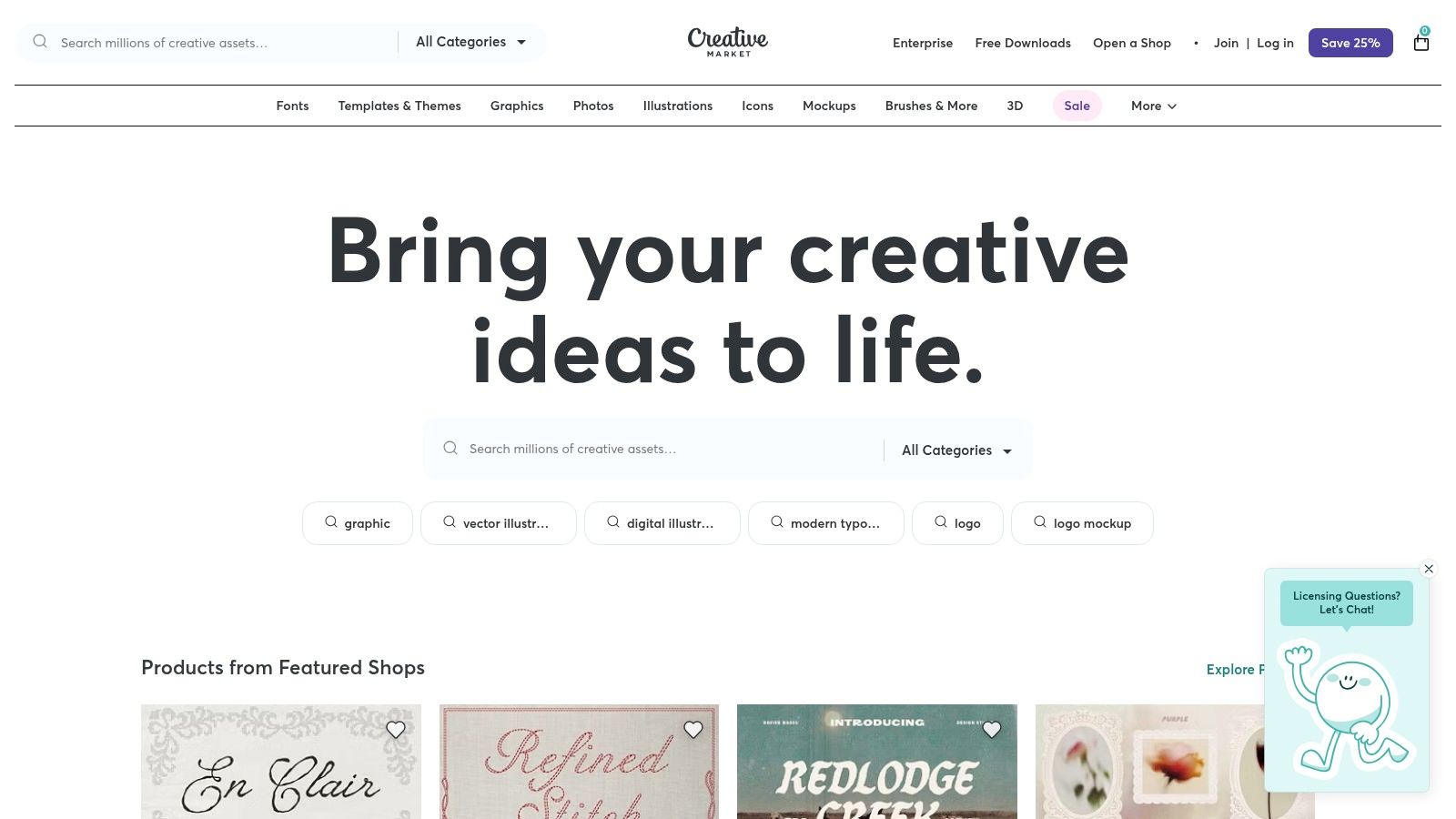
The platform stands out for its detailed product previews and seller storefronts, allowing you to browse a creator's entire portfolio before making a purchase. This provides confidence in the quality and style of the templates. Each digital download comes with clear licensing and often includes helpful documentation, ensuring you can get set up quickly and legally.
Key Features & Considerations
| Feature | Details |
|---|---|
| Selection | Primarily premium, design-focused planners and systems with integrated task lists. |
| Pricing | Paid templates only, with prices set by individual creators. |
| Trust Signals | Seller profiles, user reviews, and comprehensive product mockups. |
| Ease of Use | Instant digital delivery with clear instructions for duplication. |
The main consideration is that you are less likely to find a simple, standalone Notion to do list template here; most are components of a larger system. Additionally, refunds on digital products are typically limited. However, for those seeking a complete, visually appealing productivity setup, Creative Market is an excellent resource. Integrating these planners with automation can further streamline workflows, and you can explore more on this with these 7 ways to use Notion to send emails and more.
Website: https://creativemarket.com
11. TemplateRoad
TemplateRoad positions itself as a boutique shop for premium, business-oriented Notion templates. Rather than offering simple, standalone to-do lists, it provides comprehensive operating systems where task management is a core, integrated component. This approach is ideal for professionals, freelancers, and small teams looking for a productivity-first structure that combines project management, client relations, and daily planning into a single, cohesive dashboard.

The platform stands out by focusing on minimal, highly functional designs that are optimized for both light and dark modes and are fully responsive across devices. For users with specific workflow needs, TemplateRoad also offers the unique option to commission custom-built templates, providing a tailored solution that big marketplaces cannot match. This makes it a great source for a specialized notion to do list template integrated into a larger system.
Key Features & Considerations
| Feature | Details |
|---|---|
| Selection | A curated collection of business-focused templates and an "Ultimate Bundle." |
| Pricing | Premium (paid) templates with higher price points reflecting their comprehensive nature. |
| Trust Signals | Direct creator support and the option for custom-built, personalized solutions. |
| Ease of Use | Templates are business-ready but may require a learning curve due to their complexity. |
The main drawback is its smaller, more specialized catalog and higher price points compared to larger platforms. You won't find many simple, single-page to-do lists here, as the focus is on integrated systems. However, for those who need a professional-grade structure that's ready to deploy for business operations, the investment provides significant value and direct creator support.
Website: https://templateroad.com
12. WeTheNotion (shopfront + Gumroad listings)
WeTheNotion offers a curated shopfront of all-in-one life and work planners where the to-do list is an integrated component of a much larger system. Instead of standalone task managers, these templates are designed to be central hubs for organizing everything from daily habits and project timelines to financial goals, making them ideal for users who want a single, cohesive dashboard. The purchasing process is often handled through Gumroad, providing a secure and familiar checkout experience for instant template duplication.

This platform stands out by focusing on comprehensive "life OS" style templates rather than simple, single-purpose to-do lists. Each product page provides clear feature breakdowns, visuals, and customer reviews, helping you understand the full scope of the system before buying. This approach is perfect for individuals or freelancers looking to overhaul their entire personal productivity setup within Notion.
Key Features & Considerations
| Feature | Details |
|---|---|
| Selection | Primarily all-in-one life and work planners with integrated task management. |
| Pricing | Premium (paid) templates offering significant value through bundled features. |
| Trust Signals | Detailed product descriptions, customer reviews, and secure Gumroad checkout. |
| Ease of Use | Instant duplication after purchase, but comprehensive systems may have a steeper learning curve. |
The main strength of WeTheNotion is the value offered in its multi-tool planners; you get much more than just a notion to do list template. However, this can also be a drawback if you only need a simple task manager, as these systems can feel overly complex. The reliance on Gumroad for fulfillment is seamless but does mean the final purchase step occurs on a third-party platform.
Website: https://wethenotion.com/en-us/collections/notion-template
Top 12 Notion To‑Do Template Sources — Comparison
| Marketplace | Core features | Quality & UX | Price & Value | Target audience & USP |
|---|---|---|---|---|
| Notion Marketplace (official) | Massive catalog; one‑click duplicate; categories & reviews | ★★★★☆ · official trust 🏆 | Free → paid · 💰Varied | 👥 All users · ✨ Verified creators & discoverability |
| Notion Everything | Curated templates; live demos; clear tagging | ★★★★☆ · editorial curation 🏆 | Mostly paid; promos sometimes · 💰Moderate | 👥 Buyers wanting vetted options · ✨Live previews |
| Gridfiti Shop | Planner packs (dashboard, habit, goals); onboarding tips | ★★★★☆ · strong UI/UX 🏆 | Bundle pricing · 💰Higher | 👥 Non‑technical users · ✨Cohesive packs & tooltips |
| Etsy (Notion To‑Do) | Huge selection; filters; instant delivery | ★★★☆☆ · variable quality | Many <$20 · 💰Low | 👥 Niche/aesthetic seekers · ✨Themed & budget options |
| Gumroad (Notion templates) | Creator pages; FAQs; pay‑what‑you‑want; instant duplicate | ★★★☆☆ · varied docs | Free → paid; flexible · 💰Flexible | 👥 Creator‑direct buyers · ✨Flexible pricing |
| Notionery | Handpicked templates; “Best of” collections | ★★★★☆ · vetted quality 🏆 | Premium‑lean · 💰Moderate‑High | 👥 Buyers wanting curated quality · ✨Guided selections |
| Easlo (creator shop) | Minimalist productivity templates; docs & support | ★★★★☆ · cohesive UX | Creator‑priced · 💰Moderate | 👥 Fans of clean design · ✨Reliable updates & support |
| Notion Wizard (Gumroad) | Simple to‑do mechanics; reminders; beginner guides | ★★★★☆ for simplicity | Affordable · 💰Low | 👥 Beginners/light users · ✨Step‑by‑step onboarding |
| Ko‑fi Shops | Free/pay‑what‑you‑want templates; indie creators | ★★★☆☆ · variable | Mostly free/low · 💰Low | 👥 Explorers & indie fans · ✨Free & niche finds |
| Creative Market | Polished visuals; seller storefronts; clear licensing | ★★★★☆ · design‑forward 🏆 | Paid with licensing · 💰Moderate‑High | 👥 Designers & aesthetic buyers · ✨High‑quality previews |
| TemplateRoad | Business‑oriented systems; custom builds; multi‑device | ★★★★☆ · business‑ready | Premium bundles · 💰High | 👥 Teams & businesses · ✨Custom solutions |
| WeTheNotion | All‑in‑one life/work planners; Gumroad fulfillment | ★★★★☆ · comprehensive | Bundle value · 💰Moderate | 👥 Users wanting central hub · ✨Integrated planners |
Your Journey to an Organized Life Starts Now
We've explored a comprehensive landscape of resources, from the official Notion Marketplace to dedicated creator shops like Easlo and marketplaces like Gumroad. The sheer variety underscores a powerful truth: there is no single "best" Notion to-do list template, only the one that is best for you. Your ideal system is a deeply personal combination of functionality, aesthetics, and workflow integration.
The journey through these twelve diverse sources reveals that the most effective productivity systems are not just found; they are built. A simple, clean template from the Notion Marketplace might be the perfect starting point for a minimalist, while a freelancer might find an all-in-one "second brain" on Etsy that revolutionizes their client management. The key is to move beyond the initial download and truly make the template your own.
Key Takeaways for Choosing Your Template
As you move forward, keep these core principles in mind to select and implement the perfect system:
- Start with Your Core Need: Don't get distracted by a template with dozens of features you'll never use. If your primary goal is tracking daily habits, prioritize templates that excel at that. If it's managing complex, multi-stage projects, look for systems with robust database relations and timelines.
- Evaluate Scalability: Consider your future self. Will this template grow with you? A small business owner should look for a template that can handle an expanding team and increasing project volume, perhaps one from a creator like Notion Wizard known for business-centric designs.
- Prioritize Integration: A to-do list doesn't exist in a vacuum. The most powerful Notion to-do list templates are those that seamlessly connect with the other parts of your digital life. This is where tools that bridge the gap between your inbox and your workspace become invaluable for capturing tasks as they arise.
- Don't Fear Customization: View every template as a starting point, not a final product. Change the icons, adjust the database properties, and delete pages that don't serve your purpose. The true power of Notion is its flexibility, so take full advantage of it to tailor your chosen template to your exact workflow.
Actionable Next Steps
Feeling overwhelmed by the options? Here’s a simple plan to get started:
- Identify Your Top 3 Priorities: Are they task delegation, time blocking, or capturing quick notes? Write them down.
- Shortlist 2-3 Templates: Based on your priorities, pick two or three templates from our list that seem like the best fit. For example, a creative might check Gridfiti while a project manager explores Notion Everything.
- "Test Drive" Your Favorite: Duplicate your top choice into your Notion workspace. Use it consistently for one week. Don't worry about getting it perfect; just focus on integrating it into your daily routine.
- Reflect and Refine: At the end of the week, ask yourself what worked and what didn't. What caused friction? What felt intuitive? Make small adjustments or, if it's a poor fit, move on to your second choice.
Ultimately, the goal is to build a system that reduces cognitive load and empowers you to focus on what truly matters. The right Notion to-do list template acts as a reliable foundation, a central command center that brings order to the chaos of daily life. By thoughtfully selecting, customizing, and integrating your chosen template, you are not just organizing tasks; you are designing a more intentional and productive life.
Ready to supercharge your new to-do list? The biggest challenge is often getting tasks into Notion before they get lost. NotionSender solves this by letting you forward any email directly into your chosen to-do list database, instantly turning your inbox into an actionable task manager. Try NotionSender for free and build a truly seamless productivity workflow.

