
The 12 Best Notion Website Template Kits for 2025
Notion has evolved from a powerful note-taking app into a versatile platform for building entire websites, from sleek portfolios to robust business hubs. A great Notion website template is your shortcut to launching a professional-looking site without writing a single line of code. This guide moves beyond simple lists, offering a detailed breakdown of the 12 best template providers and platforms to help you find the perfect fit for your specific needs, whether you're a freelancer, a small business owner, or a marketing professional.
We'll provide honest assessments, practical implementation steps, and insights to help you choose the perfect foundation for your online presence. Each entry includes direct links, screenshots, and analysis of ideal use cases, such as creating a portfolio, a business site, or a landing page. For those just beginning, understanding the core setup is key; you can find a helpful guide on how to get started with Notion before diving in.
More importantly, we'll explore how to not just build a site, but also how to integrate powerful tools like NotionSender. This will enable you to capture leads and automate communications, transforming your Notion workspace into a dynamic marketing and sales engine. Prepare to find the exact template and tools needed to launch your website efficiently.
1. Notion Template Gallery (official)
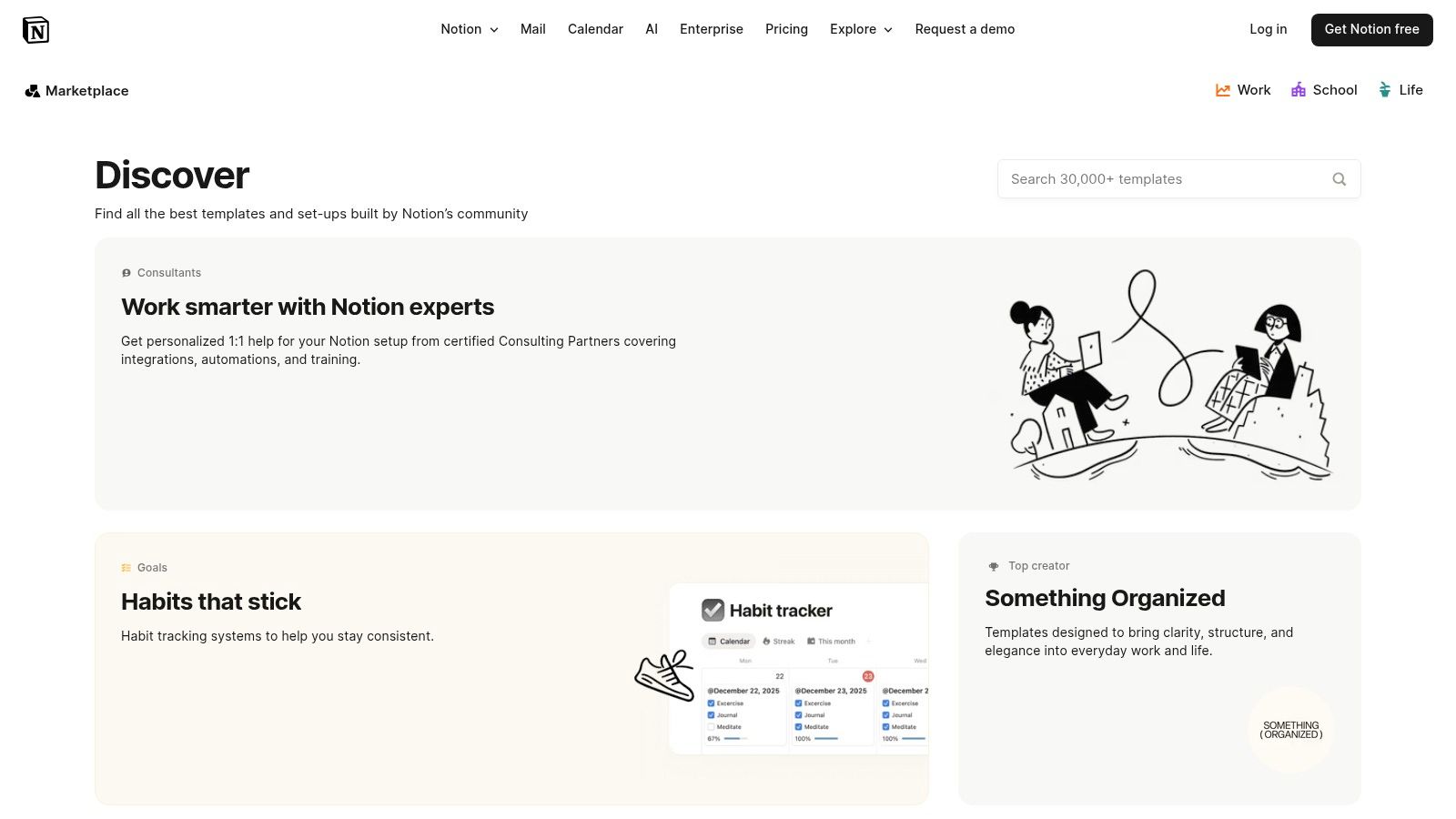
The official Notion Template Gallery is the best starting point for anyone seeking a reliable notion website template. As Notion's own curated hub, it offers a massive, trusted collection of over 5,000 templates, many of which are designed specifically for public-facing sites like portfolios, blogs, and landing pages. The user experience is seamless; you can browse by category, view creator profiles, and duplicate a chosen template directly into your workspace with a single click.
Why It's a Top Choice
What makes this gallery essential is its direct integration and the sheer volume of free, high-quality options. It eliminates the friction of third-party downloads, ensuring templates are compatible and safe. The platform also includes official guides on how to publish your Notion pages as websites, making it an educational resource as well as a template library.
- Best For: Beginners, freelancers, and small teams looking for free, vetted templates without leaving the Notion ecosystem.
- Pricing: A large majority of templates are free, with some community-created templates linking to paid versions.
- Pros: Trusted first-party source, extensive free library, direct 'Duplicate' functionality, and integrated user reviews.
- Cons: Lacks advanced third-party hosting features like custom domains or analytics out-of-the-box. Many templates require external tools like Super or Potion for full website functionality.
Visit the Notion Template Gallery
2. Super.so Templates
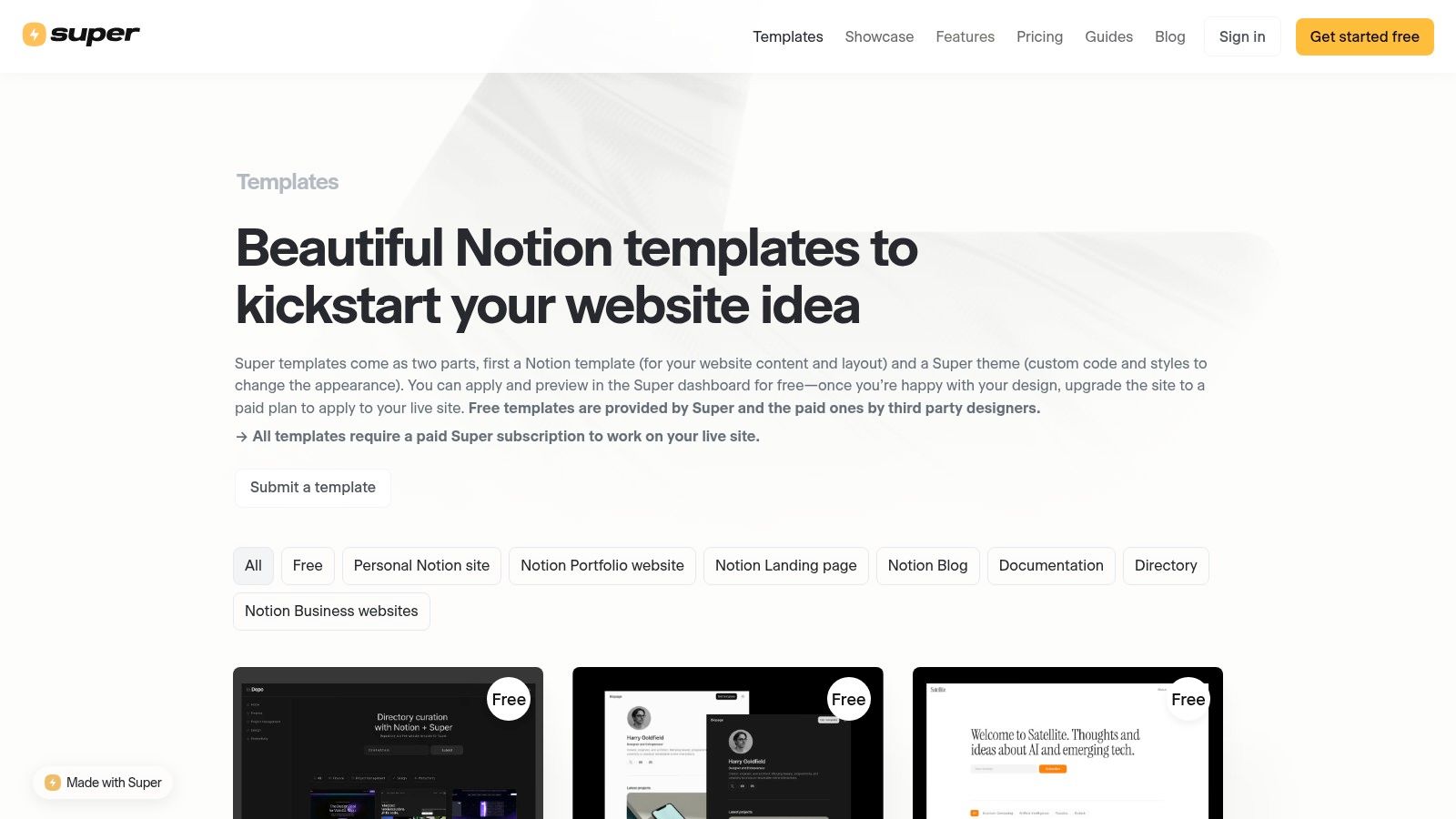
For those serious about turning a Notion page into a high-performance website, Super.so’s template marketplace is a premier destination. It offers a curated collection of templates specifically designed to leverage Super's powerful hosting features. Each notion website template here is optimized for speed, SEO, and aesthetics, transforming your Notion content into a professional site with custom domains, themes, and code injections. The platform is designed to bridge the gap between Notion's simplicity and a traditional website's functionality.
Why It's a Top Choice
Super.so excels by offering a complete ecosystem for publishing. It’s not just a template gallery; it's a full-fledged hosting solution that adds critical website features directly on top of your Notion pages. This includes everything from pretty URLs and password protection to advanced analytics and custom fonts. Using these templates ensures you get the most out of the platform, as they are built by creators who understand its unique capabilities. To fully leverage these templates and other Notion features, you can explore some helpful tips to get the most out of Notion.so.
- Best For: Entrepreneurs, creators, and businesses needing a professional, fast-loading website with advanced customization without writing code from scratch.
- Pricing: Templates can be free or paid, but a paid Super.so subscription (starting at $12/site/month) is required to publish them on a live site.
- Pros: Purpose-built for high-performance websites, strong theming and custom code options, and managed hosting with SEO optimizations.
- Cons: Requires a paid Super subscription to go live, creating a dependency on a third-party platform for uptime and features.
3. Potion.so Templates
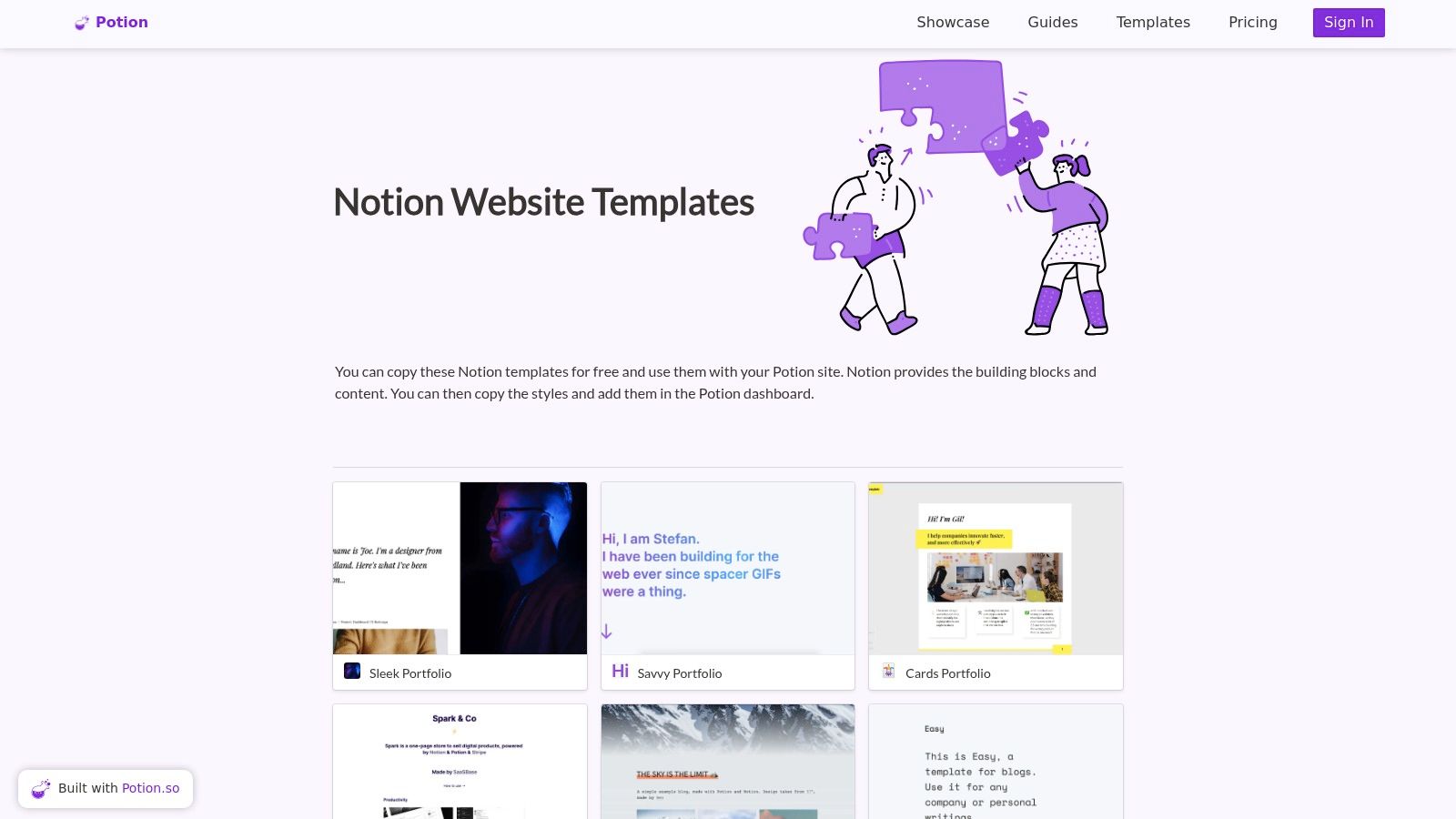
Potion.so offers a gallery of sleek, modern templates specifically designed to work with its Notion-to-website platform. This platform is an excellent choice if you're looking for a notion website template that pairs with a powerful hosting service focused on speed, SEO, and simplicity. The templates are crafted for common use cases like blogs, portfolios, and company homepages, ensuring your site looks professional right out of the box with minimal fuss.
Why It's a Top Choice
Potion excels by bundling its well-designed templates with a robust website builder that handles the technical side for you. It automatically generates SEO-friendly URLs and provides features like custom domains, password protection, and style customizations. This integrated approach means you get a template and the tools to make it a fully functional, fast-loading website without writing any code or managing complex hosting configurations.
- Best For: Entrepreneurs, creators, and small businesses who need a fast, SEO-optimized website without a steep learning curve.
- Pricing: Potion is a paid service, with pricing tiers starting from around $10/month. Templates are included with the subscription.
- Pros: Excellent for performance and SEO, straightforward setup from Notion, competitive pricing for managing multiple sites.
- Cons: Deeper design control requires custom CSS, and some advanced features are gated behind higher-priced plans.
4. Popsy Notion Website Templates
Popsy is a platform designed to transform a standard Notion page into a professional-looking website in seconds. It offers a dedicated gallery of free and paid templates tailored for its system, making it a fantastic source for a highly stylized notion website template. The platform is built around simplicity; you just paste a Notion link, and Popsy handles the conversion, allowing you to apply themes, customize fonts, and add navigation bars without any code.
Why It's a Top Choice
Popsy excels at bridging the gap between a raw Notion page and a polished, functional website with zero friction. Its one-click creation process is perfect for users who want a beautiful result without learning a new tool. The platform also natively supports crucial website features like SEO metadata, Google Analytics, and custom domains, which are often complex to set up with other solutions.
- Best For: Entrepreneurs, creators, and marketers who need to launch a beautiful landing page, blog, or portfolio quickly.
- Pricing: Popsy has a free plan for one site with a Popsy subdomain. Paid plans start at $8 per site per month for custom domains and advanced features.
- Pros: Extremely fast and beginner-friendly, excellent built-in themes and customization options, and strong native support for SEO and analytics.
- Cons: Per-site pricing can become expensive if you manage multiple websites, and advanced features are locked behind paid tiers.
Visit Popsy Notion Website Templates
5. Simple.ink Templates and Builder
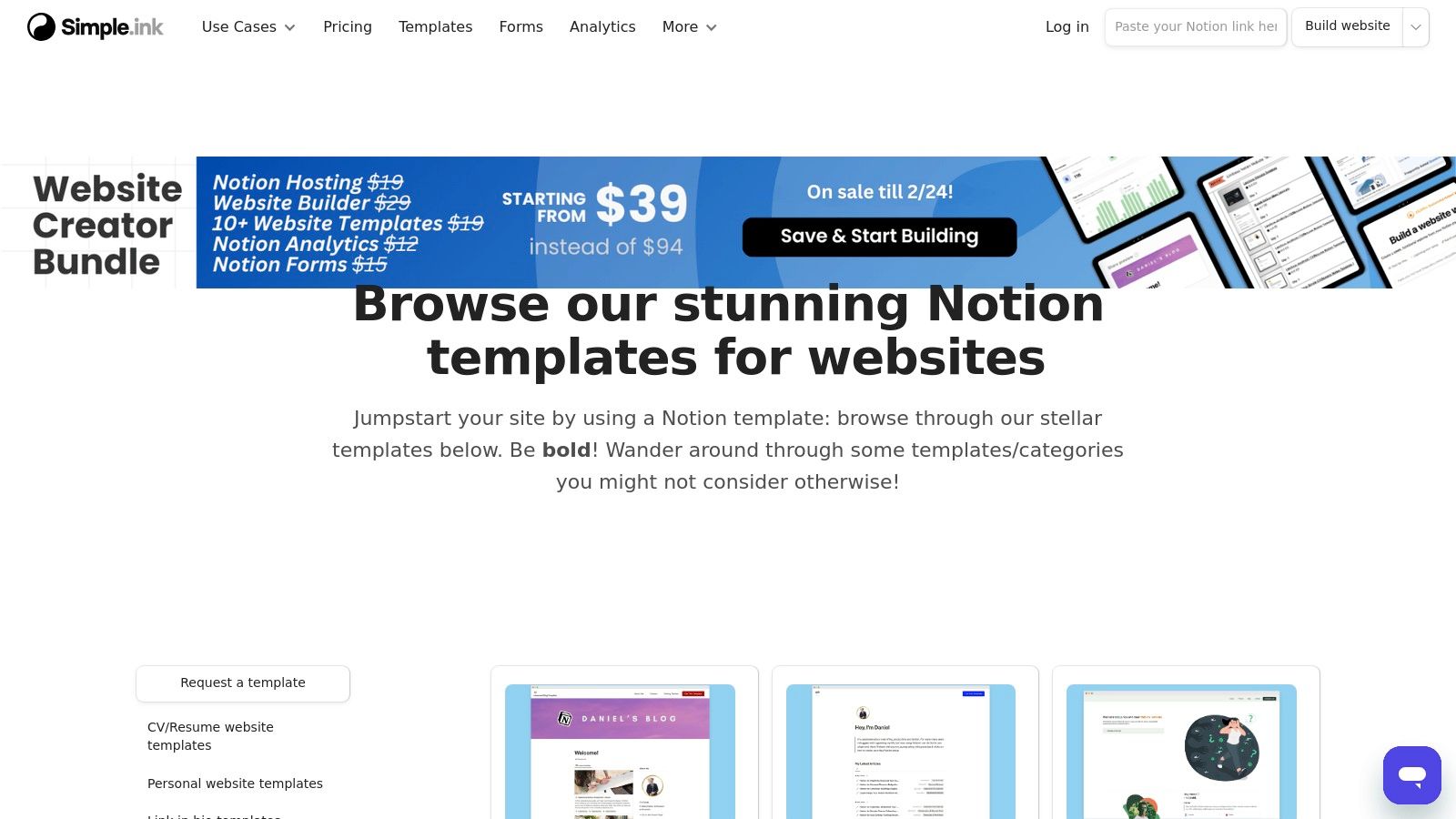
Simple.ink is a dedicated Notion-to-website builder that excels at speed and simplicity, making it a go-to for anyone who needs to launch a functional notion website template in minutes. The platform offers a curated library of templates specifically designed for public-facing sites like portfolios, blogs, and link-in-bio pages. Its core promise is efficiency: just paste your Notion page link, and Simple.ink handles the rest, instantly generating a live, fast-loading website.
Why It's a Top Choice
What sets Simple.ink apart is its generous free plan and incredibly fast setup process. It removes nearly all technical barriers to publishing a Notion page online. While the free version is powerful, paid plans unlock crucial features like custom domains, advanced SEO settings, and custom navigation, allowing you to scale your site from a simple page to a professional online presence without migrating platforms.
- Best For: Creators, freelancers, and small businesses needing a quick, no-fuss way to launch a website from Notion with a robust free starting point.
- Pricing: Offers a generous free plan with unlimited sites; paid plans start at $8/month for custom domains and advanced features.
- Pros: Extremely fast setup, unlimited sites on the free plan, and a good selection of website-specific templates.
- Cons: Advanced design customization and key features like custom domains are locked behind premium tiers.
6. Feather.so (Notion → Blog & Newsletter)
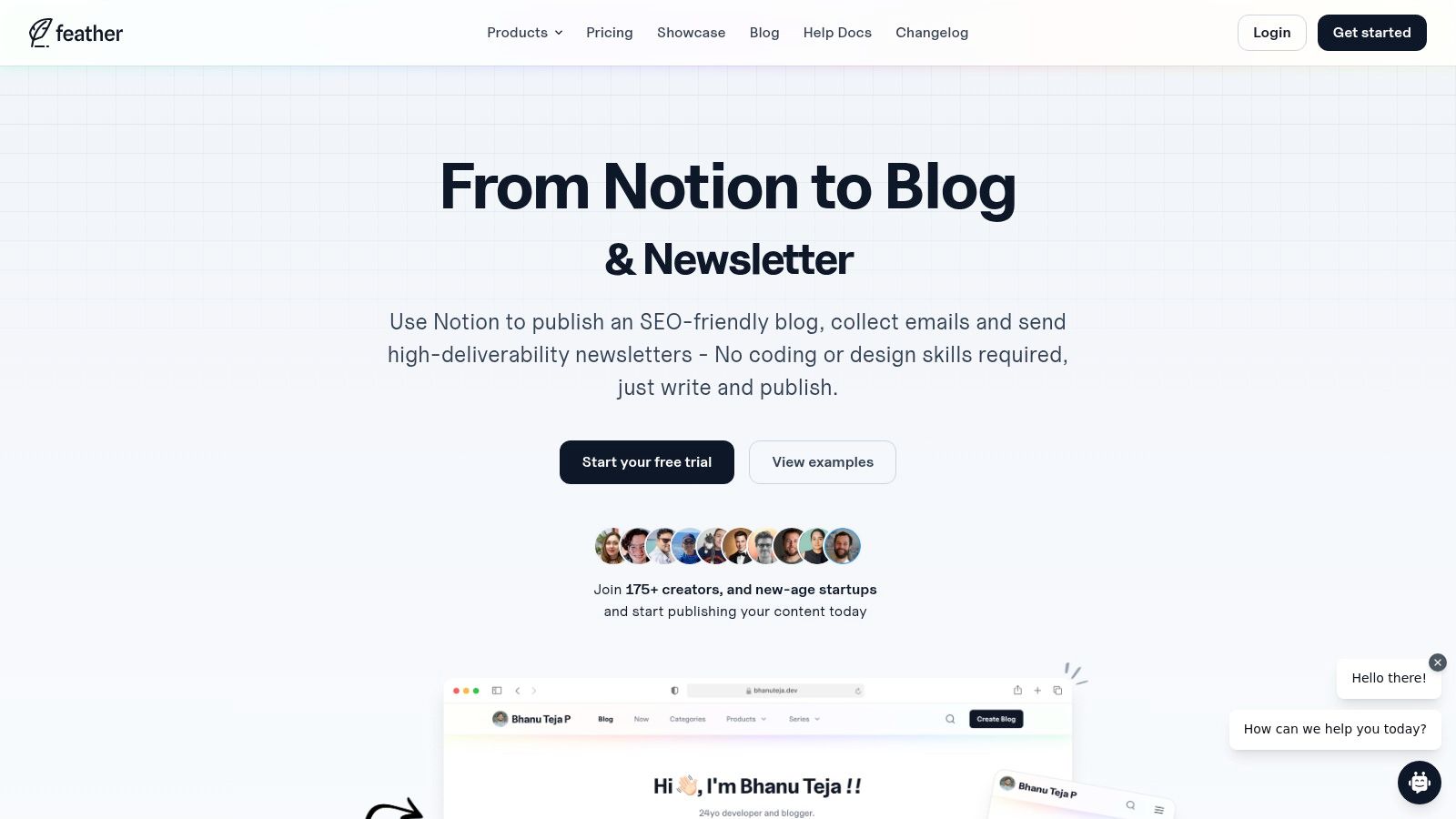
Feather.so is a powerful, niche platform designed for users who want to turn their Notion workspace into a high-performance blog and newsletter hub. Instead of offering a generic notion website template, Feather provides a streamlined system that transforms Notion pages into SEO-optimized articles, complete with native email capture forms. It’s an all-in-one solution for content creators who need integrated marketing tools without complex setups.
Why It's a Top Choice
What sets Feather apart is its tight integration of blogging and newsletter functionalities. You can write content in Notion, publish it as a fast-loading blog post, and simultaneously capture leads to send newsletters directly from the platform. This removes the need to stitch together separate tools for content management and email marketing, simplifying the workflow for marketers and solo creators. Feather also includes essential features like custom domains, analytics, and comments.
- Best For: Content creators, marketers, and businesses wanting to build a content hub with built-in email marketing capabilities.
- Pricing: Plans start at $19/month (billed annually) and scale based on pageviews.
- Pros: Combines blog and newsletter functions seamlessly, excellent SEO optimization, and includes native analytics and email capture.
- Cons: Primarily focused on blogs and newsletters, not ideal for building complex multi-page websites. Pricing can become costly for high-traffic sites.
7. Notaku.so
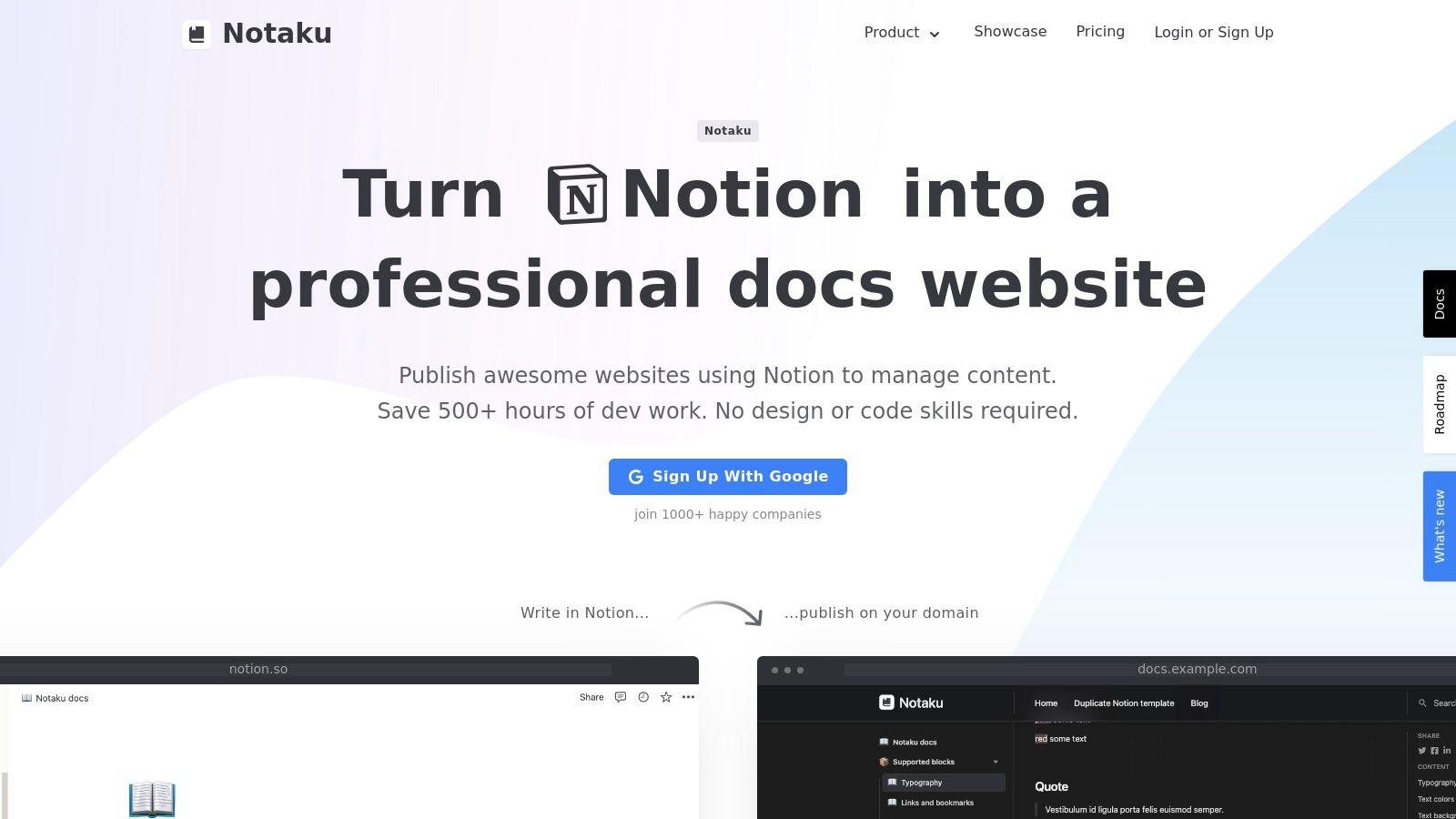
Notaku.so is a powerful builder tailored for teams that need to create documentation sites, blogs, changelogs, or public roadmaps directly from their Notion workspace. Instead of offering a general-purpose notion website template, it provides a purpose-built platform that excels at transforming Notion databases into structured, professional-looking public sites. The setup is straightforward, allowing you to connect a Notion page and instantly generate a functional website with features like site search and versioning.
Why It's a Top Choice
Notaku shines for its specialization. While other tools focus on aesthetics for portfolios, Notaku is built for utility, providing essential features for knowledge bases and product updates. The ability to manage all content within Notion makes it incredibly efficient for teams to collaborate on documentation or blog posts without ever leaving their primary workspace. It's an excellent solution for turning internal knowledge into a public-facing resource.
- Best For: SaaS companies, developers, and teams needing to publish documentation, knowledge bases, or changelogs.
- Pricing: Offers a free plan with limits on pages; paid plans start at $12/month for custom domains and advanced features.
- Pros: Purpose-built for docs and blogs, custom domain support, and easy for teams to maintain content directly in Notion.
- Cons: Less suited for highly designed marketing or portfolio sites; the free tier is limited.
8. Sotion.so (Notion → Website builder with memberships)
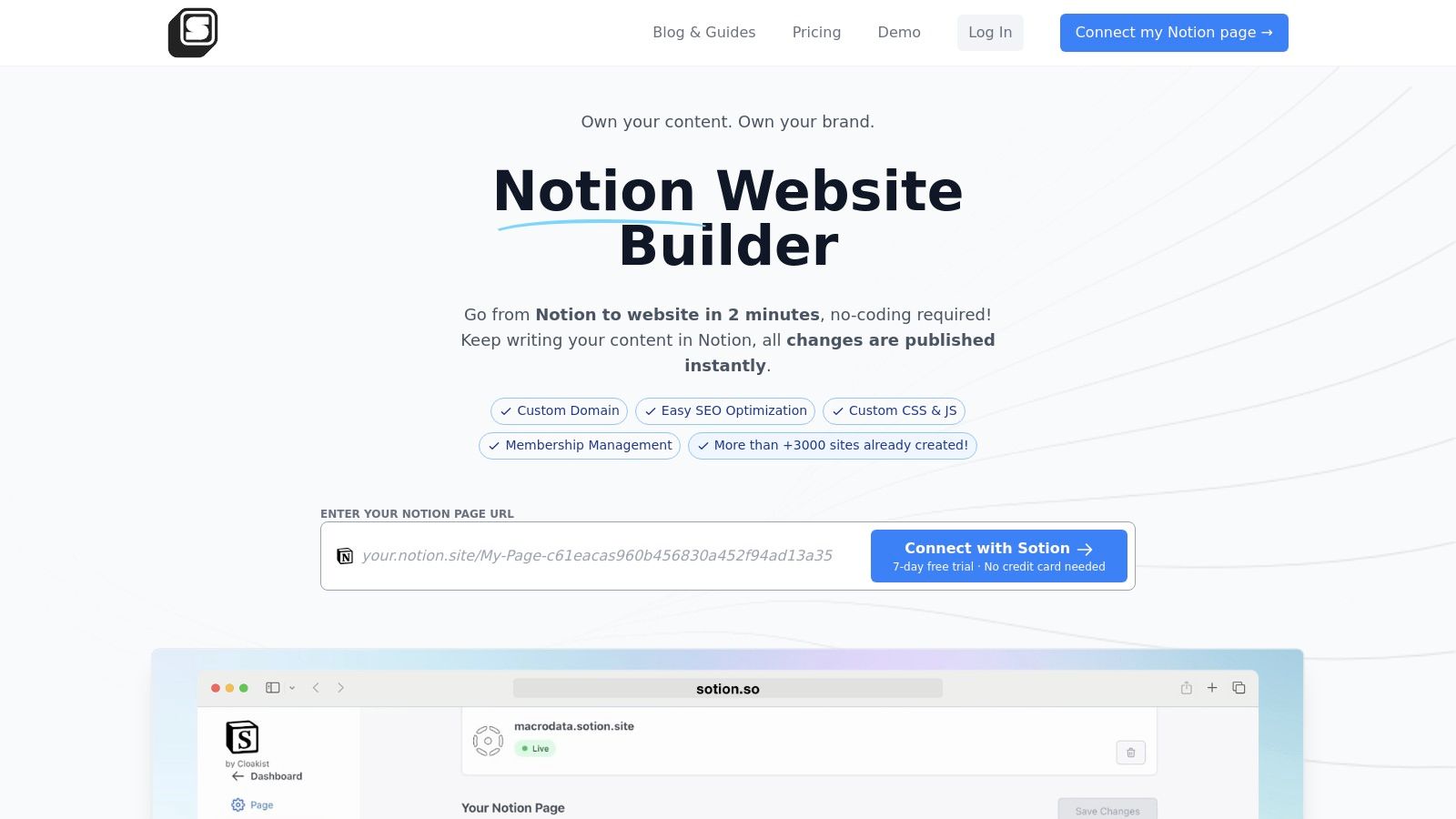
Sotion is a no-code website builder that excels at transforming Notion pages into public-facing sites with impressive speed. It's designed for creators and businesses that need more than just a static page, offering powerful features like membership management and monetization. This makes it a great choice for building a notion website template that serves as a private portal, a paid newsletter hub, or a members-only community directly from your existing Notion content.
Why It's a Top Choice
Sotion's standout feature is its integrated membership system, which is a significant step up from basic Notion-to-site converters. It allows you to gate content and manage subscribers without complex third-party tools. This functionality is ideal for anyone looking to build a paid community or offer exclusive resources. By integrating an email capture form, you can automate your member onboarding and explore different ways of saving emails to Notion to manage your audience effectively.
- Best For: Creators, educators, and communities wanting to build membership sites or private portals from Notion pages.
- Pricing: Offers a free plan for one site with a sotion.so subdomain. Paid plans start at $9/month for custom domains and advanced features.
- Pros: Excellent for launching membership sites quickly, simple setup process, and includes custom CSS/JS for deeper customization.
- Cons: The ecosystem is smaller than larger competitors, meaning fewer third-party themes. Key features like custom domains are behind a paywall.
9. Notionland Template Gallery
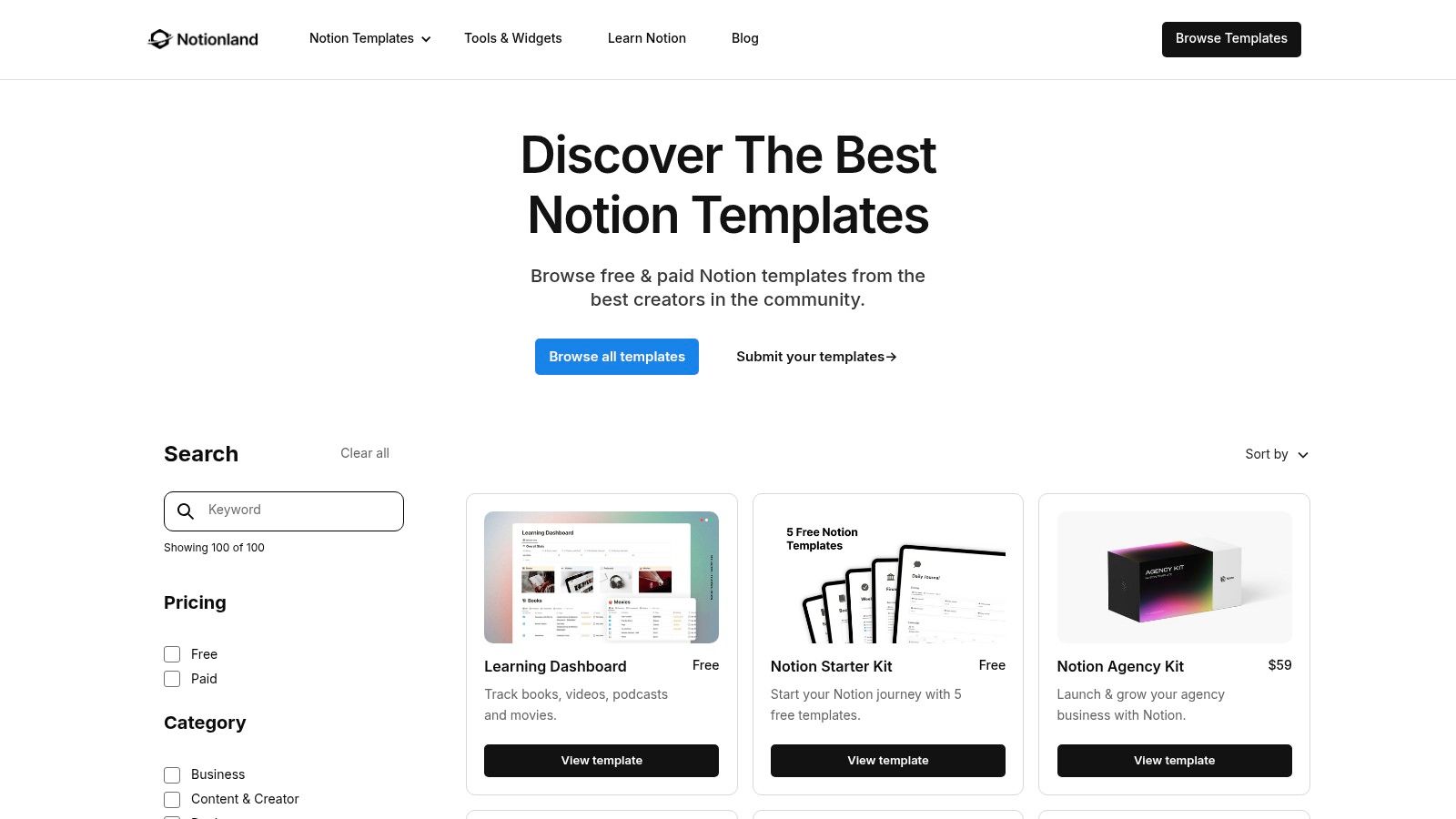
Notionland offers an independent gallery of curated templates with a strong focus on practical, aesthetic designs for freelancers and small teams. It’s an excellent place to find a budget-friendly notion website template, including complete website suites, portfolios, and streamlined blog layouts. The platform emphasizes simplicity, offering straightforward, one-time purchases that you can duplicate into your Notion workspace instantly.
Why It's a Top Choice
Notionland stands out for its accessible pricing and beginner-friendly approach. Instead of overwhelming users with countless options, it provides a well-curated selection of templates that are easy to customize and publish. The simple licensing and instant duplication process remove common barriers, making it ideal for those who want a professional-looking site without a steep learning curve or significant investment.
- Best For: Freelancers, solopreneurs, and small teams needing affordable, ready-to-use website and portfolio templates.
- Pricing: Offers a mix of free and premium templates, typically available as a one-time purchase.
- Pros: Low-cost and simple licensing, beginner-friendly designs, and focused on practical freelance use cases.
- Cons: The template catalog is smaller compared to larger marketplaces, offering less variety in specialized site builders.
Visit Notionland Template Gallery
10. Websitetion (component-based Notion website templates)
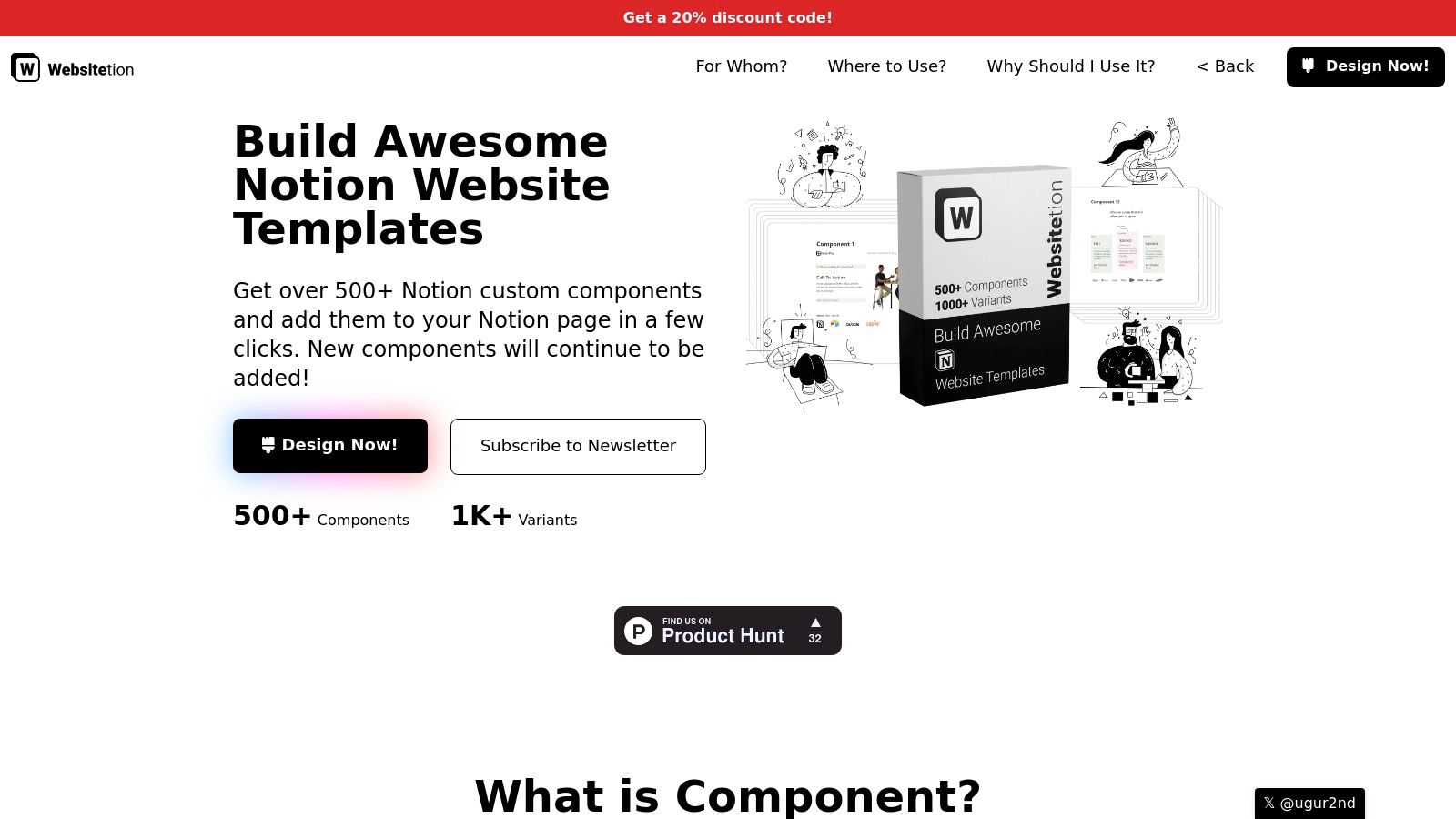
Websitetion offers a unique "lego block" approach to building a notion website template. Instead of providing pre-made, monolithic templates, it offers a library of over 500 modular components. Users can copy and paste individual sections like hero banners, pricing tables, navigation bars, and contact forms to assemble a completely custom website layout directly within their Notion workspace. This method provides immense flexibility for creating bespoke landing pages or marketing sites.
Why It's a Top Choice
The platform's core strength is its component-based system, which empowers users to build with precision without needing to code. By providing the essential building blocks, Websitetion speeds up the design process while still allowing for a high degree of customization. Video walkthroughs guide users on how to effectively combine components, making it an excellent resource for those who want more control than a standard template offers.
- Best For: Marketers, founders, and designers who want to quickly assemble custom landing pages by mixing and matching pre-built sections.
- Pricing: Components are offered in free and paid packs.
- Pros: Highly flexible for custom layouts, significantly speeds up the building process, and includes helpful video guides for assembly.
- Cons: Requires manual assembly of components inside Notion, and it is not a hosted website builder, so publishing requires a third-party tool.
11. Gumroad (Notion website template listings)
Gumroad is a sprawling marketplace where independent creators sell digital products, making it a goldmine for finding a unique notion website template. Unlike curated galleries, Gumroad offers direct access to templates built by a diverse community of designers and Notion experts. You can discover everything from minimalist portfolios to complex business dashboards designed to be published as full-fledged websites, often optimized for site-builders like Super or Potion.
Why It's a Top Choice
What sets Gumroad apart is the sheer variety and the direct connection to creators. You can often find highly specialized templates that aren't available on larger platforms. Creator pages, complete with ratings and other products, allow you to gauge a seller's quality and style before purchasing. This direct-from-creator model means you can find innovative and niche solutions built by people who are passionate about pushing Notion's limits.
- Best For: Users seeking unique, niche, or creator-driven templates with specific aesthetics or functionalities.
- Pricing: Varies widely, from free and pay-what-you-want models to fixed-price premium templates.
- Pros: Huge variety of independent designs, supports creators directly, and often includes templates bundled with tutorials or assets.
- Cons: Quality can be inconsistent since it's an open marketplace; always check creator ratings and template reviews before buying.
12. Etsy (Digital Notion template marketplace)
Etsy has emerged as a surprisingly rich marketplace for finding a unique notion website template from independent creators. Known for handmade goods, its digital product section is filled with hundreds of aesthetic and functional templates, often focusing on small business, creative portfolio, and shop-style layouts. The platform allows you to easily compare different sellers, read verified customer reviews, and receive instant digital delivery of your template link upon purchase.
Why It's a Top Choice
What sets Etsy apart is its competitive, creator-driven environment. You'll find templates with distinct visual styles that often aren't available on dedicated Notion marketplaces. The review system provides crucial social proof, helping you gauge the quality and support offered by a seller before buying. Many creators also bundle their website templates with other useful resources, like icon packs or dashboards, offering excellent value.
- Best For: Solopreneurs, artists, and small business owners seeking aesthetically-driven and affordable website templates with community validation.
- Pricing: Varies by seller, but most templates range from $5 to $30. Sales and discounts are common.
- Pros: Vast selection from diverse creators, frequent sales, and a robust user review system for quality assurance.
- Cons: Quality and structure vary widely; ensure you are purchasing a Notion duplicate link, not a static file. Listings can be inconsistent.
Notion Website Templates: 12-Provider Comparison
| Product | Core features ✨ | Quality ★ | Price/value 💰 | Target 👥 | USP 🏆 |
|---|---|---|---|---|---|
| Notion Template Gallery (official) | Curated templates, direct "Duplicate", wide categories | ★★★★☆ (trusted) | Mostly free; some paid 💰 | 👥 All Notion users, beginners | 🏆 Official curated library, easy to use |
| Super.so Templates | Themed templates, code snippets, Super hosting | ★★★★☆ | Templates free/paid; Super subscription to publish 💰 | 👥 Marketers, designers wanting themed sites | 🏆 Strong theming + managed hosting |
| Potion.so Templates | Ready site templates, custom domains, SEO URLs | ★★★★ | Competitive pricing; paid tiers for pro features 💰 | 👥 Small businesses, blogs | 🏆 Speed + SEO‑friendly outputs |
| Popsy Notion Website Templates | One‑click site creation, built‑in themes, analytics | ★★★★ | Free & paid; per‑site pricing can add up 💰 | 👥 Beginners, creators launching quickly | 🏆 Fast, beginner‑friendly launches |
| Simple.ink Templates and Builder | Paste Notion link → live site, template library, free plan | ★★★★ | Generous free plan; paid for custom domain/SEO 💰 | 👥 Quick starters, portfolios, link pages | 🏆 Unlimited free plan for simple sites |
| Feather.so (Blog & Newsletter) | Notion→blog, email capture, newsletter sending | ★★★★ | Pageview-based plans; higher tiers for traffic 💰 | 👥 Writers, publishers, marketers | 🏆 Integrated blog + newsletter workflow |
| Notaku.so | Docs/blog/changelog templates, custom JS/CSS, versioning | ★★★★ | Free tier; paid for advanced features 💰 | 👥 Product teams, docs maintainers | 🏆 Purpose‑built for documentation & roadmaps |
| Sotion.so (with memberships) | Instant site from Notion, membership gating, SEO | ★★★★ | Paid tiers for custom domains & memberships 💰 | 👥 Creators, paid communities, teams | 🏆 Built‑in membership management |
| Notionland Template Gallery | Website bundles, one‑time purchases, instant duplication | ★★★★ | Low one‑time fees; mix of free/paid 💰 | 👥 Freelancers, small teams on a budget | 🏆 Budget‑friendly one‑time buys |
| Websitetion (components) | 500+ modular components, video walkthroughs | ★★★★ | Paid component packs; DIY assembly 💰 | 👥 Designers, DIY builders | 🏆 Highly flexible component "lego" system |
| Gumroad (template listings) | Large creator marketplace, instant delivery, ratings | ★★★★☆ (varies) | Variable; pay‑per‑template by creators 💰 | 👥 Buyers seeking niche templates | 🏆 Broad variety from independent creators |
| Etsy (digital Notion templates) | Many seller listings, reviews, instant digital delivery | ★★★★☆ (varies) | Often low‑cost; frequent sales 💰 | 👥 Small businesses, creatives | 🏆 Marketplace discounts + seller comparison |
Choosing the Right Template and Supercharging It with Automation
We've explored a diverse landscape of tools and marketplaces, each offering a unique pathway to building a functional and beautiful website directly from your Notion workspace. From the official Notion Template Gallery for quick, no-cost personal pages to powerful, dedicated site builders like Super.so and Potion.so for professional business sites, the options are vast. Marketplaces such as Gumroad and Etsy provide a wealth of unique, creator-driven designs, while specialized tools like Feather.so cater specifically to bloggers and newsletter creators.
The key takeaway is that the "best" Notion website template is not a one-size-fits-all solution. Your ideal choice hinges entirely on your specific goals, technical comfort level, and budget. What works for a freelance photographer's portfolio will differ significantly from the needs of a small business launching a new product.
How to Make Your Final Decision
To select the right path forward, consider these critical factors:
- Your Primary Goal: Are you building a simple landing page, a content-rich blog, a portfolio, or a full-fledged business site with membership features? Define this first, as it will immediately narrow your options. For instance, Sotion.so is a clear choice for memberships, while Popsy excels at creating simple, elegant landing pages with minimal fuss.
- Technical Skill and Time: How much time are you willing to invest in setup and customization? A platform like Simple.ink offers an incredibly fast, near-instantaneous setup. In contrast, leveraging component-based templates from Websitetion or highly customizable platforms like Super.so requires a greater time commitment but offers more granular control.
- Budget and Scalability: Free options are excellent starting points, but paid solutions often provide crucial features like custom domains, advanced analytics, and faster performance. Consider your long-term needs. A small investment in a premium template or service can deliver a more professional result and save you from a complex migration down the line.
Beyond the Template: The Automation Advantage
Choosing a template is just the first step. The true power of using Notion for your website is unlocked when you connect it to your operational workflows. A static "contact me" page is useful, but a page that automatically captures leads into a Notion CRM database is a game-changer. This is where the integration we've discussed throughout this guide becomes essential.
By connecting your forms and email capture points with a tool like NotionSender, you transform your public-facing website into an intelligent, automated extension of your internal workspace. This direct link between your audience and your project management hub creates a seamless flow of information, ensuring no lead is dropped and every inquiry is tracked efficiently. For broader inspiration on what modern websites can achieve, reviewing other collections of free website templates for businesses can spark new ideas for design and functionality that you can implement within your Notion ecosystem. Ultimately, the goal is to build a system where your website actively works for you, automating data entry and communication so you can focus on growing your business.
Ready to turn your new Notion website into an automated lead-generation machine? With NotionSender, you can connect any form on your site directly to your Notion databases, capturing emails, contact requests, and sign-ups without any manual work. Start your free trial today and experience the power of a fully integrated workspace.

