
12 Best Project Trackers Templates to Streamline Your Workflow in 2026
Juggling deadlines, tasks, and team communications can feel like a constant battle. The right project tracker is the key to transforming chaos into clarity, but finding the perfect fit is a project in itself. This guide cuts through the noise, presenting a curated list of the 12 best sources for project trackers templates across various platforms. We cover everything from the flexible databases of Notion and Airtable to the familiar grids of Excel and the powerful dashboards of Asana and ClickUp.
We dive into what makes each template unique, its ideal use case, and how to get started, so you can stop searching and start organizing. For each platform, you'll find a direct analysis, screenshots, and links to get you set up quickly. We specifically explore how to integrate tools like NotionSender to save important emails directly into your project records, creating a single source of truth for your team.
Whether you're a freelancer managing multiple clients, a small business owner scaling operations, or a project manager leading a complex initiative, the perfect template is waiting. This resource is designed to help you find the system that not only tracks progress but actively improves your workflow. Let's find the right tool for you.
1. NotionSender
NotionSender establishes itself as an essential tool by fundamentally transforming how communication integrates with your projects. It’s not just a template source; it’s a platform that makes your project trackers templates actionable by connecting them directly to your email inbox. This unique two-way email functionality allows teams to manage all project-related correspondence, from client updates to vendor invoices, without ever leaving their Notion workspace. This centralization eliminates context switching and ensures that every piece of communication is automatically logged in the correct project database.
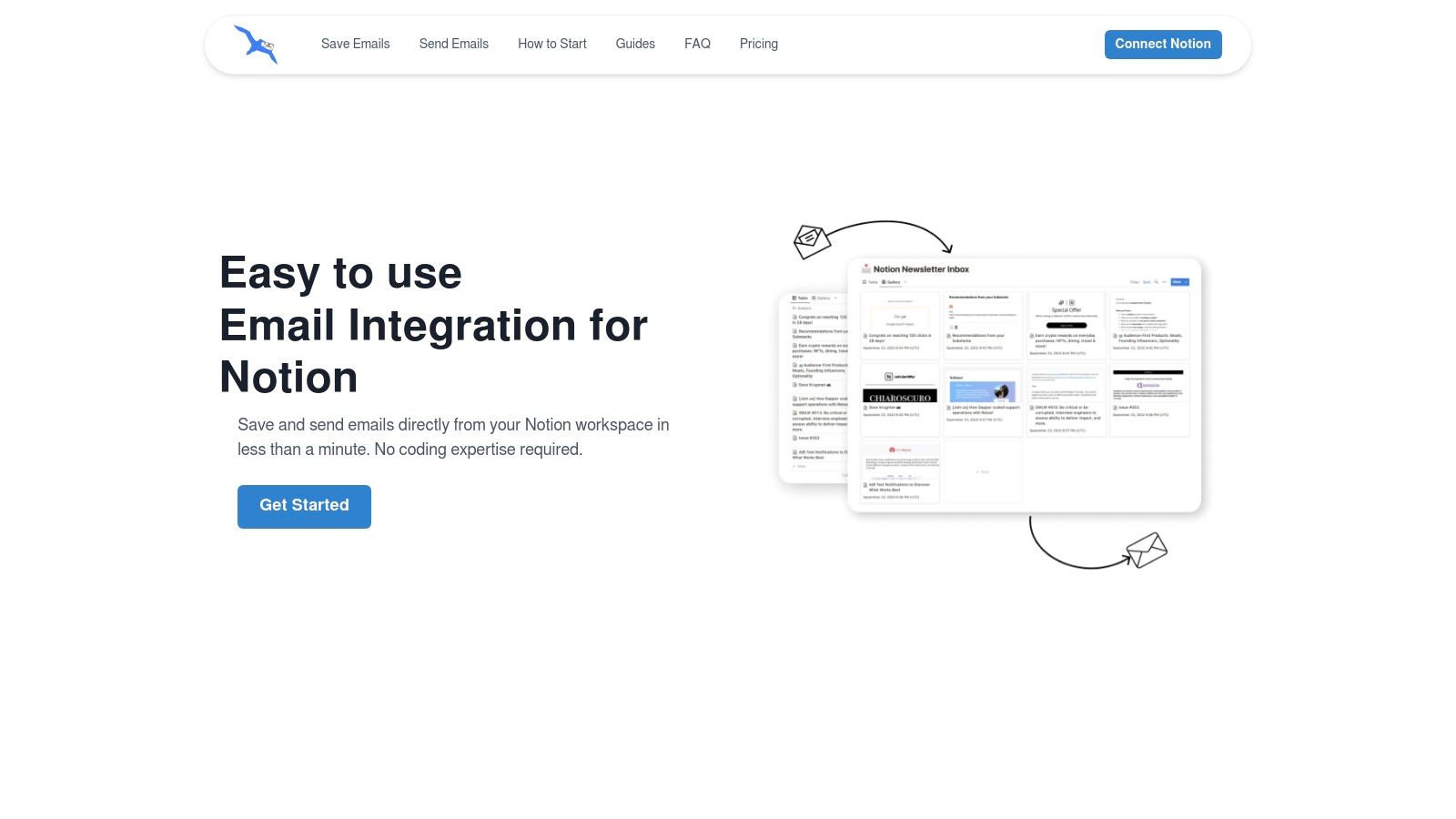
The platform’s standout feature is its AI-powered property extraction. When an email arrives in a dedicated database inbox, NotionSender intelligently scans the content, identifies key data like invoice numbers, due dates, or meeting links, and automatically populates the corresponding Notion properties. This automation turns a passive project tracker into a dynamic, self-updating system, saving significant administrative time.
Key Strengths and Use Cases
NotionSender excels in creating a seamless workflow between communication and project management.
- Centralized Client Communication: Manage all client emails from within their dedicated project page in Notion. You can send templated status updates, log feedback, and store all correspondence automatically, creating a comprehensive and searchable project history.
- Automated Financial Tracking: Freelancers and small businesses can direct all invoices and receipts to a finance database. NotionSender’s AI will parse and log amounts, vendor names, and payment deadlines, streamlining bookkeeping.
- Efficient Task Management: Convert email requests into actionable tasks. An email from a stakeholder can be instantly transformed into a new entry in your project backlog, complete with all relevant details and attachments.
- Streamlined Event & Meeting Coordination: Save event confirmations or meeting invitations directly to a calendar database. The system automatically extracts dates, times, and video conference links, ensuring your schedule is always current.
Platform Details & User Experience
Setting up NotionSender is remarkably fast, requiring less than a minute with no coding knowledge. Users praise its intuitive interface and the immediate value it adds. The platform offers a free plan (100 saved/50 sent emails per 31 days) suitable for light users. The Premium plan ($19/month) unlocks powerful features like email scheduling, custom sender verification, and significantly higher usage limits, making it a robust solution for active teams. You can explore how to send emails directly from Notion on NotionSender.com to see the outbound features in action.
| Feature Highlights | Practical Benefit |
|---|---|
| Two-Way Email Sync | Send and receive emails inside Notion pages, creating a single source of truth for all project communication. |
| AI Property Extraction | Automatically populate database fields from email content, reducing manual data entry and human error. |
| No-Code, Fast Setup | Get started in under 60 seconds by assigning a unique email address to any Notion database. |
| Powerful Automation | Schedule emails, auto-send based on page status changes, and use templates for personalized, scalable outreach. |
While the free plan has limitations and attachments are capped at 10MB, NotionSender’s core functionality delivers an unparalleled level of integration for anyone serious about managing their entire project lifecycle within Notion.
Website: https://www.notionsender.com
2. Notion Template Gallery (official)
For those already embedded in the Notion ecosystem, the official Notion Template Gallery is the most direct source for high-quality project trackers templates. It serves as a central marketplace, featuring a mix of free and paid templates created by both Notion and its global community of users. The key advantage here is the seamless, one-click "Duplicate" function, which instantly imports any chosen template directly into your workspace.
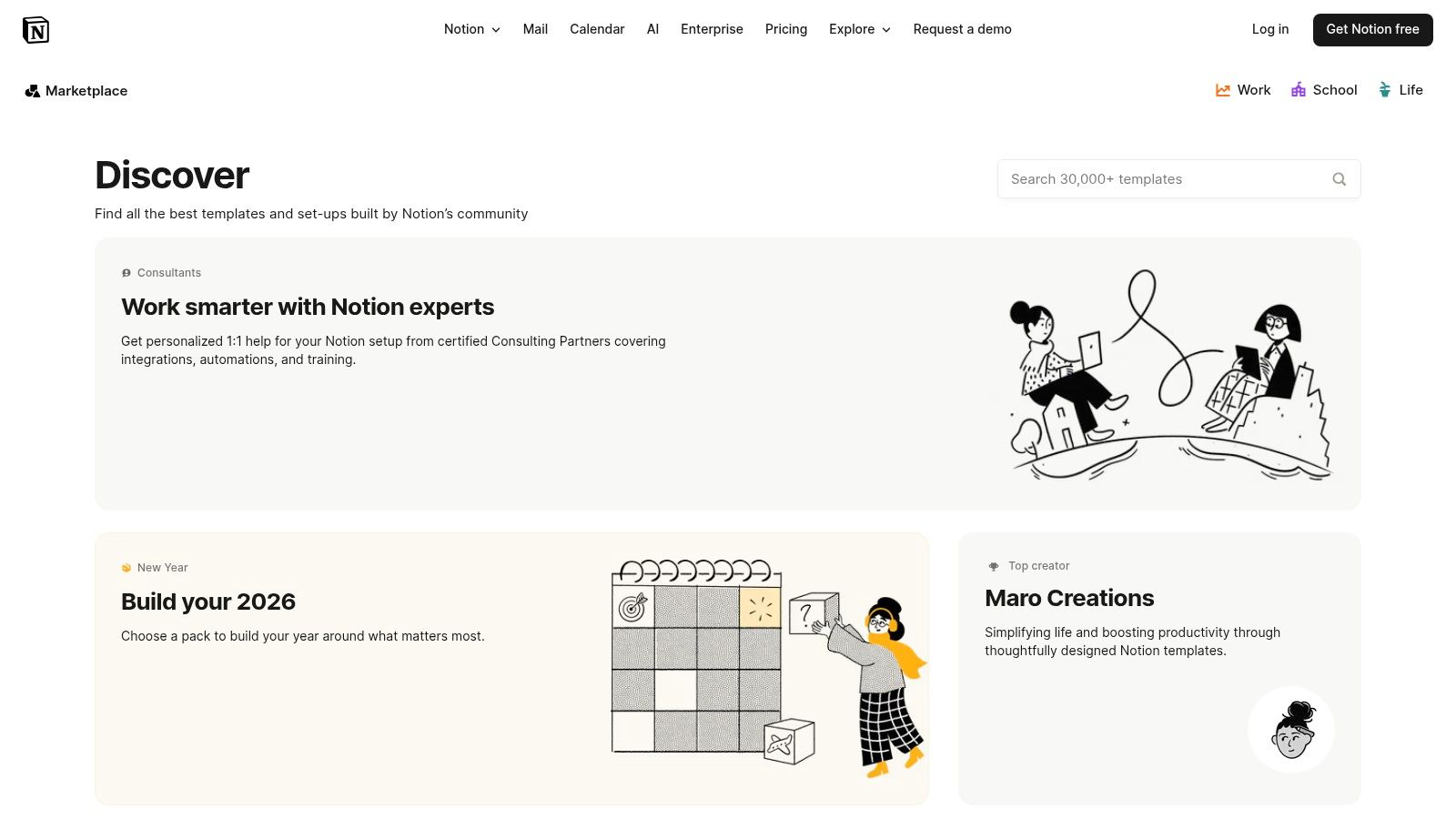
The gallery offers a vast selection covering specific project management needs, from Gantt chart-style timelines to detailed client management dashboards. You can easily filter by category and assess quality through user ratings and creator profiles before committing. To fully leverage these templates, it's beneficial to have a solid grasp of Notion's core features. For a deeper dive, explore these 10 tips to get the most out of Notion.
Platform Breakdown
| Feature | Details |
|---|---|
| Best For | Notion users looking for native, one-click template integration. |
| Pricing | Free and paid templates available; requires a Notion account. |
| Pros | Deep integration with Notion features, extensive library of free options. |
| Cons | Template quality can vary significantly between different community creators. |
| Website | notion.so/templates |
3. ClickUp Template Center (Project Tracker)
For teams seeking an enterprise-grade solution out of the box, ClickUp's official Template Center offers powerful project trackers templates. Unlike more free-form tools, these templates come preconfigured with robust project management features, including specific statuses, custom fields, and multiple views. This makes it an excellent choice for organizations that need a structured, scalable system without building everything from scratch. The templates are designed to be immediately functional, providing a solid foundation for complex projects.
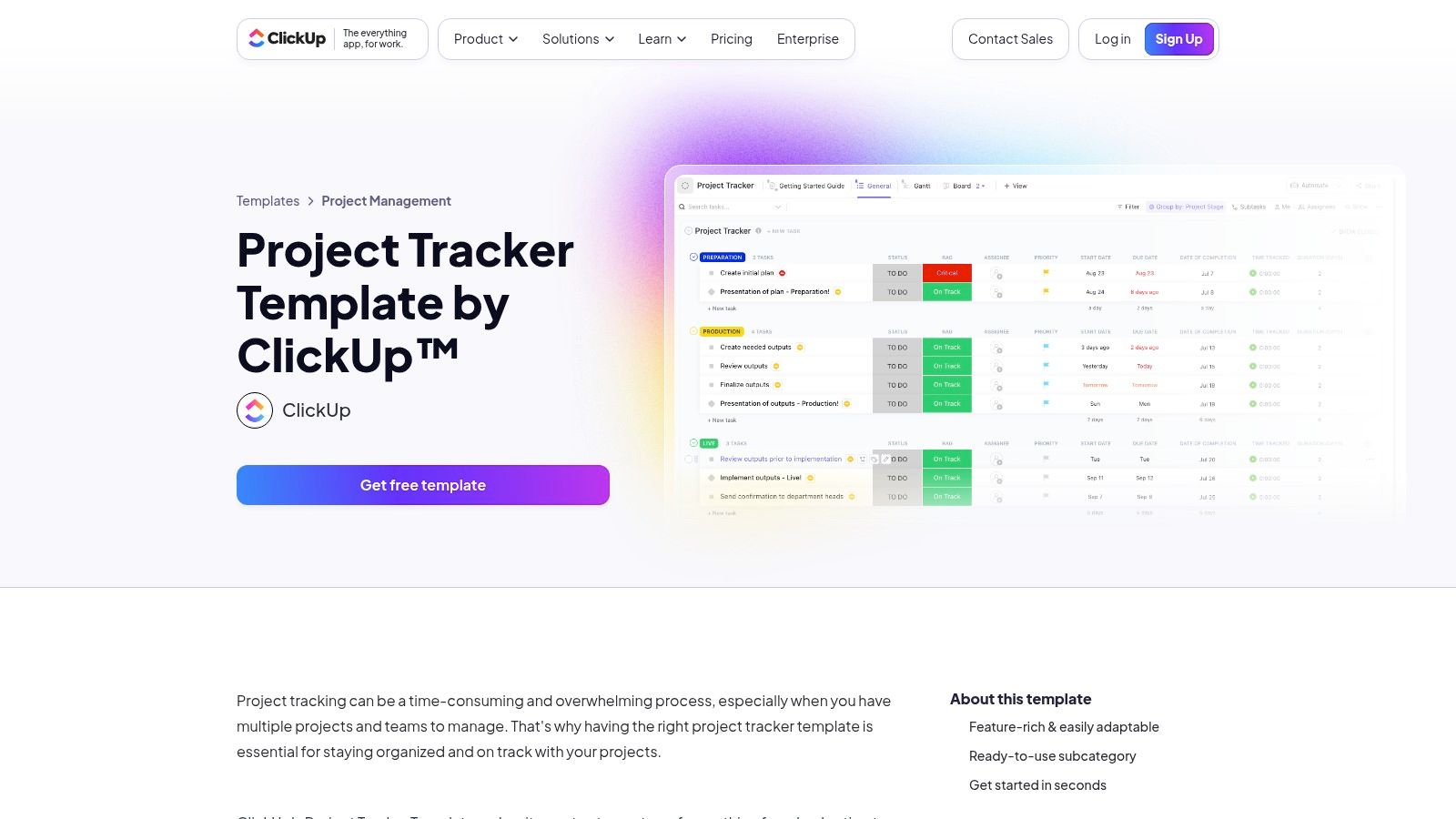
The Project Tracker template includes essential views like Gantt charts, lists, and boards, allowing teams to visualize progress in different ways. It incorporates fields for risk assessment (RAG status) and project stages, alongside dependency warnings and email integrations. While the platform is immensely powerful, new users may experience a slight learning curve compared to simpler tools. To get started, simply find the template in the center and click "Use Template" to import it into your workspace.
Platform Breakdown
| Feature | Details |
|---|---|
| Best For | Teams wanting a comprehensive, pre-built tracker with advanced PM views. |
| Pricing | Free templates available; requires a ClickUp account. Advanced features are on paid tiers. |
| Pros | Robust PM features included by default, easily scales from simple lists to entire spaces. |
| Cons | Can have a slight learning curve; advanced automations and dashboards require paid plans. |
| Website | clickup.com/templates/project-tracker-t-176181380 |
4. Asana Templates (Project Tracker)
For teams who need a dedicated and robust project management tool, Asana’s official Project Tracker template is a powerful starting point. This template is designed to monitor project status, key deliverables, and critical timelines across multiple initiatives. It stands out by providing portfolio-level views that allow managers to track related projects in one place, offering a high-level dashboard for stakeholder reporting and resource allocation.
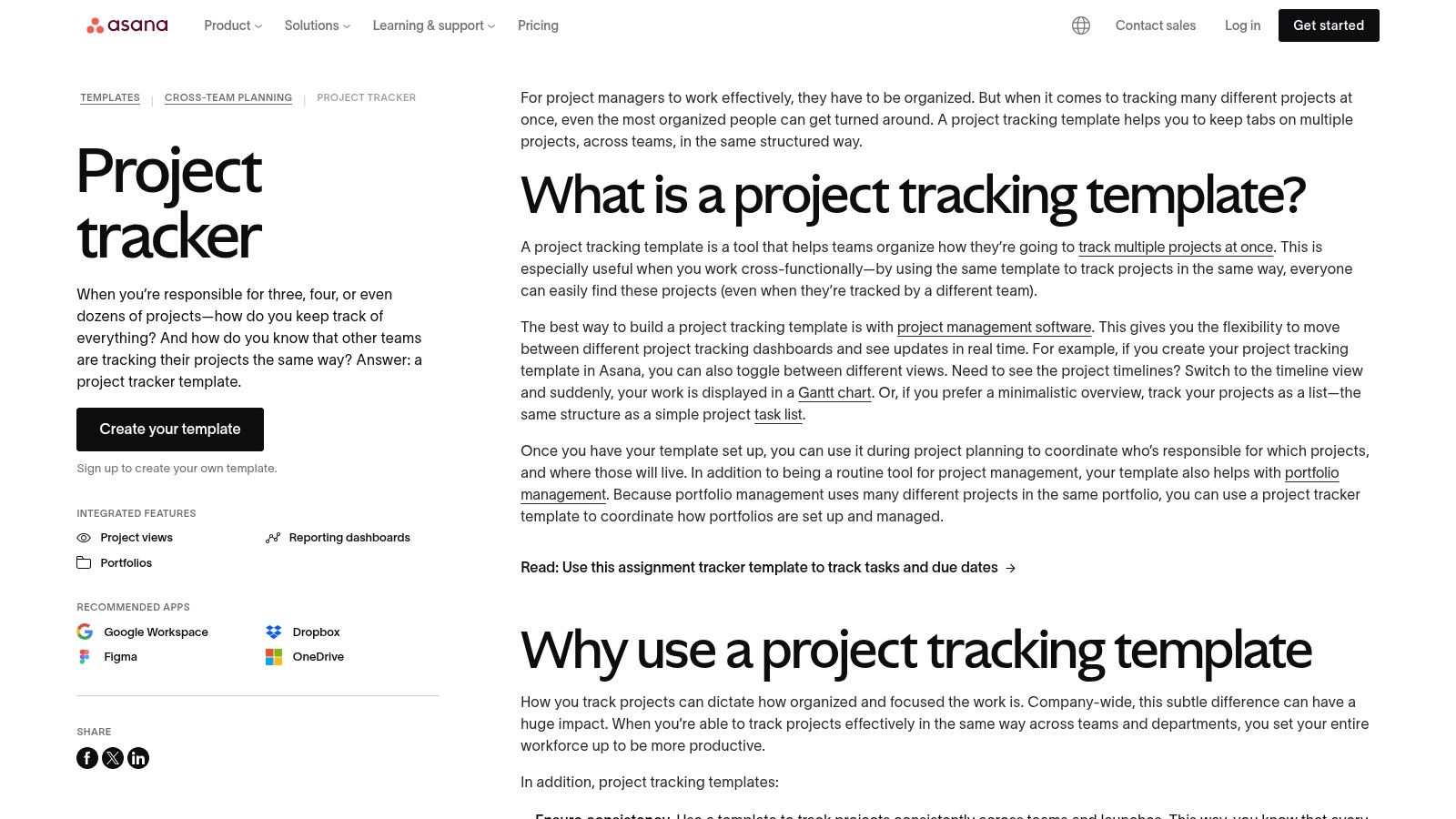
The template comes pre-configured with multiple views, including list, board, and timeline, catering to different workflow preferences. Its real strength lies in its native integrations with essential tools like Google Workspace, Dropbox, and Figma, making it one of the most connected project trackers templates available. This ensures that all assets and documents are linked directly to their corresponding tasks, centralizing project information and reducing context switching for the entire team. The onboarding process for the template is notably smooth, with clear guidance on how to customize it to fit specific team needs.
Platform Breakdown
| Feature | Details |
|---|---|
| Best For | Teams needing strong cross-project visibility and integrated stakeholder reporting. |
| Pricing | Free to use the template; advanced features require a paid Asana plan. |
| Pros | Strong cross‑project visibility for managers, smooth onboarding with clear guidance. |
| Cons | Advanced reporting and Portfolios require paid tiers; some org-level visibility settings may need attention. |
| Website | asana.com/templates/project-tracker |
5. monday.com Template Center (Project Tracker)
For teams seeking a visually-driven and highly collaborative solution, the project trackers templates from monday.com offer a powerful, out-of-the-box system. This platform excels at transforming complex project data into colorful, intuitive boards, dashboards, and timelines. Its project tracker template is particularly robust, featuring Gantt charts with critical path analysis, dependency management, and milestone tracking, making it ideal for managing intricate workflows.
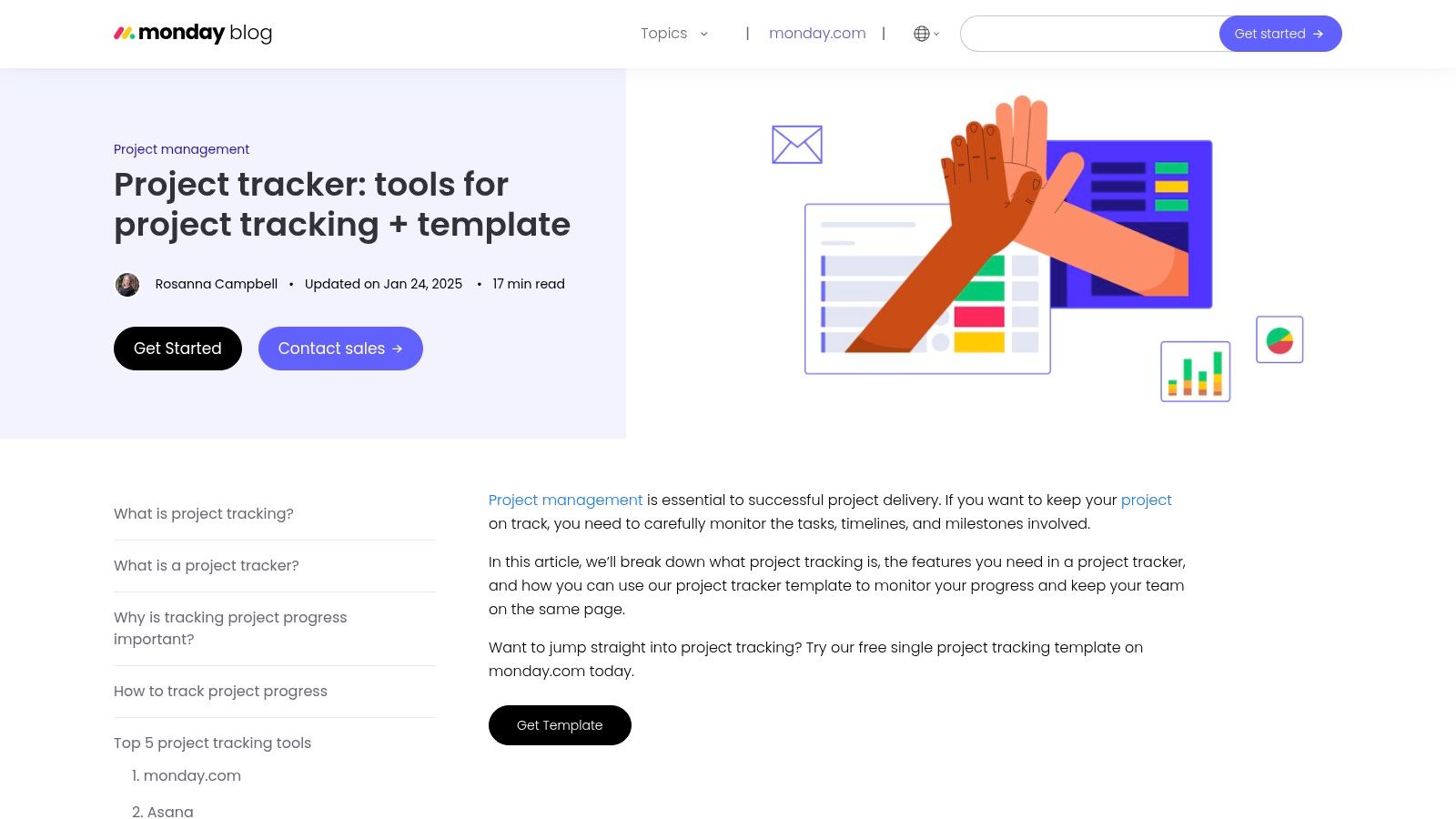
What sets monday.com apart is its emphasis on automation and multiple board views, allowing teams to switch between Kanban, calendar, and timeline perspectives with a single click. The platform’s easy-to-configure automations help reduce manual work by setting up notifications for status changes or assigning tasks automatically. While it's a standalone tool, its strong import/export capabilities with Excel make data migration straightforward for teams transitioning from spreadsheets.
Platform Breakdown
| Feature | Details |
|---|---|
| Best For | Teams wanting strong visuals, critical path scheduling, and easy automations. |
| Pricing | A free plan exists; advanced features require paid tiers. |
| Pros | Highly visual and customizable boards, easy automation and cross-team collaboration. |
| Cons | Best features are available on paid tiers; can feel complex for simple use cases. |
| Website | monday.com/templates/project-tracker |
6. Trello Template Gallery
For teams that thrive on visual, Kanban-style workflows, the Trello Template Gallery is an exceptional resource for finding project trackers templates. It offers a vast collection of pre-built boards from both Trello and its extensive community. The standout feature is its simplicity; with just one click, you can copy a template directly into your workspace and start customizing cards and lists immediately. This makes it ideal for getting projects off the ground quickly without a steep learning curve.
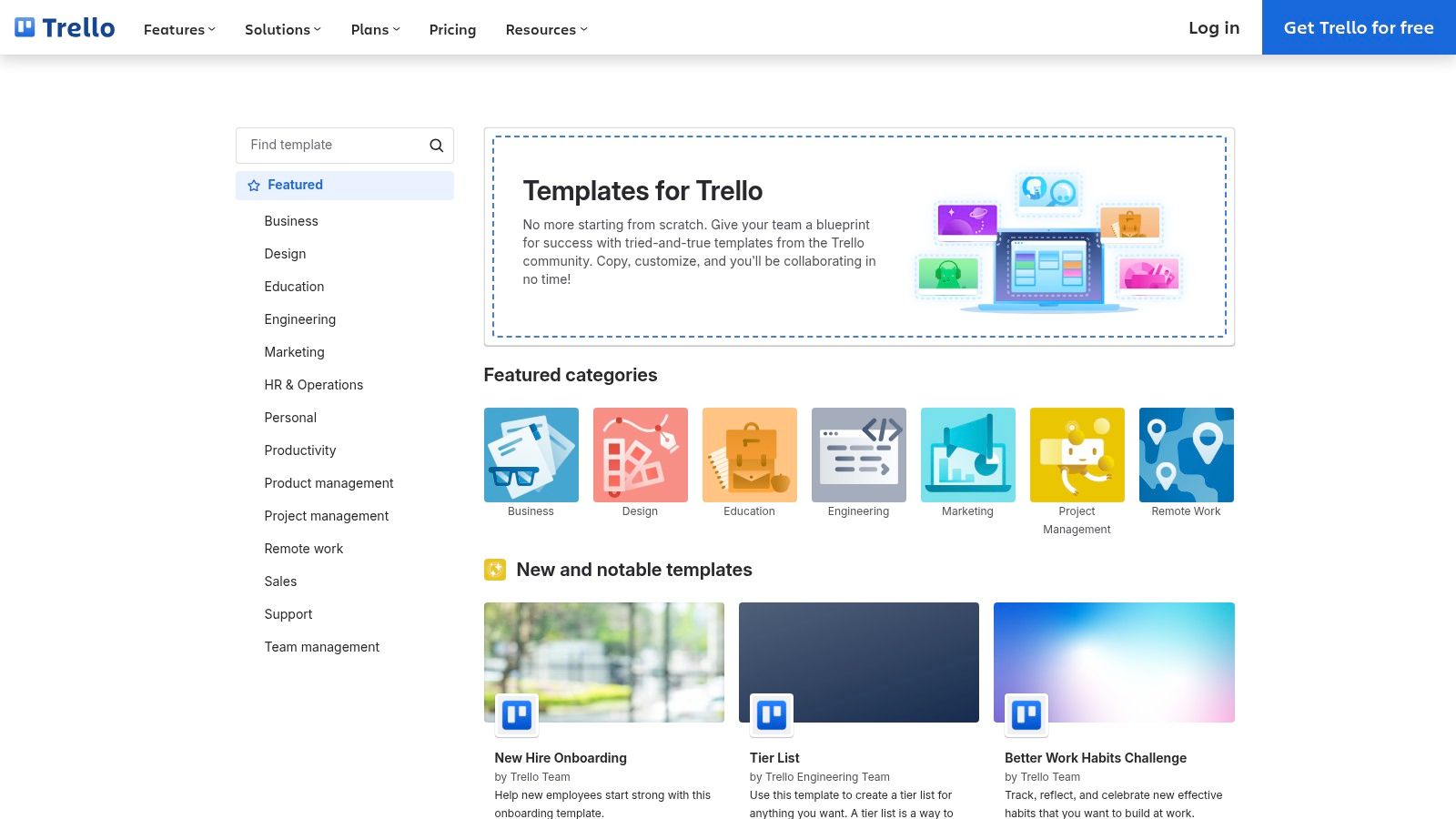
The gallery features templates for everything from simple status dashboards to comprehensive company overviews. Many templates include notes on which "Power-Ups" (Trello's version of add-ons) work best, allowing for easy extension into Gantt charts or time tracking. For those exploring options beyond Trello's ecosystem, you might also consider Kanban Tasks as a Trello alternative for a different approach to visual project tracking that might better suit your needs.
Platform Breakdown
| Feature | Details |
|---|---|
| Best For | Teams who prefer a visual, Kanban-based approach to project management. |
| Pricing | Free and paid templates available; requires a free or paid Trello account. |
| Pros | Very low barrier to entry and intuitive boards, huge community selection for quick starts. |
| Cons | Advanced capabilities require Power-Ups or paid plans; less native structure for complex dependencies. |
| Website | trello.com/templates |
7. Airtable Templates and Guides (Project Tracker)
For teams seeking the familiarity of a spreadsheet with the power of a relational database, Airtable offers robust project trackers templates that scale with complexity. Its free, ready-to-use "bases" (Airtable's term for databases or workbooks) come pre-configured with linked tables for projects, tasks, stakeholders, and budgets. This structure allows users to build powerful, interconnected systems where an update in one place automatically reflects everywhere else.
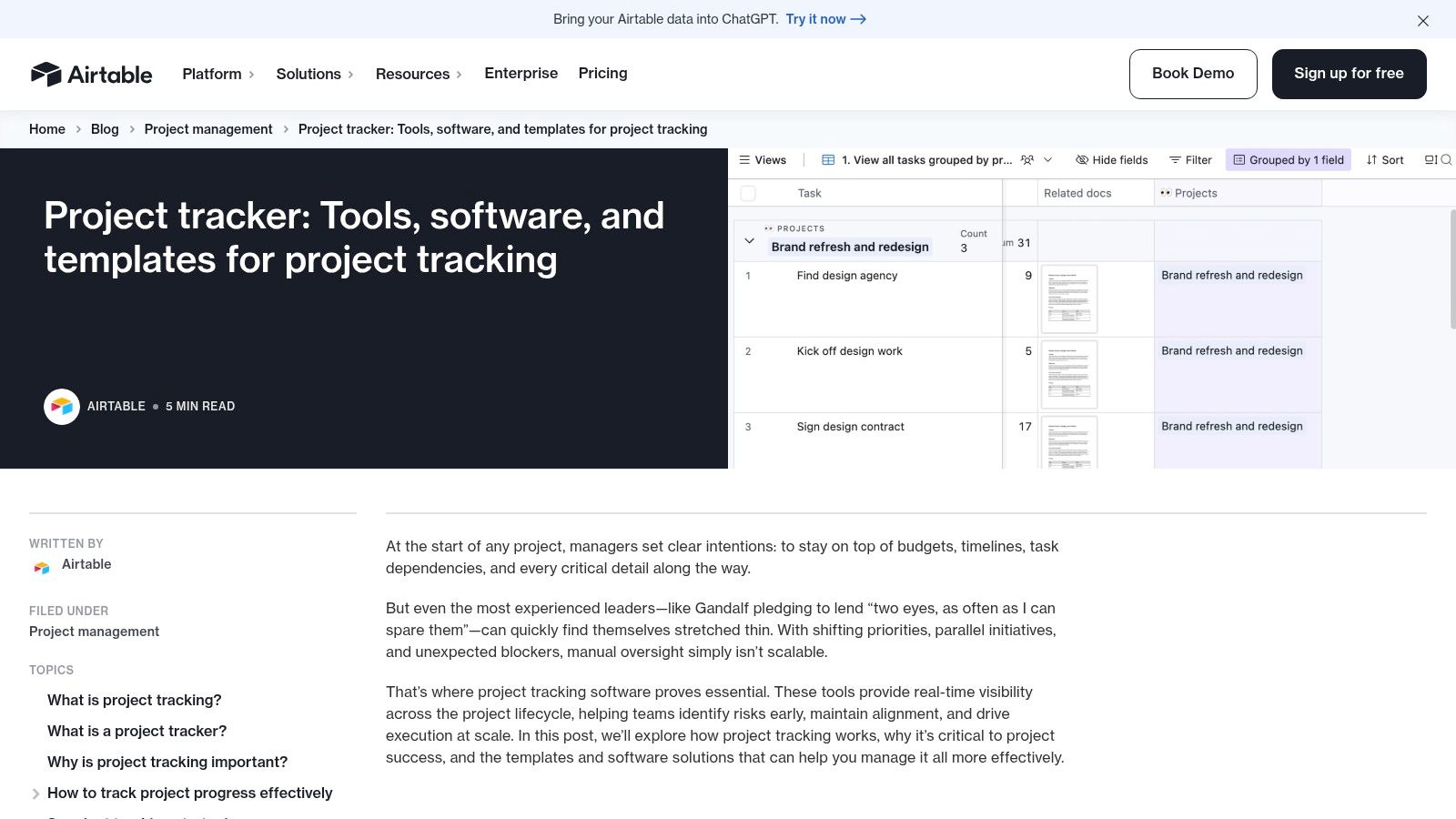
The key differentiator for Airtable is its ability to present the same data through multiple views like Gantt charts, Kanban boards, and calendars without altering the underlying information. This flexibility caters to different team members' preferences, from visual planners to detail-oriented managers. While the core template is free, accessing advanced features like custom Interfaces and extensive automations requires upgrading to a paid plan. The initial setup can also be more involved than a simple Notion page or Google Sheet.
Platform Breakdown
| Feature | Details |
|---|---|
| Best For | Teams managing complex projects with interconnected data points. |
| Pricing | Free templates available; core platform has free and paid tiers. |
| Pros | Database flexibility for complex tracking, visual interfaces are approachable. |
| Cons | Powerful features are on paid tiers; setup can be more involved. |
| Website | airtable.com/articles/project-tracker |
8. Smartsheet Template Sets and Free Downloads
For teams managing complex, multi-layered initiatives, Smartsheet provides powerful, enterprise-grade project trackers templates. Their pre-built “Project Tracking & Rollup” solution offers an integrated system with dashboards, Gantt charts, and dependency tracking. This is ideal for program managers who need to see a high-level overview compiled from multiple individual projects.
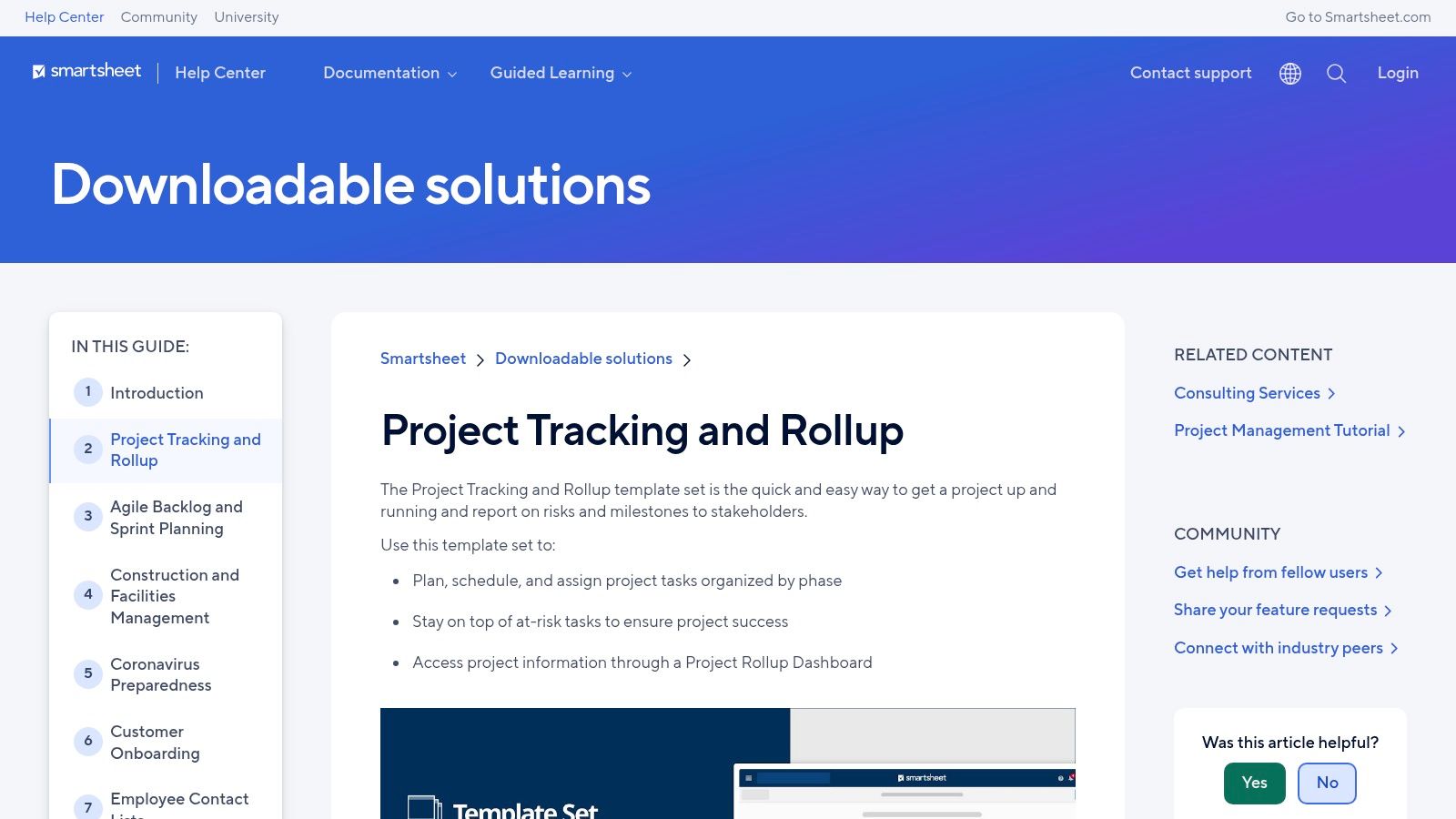
What makes Smartsheet distinct is its dual offering. Beyond its core platform, it provides a large library of free, downloadable trackers for offline use in Excel or Google Sheets. These cover specific needs like milestone tracking, risk assessment, resource management, and KPI monitoring. This hybrid approach serves both those needing a robust software solution and those who prefer the familiarity and portability of traditional spreadsheets for smaller tasks.
Platform Breakdown
| Feature | Details |
|---|---|
| Best For | Enterprise-level program managers and teams needing offline spreadsheet templates. |
| Pricing | Full solution requires paid Smartsheet tiers; many individual templates are free downloads. |
| Pros | End-to-end rollup dashboards for complex programs, provides free Excel/Sheets versions. |
| Cons | The Smartsheet app can have a significant learning curve for new users. |
| Website | help.smartsheet.com/learning-track/downloadable-solutions/project-tracking-and-rollup |
9. Microsoft Excel Templates (Project Trackers & Timelines)
For teams deeply integrated into the Microsoft 365 ecosystem, the official gallery of Excel project trackers templates offers a familiar and straightforward solution. This resource provides a collection of free, pre-built spreadsheets designed for project timelines, task lists, and Gantt-style charts. The key benefit is its native compatibility, allowing users to open and edit templates directly in Excel for the web or the desktop application without any learning curve.
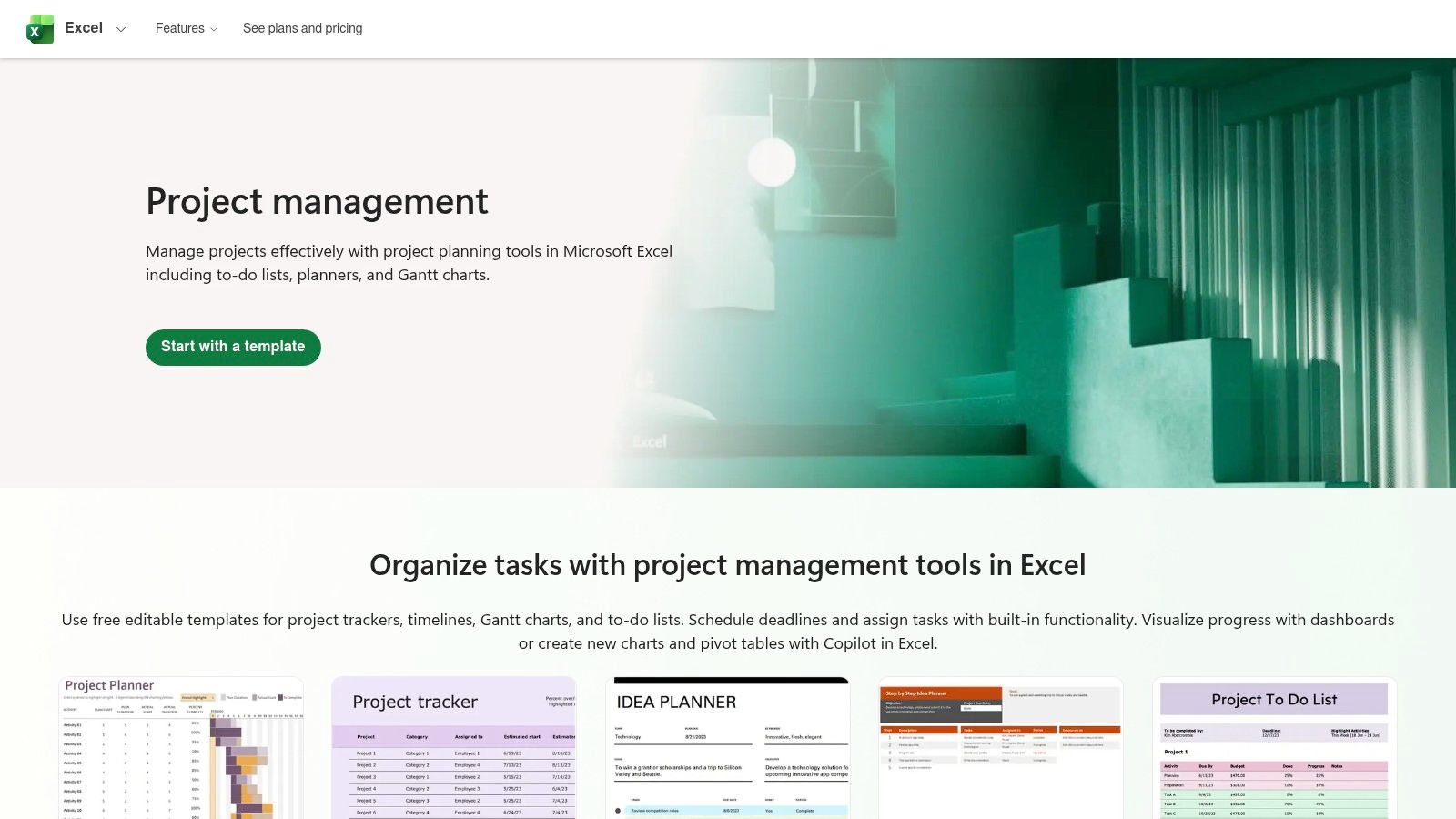
These templates are ideal for straightforward project management where the primary need is a structured, shareable document rather than a complex, automated system. They cover various needs, from simple milestone trackers to more detailed project plans. For those who prefer a similar DIY spreadsheet approach but in the Google ecosystem, learning to build a powerful Google Sheets CRM can provide a highly flexible alternative for tracking projects and client interactions.
Platform Breakdown
| Feature | Details |
|---|---|
| Best For | Teams preferring a familiar spreadsheet environment within Microsoft 365. |
| Pricing | Free; requires a Microsoft account or Microsoft 365 subscription. |
| Pros | Free and familiar spreadsheet environment, seamless for Microsoft 365 users. |
| Cons | Requires significant manual upkeep; complex dependencies need extra setup. |
| Website | excel.cloud.microsoft/create/en/project-management/ |
10. Template.net (Project Tracker Templates)
For those who prefer the familiarity and offline accessibility of traditional spreadsheets, Template.net offers a massive library of downloadable project trackers templates designed for Excel and Google Sheets. This platform excels at providing quick, ready-to-use files for specific, often short-term project needs without requiring users to learn a new software ecosystem. Its strength lies in its sheer volume and variety, catering to everything from simple task lists to complex, multi-project dashboards.
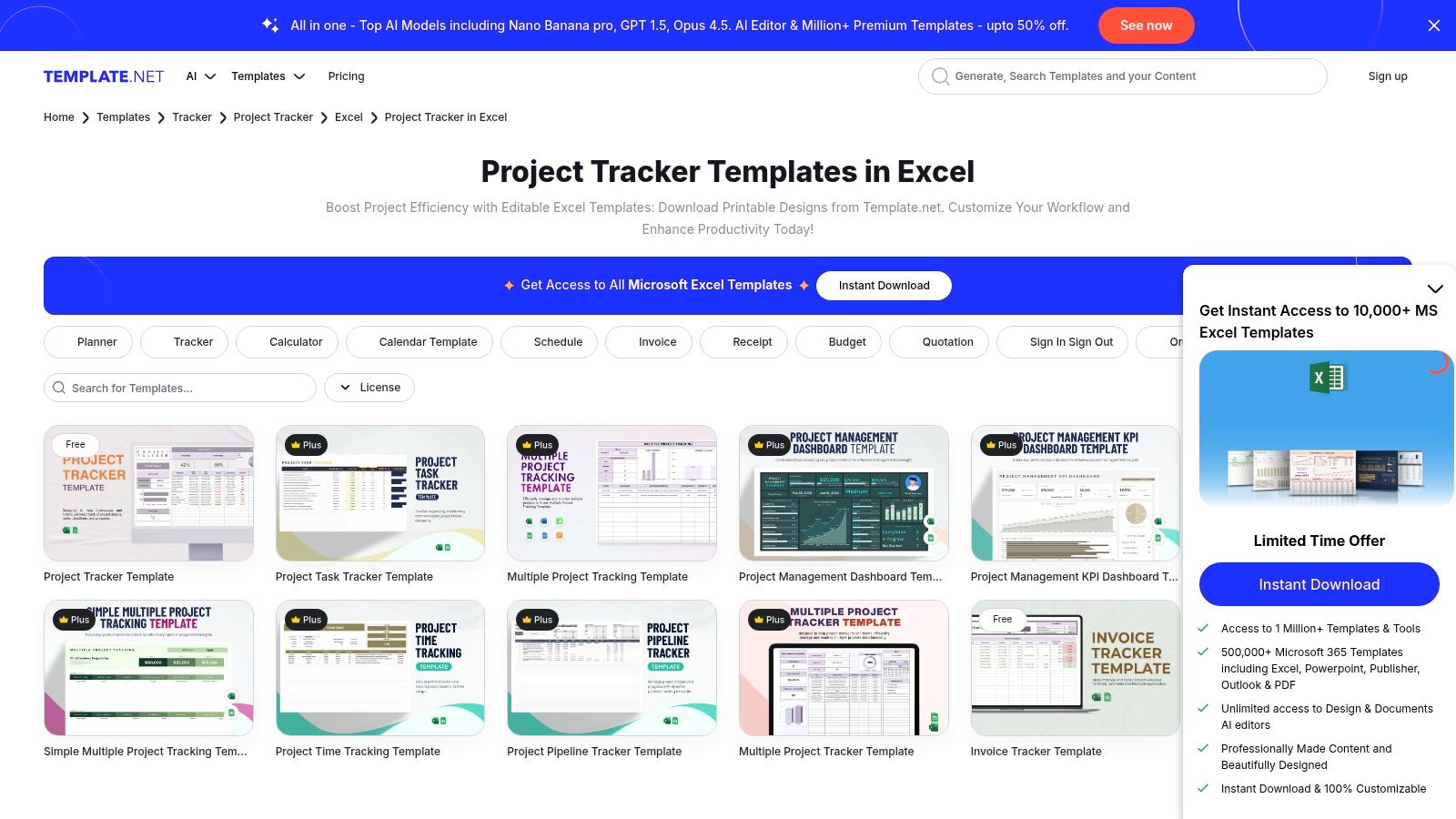
The website is organized into clear categories like time trackers, KPI dashboards, and multi-project overviews, making it easy to find a suitable starting point. Users can download an editable file and begin customizing it immediately. While many templates are free, some of the more advanced or visually polished designs are locked behind a "Pro" subscription, so it's important to check the availability before getting started.
Platform Breakdown
| Feature | Details |
|---|---|
| Best For | Users needing quick, downloadable Excel or Google Sheets trackers for one-off projects. |
| Pricing | Free and Pro (paid subscription) templates available. |
| Pros | Huge variety of downloadable files, ideal for fast starts and immediate use. |
| Cons | Quality and complexity can vary greatly; best templates often require a paid plan. |
| Website | template.net/trackers/project/excel |
11. Etsy (Digital Project Tracker Templates)
Beyond dedicated software marketplaces, Etsy has emerged as a surprisingly rich hub for project trackers templates crafted by independent creators. This global marketplace is ideal for finding aesthetically pleasing and highly specific templates for platforms like Notion, Google Sheets, and Excel. Listings often cater to niche industries or personal projects, offering a level of design and creative flair that is hard to find on more conventional platforms.
The primary advantage of Etsy is the sheer variety driven by thousands of individual sellers, resulting in unique and often very affordable options. After purchase, you receive an instant digital download. However, the decentralized nature means quality can be inconsistent. It is crucial to carefully read seller reviews and item descriptions to ensure the template meets your technical requirements and that the creator offers support if needed.
Platform Breakdown
| Feature | Details |
|---|---|
| Best For | Users seeking visually unique or niche-specific templates for Notion, Excel, or Google Sheets. |
| Pricing | Mostly paid templates, often at very affordable one-time prices. |
| Pros | Affordable, creator-driven variety, good for specialized or design-forward templates. |
| Cons | Consistency varies; must vet via reviews. Support depends on individual sellers. |
| Website | etsy.com |
12. Gumroad (Marketplace for Notion/Spreadsheet Project Trackers)
Gumroad operates as a direct-from-creator marketplace, making it a treasure trove for finding niche project trackers templates crafted by independent makers. It's particularly popular for Notion and spreadsheet-based solutions, often designed with freelancers and creative professionals in mind. Unlike larger marketplaces, Gumroad offers a more personal touch, where you purchase directly from the individual who built the template.
The platform provides instant access, typically via a download link or a direct duplication link for Notion templates. Many creators offer "name a fair price" options, making powerful tools accessible at a low cost. While browsing, look for detailed product pages with screenshots and clear descriptions to gauge quality. Integrating these templates with tools to manage client communication can create a powerful workflow; for more ideas, explore these 7 ways to use Notion to send emails.
Platform Breakdown
| Feature | Details |
|---|---|
| Best For | Freelancers and creatives seeking unique, low-cost project trackers directly from makers. |
| Pricing | Varies by creator; many free, "pay what you want," and inexpensive options available. |
| Pros | Niche, maker-led tools tuned for specific workflows, low prices and frequent template updates. |
| Cons | Quality, documentation, and support vary significantly between individual creators. |
| Website | gumroad.com |
Top 12 Project Tracker Template Comparison
| Product | Core features | UX & Quality (★) | Value & Pricing (💰) | Target Audience (👥) | Unique Selling Points (✨) |
|---|---|---|---|---|---|
| NotionSender 🏆 | Two-way email in Notion, per‑DB inboxes, AI property extraction, templates, scheduling | ★★★★☆ — fast, accurate parsing | 💰 Free (100 saved / 50 sent/31d); Premium $19/mo (annual ~20% off) — higher limits & priority | 👥 SMBs, PMs, freelancers, marketing teams | ✨ Native email inside Notion; AI parsing to Notion properties; no‑code setup |
| Notion Template Gallery (official) | One‑click duplicate, ratings & reviews, wide template variety | ★★★★☆ — many high‑quality/community items | 💰 Mostly free; some paid templates | 👥 Notion users wanting quick imports | ✨ Deep Notion integration; official & vetted templates |
| ClickUp Template Center (Project Tracker) | Preconfigured statuses/fields, Gantt/List/Board views, time tracking | ★★★★☆ — robust, steeper learning curve | 💰 Free templates; advanced features on paid tiers | 👥 Teams needing enterprise PM features | ✨ Rich multi‑view templates with dependencies & time tracking |
| Asana Templates (Project Tracker) | Portfolios/dashboards, list & timeline views, app integrations | ★★★★☆ — smooth onboarding, manager‑friendly | 💰 Free templates; advanced reporting on paid plans | 👥 Managers needing cross‑project visibility | ✨ Strong reporting & stakeholder dashboards |
| monday.com Template Center (Project Tracker) | Gantt & critical path, dashboards, Excel import/export, automations | ★★★★☆ — highly visual, can be complex | 💰 Templates; best features on paid plans | 👥 Visual teams, PMs needing scheduling & automations | ✨ Visual customization + easy automations |
| Trello Template Gallery | Kanban boards, quick duplication, power‑up compatibility | ★★★☆☆ — very intuitive; limited complex deps | 💰 Mostly free; power‑ups may require paid | 👥 Small teams, quick starters | ✨ Huge community template selection |
| Airtable Templates & Guides | Relational bases, Gantt/Kanban/Calendar views, dashboards | ★★★★☆ — DB flexibility; more setup | 💰 Free tier; paid for Interfaces & advanced automations | 👥 Teams needing database‑style PM | ✨ Spreadsheet simplicity with relational DB power |
| Smartsheet Template Sets | Gantt with dependencies, rollup dashboards, downloadable trackers | ★★★★☆ — enterprise‑ready; learning curve | 💰 Many free downloads; full app on paid tiers | 👥 Enterprise PMs & program leads | ✨ Rollup dashboards + offline Excel/Sheets versions |
| Microsoft Excel Templates | Prebuilt trackers & timelines, edit online or desktop | ★★★☆☆ — familiar but manual upkeep | 💰 Free with Microsoft 365 / widely available | 👥 Microsoft 365 users, spreadsheet teams | ✨ Familiar Excel environment; easy export/print |
| Template.net (Project Tracker Templates) | Downloadable Excel/Sheets templates, category pages | ★★★☆☆ — quick downloads; variable complexity | 💰 Mix of free & Pro paid templates | 👥 One‑off projects, quick starters | ✨ Large category coverage for fast downloads |
| Etsy (Digital Project Tracker Templates) | Creator listings for Notion/Excel/Sheets, instant delivery | ★★★☆☆ — design variety; vet via reviews | 💰 Pay‑per‑template; generally affordable | 👥 Creatives, niche or design‑forward users | ✨ Unique, niche & visually designed templates |
| Gumroad (Notion/Spreadsheet Trackers) | Creator product pages, instant access links, direct sales | ★★★☆☆ — maker‑led quality varies | 💰 Low‑cost, pay‑per‑item; some pay‑what‑you‑want | 👥 Freelancers, indie makers, creatives | ✨ Direct creator support; frequent updates and niche tools |
Choosing the Right Template to Build Your Perfect System
We’ve journeyed through a comprehensive landscape of project trackers templates, from the official galleries of powerhouse platforms like Asana and ClickUp to the creative marketplaces of Etsy and Gumroad. Each resource offers a unique starting point, designed to bring order to the chaos of project management. The core lesson is clear: the most effective project tracker isn't the one with the most features, but the one that seamlessly integrates into your team’s daily rhythm.
The goal of any great project management system is to reduce friction and establish a single, reliable source of truth for your work. Whether you're drawn to the visual, timeline-centric dashboards of monday.com, the powerful database capabilities of Airtable, or the classic reliability of a Microsoft Excel spreadsheet, the perfect solution exists. The key is to match the tool's philosophy with your own workflow.
From Template to System: Your Action Plan
Finding the right fit from this extensive list of project trackers templates can feel overwhelming. To move from inspiration to implementation, consider this simple, actionable process:
- Identify Your Core Needs: Are you a solo freelancer needing simple task management, or a project manager coordinating a complex, multi-stage initiative? Define your non-negotiables first. A small team might prioritize collaboration features, while an individual might value mobile access and quick entry.
- Run a Low-Stakes Trial: Don't commit your most critical project to a new system immediately. Select your top two or three templates, duplicate them, and run a small, internal project through each. Pay close attention to which one feels the most intuitive and requires the least amount of effort to maintain.
- Customize and Adapt: Remember that a template is a foundation, not a finished product. The real power comes from customization. Adjust statuses, add properties relevant to your industry, and integrate tools like NotionSender to connect your workspace with external communications. The best systems evolve with you.
- Prioritize Team Adoption: If you work with others, their buy-in is crucial. A system is only effective if everyone uses it consistently. Involve your team in the trial process and choose a template that resonates with their technical comfort and work habits.
The right project tracker template will do more than just help you monitor deadlines. It will become a central hub for communication, a tool for anticipating roadblocks, and a catalyst for delivering exceptional results with significantly less stress. The journey to building your perfect system begins with choosing the right foundation, and now you have the map to find it.
Ready to supercharge your Notion project tracker? Connect your inbox directly to your projects and turn critical emails into actionable tasks with a single click. Start centralizing your communication today with NotionSender and build a truly unified workspace.

