
12 Best Productivity Extensions Chrome Needs in 2025
In a world where our browser is our office, the default Chrome experience is just a starting point. The real power lies in customization. This guide cuts through the noise of the Chrome Web Store to reveal the essential extensions that transform your browser from a simple tool into a highly efficient, intelligent workspace. We'll move beyond generic lists to provide an in-depth analysis of 12 handpicked tools, categorized by function—from managing overwhelming tabs and tracking your time, to seamlessly integrating your workflow with powerful platforms like Notion. Prepare to reclaim your focus, automate tedious tasks, and build a browser environment that actively works for you, not against you.
Finding the best productivity extensions for Chrome can feel like an endless search, but the right combination can fundamentally change your workflow. For freelancers, project managers, and small business owners, every saved click and automated task translates directly into more focused, valuable work. This resource is designed to be your definitive roadmap. We provide a curated selection of tools, each vetted for its practical application and real-world impact.
Inside this guide, you will find:
- Categorized breakdowns for task management, focus, note-taking, and more.
- Practical setup tips to get you running in minutes.
- Direct links and screenshots for every extension reviewed.
- Honest assessments of key features and potential limitations.
Our goal is to help you build a personalized, high-performance browser tailored to your specific needs. While this article focuses on a core set of powerful tools, the ecosystem is constantly growing. To discover an even wider array of tools and stay ahead of the curve, consider consulting a comprehensive guide to the top Chrome extensions for productivity in 2025). Let's dive in and upgrade your browser.
1. Chrome Web Store (official marketplace)
Before diving into specific tools, the essential first stop for any search is the source itself. The official Chrome Web Store is Google's marketplace for discovering, installing, and managing all extensions. Think of it as the foundational platform where you'll find nearly all the best productivity extensions for Chrome. Its primary function is to provide a centralized, secure hub for enhancing your browser's capabilities.
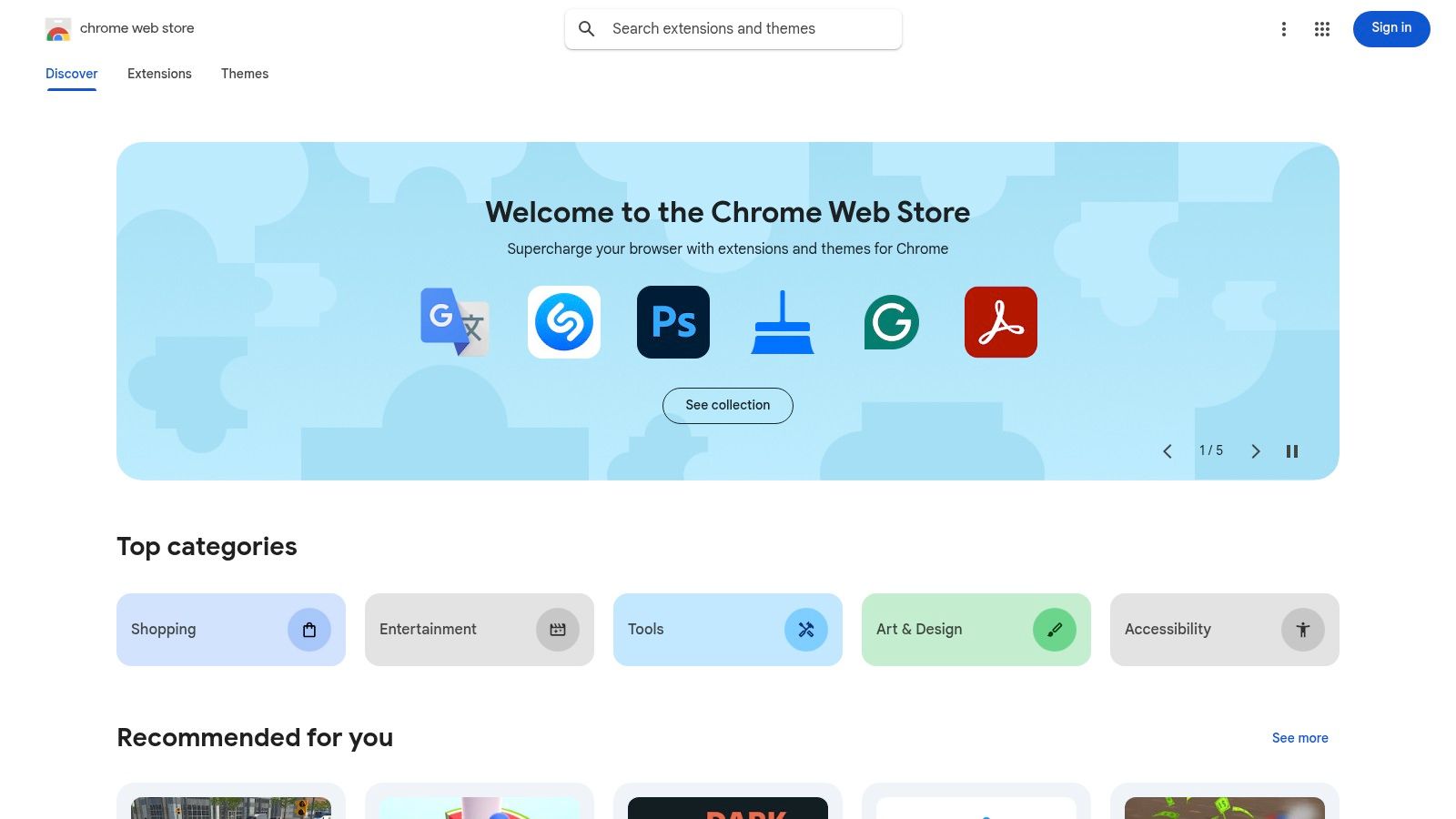
The platform’s greatest strength is its security and vetting process. While not foolproof, it's significantly safer than downloading extensions from third-party sites. The store clearly lists an extension's required permissions, privacy policy, and version history, giving you the transparency needed to make informed decisions. Its user review and rating system, backed by millions of users, is invaluable for surfacing high-quality, reliable tools and avoiding duds.
Navigating the Store for Productivity
For business owners and managers, the store isn't just a simple download portal. It includes powerful filtering and management capabilities.
- Curated Collections: Start your search in dedicated sections like 'Productivity' or 'Editors’ Picks' to find Google-vetted recommendations.
- Publisher Verification: Look for the "Featured" or "Established Publisher" badges to identify developers with a proven track record.
- Enterprise Controls: For teams, Chrome Enterprise allows administrators to create a curated app store, force-install essential extensions, or block specific ones company-wide.
While it lacks advanced side-by-side comparison tools, its robust search, user-generated feedback, and security guardrails make it the non-negotiable starting point.
Website: https://chromewebstore.google.com
2. Product Hunt – Chrome Extensions topic
If the Chrome Web Store is the established encyclopedia, Product Hunt is the dynamic, bleeding-edge newsfeed for what's new and exciting. It's a community-driven discovery platform where developers launch their latest creations. For those seeking the freshest best productivity extensions for Chrome, this is the place to find them before they hit the mainstream. Its core value lies in identifying trending tools based on real user interest and engagement.
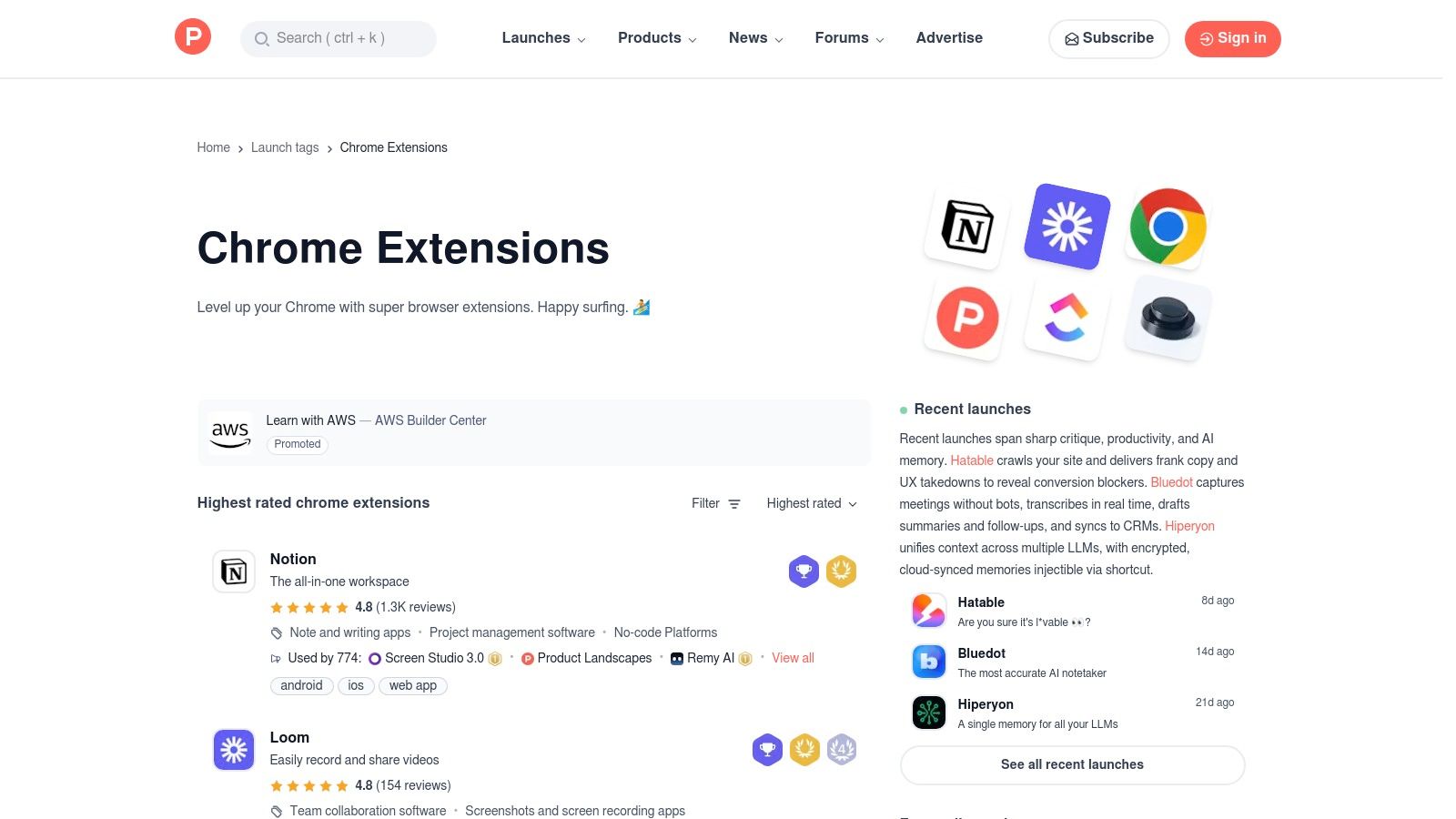
The platform’s strength is its community interaction. Each product launch has a dedicated page featuring demos, user comments, and direct Q&A with the makers. This provides invaluable context that a simple store listing lacks. You can ask developers about their roadmap, privacy policies, or how their tool compares to alternatives. While it's not an actual marketplace (links redirect to the Chrome Web Store), its upvote system and daily leaderboards are powerful signals for identifying high-potential tools.
Finding the Next Big Thing
Product Hunt rewards a different kind of search strategy focused on discovery and early adoption.
- Follow the Topic: The dedicated "Chrome Extensions" topic is your main hub. You can sort by "Popular" to see what's currently trending or "Newest" for the latest launches.
- Engage with Makers: Use the comments section on a product page. Asking a question about a potential use case can give you a direct answer from the creator and help you evaluate its fit for your team.
- Check Daily Rankings: The "Product of the Day" and weekly rankings often feature innovative extensions. Monitoring these lists is an effective way to stay ahead of the curve.
While the quality can be more variable than on the official store, the direct maker access and community buzz make it an essential resource for finding breakthrough productivity tools.
Website: https://www.producthunt.com/topics/chrome-extensions
3. G2 – Best Chrome Extensions roundup
Beyond a direct marketplace, curated editorial lists from reputable review sites like G2 offer a powerful starting point. G2 provides high-level roundups and shortlists of top Chrome extensions, giving non-experts a quick way to identify recommended tools with concise, business-focused summaries. This is an excellent resource for discovering proven best productivity extensions for Chrome without sifting through thousands of individual store listings.
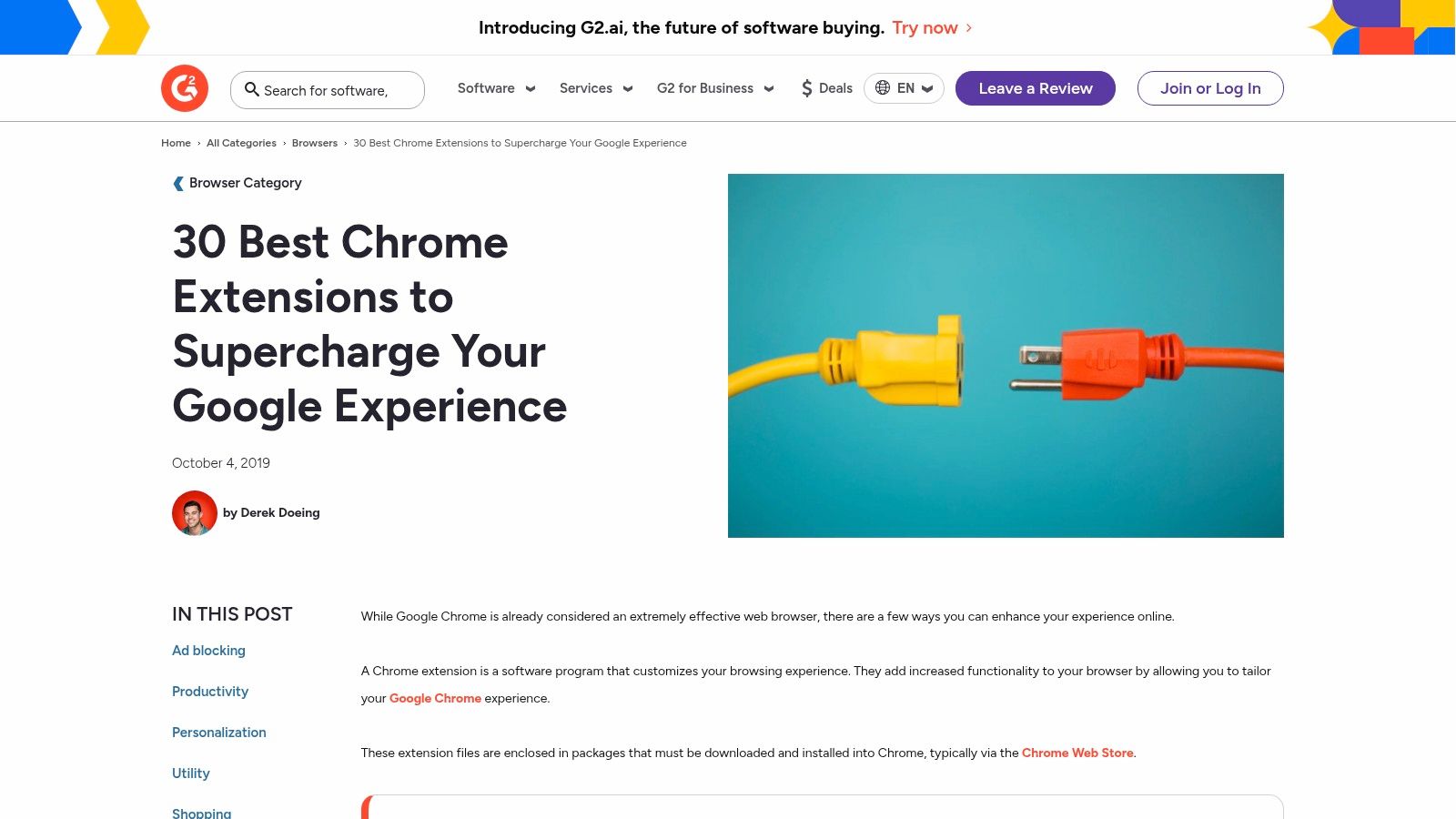
G2’s primary advantage is its business-oriented lens. The platform leverages its vast library of user reviews to inform its editorial selections, adding a layer of social proof to its recommendations. The articles break down extensions by category (e.g., productivity, utility) and provide clear, scannable summaries and direct links to both the vendor's page and the Chrome Web Store, simplifying the evaluation process.
Using G2 for Strategic Discovery
While not a deep-dive comparison tool, G2 excels at initial discovery and validation for managers and professionals.
- Contextual Shortlists: Instead of just a name, you get a short explanation of why an extension is useful, often tied to a specific business pain point.
- User-Review Integration: The recommendations are backed by G2's core review platform, allowing you to click through and read detailed feedback from real business users.
- Simplified Onboarding: The articles often include simple "how-to-install" steps, making them accessible to less technical team members.
Although these editorial lists may not always feature the newest cutting-edge tools, they provide a reliable, well-vetted foundation of popular and effective extensions.
Website: https://www.g2.com/articles/best-chrome-extensions
4. GitHub – Chrome extension projects (open‑source)
For those who prioritize transparency and security, GitHub offers a behind-the-scenes look at the code powering many of the best productivity extensions for Chrome. It's not a direct marketplace but a development platform where developers host, manage, and collaborate on open-source projects. For users, it's an invaluable resource for auditing an extension's code, checking its development activity, and finding niche tools that may not have mainstream visibility.
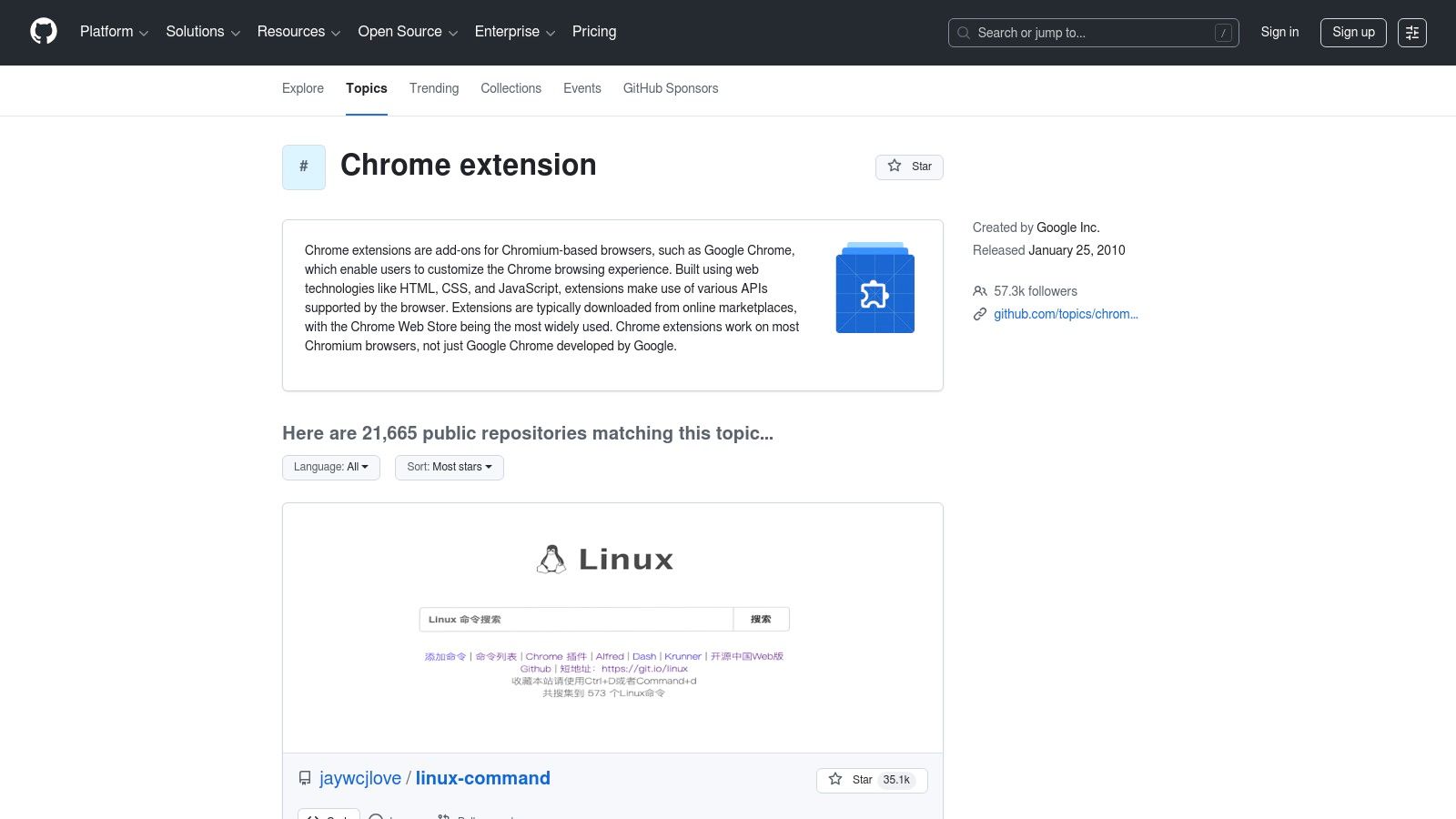
The platform’s core strength is its open nature. You can view the source code of an extension to verify it isn't doing anything malicious with your data, a crucial step for handling sensitive business information. Furthermore, the "Issues" and "Pull Requests" sections of a repository reveal how actively maintained a tool is, whether security flaws are being addressed, and what new features are in the pipeline. While many extensions on GitHub still link back to the Chrome Web Store for easy installation, the ability to inspect the code provides an unparalleled level of trust.
Finding and Auditing Extensions on GitHub
GitHub isn't just for developers; it’s a powerful research tool for savvy users and IT managers vetting software for their teams.
- Search by Topic: Use topics like
chrome-extensionorproductivityto discover thousands of relevant repositories and find tools you wouldn't see elsewhere. - Assess Project Health: Check the "Releases" page for recent updates and look at the commit history to see if a project is actively maintained or abandoned.
- Community Vetting: Explore the "Issues" tracker to see what problems other users are reporting and how responsive the developer is.
While navigating GitHub requires a bit more technical comfort, it's the ultimate destination for verifying an extension's integrity before deploying it across a team or for personal use.
Website: https://github.com/topics/chrome-extension
5. Grammarly for Chrome (official)
Grammarly is a powerful writing assistant that goes far beyond basic spell-checking to enhance clarity, tone, and correctness across virtually every site you type on. For professionals, this extension acts as a real-time editor, ensuring every email, report, or social media post is polished and professional. It’s one of the best productivity extensions for Chrome because it minimizes time spent proofreading and rewriting, allowing you to communicate effectively and confidently.
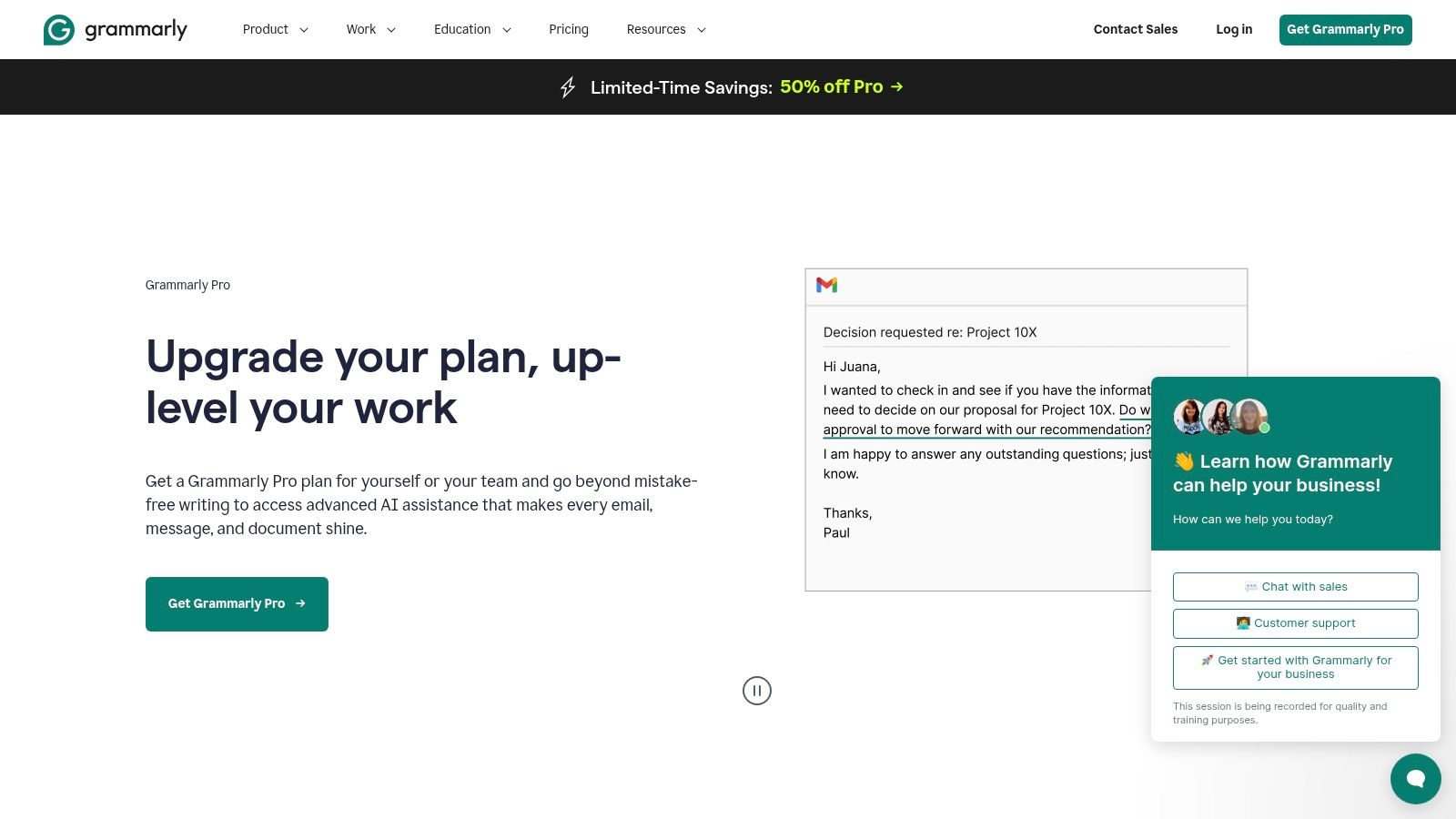
What sets Grammarly apart is its contextual intelligence. It doesn't just flag errors; it provides AI-powered suggestions to rephrase sentences for conciseness or adjust your tone to sound more collaborative. Its integration is seamless, working within Gmail, Google Docs, LinkedIn, and over 500,000 other apps and websites. This broad compatibility ensures a consistent writing standard no matter where your work takes you. The user interface is intuitive, with clear, non-intrusive suggestions that are easy to accept or dismiss.
Maximizing Your Writing Efficiency
While the free version covers essential grammar and spelling, the premium tiers unlock significant productivity boosters for teams and individuals.
- Tone Detection: Ensure your messages land as intended by analyzing your writing for its tone, such as confident, formal, or friendly.
- AI-Powered Rewrites: Instantly rephrase entire sentences to improve clarity, conciseness, and engagement without manual effort. This is particularly useful for email management, where speed and precision are key. For more strategies, check out these simple email management tips to boost your productivity.
- Business-Specific Features: Paid plans offer style guides to maintain team-wide consistency and plagiarism detection for originality.
While the always-on analysis may be a concern for highly sensitive data, its massive user base and transparent policies make it a trusted tool for daily business communication.
Website: https://www.grammarly.com/premium
6. Todoist for Chrome (official)
For those who live by their to-do lists, Todoist for Chrome is an indispensable tool for capturing tasks without breaking your workflow. It translates the robust functionality of the popular task manager into a lightweight browser extension, making it one of the best productivity extensions for Chrome for action-oriented individuals. Its core purpose is to let you add websites as tasks, highlight text to create a task, and manage your daily agenda directly from a browser panel.
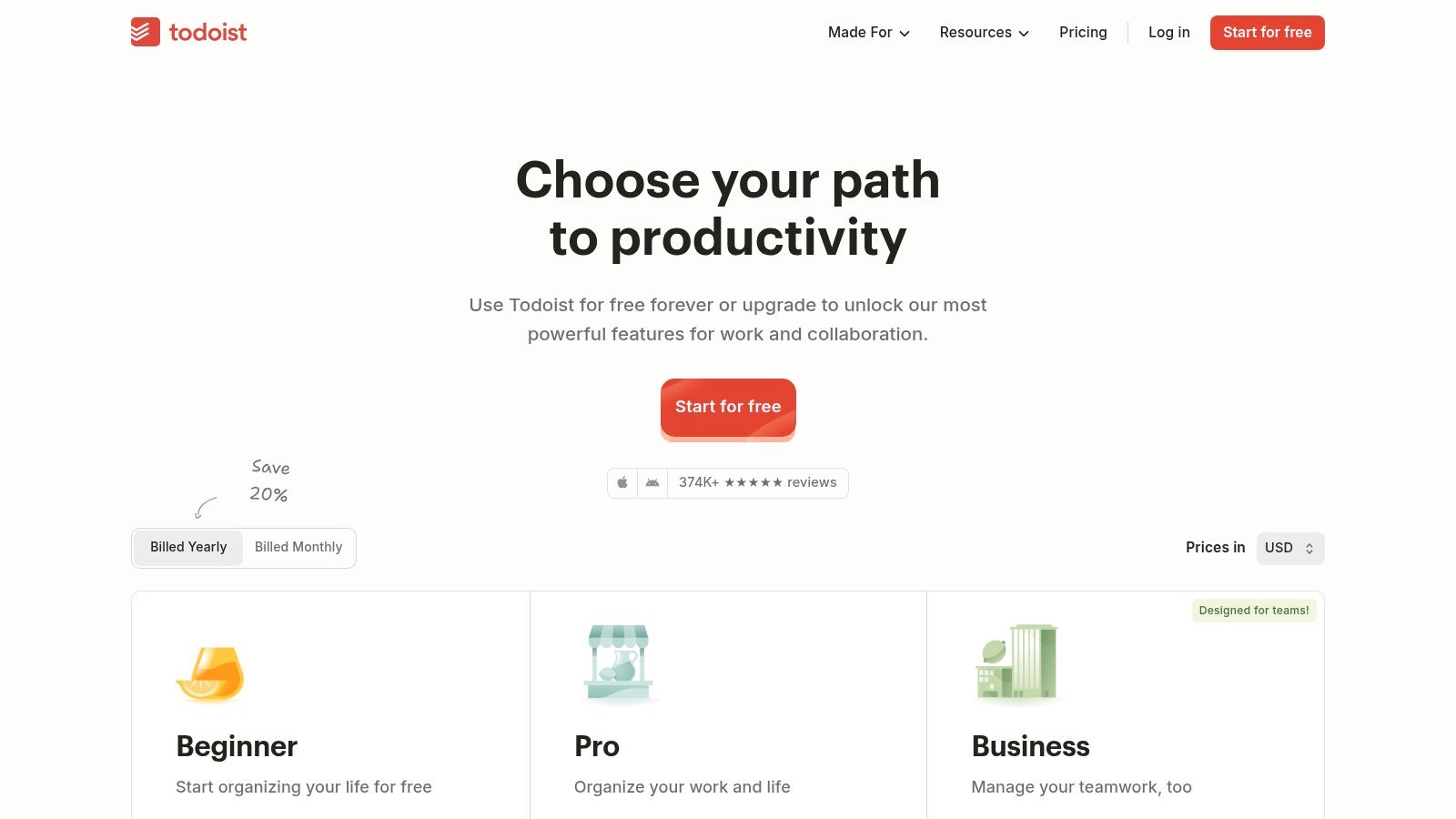
What makes this extension so effective is its frictionless task capture. The ability to right-click on any webpage or use a keyboard shortcut to instantly add an item to your inbox (complete with a link back to the source) eliminates the friction of switching apps. This ensures that brilliant ideas or critical follow-ups discovered while browsing are never lost. It’s a simple concept executed with exceptional reliability, which is why it’s a staple for millions.
Integrating Tasks into Your Workflow
The extension is more than just a quick-add button; it’s a mini-dashboard for your entire task management system. For those who use tools like Notion for project planning, this extension can serve as the perfect "capture" mechanism. You can find excellent strategies on how to get the most out of Notion and use Todoist as a complementary tool.
- Effortless Task Creation: Use the Quick Add (Ctrl+Shift+A on Windows, Cmd+Shift+A on Mac) to add a task with natural language, like "Follow up on email tomorrow at 10 am."
- Contextual Capture: Right-click on a link or highlight text on a page and select "Add to Todoist" to create a task with the context already included.
- Flexible Tiers: The free plan is generous, but paid tiers unlock advanced features like reminders, comments, and project templates, scaling from personal use to full team collaboration.
While occasional updates have caused temporary regressions, the development team is quick to issue fixes. Its core strength lies in making task management an integrated part of your browsing experience, not a separate chore.
Website: https://todoist.com/pricing
7. LastPass (official)
A secure password manager is a non-negotiable productivity tool, and LastPass eliminates the single most common digital roadblock: forgotten passwords. By securely storing and auto-filling credentials, it saves countless minutes daily, preventing workflow interruptions from password resets. As one of the best productivity extensions for Chrome, its core function is to streamline access to all your business and personal accounts securely.
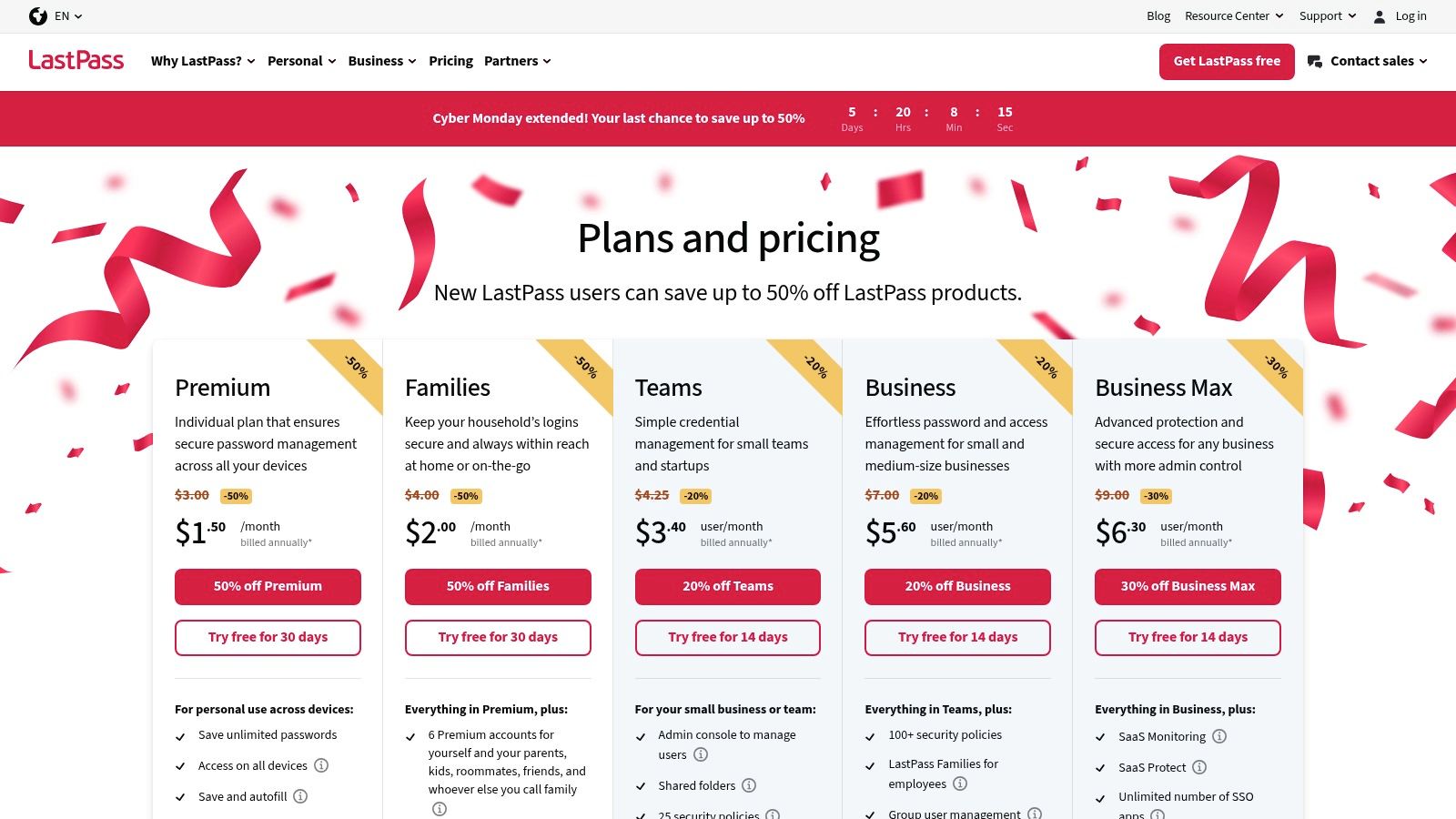
LastPass stands out due to its mature, cross-platform ecosystem and robust features that extend beyond simple password storage. Its ability to autofill complex forms, including payment and shipping details, significantly accelerates online checkouts and registrations. The security dashboard provides a crucial overview of your password health, flagging weak or reused credentials and offering dark web monitoring to alert you of potential breaches. This proactive security posture saves time by preventing security incidents before they happen.
Leveraging LastPass for Team Productivity
For business owners and managers, LastPass offers powerful features that boost team efficiency and security.
- Secure Sharing: Share login credentials with team members or freelancers for specific tools without exposing the actual password, maintaining account control.
- Enterprise-Grade Controls: Business plans provide centralized admin dashboards, user provisioning, and advanced security policies, ensuring company-wide compliance.
- Streamlined Onboarding: New team members can be granted access to all necessary accounts instantly, dramatically reducing setup time.
While occasional extension conflicts can occur, its strong autofill performance and comprehensive feature set make it an essential tool for reclaiming time spent on login friction.
Website: https://www.lastpass.com/pricing
8. Loom – Screen Recorder & Screen Capture (official)
Loom revolutionizes asynchronous communication by making screen recording as easy as sending an email. Instead of scheduling a meeting to explain a process or provide feedback, you can record your screen, camera, and voice in a few clicks. This makes it one of the best productivity extensions for Chrome for teams looking to reduce meeting fatigue and improve clarity in their communications. It’s perfect for creating tutorials, bug reports, project updates, or quick walkthroughs.
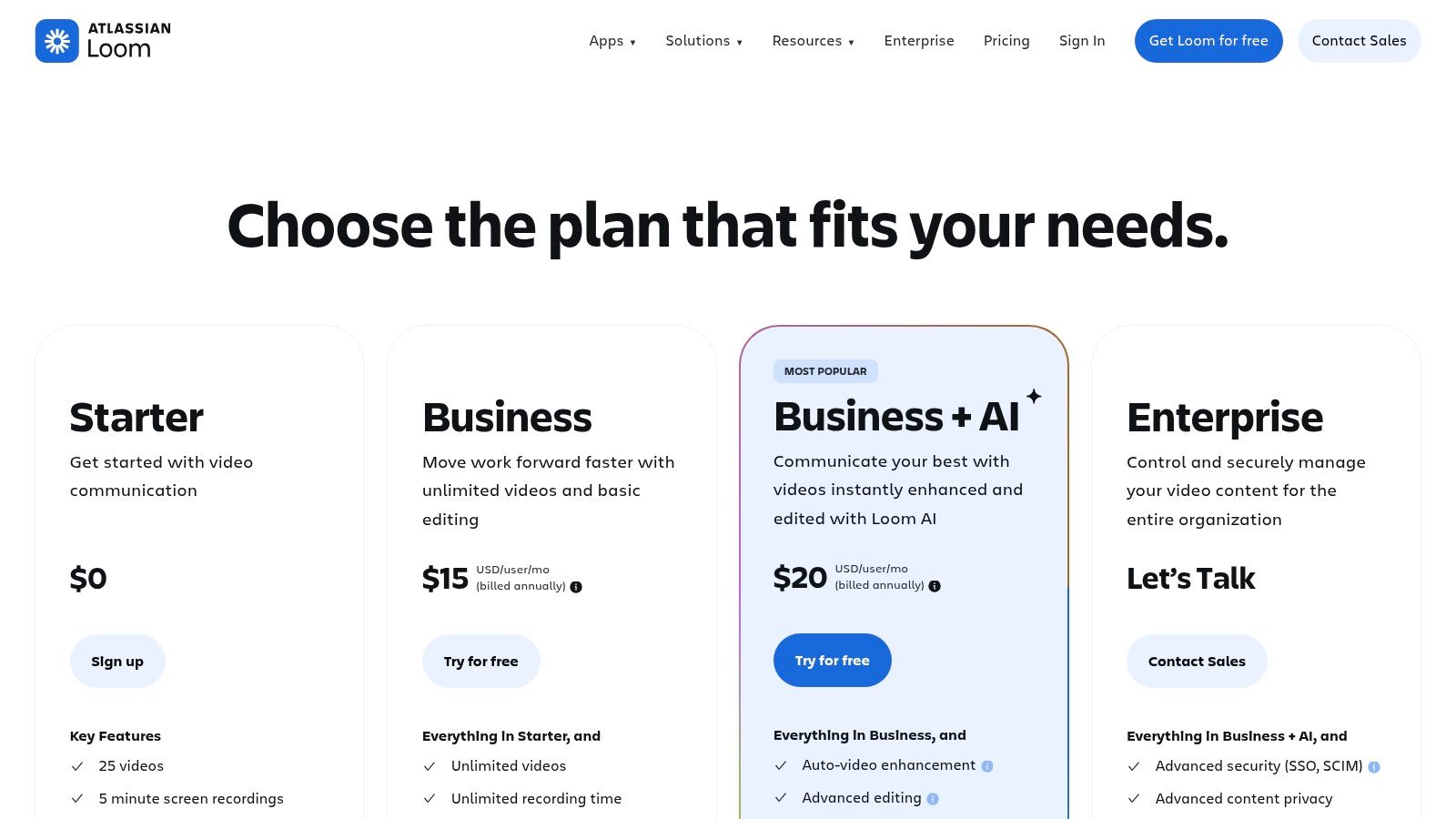
The extension’s core strength is its frictionless workflow. Once you finish recording, a shareable link is instantly copied to your clipboard and the video is uploaded to your cloud-based Loom workspace. Team members can watch the video, leave time-stamped comments, and react with emojis, keeping feedback contextual and organized. This immediate shareability removes the hassle of downloading, converting, and uploading large video files.
Leveraging Loom for Asynchronous Work
To maximize Loom's potential, integrate it into your daily communication habits for tasks that don't require real-time discussion.
- Instant Sharing: Record from anywhere in your browser with a single click and get an instant link to share via Slack, email, or Notion.
- Engagement Features: Videos are hosted on a clean interface with comments, reactions, and viewer insights, turning passive viewing into an interactive conversation.
- AI-Powered Features: Paid plans offer advanced tools like automatic transcriptions, AI-generated summaries, and filler word removal to make recordings more professional and accessible.
While the free plan has limits on video length and count, it’s generous enough for individual use. Teams will find significant value in the paid tiers, which unlock unlimited recording, enhanced editing, and powerful AI features.
Website: https://www.loom.com/pricing
9. Raindrop.io (official)
For those whose productivity hinges on research and knowledge management, Raindrop.io elevates the simple bookmark into a powerful organizational tool. It moves beyond Chrome's native bookmarking by offering a visually rich, cross-platform library for everything you save online. Think of it as a personal, searchable archive for articles, videos, PDFs, and web pages that you can access from any device, making it one of the best productivity extensions for Chrome for content curators and researchers.
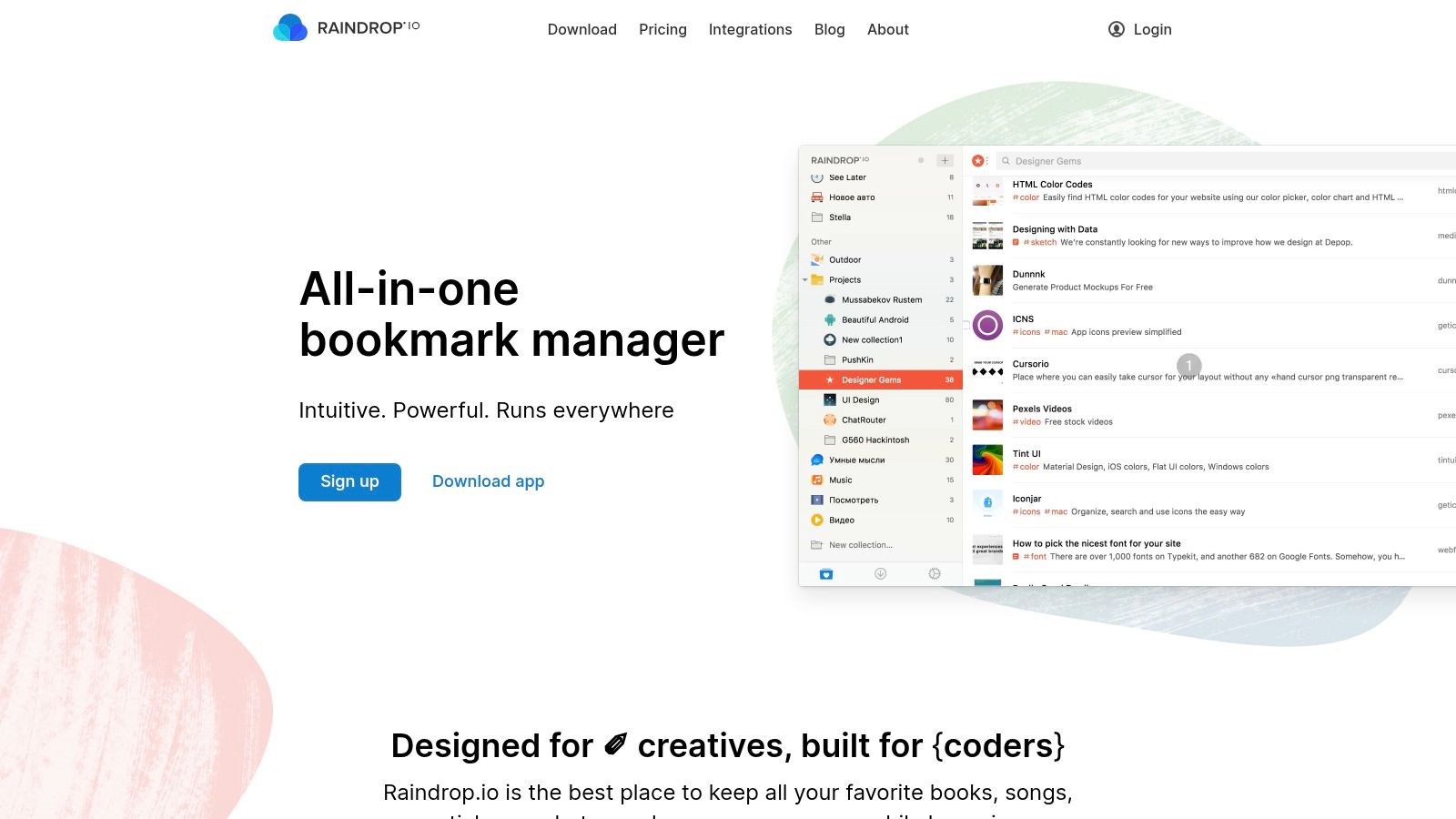
The extension’s core strength is its sophisticated organization system. Instead of a messy folder structure, you can save content into distinct collections, add descriptive tags, and even highlight important text directly on the page. Its polished interface makes managing hundreds of links feel effortless, while the ability to create shared collections is invaluable for team collaboration on research projects or swipe files. The free version is robust, but the Pro plan unlocks its full potential.
Leveraging Raindrop.io for Knowledge Management
To get the most out of Raindrop.io, think of it as a central knowledge base rather than a temporary bookmark list. Its features are designed for deep organization and quick retrieval.
- Advanced Organization: Use a combination of nested collections and tags to build a flexible information architecture. For example, a "Marketing" collection could have sub-collections for "SEO" and "Content," with tags like
#casestudyor#tools. - Permanent Library (Pro): The Pro subscription offers a crucial feature: a permanent copy of every page you save. This ensures you never lose valuable information, even if the original website goes offline.
- Full-Text Search (Pro): For serious researchers, the ability to search the full text of every article and PDF you've saved is a game-changer, turning your archive into a personal search engine.
While some of its most powerful features are behind the Pro subscription ($3/month), its beautiful design and exceptional organizational tools make it a top-tier choice for anyone who needs to manage a large library of online content.
Website: https://raindrop.io
10. Momentum (official)
Momentum transforms your new tab page from a blank slate into a personal productivity dashboard. Instead of being a distraction, each new tab becomes a moment of calm focus, grounding you with a beautiful background, an inspiring quote, and a clear prompt for your main goal of the day. It’s one of the best productivity extensions for Chrome for setting daily intentions and minimizing digital noise.
The core strength of Momentum lies in its simplicity and aesthetic appeal. It encourages you to set a single "Main Focus" for the day, a powerful psychological trick to prevent multitasking and overwhelm. The free version includes a basic to-do list, weather updates, and quick links to your favorite sites, which is often sufficient for individual users. Its non-intrusive design helps you start work sessions with a clear, positive mindset rather than an empty search bar.
Harnessing Your New Tab for Focus
While beautifully simple, Momentum can be a powerful tool for managers and professionals, especially with its optional premium upgrade.
- Daily Goal Setting: Use the "What is your main focus for today?" prompt to align your daily tasks with larger project goals. This simple habit keeps strategic priorities top-of-mind.
- Quick Capture: The built-in to-do list is perfect for capturing fleeting thoughts or minor tasks without switching contexts to a full-fledged task manager.
- Plus Plan Integrations: The paid Momentum Plus unlocks integrations with tools like Asana, Todoist, Trello, and GitHub, allowing you to manage tasks directly from your new tab. This bridges the gap between gentle reminders and actionable project management.
While the core experience is free, advanced features and integrations are locked behind the Plus subscription, making it a "freemium" tool. However, its free version alone provides significant value by turning a potential distraction point into a source of daily inspiration and focus.
Website: https://momentumdash.com/download
11. Clockify – Chrome Time Tracker (official)
For those who need to track time accurately without leaving their browser, Clockify offers one of the most robust and accessible solutions. This extension integrates seamlessly into your workflow, allowing you to start and stop a timer directly from Chrome. It's more than just a simple stopwatch; it’s a gateway to a powerful time management ecosystem, making it one of the best productivity extensions for Chrome for freelancers, agencies, and teams.
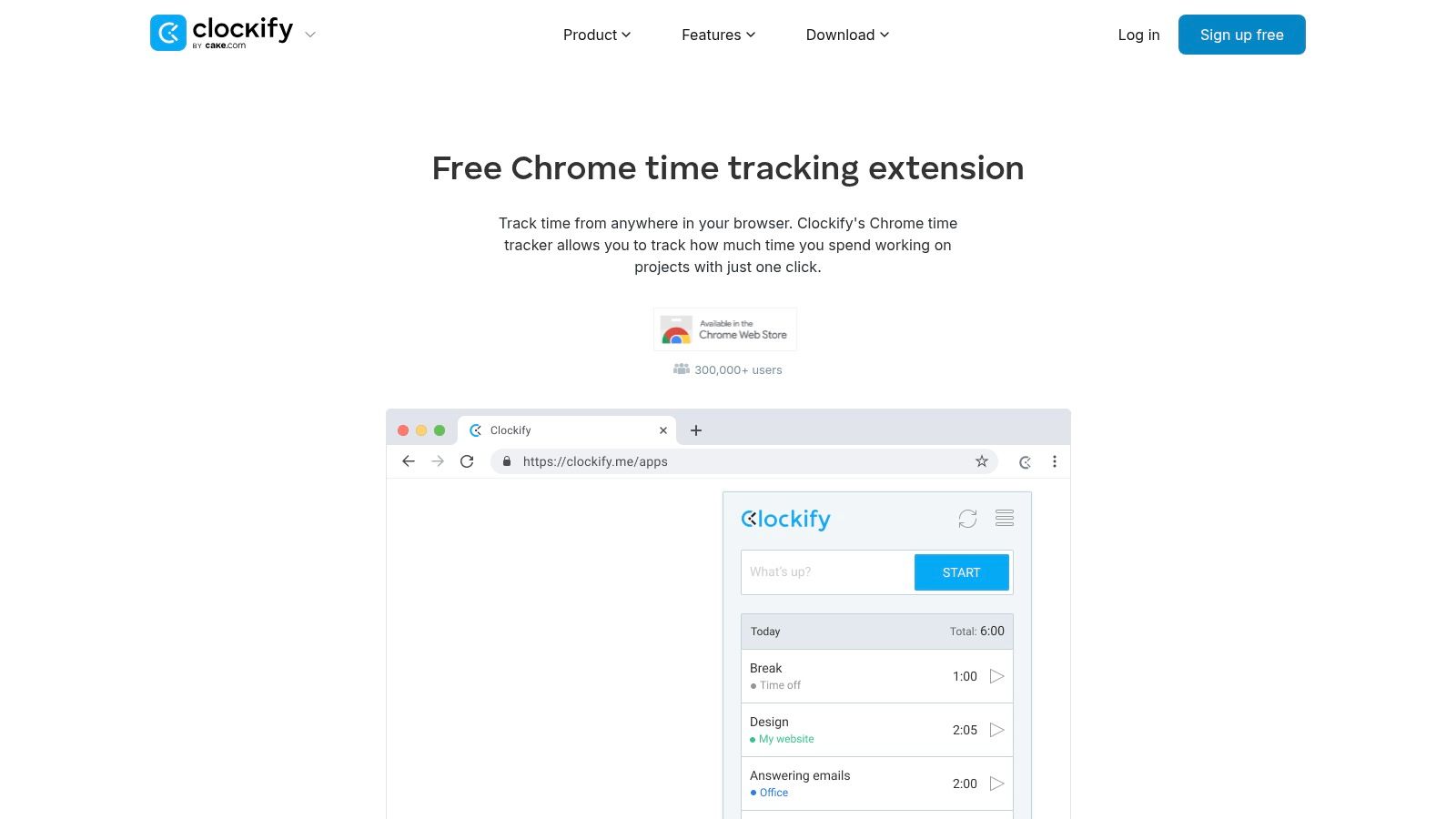
What sets Clockify apart is its powerful free tier and deep integrations. The extension automatically detects which project management tool you’re using (like Trello, Jira, or Asana) and adds a "Start timer" button directly to your tasks. This eliminates the friction of switching contexts, ensuring time tracking is always accurate. All logged time syncs instantly to the Clockify web app, where you can run detailed reports, manage projects, and handle billing.
Maximizing Your Time Tracking
Clockify’s browser extension is packed with features designed to keep you focused and accountable.
- Smart Features: It includes idle detection that prompts you to discard inactive time and a Pomodoro timer to help structure your work sessions. You can also set it to automatically start/stop the timer when you open or close your browser.
- Deep Integrations: Beyond just adding a button, the extension syncs project and task names, so your time entries are always correctly categorized without manual input.
- Keyboard Shortcuts: Power users can start, stop, and switch between tasks using simple keyboard shortcuts, making time tracking an effortless background process.
While the free plan is incredibly generous, features like invoicing, advanced reporting, and SSO are reserved for paid tiers.
Website: https://clockify.me/chrome-time-tracking
12. Notion Web Clipper (official)
For teams and individuals whose entire workflow lives inside Notion, the official Web Clipper is an indispensable bridge between the web and their workspace. This extension transforms your browser into a powerful research and content curation tool, allowing you to save any webpage directly into your Notion databases with a single click. It's designed to eliminate the friction of copying and pasting, making it one of the best productivity extensions for Chrome for knowledge management.
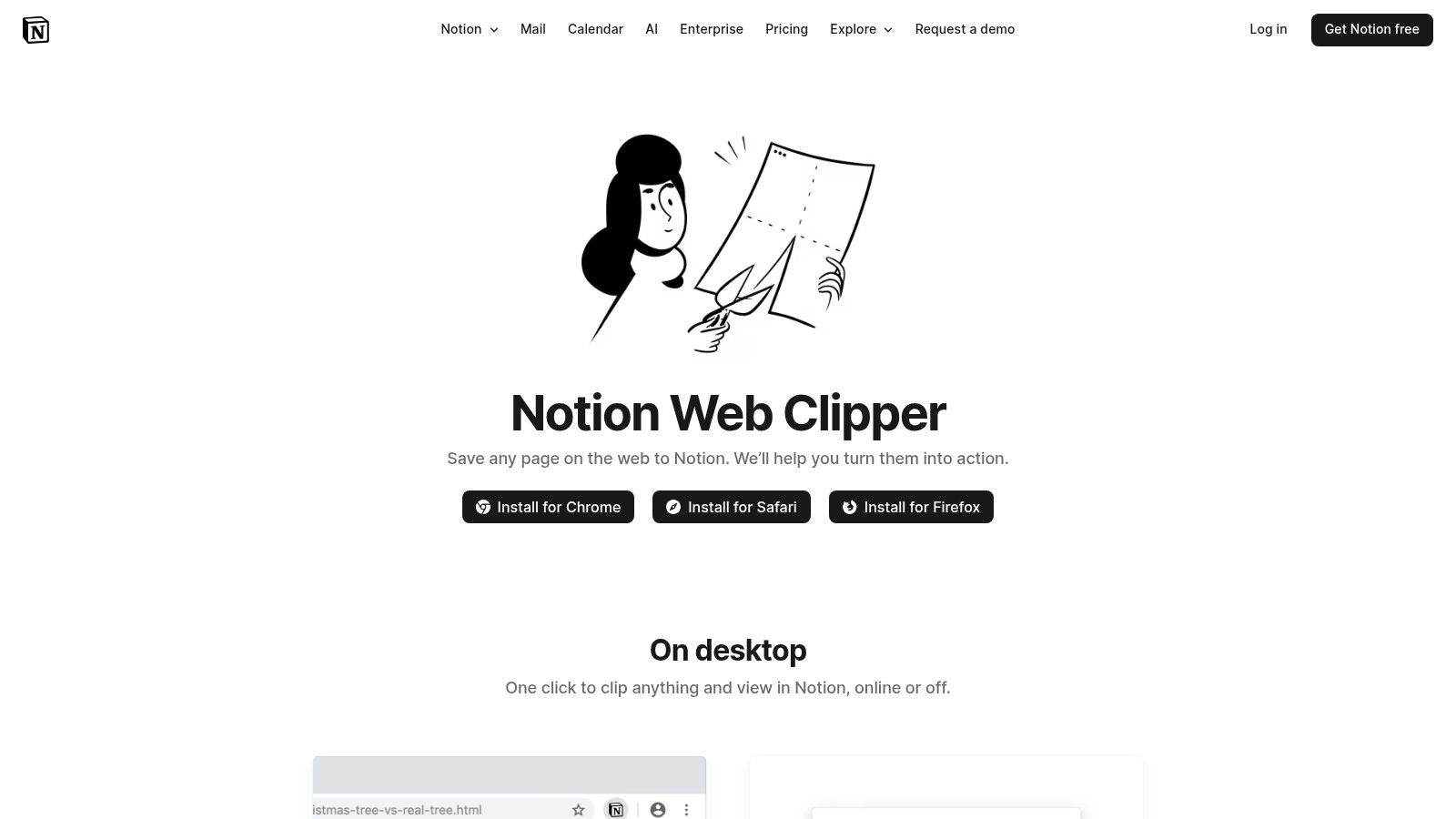
The primary strength of the Notion Web Clipper is its seamless integration. When you clip an article, a recipe, or a reference link, it doesn't just save a bookmark. It creates a new page in the Notion database you specify, pulling in the content and URL. You can add notes, assign tags, or relate it to existing projects right from the extension popup, ensuring information is organized before it even lands in your workspace. While some users report occasional glitches, its simplicity and direct integration make it a must-have for any dedicated Notion user.
Integrating Web Content into Your Workspace
The extension is free and incredibly simple to set up, but its true power is in how you use it to build systems.
- Content Curation: Create a dedicated "Reading List" or "Inspiration" database in Notion. Use the clipper to send articles and resources there for later review.
- Task Management: Clip a webpage directly into your task database, automatically creating a new to-do item like "Review this competitor analysis."
- Email Integration: While the clipper handles web content, you can pair it with other tools to centralize all information. To learn more about how to get emails into your system, check out this guide on how to send emails to Notion.
For those already invested in the Notion ecosystem, this extension isn't just a convenience; it's a core component for building a comprehensive "second brain."
Website: https://www.notion.com/web-clipper
Top 12 Chrome Productivity Extensions — Quick Feature Comparison
| Item | Core features | User quality ★ | Price / Value 💰 | Target 👥 | Unique selling point ✨ / 🏆 |
|---|---|---|---|---|---|
| Chrome Web Store (official marketplace) | One‑click install; curated collections; publisher pages; enterprise controls | ★★★★☆ | 💰 Free (marketplace) | 👥 All users & IT admins | 🏆 Official default store; ✨ large review base & enterprise allow‑list |
| Product Hunt – Chrome Extensions topic | Topic hub; launch pages with demos & comments; rankings | ★★★★☆ | 💰 Free | 👥 Makers, early adopters | ✨ Direct maker Q&A; 🏆 Great for early discovery |
| G2 – Best Chrome Extensions roundup | Category roundups; shortlists; install guides | ★★★★☆ | 💰 Free (editorial) | 👥 Business buyers & non‑technical users | ✨ Business‑oriented reviews; quick shortlist for decisions |
| GitHub – Chrome extension projects (open‑source) | Repos, releases, issues; changelogs & topics | ★★★★☆ | 💰 Free (open source) | 👥 Developers & auditors | ✨ Full source transparency; 🏆 Fork/audit capability |
| Grammarly for Chrome (official) | Real‑time suggestions; AI rewrites; wide site coverage | ★★★★★ | 💰 Freemium → Pro / Business | 👥 Writers, professionals & teams | 🏆 Mature writing assistant; ✨ AI rewrite + plagiarism checks |
| Todoist for Chrome (official) | Quick‑add from browser; shortcuts; task panel | ★★★★☆ | 💰 Freemium → Paid plans | 👥 Individuals & teams | ✨ Fast capture from web; reliable task sync |
| LastPass (official) | Autofill, cross‑device sync; security dashboard | ★★★★☆ | 💰 Freemium → Business/family plans | 👥 Security‑minded users & enterprises | ✨ Smooth autofill workflow; strong enterprise options |
| Loom – Screen Recorder & Screen Capture | One‑click HD recording; cloud hosting; comments | ★★★★★ | 💰 Freemium → Business tiers | 👥 Teams, support & async communicators | 🏆 Rapid capture‑to‑share; ✨ AI summaries (paid) |
| Raindrop.io (official) | Save pages/PDFs/videos; tagging; full‑text search | ★★★★☆ | 💰 Freemium → Pro | 👥 Researchers & knowledge managers | ✨ Powerful organization & search; team sharing |
| Momentum (official) | New‑tab dashboard; daily focus & to‑dos; integrations | ★★★★☆ | 💰 Freemium → Plus | 👥 Individuals seeking focus | ✨ Minimal, calming UI; daily mantra & quick capture |
| Clockify – Chrome Time Tracker (official) | Browser timers; idle detection; integrations & reporting | ★★★★☆ | 💰 Robust Free → Paid enterprise | 👥 Freelancers & teams billing time | ✨ Deep PM tool integrations; 🏆 Strong free tier |
| Notion Web Clipper (official) | Clip pages to Notion DBs; tags & notes; mobile share | ★★★★☆ | 💰 Free (requires Notion) | 👥 Notion users & knowledge teams | 🏆 Seamless Notion integration; ✨ Direct save to databases |
Building Your Ultimate Productivity Hub in Chrome
You've navigated the landscape of the best productivity extensions Chrome has to offer, from powerful task managers like Todoist to seamless knowledge collectors like the Notion Web Clipper. The journey doesn't end with simply knowing what these tools are; it begins with thoughtfully integrating them into your daily operations. The true power of these extensions is unlocked not in isolation but through their synergy, transforming your browser from a simple web gateway into a sophisticated, high-performance command center tailored to your unique workflow.
The core principle to remember is intentionality. It’s tempting to install a dozen new extensions after reading a list like this, but that approach often leads to digital clutter and overwhelm. Instead, the goal is to create a lean, purposeful toolkit. Start by identifying your single biggest friction point. Is it managing an overflowing inbox? Wasting time switching between tabs? Losing valuable insights you find online? Pinpoint that specific bottleneck and choose one or two extensions from this guide designed to solve it.
A Strategic Approach to Building Your Toolkit
Building your ideal setup is an iterative process. It involves selection, implementation, and refinement. Here’s a practical framework to guide you:
- Audit Your Current Workflow: Before adding anything new, take a moment to map out your daily tasks. Where do you lose time? What repetitive actions could be automated? This audit will give you a clear "problem statement" to solve.
- Start Small, Master First: Select one extension that directly addresses your most significant pain point. Dedicate a week to learning its features, keyboard shortcuts, and settings. For instance, if tab management is your primary issue, commit to using Raindrop.io exclusively for bookmarking and organization. Once it becomes second nature, you can move on to the next challenge.
- Focus on Integration: The most effective productivity systems are interconnected. Consider how your chosen tools work together. For example, using the Notion Web Clipper to save research and NotionSender to centralize client emails creates a unified knowledge base within Notion. This eliminates the need to constantly switch contexts, keeping your focus sharp and your information organized.
- Periodically Review and Prune: Your needs will evolve, and so should your toolkit. Every few months, review your installed extensions. Are you still using all of them? Has a new tool emerged that might serve you better? Don't be afraid to uninstall extensions that are no longer serving their purpose. A clean browser is a fast browser.
Final Thoughts: From Browser to Productivity Engine
Ultimately, the best productivity extensions for Chrome are the ones that fade into the background, seamlessly supporting your work without demanding constant attention. Tools like Grammarly, Clockify, and LastPass should feel like natural extensions of your own capabilities, saving you time and mental energy with every click. By carefully curating your collection, you do more than just add features to your browser; you build a personalized digital environment engineered for focus, efficiency, and peak performance.
This curated toolkit is a critical component of a larger productivity strategy. To truly maximize your output, consider consulting a broader guide to improving workflow efficiency and boosting productivity as part of your overall strategy. Remember that the ultimate goal is to spend less time managing your tools and more time doing the meaningful work that drives results. Your browser is your primary workspace, and with the right extensions, you can ensure it’s working as hard as you are.
Ready to centralize your most important communications? NotionSender allows you to send and save emails directly within Notion, transforming your favorite workspace into a powerful, integrated communication hub. Stop juggling tabs and start building a unified workflow by connecting your inbox to Notion today.

